ToolsOctober 20, 202612 min read
Best computer for local AI in 2026, ranked by what a gigabyte costs
Every price read off the maker's own store this morning, days after NVIDIA's RTX Spark laptops went on sale from $2,399. Ranked by memory, and by what you can buy today.
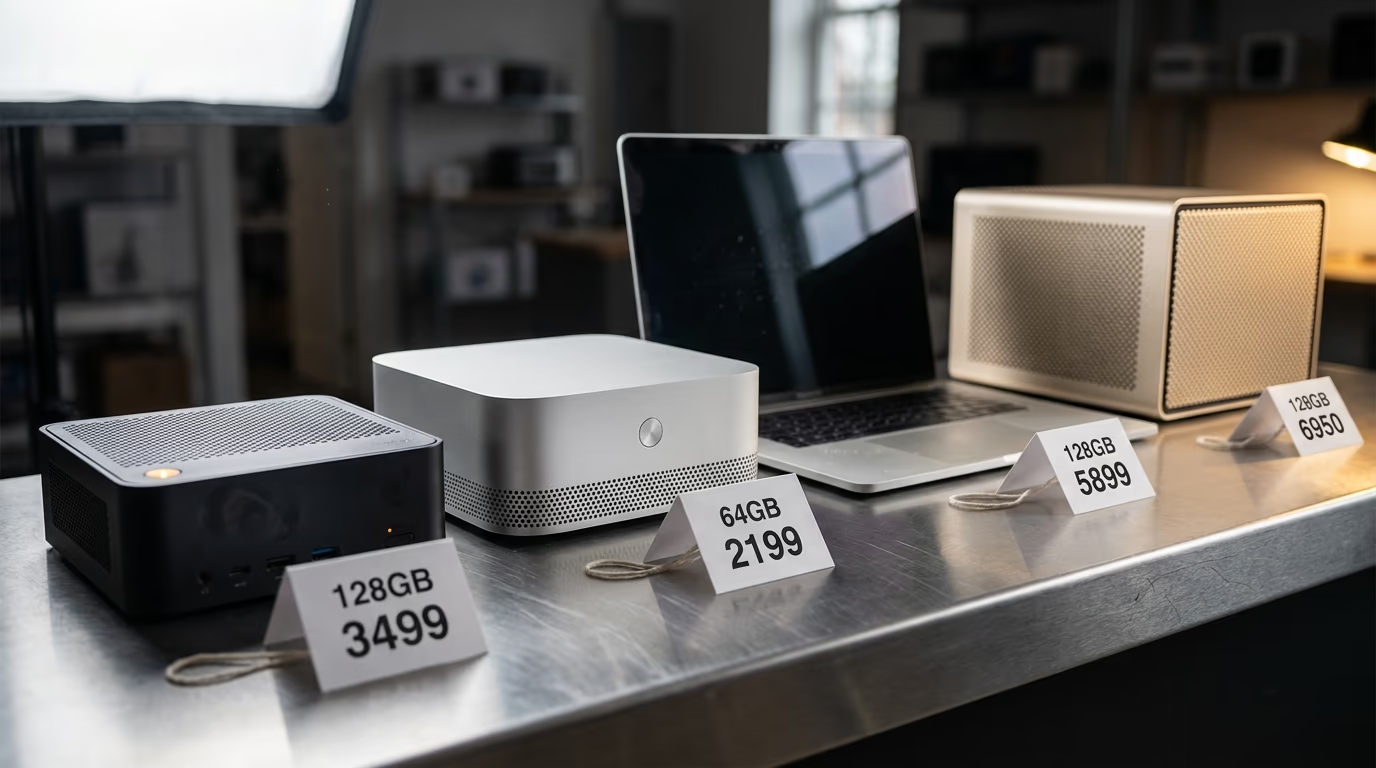
The best computer for local AI is the cheapest one that holds the model you want to run, and this morning that machine is a mini PC built on AMD's Ryzen AI Max+ chip, carrying 128GB of memory and selling for $3,499.99 on the maker's own store. Nothing else in this shortlist gives you that much memory for that money, and memory is the thing that decides whether a model loads on your desk or refuses to start at all.
The ladder moved this week, and it moved in a direction that helps anybody shopping. NVIDIA's RTX Spark laptops reached shops on Friday, Microsoft now sells one of them carrying as much memory as NVIDIA's own DGX Spark desktop and costing less, and the cheaper DGX Spark announced at the start of the month still has not gone on sale. Almost every buying guide on this question was written before any of that happened.
So I read every price below off the store that actually sells the machine, on the morning this was published, then divided it by the memory in the box to get what a gigabyte costs. That is the number worth ranking on, because machines holding the same memory run the same models, while machines sharing a price very often do not. Where a maker refuses to print a price, which NVIDIA does on its own DGX Spark page, the table says so instead of filling the gap with a guess.
What follows is a shortlist of machines you can order from a normal shop, the models each one can really hold, the model everybody wants that fits on none of them, and the setting that quietly takes a slice of your memory back before the model ever sees it.
What is the best computer for local AI in 2026?
The best computer for local AI in 2026 is a Ryzen AI Max+ mini PC if you want the most memory for your money, a Mac mini if you want the cheapest way in, and a Surface Laptop Ultra if the machine has to travel with you. Those answers cover almost everybody who asks, and the table at the end of this section carries the exact price of every configuration behind them.
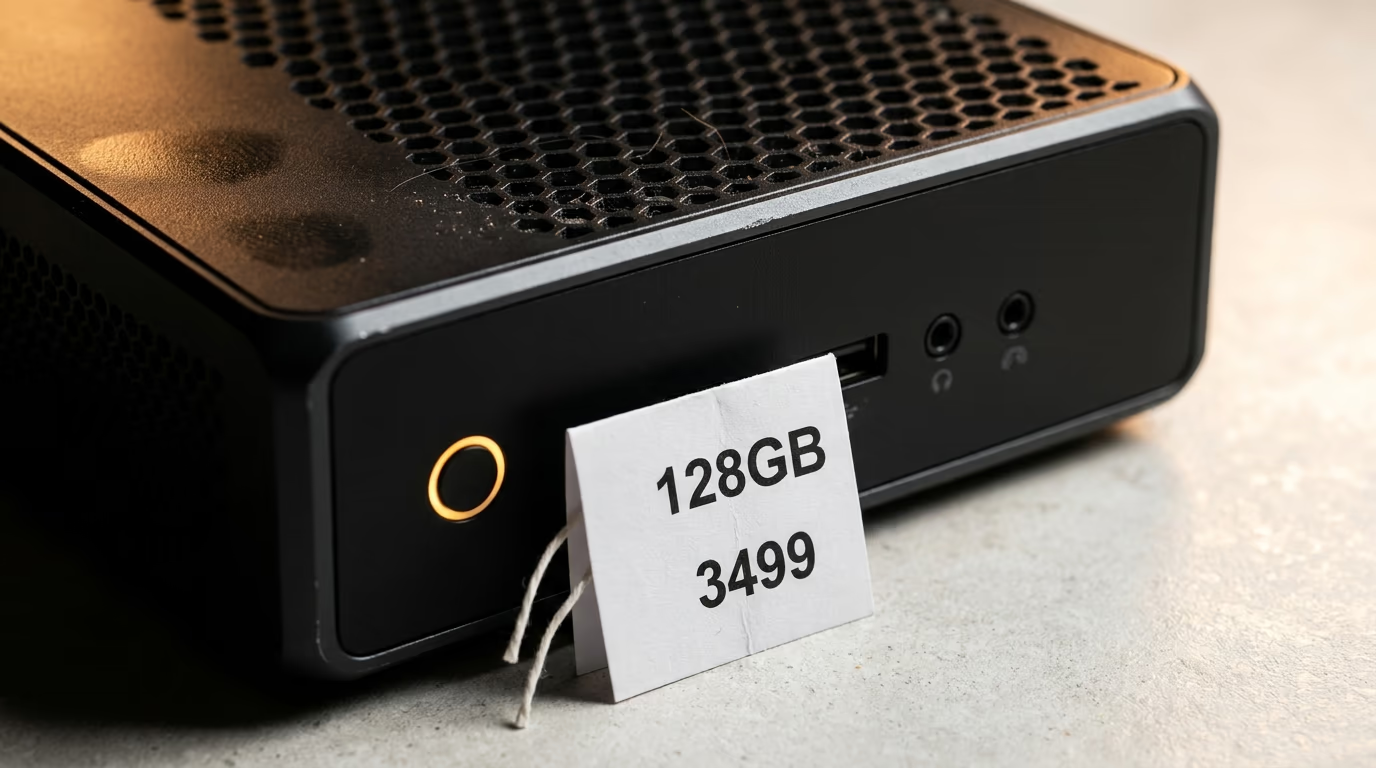
GMKtec sells a small desktop computer running AMD's Ryzen AI Max+ chip, with the memory soldered next to the chip so the graphics engine and the processor draw from the same pool. That design is why these machines matter for AI at home. On an ordinary desktop a model has to live inside the memory on the graphics card, and the cards carrying enough memory for a large model are workstation cards that cost more than this whole mini PC does.
Apple has sold the same idea for years and it is why Macs keep appearing in these lists. A Mac mini shares its memory between the processor and the graphics engine in exactly the same way, the cheapest one is the least expensive machine in the table below, and it is the least painful way to find out whether you enjoy running models at home before spending heavily on it.
Microsoft's entry is the newest and the strangest. The Surface Laptop Ultra runs NVIDIA's RTX Spark chip rather than an Intel or an AMD processor, it carries up to as much memory as NVIDIA's own desktop AI box, and it comes with a screen, a keyboard, a battery and a Windows licence that the box does not. It is the only machine here you can take to a cafe, which for some people settles the argument on its own.
What none of the other shortlists do is price any of this. I read the guides ranking first for this question while writing, and the best of them ranks machines by lab measurements with no price anywhere on the page, while another still recommends refurbished office desktops from several years ago that cannot hold a modern model at all. A ranking without prices is a ranking of nothing, because every machine here is good enough and the question is what the memory costs.
| Machine | Memory | Price today | Per gigabyte | On sale today |
|---|---|---|---|---|
| GMKtec EVO-X2, Ryzen AI Max+ 395 | 128GB | $3,499.99 | $27 | Yes |
| GMKtec EVO-X2, Ryzen AI Max+ 395 | 64GB | $2,199.99 | $34 | Yes |
| Surface Laptop Ultra, RTX Spark | 128GB | $5,899.99 | $46 | Yes |
| Mac mini, M5 Pro | 64GB | $3,199.00 | $50 | Yes |
| NVIDIA DGX Spark | 128GB | $6,950, reported, not printed by NVIDIA | $54 | Yes |
| Mac mini, M6 | 16GB | $899.00 | $56 | Yes |
| Mac Studio, M5 Ultra | 96GB | $5,499.00 | $57 | Yes |
| Surface Laptop Ultra, RTX Spark | 64GB | $4,299.99 | $67 | Yes |
| NVIDIA DGX Spark | 64GB | $4,999 and up | $78 | Friday 23 October |
| Surface Laptop Ultra, RTX Spark | 24GB | $2,599.99 | $108 | Yes |
Why does memory decide which AI models you can run at home?
Memory decides which AI models run at home because the whole model file has to sit in memory before the machine answers a single question, so a computer holds the models that fit and refuses the ones that do not. The larger gpt-oss model downloads as a 65GB file today, which means a machine advertised with 64GB cannot hold it once the operating system has taken its own slice.
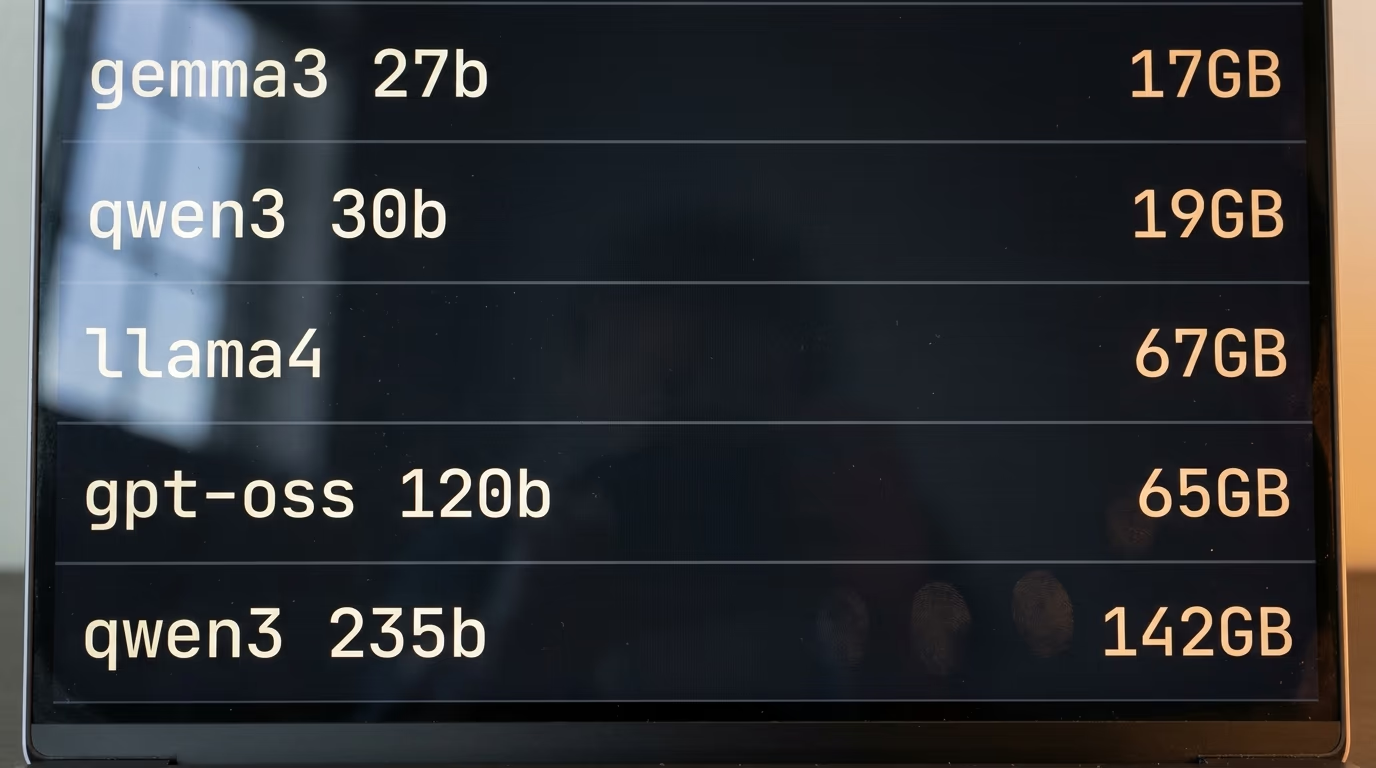
A maker advertises a memory figure that sounds generous, the reviews repeat it, and then the model you actually wanted sits a few gigabytes above the line and never loads. No product page carries that warning, so here are the real file sizes, taken from Ollama this morning, next to the smallest machine in the table that holds each one.
| Model on Ollama | Download size | Smallest machine here that holds it |
|---|---|---|
| gemma3 27b | 17GB | Mac mini M6, 32GB |
| qwen3 30b | 19GB | Mac mini M6, 32GB |
| gpt-oss 120b | 65GB | any 128GB machine |
| llama4 | 67GB | any 128GB machine |
| qwen3 235b | 142GB | none of them |
Read that table from the bottom and the shopping decision makes itself. The biggest open models on offer today need more memory than any machine on this list carries, so nobody is running them at a kitchen table whatever they paid. One size down, the models most people actually want sit just above the middle of the table, which turns the choice into a simple one between a machine that runs them and a machine that does not.
A model that does not fit rarely refuses outright, which is why people blame the machine. The app loads what it can into memory and reads the rest off the drive as it works, so the model still answers, slowly, in a way that feels broken rather than full. People describe that as a slow computer when it is really a model that was a size too big for it.
Below that line the picture gets cheerful again. The small models have become genuinely good, they download in minutes rather than hours, and a modest machine runs them without complaint. If you have never done this before, start there and read which model to run once you have the memory before you spend anything, because the model you end up using every day may be far smaller than the one you imagined buying hardware for.
What does a gigabyte of memory cost on each machine?
A gigabyte of memory costs about 4 times more on the dearest machine in this shortlist than on the cheapest, and both of them are sold as computers for running AI at home. The memory does the same job in every one of them, holding the model while it works, so that spread is what the ranking in the table above is built on and nothing else.
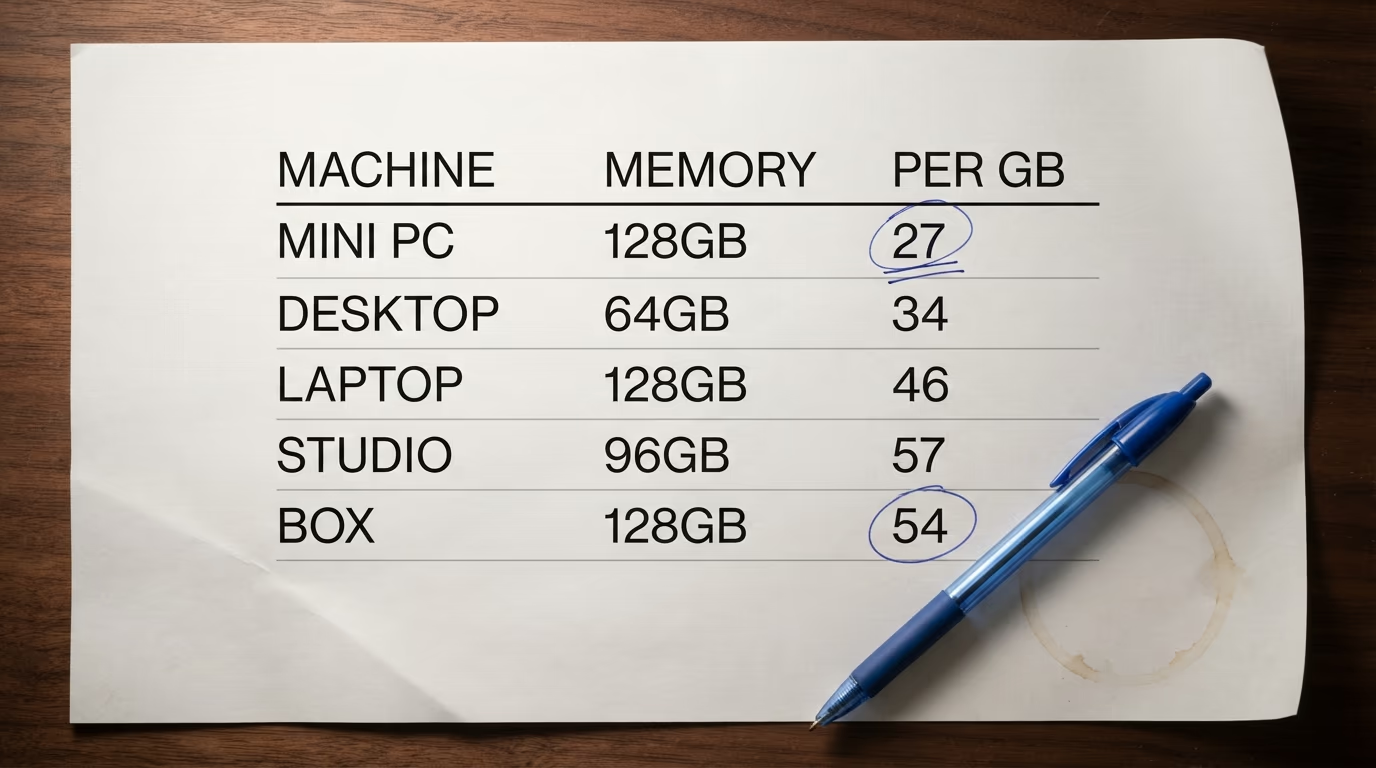
A pair of things drive that spread. The first is what else comes in the box, and a laptop you can close and carry is honestly a different purchase from a bare box you connect to your own monitor. The second is which company is selling it, because the same memory bought from a small maker in a plain case costs a fraction of what the famous names charge for it.
Memory itself also got much more expensive over the year, which is why these prices look worse than they did last autumn. The Register's Tobias Mann reported that NVIDIA raised the price of its full memory DGX Spark sharply at the start of this month and pointed at memory costs as the reason, and the cheaper configuration NVIDIA added at the same time carries half the memory rather than a lower price for the same amount. Anyone who waited a year to buy paid for waiting.
Ranking on price for memory has one honest weakness and it belongs in the open. These machines do not run at the same speed, the memory in some of them feeds the chip faster than in others, and a cheaper gigabyte is not a faster gigabyte. What a cheaper gigabyte buys you is the ability to load the model at all, which comes first, because a machine that cannot hold your model has no speed to measure.
Which of these computers can you actually buy today?
Every machine in the table is on sale today except NVIDIA's cheaper DGX Spark, the half memory version announced at the start of October, which still reads Coming Soon on NVIDIA's own product page this morning. NVIDIA's blog puts it on sale on Friday 23 October through Acer, ASUS, Dell, Gigabyte, HP and MSI, and prices it from $4,999, which is a starting point rather than a fixed figure.
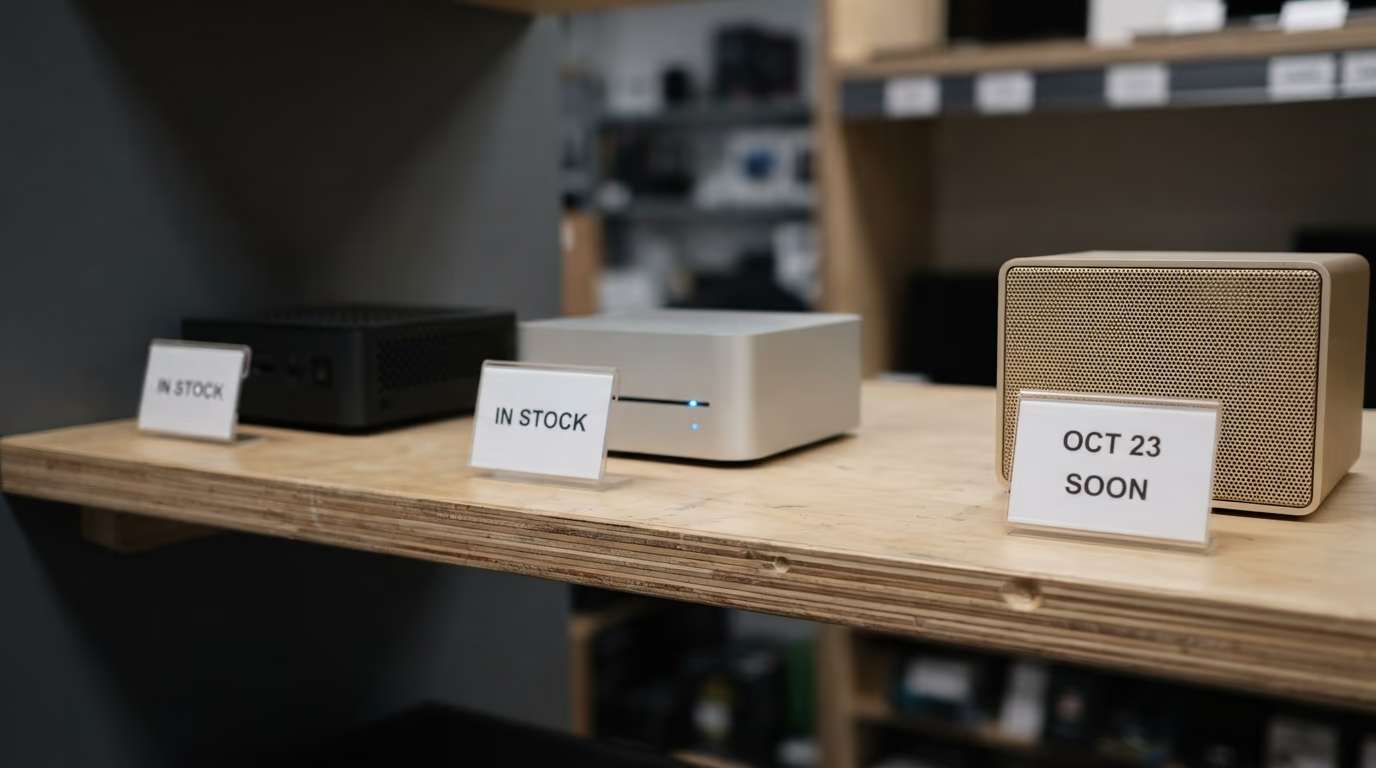
A starting price is not the price you pay. The cheaper machine is sold only through NVIDIA's hardware partners rather than by NVIDIA, so those companies set the real number, and a floor announced during a memory shortage tends to stay a floor. Until Friday nobody outside those companies knows what the machine will cost in a basket, which is a strange thing to say about a product announced weeks ago.
The dearer DGX Spark has a stranger problem. NVIDIA prints no price at all on its own product page, so the figure everybody quotes reaches buyers through journalists who watched the store change rather than from the company, and I have kept it in the table marked as reported for exactly that reason. The fuller version of that story sits in what NVIDIA and Microsoft charge for the same memory, written when the gap first appeared.
The RTX Spark machines went the other way and arrived early. NVIDIA says the laptops have been on sale since last Friday across several makers, with compact desktops using the same chip arriving in November, and Microsoft already lists its whole range with prices and stock. A shopper this weekend can have a laptop carrying as much memory as a desktop AI box, delivered, before the cheaper desktop AI box has a price.
One warning about the starting price NVIDIA advertises for that laptop line. It is lower than anything in Microsoft's store, which is not a contradiction, because the line runs across several makers and the entry machine carries a small fraction of the memory the headline configuration does. Shop by the memory you need rather than by the price in the announcement, or you will order the cheapest machine in a family and find it holds less than the laptop you already own.
Does all the memory on the box reach the model?
No, and the gap is wide enough to change which machine you should buy. AMD's own documentation says a 128GB Ryzen AI Max+ system can hand its graphics engine up to 96GB as dedicated memory, which you set yourself in AMD's software or in the machine's firmware screen, and the rest stays with the processor and the operating system.
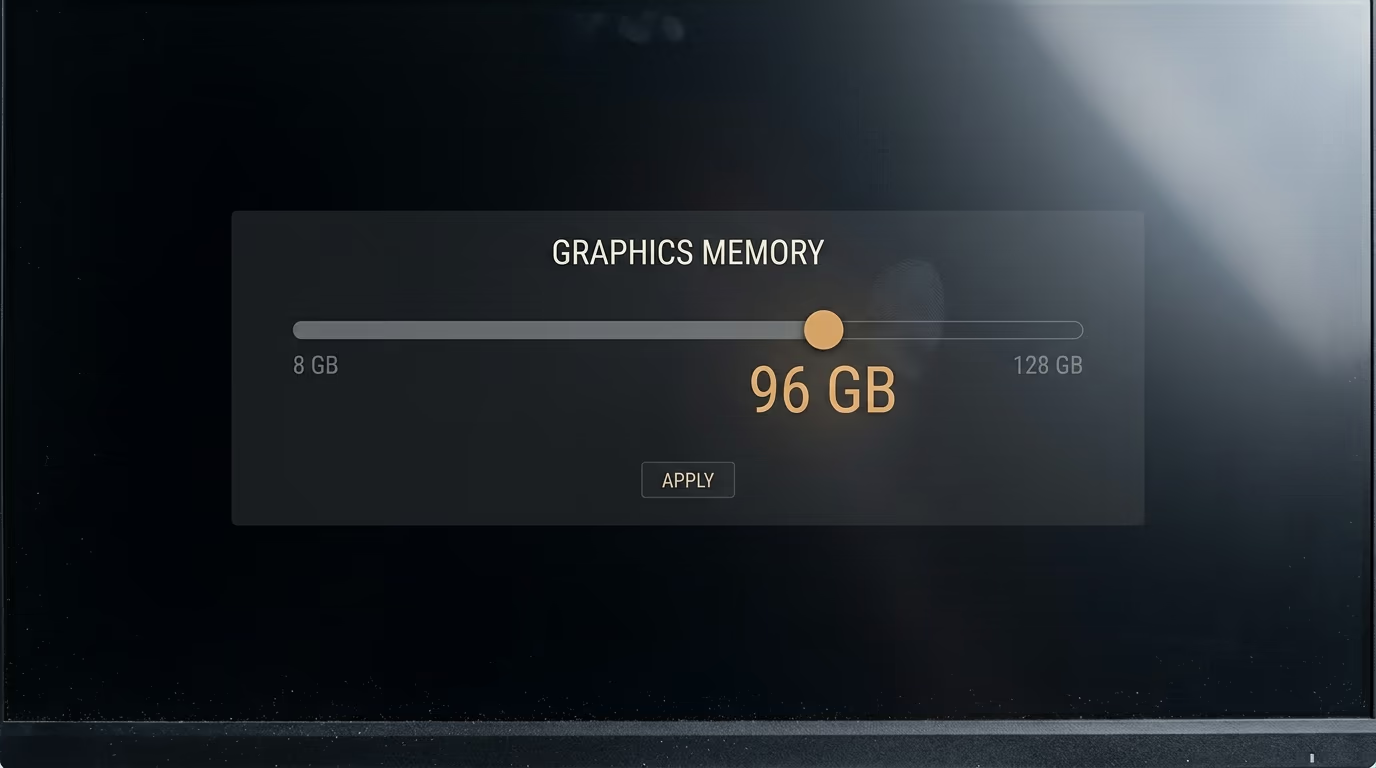
AMD describes that setting as a feature for experienced users and warns that giving too much away can make the rest of the computer worse, which is fair and also means the number on the shopping page is not the number your model gets. Nobody selling you a machine mentions it. You find out when a model that should have fitted refuses to load, and you go hunting through a firmware screen on a Sunday evening.
Apple machines behave in a similar way without the slider. The system keeps what it needs and your model works with what remains, so the sensible rule on any of these computers is to treat the advertised memory as a ceiling and never as a budget. Leave comfortable room above the size of the file you want to run, and the difference between a smooth evening and an error message disappears.
This is also the answer to the most common complaint about these machines, which is that somebody bought one and the model was slower than expected. Half the time the model was not fully in memory at all, so the machine was reading the rest off the drive while it worked. The app you use matters here too, and the app you use to run them reports what it loaded and what it had to leave behind.
Which machine should you buy for the job you have?
Buy a Mac mini if you have never run a model at home, the Ryzen AI Max+ mini PC with the most memory if you already know which model you want and it is a big one, and a Surface Laptop Ultra if the machine has to come with you. Every other configuration in the table is a variation on those, and the differences between them matter less than getting that first choice right.
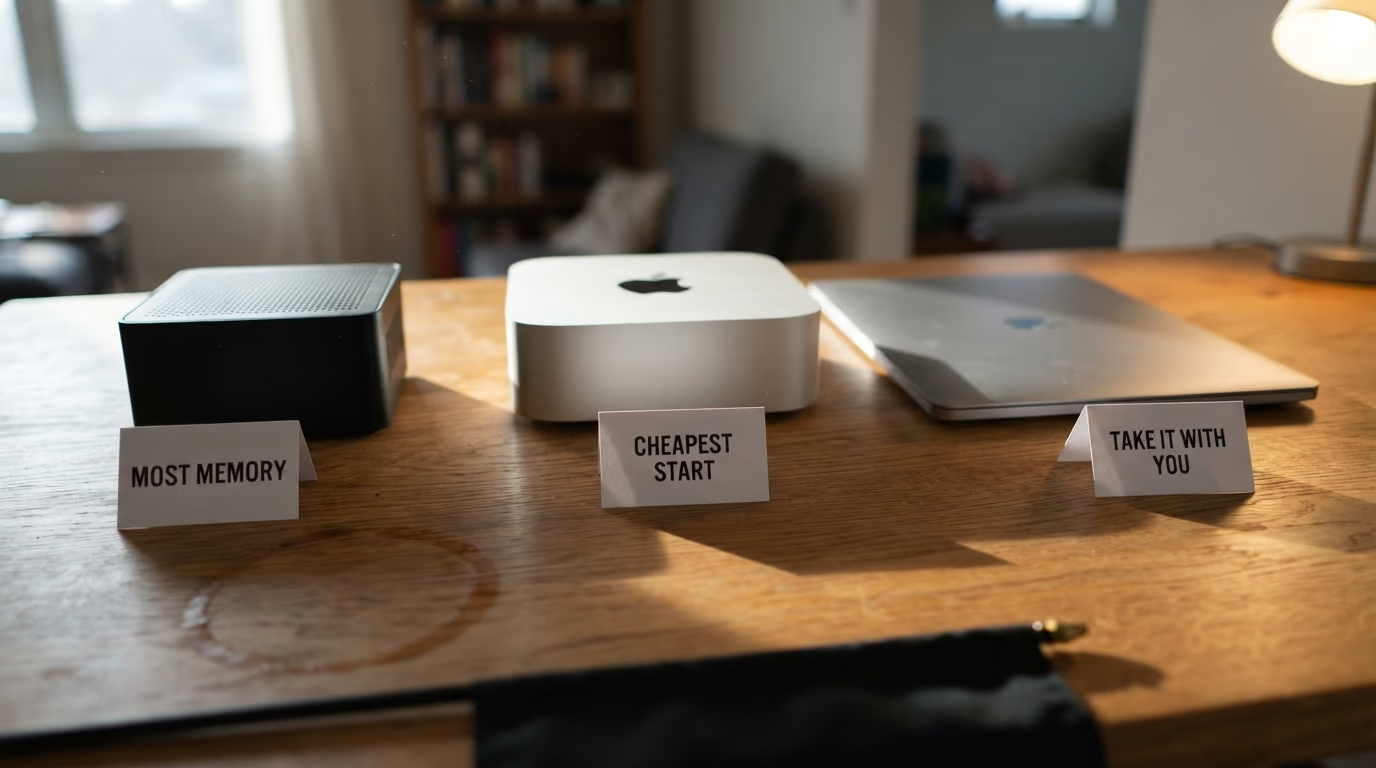
The cheapest start is the one I would push hardest. Spending the price of a phone to discover whether you actually enjoy this, rather than the price of a secondhand car on a machine chosen from a table, is a better use of the money and you keep a useful computer either way. Plenty of people buy the big machine, run a couple of models in the first week and never open the app again.
If you already know you want the big models, then the mini PC with the most memory is the obvious buy and the price for memory in the table is the whole argument. You give up the famous name on the case and the support that comes with it, and you get the memory a model needs for a price nobody else on the list approaches. For a lot of people that trade is easy.
Whichever row you land on, check the same things before you order. Confirm the memory in the exact configuration in your basket rather than the one in the headline, because every maker here sells the same machine in sizes that differ by more than the price does. Check the drive as well, since a model file is large and these machines ship with drives that fill fast, and read the return window, because the honest test of any of this is a week with your own models on it.
The laptop is the one to think about hardest, because it costs the most for the memory it carries and that premium buys portability rather than capability. If the machine is going to sit under a desk forever, you are paying for a screen and a battery you will not use. If you move between a desk and a sofa and a train, nothing else on this list can follow you, and a model too big for any machine here is a reminder that none of them is the last machine you will buy anyway.
What we do not know yet
Nobody outside NVIDIA's hardware partners knows what the cheaper DGX Spark will really cost in a basket on Friday, because NVIDIA published a starting price and left the rest to the companies that sell it. The storage in that machine is unconfirmed too. NVIDIA named no drive alongside the starting price, and reporting at the time said the smaller machine halves the storage as well as the memory.
There is no independent speed test of the new RTX Spark laptops against the Ryzen and Apple machines in this table either, so the ranking here is honestly about price and memory rather than about how fast each one answers. StorageReview, which does measure these machines in a lab, had not added the RTX Spark laptops to its ranking when this was written, which is normal a few days after a launch and worth waiting for if speed decides your purchase.
Apple is the other open question in the table. The company publishes no figure for how much of a Mac's memory a model is allowed to claim, so the practical limit comes from the apps and from what people measure themselves rather than from documentation, which is why the advice above is to leave room rather than to quote a number. AMD is the only maker here that writes its limit down and lets you change it.
Every price in this piece is a price from one morning, during a memory shortage that has already moved several of them. The ranking by price for memory should hold for a while because the gaps between these machines are wide, but check any single figure against the store before you spend, and every store I used is linked in the sources at the end of this page.
Questions people ask
What is the best computer for local AI if I am just starting?
The best computer for local AI for a beginner is the cheapest Mac mini, which starts at $899 on Apple's own store and shares its memory between the processor and the graphics engine the way the expensive AI machines do. It runs the small open models comfortably, and it tells you whether you enjoy this before you spend thousands on memory you may never fill.
How much memory do I need to run AI models at home?
You need more memory than the model file weighs, with room left over for the operating system. The small models most people use download at well under the memory of an ordinary laptop, while the popular large open models sit just above the 64GB line and need a machine with 128GB to load comfortably.
Is a Mac or a Windows machine better for running AI locally?
Both work, and the choice comes down to the memory you can afford rather than the badge. Macs and the new RTX Spark Windows machines both share one pool of memory between the processor and the graphics engine, which is what lets a model load at all, so compare the memory and the price for it rather than the operating system.
Why is the DGX Spark more expensive than a laptop with the same memory?
NVIDIA's DGX Spark is sold as a developer machine with its own system software and fast networking for joining a pair of them together, and those are the features its price pays for. A Surface Laptop Ultra with the same memory costs less and includes a screen, a keyboard and a battery, which makes it the better buy for anybody who is not using those developer features.
Can I just use a graphics card instead of one of these computers?
You can, and a graphics card will answer faster, but it holds far less memory than these machines do and the memory is what decides whether a large model loads. A card with enough memory for the big open models costs more than most of the complete computers in the table above, which is exactly why these shared memory machines exist.
Which computer runs the biggest open AI models?
The machines in this shortlist carrying the most memory run the big open models, which includes the Ryzen AI Max+ mini PC, the Surface Laptop Ultra and NVIDIA's DGX Spark. The very biggest open models weigh more than any of these machines can hold, so nobody is running those on a desk at home today whatever they spent on hardware.
Should I wait for prices to come down before buying?
Prices moved up rather than down this year because memory itself became scarce, and the machine NVIDIA added this month carries less memory rather than a lower price. Waiting has cost money so far, so buy when you know which model you want to run, and buy the memory it needs rather than the badge you recognise.