AgentsAugust 26, 202612 min read
Claude Code vs Codex, 5 checks and one verdict
Claude Code vs Codex on price, models, sandboxing, reach and customization, with every figure read from Anthropic's and OpenAI's own pages on 28 August 2026.
Claude Code vs Codex comes down to 1 question, whether you want a coding agent that bends to your own workflow or one that costs less and locks itself down before you ask. Claude Code is the more programmable of the 2, with skills, hooks, subagents and plugins stacked on top of a CLAUDE.md file, and Anthropic puts it inside the $0 Claude plan at 50% of the weekly limits. Codex is the cheaper way in once you start paying, because OpenAI sells a Go plan at $8 a month against $20 for Claude Pro, and its sandbox is switched on by default rather than being something you remember to enable.
Every figure below was read from Anthropic's and OpenAI's own documentation and pricing pages on 28 August 2026, and both products are checked against the same 5 jobs. None of it is a benchmark score, because a race run on one laptop would tell you less than what the 2 companies now publish about limits, sandboxes and model access, and benchmark numbers age in weeks. Where a figure is a vendor claim rather than an independent measurement, the sentence says so.
What are Claude Code and Codex, and how do you install them?
Claude Code is Anthropic's agentic coding tool and Codex is OpenAI's, and both do the same core job of reading a repository, editing files across it, running commands and opening pull requests. Anthropic's overview page describes Claude Code as running in the terminal, in IDE extensions, in a desktop app and in the browser, with every surface wired to the same engine so your repository settings travel between them. OpenAI's documentation lists Codex on the ChatGPT desktop app, ChatGPT on the web, the Codex CLI, the Codex IDE extension, Codex cloud and remote connections.
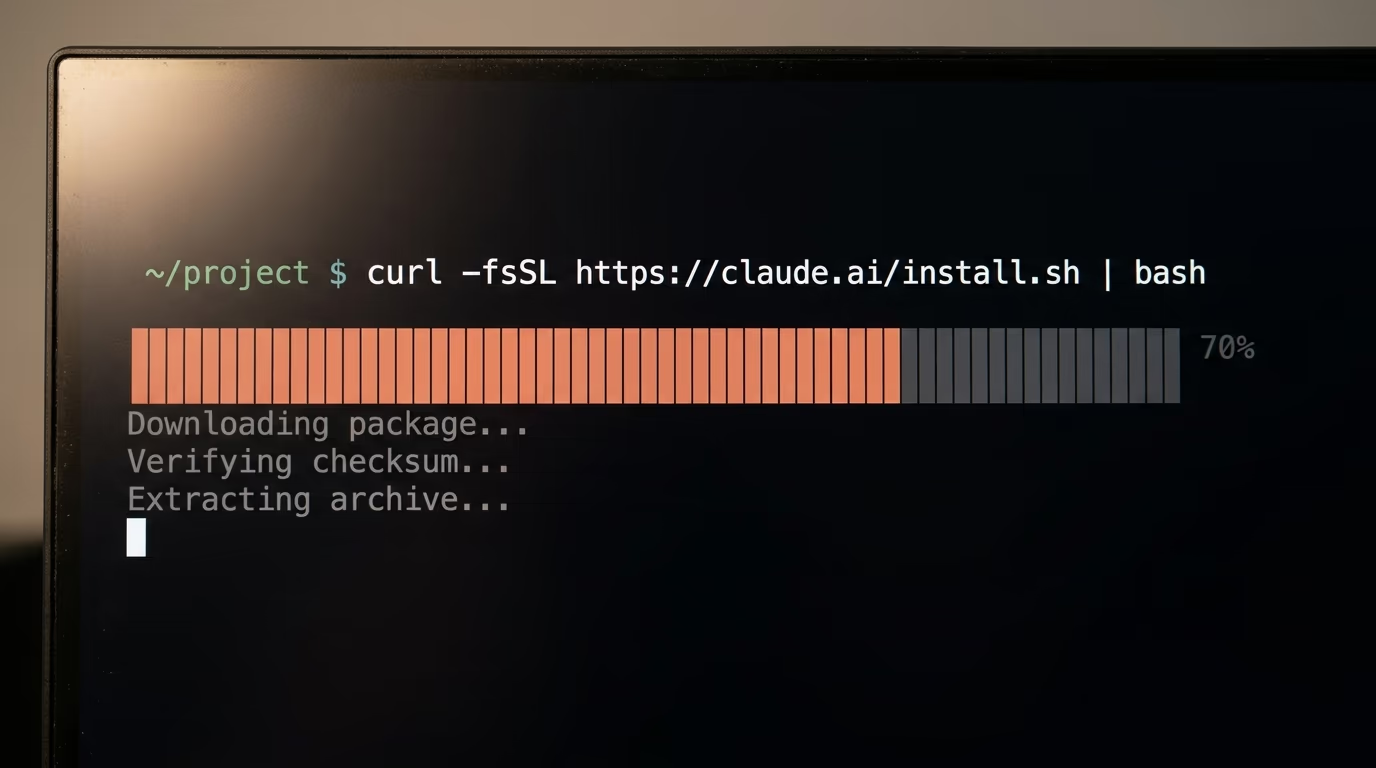
Installing either one takes a single line, and neither asks for an account you do not already have. Anthropic publishes the Claude Code install script at claude.ai, and it covers macOS, Linux and WSL, with a Homebrew cask and a WinGet package as alternatives for people who prefer a package manager. Run this in any terminal window.
curl -fsSL https://claude.ai/install.sh | bashWhen it finishes you have a claude command on your machine. Move into a project folder, type claude, and the program asks you to sign in the first time it runs.
Codex installs from a script OpenAI publishes at chatgpt.com, and the same line doubles as the updater later on, so you never need to look up a second command. It behaves the same way on macOS and Linux.
curl -fsSL https://chatgpt.com/codex/install.sh | shOpen a project directory, type codex, and choose Sign in with ChatGPT when the first screen appears. From that moment the 2 tools look almost identical, a prompt at the bottom of your terminal and a file tree the agent can touch.
What differs is the posture each one takes on the first command it wants to run. Claude Code starts Pro, Max and Team sessions in auto mode, where a second model reviews each action instead of you approving it by hand. Codex starts inside its workspace write sandbox with the on request approval policy, so it moves freely inside the folder and stops at the boundary. Both defaults are reasonable, and neither company leaves a fresh install wide open.
Which one costs less, Claude Code or Codex?
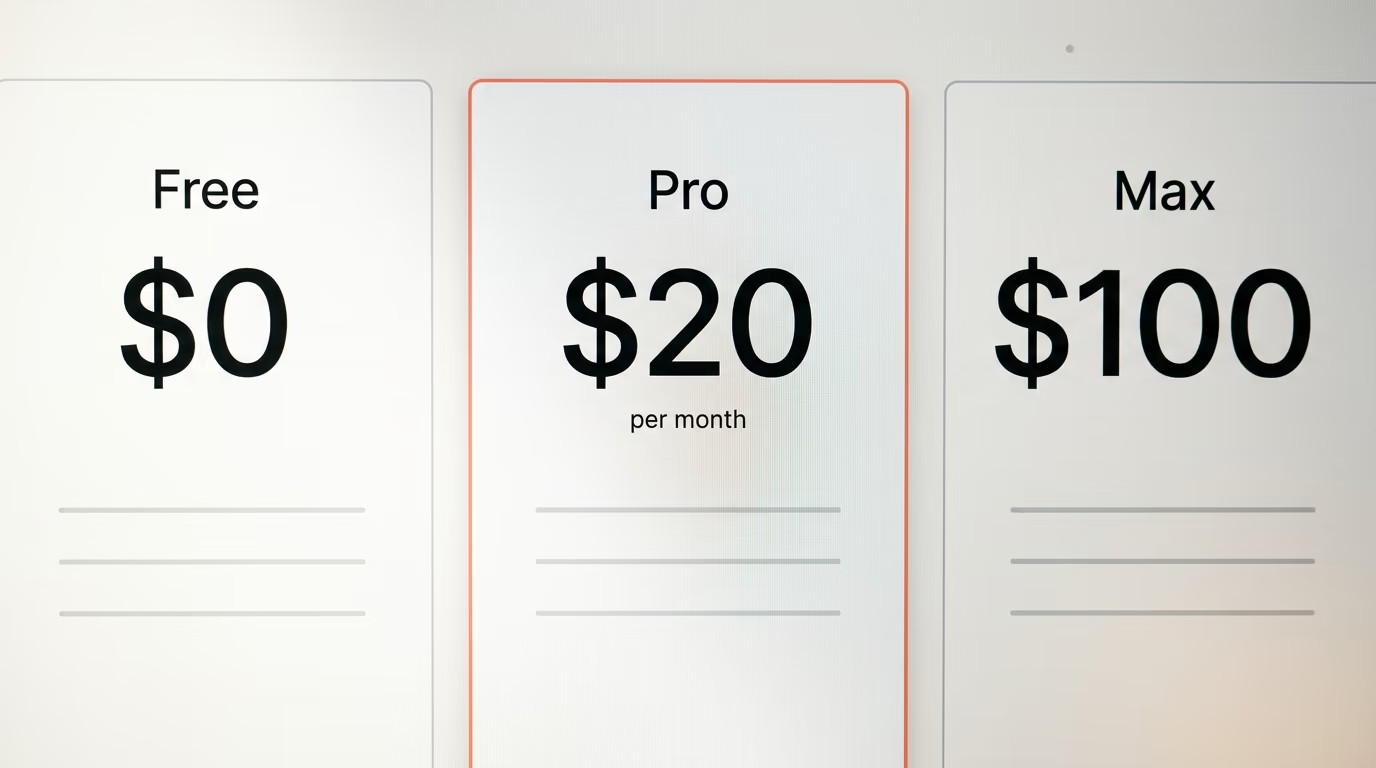
Codex is cheaper to start paying for, because OpenAI's Go plan is $8 a month while the cheapest paid Claude plan is Pro at $20 a month, or $17 a month on annual billing. Both companies also put their coding agent in the free tier, which changes the answer for anyone testing rather than committing. Anthropic's pricing page lists Claude Code on the $0 Claude plan at 50% of weekly limits, and OpenAI's pricing documentation says the Free plan lets you explore Codex capabilities on quick coding tasks.
| What you pay | Anthropic side | OpenAI side |
|---|---|---|
| $0 | Claude Free, Claude Code at 50% of weekly limits | ChatGPT Free, Codex on quick coding tasks |
| $8 a month | not offered | ChatGPT Go, Codex for lightweight coding tasks |
| $20 a month | Claude Pro ($17 on annual billing) | ChatGPT Plus |
| From $100 a month | Claude Max 5x | ChatGPT Pro, 5x limits |
| $200 a month | not published on the pricing page | ChatGPT Pro, 20x limits |
| Per seat | Team standard $25 monthly, $20 annual | Business $20 per user, annual billing |
Once you are inside a plan the 2 companies count usage so differently that the monthly price stops telling you much. OpenAI publishes message bands per model per 5 hour window, and for GPT-5.6 Terra its pricing documentation gives Plus 25 to 200 local messages, Pro at 5x limits 125 to 1,000, Pro at 20x limits 500 to 4,000, and Business 25 to 200. Anthropic publishes no equivalent table, and its support article says only that Pro and Max limits are shared across Claude and Claude Code, so a long afternoon of chat eats the same allowance as a long afternoon of coding.
Both companies sell overflow when you run out, and both price it in their own unit rather than in dollars. OpenAI runs a credit rate card, and its pricing page charges GPT-5.6 Sol at 100 credits per million input tokens and 500 credits per million output tokens, with the smaller GPT-5.6 Luna at 5 and 30 for the same units. Anthropic sells usage credits that Claude Code bills against, and its model documentation warns that Fable 5 can draw on those credits instead of your plan's included limits depending on your plan and seat tier.
That sentence deserves a second reading before you settle on a budget. A Claude Max subscription does not mean the biggest Claude model is included for you, it means the plan's limits apply to the models the plan covers, and the picker shows a Requires usage credits label on the Fable 5 row when it does not. Anthropic says an interactive session asks for consent before the first request that bills credits, and that a headless run started with the -p flag bills it without asking, which is a surprise better found in the documentation than on an invoice.
Which models does each agent actually run?
Claude Code and Codex both hide model selection behind names rather than version numbers, and both moved those names in August 2026. Claude Code takes an alias, and Anthropic's model documentation says the opus alias now resolves to Opus 5 and the sonnet alias to Sonnet 5 on the Anthropic API. Codex runs the GPT-5.6 family, which OpenAI's pricing documentation lists as Sol, Terra and Luna, alongside GPT-5.5, GPT-5.4 and a GPT-5.4 mini.
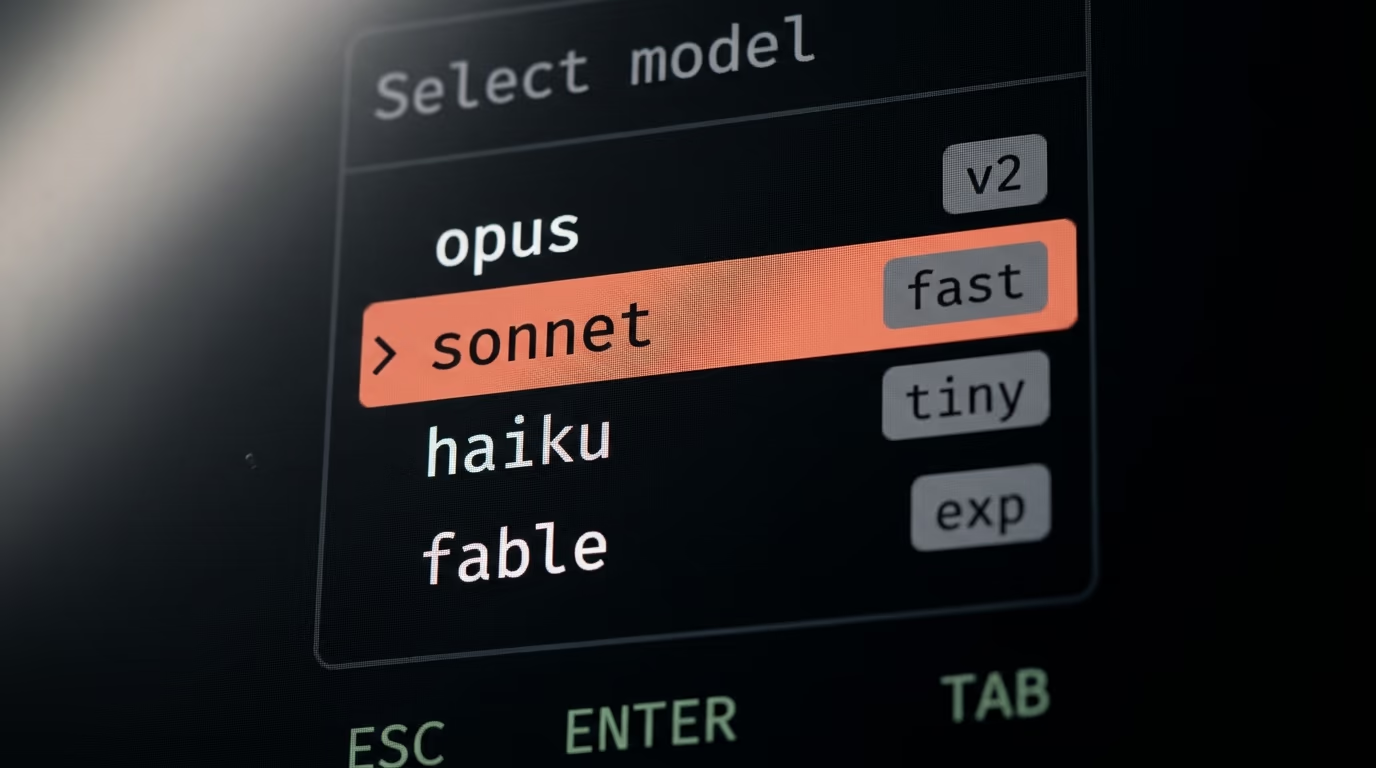
| Claude Code | Codex | |
|---|---|---|
| How you choose | an alias such as opus, sonnet, haiku or fable | a model name from the GPT-5.6 family |
| Default | the runtime default for your account | GPT-5.6, with reasoning tiers Sol, Terra and Luna |
| Heaviest option | Claude Fable 5, selected with /model fable | GPT-5.3-Codex-Spark, a research preview for Pro |
| Long context alias | sonnet[1m] and opus[1m] | not published as an alias |
| Mixed mode | opusplan, plans on Opus then executes on Sonnet | reasoning effort set per model |
One version detail caught me on this machine while I was checking everything else, and it is worth knowing before you trust a model name. Anthropic's documentation says Opus 5 requires Claude Code v2.1.219 or later, and the copy installed on my laptop reports v2.1.218, exactly one release short. On that version the opus alias still resolves to Opus 4.8, so somebody following a tutorial written last week can type the alias, watch it get accepted, and quietly run an older model than the one they read about. Running claude update closes the gap, and the same trap applies to Sonnet 5, which needs v2.1.197 or later.
Fable 5 sits above both aliases and is not the default on any plan. Anthropic's documentation calls it the most capable model in Claude Code, suited to tasks larger than a single sitting, and you reach it by typing /model fable rather than by upgrading. It needs v2.1.170 or later, it is unavailable under zero data retention, and the same page advises describing the outcome you want instead of the steps, because it plans and verifies more than the smaller models do.
Codex has no equivalent switch, and that is a design choice rather than a gap. You pick a model and a reasoning effort, and OpenAI's heaviest option is listed as a research preview available to Pro users. The practical effect is that a Codex session behaves the same way from one day to the next, while a Claude Code session behaves the way you configured it, which is either reassuring or limiting depending on how much you like configuring things.
Which one is safer to leave running on its own?
Codex sandboxes by default and Claude Code does not, and that is the biggest behavioural difference between the 2 products. OpenAI's sandboxing documentation names 3 modes and says the default pairing for local automation is workspace write together with the on request approval policy. Anthropic's sandbox is opt in, switched on with the /sandbox command or by setting sandbox.enabled to true in your user settings, and until you do that, Claude Code leans on permission modes alone.
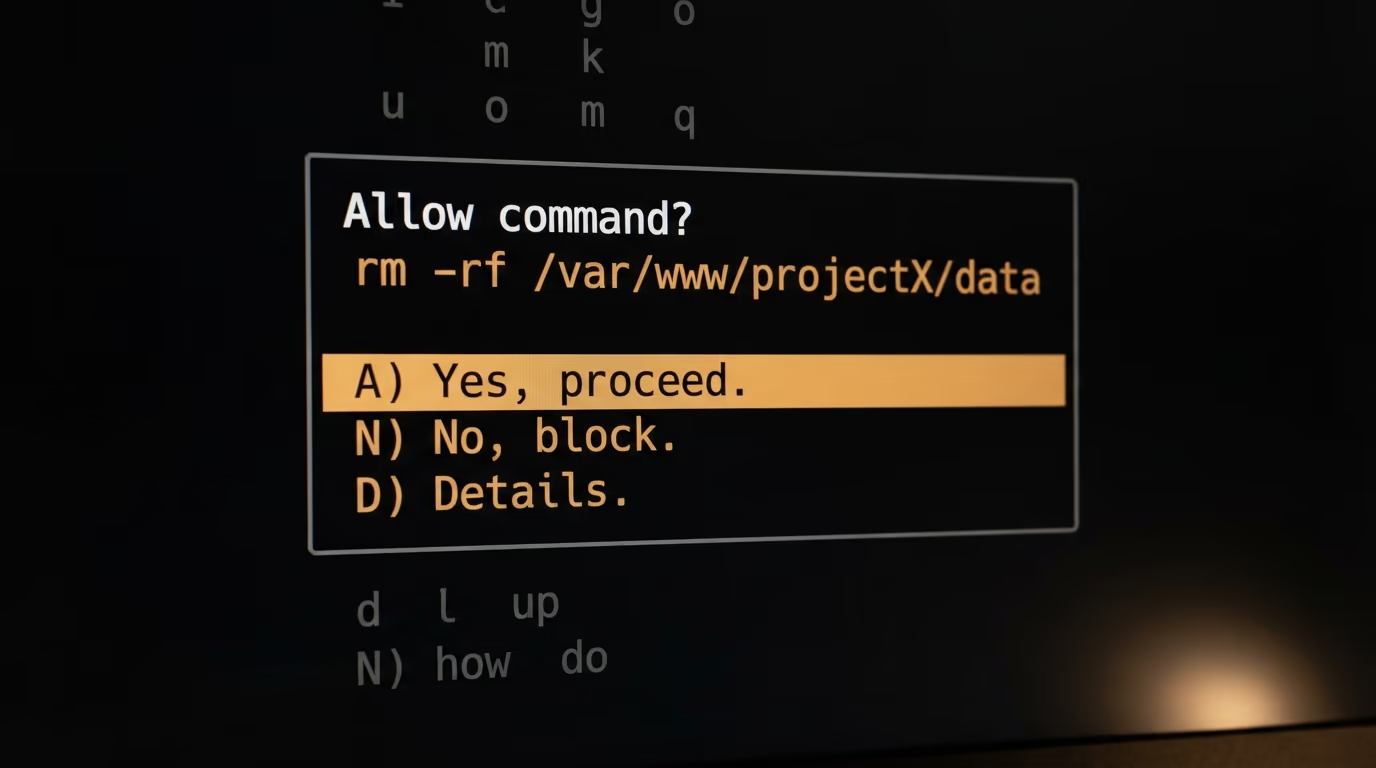
| Control | Claude Code | Codex |
|---|---|---|
| Isolation modes | one Bash sandbox, auto-allow or regular permissions | read-only, workspace-write, danger-full-access |
| On by default | no, run /sandbox or set sandbox.enabled | yes, workspace-write inside a git repository |
| Approval settings | default, acceptEdits, plan, auto, dontAsk, bypassPermissions | untrusted, on-request, never |
| macOS backend | Seatbelt, nothing to install | Seatbelt, nothing to install |
| Linux and WSL2 | bubblewrap and socat | bubblewrap |
| Native Windows | not supported, run inside WSL2 | run inside WSL2 |
The 2 sandboxes rest on the same operating system machinery, which was the finding I did not expect. Both use Apple's built in Seatbelt framework on macOS with nothing to install, and both need bubblewrap on Linux and WSL2 before the isolation is real rather than nominal. Anthropic adds socat to that list because it relays network traffic through the sandbox proxy, and publishes the install line for Debian and Ubuntu.
sudo apt-get install bubblewrap socatOn Fedora the same 2 packages come from dnf. On native Windows the Claude Code sandbox does not run at all, so Anthropic tells you to work inside a WSL2 distribution instead, and there is a warning on the same page worth knowing about, which is that a missing dependency makes Claude Code print a warning and then run commands unsandboxed unless you set failIfUnavailable to true.
Above the sandbox, the 2 products model consent differently. Codex has 3 approval policies that decide when it stops to ask you. Claude Code has 6 permission modes, and the one it starts in on Pro, Max and Team plans is auto mode, where a classifier model reviews actions in your place. Anthropic also publishes the list of actions no mode ever auto approves, including removals that target a critical path and any tool an explicit ask rule matches, which is the sort of detail you want in writing before you walk away from a running agent.
Which one follows you outside the terminal?
Claude Code reaches further outside the terminal than Codex does today, and the distance is not small. Anthropic's overview lists the terminal, VS Code, JetBrains IDEs, a desktop app, the browser at claude.ai/code, the Claude mobile apps, Slack, Chrome, GitHub Actions and GitLab CI. OpenAI's documentation lists the ChatGPT desktop app, ChatGPT on the web, the Codex CLI, the Codex IDE extension, Codex cloud and remote connections.
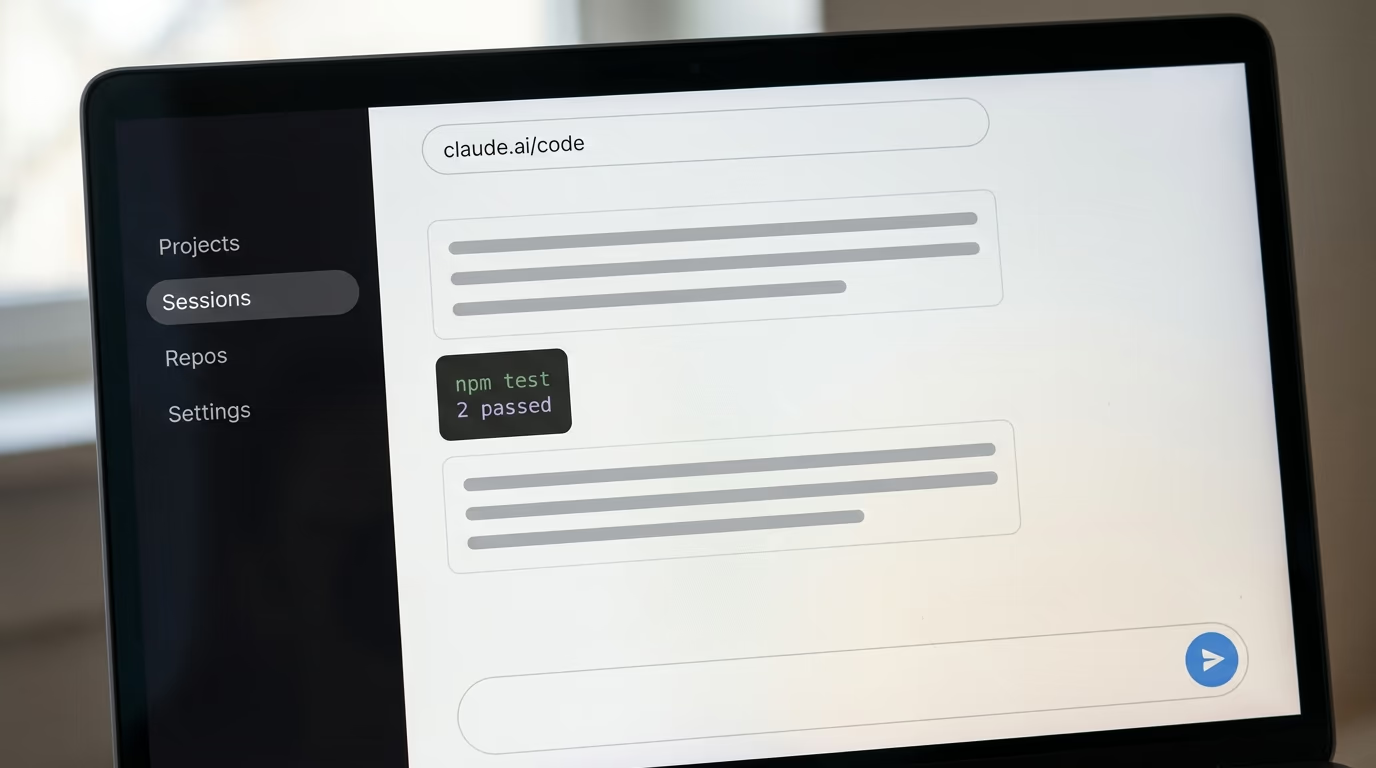
What the list means in daily use is handoff. A Claude Code session started in a terminal moves into the desktop app with /desktop, goes to the cloud with the cloud flag, or gets picked back up from a phone through Remote Control, and Anthropic says the same CLAUDE.md files, settings and MCP servers apply on every surface. Routines run the same agent on a schedule in the cloud so work continues while your machine is off, and Channels lets a Telegram or Discord message push a task into a session.
Codex answers with delegation instead of handoff, and it answers well. Codex cloud takes longer jobs off your machine and runs several in parallel, sets up its own environment by scanning for common setup scripts, and can fetch dependencies at runtime when internet access is configured. If your working day happens in pull requests rather than in a terminal, that loop is arguably the better one, because the result arrives where the review already happens.
The reason any of this matters more than a feature list is that agents wait. A terminal only agent stops the moment you close the laptop, and both companies have built around that in opposite directions, Anthropic by moving the session between surfaces and OpenAI by moving the job onto its own servers. Wired reported on 27 August 2026 that code labelled Persistent mode had turned up in the Codex command line repository, which would let a task keep running until somebody puts it to sleep. It has not shipped, and Gizmodo wrote that OpenAI did not answer its questions about it before publication.
Which one bends more to your own workflow?
Claude Code bends further, because Anthropic ships more places to put your own instructions. Its documentation names CLAUDE.md for project rules, auto memory that saves learnings across sessions, skills that package a repeatable workflow behind a slash command, hooks that run shell commands before or after an action, subagents that split a job across parallel agents, plugins, and an Agent SDK for building something of your own. Codex reads AGENTS.md for the project brief and config.toml for settings, and speaks MCP the same way Claude Code does.
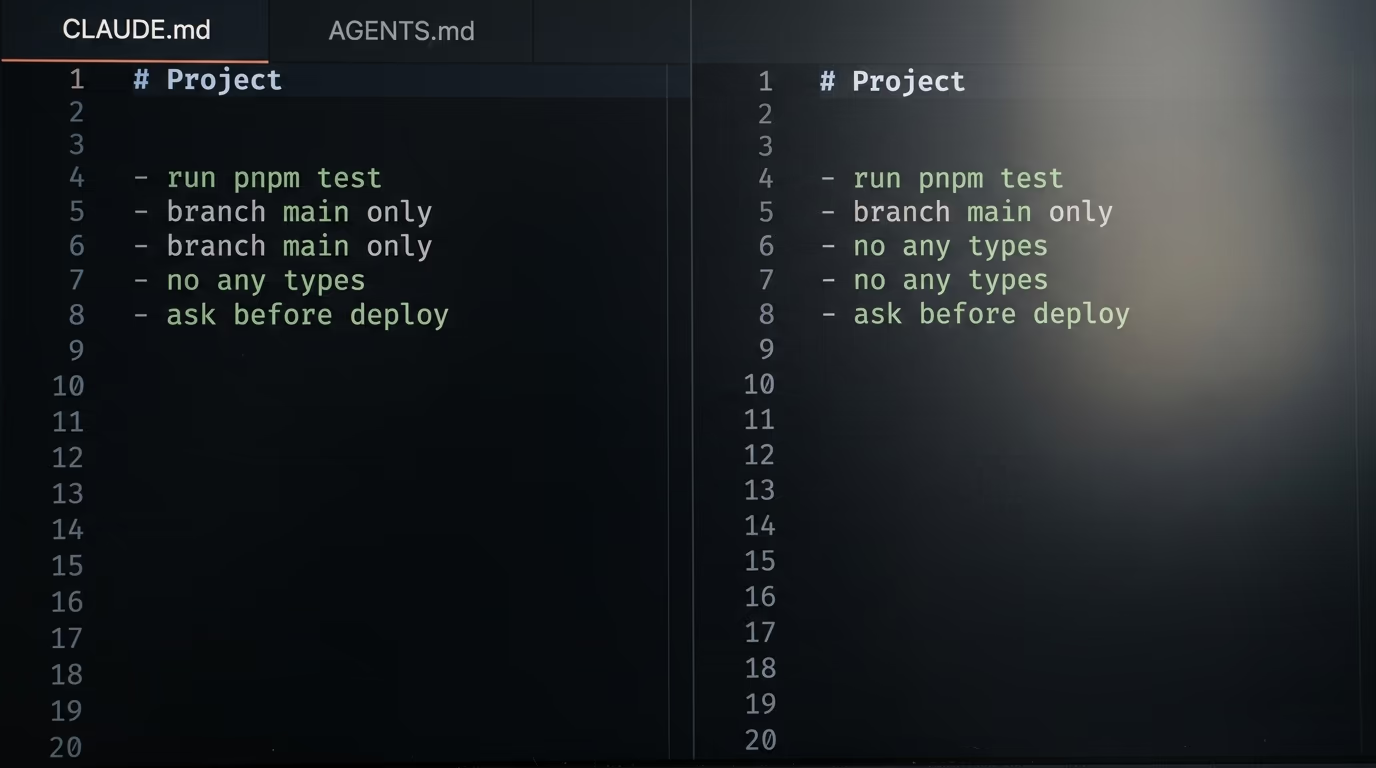
The gap is real, and it is also smaller than a feature list makes it look. Both tools read a markdown file at the top of your repository, both speak MCP, and those 2 things carry most of the value for most people. Where the gap actually shows is automation you write once and then forget about, which is what this site runs on, since the agent publishing here 6 mornings a week is a set of skills plus a scheduled job, built with Claude Code and written up on this site as its own tutorial, and it has no direct equivalent on the Codex side yet.
The oddest thing to come out of this comparison is that OpenAI publishes a plugin for its competitor's product. It installs Codex commands inside a Claude Code session, so you can ask Codex to review the code Claude just wrote, or hand a whole job over and collect the result later. The README asks for Node.js 18.18 or later and either a ChatGPT subscription or an OpenAI API account, and it drives your local Codex install rather than starting a second runtime.
/plugin marketplace add openai/codex-plugin-cc
/plugin install codex@openai-codex
/reload-plugins
/codex:setup
After those 4 lines the Codex commands appear in your Claude Code session, and the review commands are the ones worth having. A second model reading a diff catches what the model that wrote it cannot see, which is the oldest argument for code review and it holds up when both reviewers are models.
| Command | What it does |
|---|---|
| /codex:review | a standard Codex review of the current change |
| /codex:adversarial-review | a review written to attack the change |
| /codex:rescue | hands the job to Codex to finish |
| /codex:transfer | opens a persistent Codex thread |
| /codex:status and /codex:result | checks a background job and collects its output |
So which one should you install tonight?
Install Claude Code if you want the agent to become your own tooling, and install Codex if you want the cheapest serious agent with a sandbox that is already on. That is the honest split after 5 checks, and neither product loses badly on any of them, which is why the comparisons that declare a knockout winner are usually measuring a single workflow and generalizing from it.
| The check | Winner | Why |
|---|---|---|
| Cost of entry | Codex | ChatGPT Go at $8 a month, against $20 for Claude Pro |
| Model control | Claude Code | aliases, a plan then execute mode, and a heavier model on demand |
| Safe by default | Codex | sandboxed on install, where Claude Code waits for /sandbox |
| Reach | Claude Code | terminal, IDE, desktop, browser, phone, Slack and CI |
| Customization | Claude Code | skills, hooks, subagents and plugins on top of CLAUDE.md |
Take Codex first if money decides it. The Go plan at $8 a month is the lowest paid entry either company offers, the sandbox default protects a beginner from an agent that decides to tidy up a home directory, and AGENTS.md is becoming a convention that other tools read too. Take Codex as well if your work lives in pull requests, because delegating a job to the cloud and reading the result on GitHub is a cleaner loop than holding a terminal open for an hour.
Take Claude Code if you intend to build on top of it rather than only chat with it. Skills, hooks and subagents turn it into somewhere to keep your own procedures instead of a window that edits files, and the surface list means one session can start in a terminal, continue on a phone and finish on a schedule in the cloud. It is also the one you can try at $0, which for a first agent matters more than the price of the plan you will eventually buy.
The answer most working developers land on is both, and OpenAI's own plugin suggests the companies expect exactly that. Run one as the daily driver and call the other for review, which costs 2 subscriptions and comes to $28 a month at the bottom of both ladders. Set the sandbox up on whichever one you leave running unattended, because that boundary is what stops a long job from touching files outside the project.
Questions people ask
Which is cheaper, Claude Code or Codex?
Codex is cheaper to start paying for, since OpenAI's Go plan is $8 a month while the cheapest paid Claude plan is Pro at $20 a month, or $17 a month on annual billing. Both are free to try, because Anthropic's pricing page includes Claude Code on the $0 plan at 50% of weekly limits and OpenAI's Free plan covers quick Codex coding tasks.
Can I use Claude Code without paying anything?
Yes. Anthropic's pricing page lists Claude Code as included on the free Claude plan, with usage capped at 50% of the weekly limits that paid plans get. It is enough to finish a small project and decide whether the $20 a month Pro plan is worth it to you.
Claude Code vs Codex, which one is safer to run unattended?
Codex is safer out of the box, because OpenAI's documentation says it defaults to the workspace write sandbox with the on request approval policy, so the agent works inside your project folder and stops at the edge. Claude Code has an equally strong sandbox, but you switch it on yourself with the /sandbox command or the sandbox.enabled setting.
Which models do Claude Code and Codex run right now?
Anthropic's model documentation says the opus alias resolves to Opus 5 and the sonnet alias to Sonnet 5 on the Anthropic API, with Claude Fable 5 available through /model fable. OpenAI's pricing documentation lists the GPT-5.6 family as Sol, Terra and Luna, alongside GPT-5.5, GPT-5.4 and a GPT-5.4 mini.
Claude Code vs Codex, can I run both at the same time?
Yes, and OpenAI publishes a plugin that installs Codex commands inside a Claude Code session so you can ask one to review the other's work. The README asks for Node.js 18.18 or later and either a ChatGPT subscription or an OpenAI API account, and it uses the Codex CLI you already installed.
Do Claude Code and Codex work on Windows?
Both run on Windows, but neither sandboxes there. Anthropic ships a WinGet package and a PowerShell installer for Claude Code, while stating that the Bash sandbox does not support native Windows and telling you to run inside a WSL2 distribution, which is the same place Codex expects bubblewrap to be installed.
Why did my Claude Code opus alias not switch to Opus 5?
Opus 5 requires Claude Code v2.1.219 or later, and on any earlier build the opus alias still resolves to Opus 4.8 without warning you. Run claude --version to see what you have, then claude update, and check that Sonnet 5 needs v2.1.197 or later on the same machine.