AgentsAugust 12, 202612 min read
CrewAI vs LangGraph, 5 tests on one machine
Same Mac, same Python, same afternoon. CrewAI 1.15.18 pulled 136 packages and 769 MB, LangGraph 1.2.11 pulled 36 and 55 MB. Here is what that buys you.
CrewAI vs LangGraph comes down to how much of the wiring you want to do yourself. CrewAI 1.15.18 hands you a team of agents with roles and goals, and you get something running in about 12 lines of Python. LangGraph 1.2.11 hands you an empty state machine, and you draw every node and every edge before anything runs at all.
I installed both on the same Mac on 28 August 2026, on the same Python 3.13, and the gap showed up before either one had answered a single question. CrewAI pulled 136 packages and 769 MB in 33 seconds. LangGraph pulled 36 packages and 55 MB in 5 seconds. Both are MIT licensed and both are free to run on your own machine, so the choice is about the shape of your problem rather than about the price.
What are CrewAI and LangGraph, and why does everyone compare them?
CrewAI and LangGraph are open source Python frameworks for building AI agents that run several steps in a row, and people compare them because they attack the same problem from opposite ends. CrewAI describes a job as a group of workers with roles. LangGraph describes the same job as a flowchart with memory.
CrewAI comes from CrewAI Inc, and its repository went up on 27 October 2023. You give an agent a role, a goal and a backstory, hand that agent a task, drop both into a crew and call it. The framework picks the order, passes the output of one task into the next and gives you the final answer. It also has Flows, an event driven mode built on the decorators @start, @listen and @router, for when a plain crew is too loose.
Those modes matter more than the marketing suggests. A crew is the loose version, where you name the workers and let the framework sequence them, and it is what almost every CrewAI tutorial shows you first. A flow is the strict version, where @start marks the entry point, @listen fires a method once another one produces output and @router branches on what came back. Teams that begin with a crew and hit something a crew cannot express tend to rewrite it as a flow later, which is worth knowing on day 1 rather than in month 3.
LangGraph comes from the LangChain team, and its repository went up on 9 August 2023. You define a state, usually a Python dictionary with typed fields, then add nodes that read that state and return an update to it, then add edges saying which node runs after which. Nothing in a LangGraph program is implicit, so if you want a loop, you draw the loop yourself.
Both projects reached version 1.0 within 3 days of each other, LangGraph on 17 October 2025 and CrewAI on 20 October 2025, which is roughly when the argument got loud. If you have read our comparison of Claude Code and Codex, this is a different kind of contest. Those are finished products you install and talk to, while CrewAI and LangGraph are libraries you write Python against, so the winner depends on what you are building rather than on which one feels nicer in a demo.
Test 1, which one installs faster and what lands on your disk?
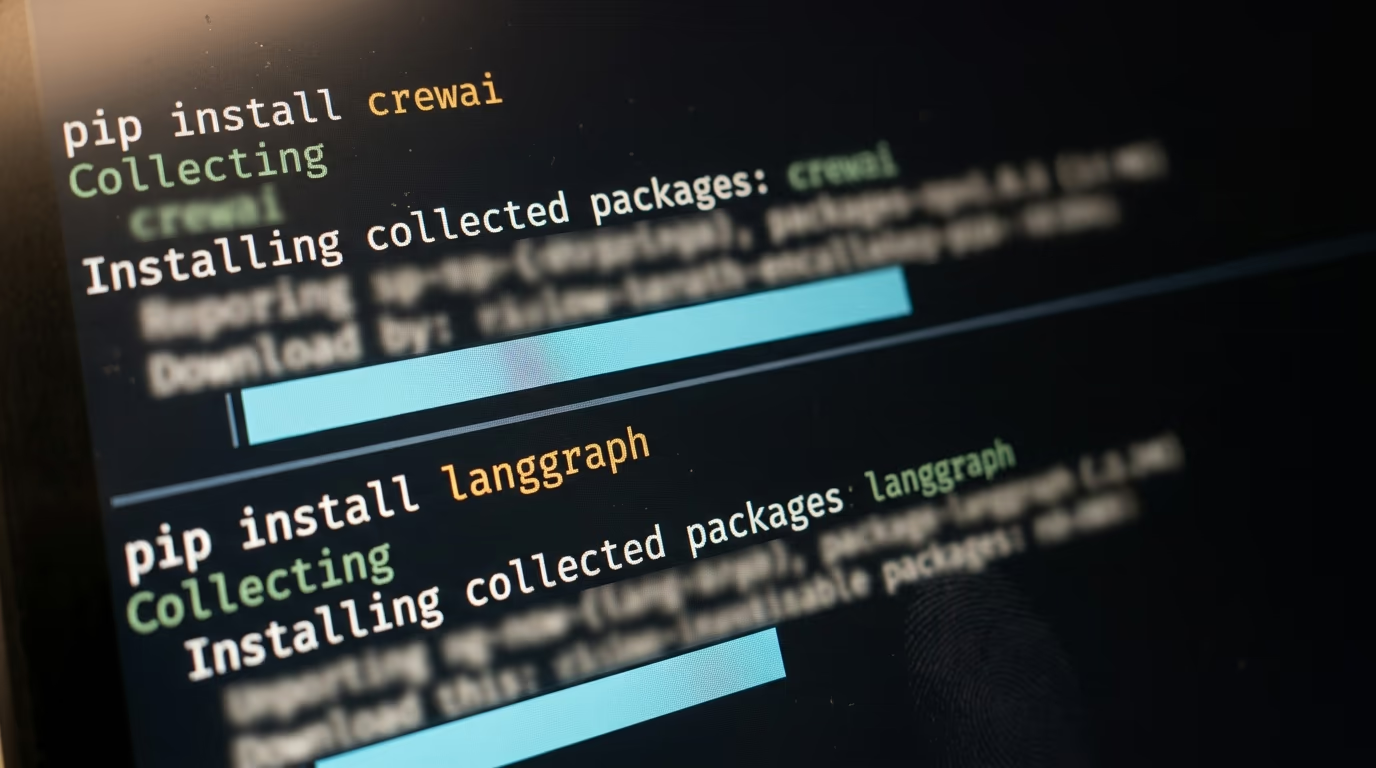
LangGraph installs faster and lighter by a wide margin. On the same Mac, the same Python 3.13 and the same afternoon of 28 August 2026, CrewAI 1.15.18 took 33 seconds and put 136 packages and 769 MB into a fresh virtual environment, while LangGraph 1.2.11 took 5 seconds and put 36 packages and 55 MB into its own.
| Measured on 28 August 2026 | CrewAI 1.15.18 | LangGraph 1.2.11 |
|---|---|---|
| Install time, Python 3.13 | 33 seconds | 5 seconds |
| Packages in the environment | 136 | 36 |
| Environment size on disk | 769 MB | 55 MB |
| Install on Python 3.14.0 | fails on a tiktoken wheel | works, 6 seconds |
| License | MIT | MIT |
| Python versions accepted | 3.10 up to 3.13 | 3.10 and later |
There is a reason for that 14 times difference in disk. CrewAI ships with the pieces you would otherwise go and pick yourself, and its dependency list names chromadb and lancedb, both of them vector databases, so agent memory works the moment the install finishes. It also pulls pdfplumber and openpyxl so an agent can read a PDF or a spreadsheet with nothing added, plus opentelemetry for tracing and mcp so an agent can talk to an MCP server you built yourself.
LangGraph ships almost nothing by comparison. It gives you the graph, the state and the checkpointing, then expects you to bring the model client, the vector store and the document readers. On a laptop that restraint costs you almost nothing, but in a container image it shows up as 55 MB against 769 MB, and if you deploy agents as serverless functions, that gap becomes cold start time on every single invocation.
One wall is worth knowing before you begin. On Python 3.14.0, which is what python3 resolved to on my own machine, the command pip install crewai fails outright with a wheel build failure on tiktoken, a dependency it pulls in indirectly. CrewAI's own package metadata asks for Python 3.10 or later and below 3.14, so the limit is published, though it still costs you 20 minutes when nobody warned you first. LangGraph installed on 3.14.0 without complaint in 6 seconds.
The fix is to build the environment with an older interpreter, and this is what I ran to get the CrewAI numbers above.
python3.13 -m venv venv-crewai
venv-crewai/bin/pip install crewai
You should see pip collect a long list of packages and finish without an error, and CrewAI's own documentation recommends uv instead of pip if you want its command line tool on your path.
Test 2, how do you describe the work in each framework?
CrewAI describes work as people with jobs, and LangGraph describes work as steps in a graph. A CrewAI agent takes a role, a goal and a backstory, then receives a task, while a LangGraph node is a plain Python function that reads a state dictionary and returns the fields it wants to change.
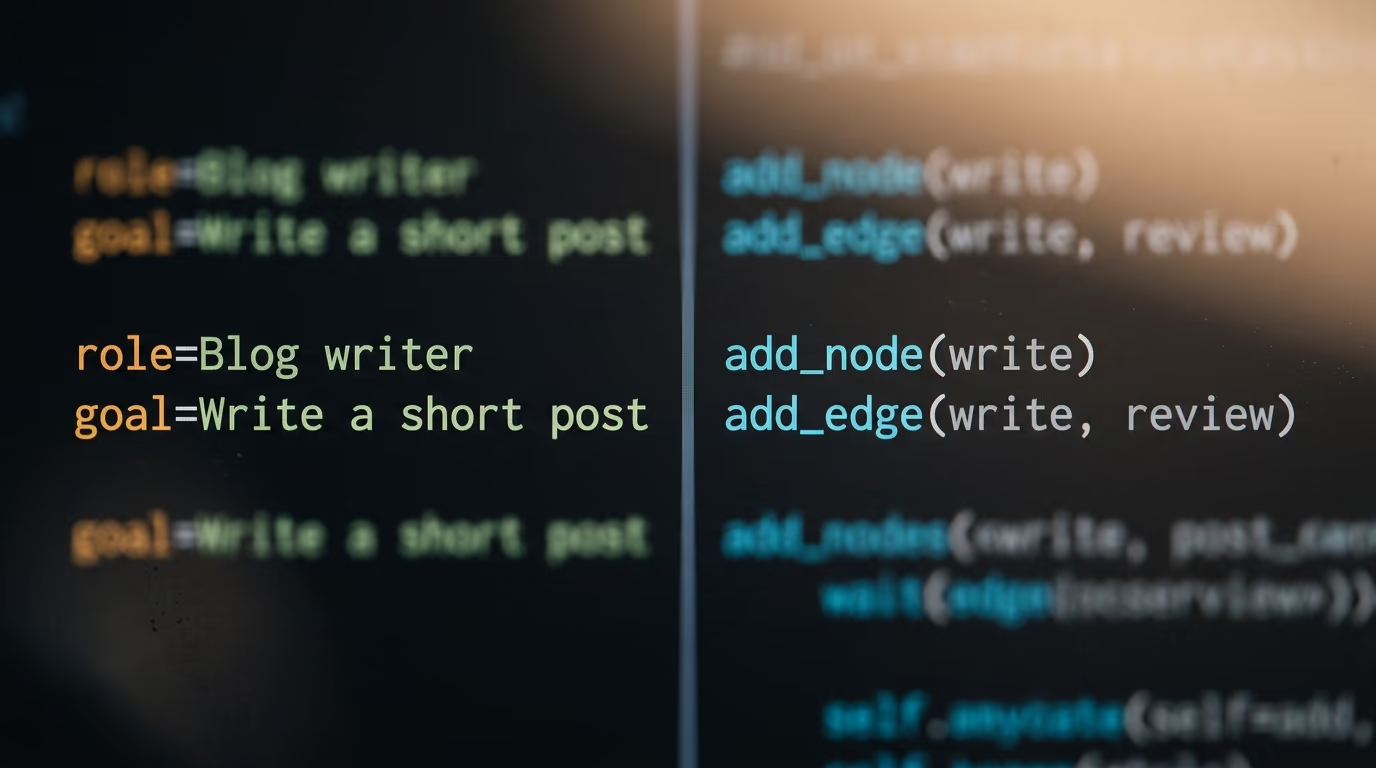
Here is the smallest CrewAI program that still means something, and it builds one agent and one task.
from crewai import Agent, Task, Crew

writer = Agent(
    role="Blog writer",
    goal="Write a short post about {topic}",
    backstory="You write clear posts for beginners.",
)

write_post = Task(
    description="Write one paragraph about {topic}.",
    expected_output="One paragraph, plain English.",
    agent=writer,
)

crew = Crew(agents=[writer], tasks=[write_post])
Running that file on CrewAI 1.15.18 builds the objects without calling a model, and adding crew.kickoff(inputs={"topic": "agents"}) is what sends the first request once your model credentials sit in the environment.
The same idea in LangGraph looks nothing like it, because you name the state first and then wire the steps together by hand.
from typing import TypedDict
from langgraph.graph import StateGraph, START, END

class State(TypedDict):
    draft: str
    approved: bool

def write(state: State) -> State:
    return {"draft": "a first draft", "approved": False}

def review(state: State) -> State:
    return {"draft": state["draft"], "approved": True}

builder = StateGraph(State)
builder.add_node("write", write)
builder.add_node("review", review)
builder.add_edge(START, "write")
builder.add_edge("write", "review")
builder.add_edge("review", END)
graph = builder.compile()

print(graph.invoke({"draft": "", "approved": False}))
That file printed {'draft': 'a first draft', 'approved': True} on LangGraph 1.2.11, and no model was called anywhere, because a LangGraph node is only a function. The line count is what matters in that comparison. CrewAI got a working agent in 12 lines and decided the execution order for you, while LangGraph needed 17 lines and gave you a graph you can point at when something goes wrong.
Tools follow exactly the same split in both libraries. A CrewAI agent takes a list of tools and the official quickstart hands it a web search tool, then leaves the agent to decide when to call it. In LangGraph you mark a function as a tool, drop it into the ToolNode that ships with the library, and then draw the edge that sends a tool call there along with the edge that comes back, which is more wiring for the same behaviour.
That trade repeats itself everywhere in both libraries. When the job runs forward from one step to the next, CrewAI is less to write and less to read. When the job loops back, branches on a condition or needs a step to run twice with different inputs, the explicit edges stop being paperwork and start being the reason you can debug it at all.
Test 3, what happens when an agent run breaks halfway through?
Both frameworks can save a run and pick it up later, and the difference is how often they save. LangGraph writes a checkpoint after every node using a checkpointer such as InMemorySaver, SqliteSaver or PostgresSaver, and each run carries a thread_id you pass back to reload it. CrewAI saves flow state with the @persist decorator and reloads it by passing the flow id back into kickoff.
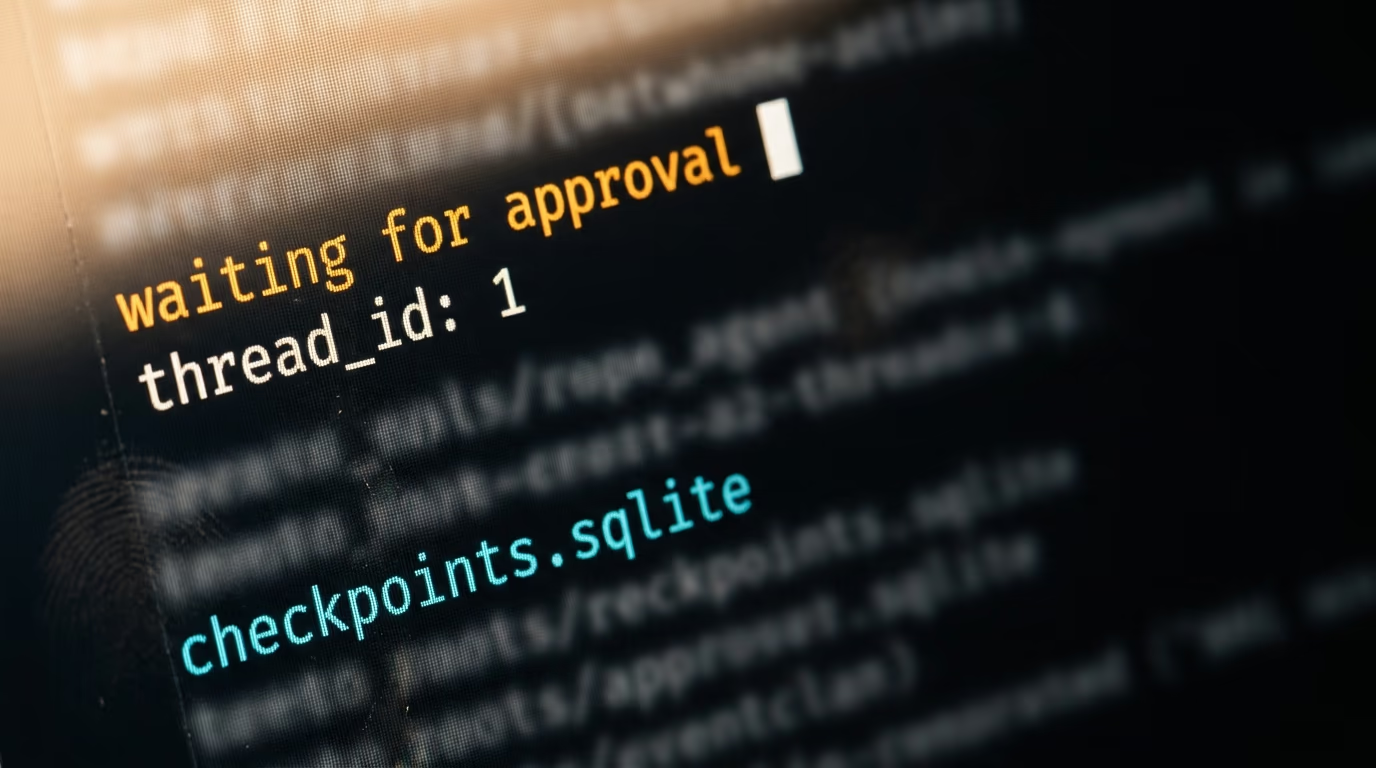
LangGraph's persistence page names 3 checkpointers directly. InMemorySaver keeps everything in RAM and loses it when the process dies, SqliteSaver writes to a local file and is what most people use while building, and PostgresSaver with its async twin AsyncPostgresSaver is the one you run in production. You pass a thread_id inside the config, and calling the graph again with the same thread_id picks up the stored snapshot instead of starting over.
Because the state is stored after every node, LangGraph can also stop mid run and wait for a person. The interrupt function pauses the graph where it stands, and a Command object resumes it with whatever the human decided. That same stored history is what LangGraph calls time travel, and it lets you rewind a run to an earlier checkpoint and try a different branch from there.
CrewAI covers the same ground with fewer moving pieces. The @persist decorator goes on a flow class or on a single method and snapshots the state across restarts, resume mode reloads the latest snapshot under the same flow id, and fork mode loads a snapshot under a fresh id so you can branch without touching the original. Since version 1.8.0 there is also a @human_feedback decorator that pauses a flow, asks its question and stores the reply in self.last_human_feedback.
Saving state is not free, and that bill lands somewhere. A LangGraph run writes a snapshot at every node, so a long graph carrying a large state object turns into a lot of rows in whichever store you chose, and LangChain charges storage on its own platform at $1.00 per LSU. Pointing SqliteSaver at a local file costs nothing at all, which is what most people should do while they are still working out whether the graph has the right shape.
In daily use the difference is granularity. A CrewAI flow saves at the boundaries you marked, so a crash inside a long task usually means running that task again and paying for those tokens again. A LangGraph graph saves after every node, so the blast radius of a 2am failure is one node rather than one task, which matters a lot when a single step costs real money.
Test 4, what do CrewAI and LangGraph cost to run in production?
Both libraries cost nothing, because CrewAI and LangGraph are MIT licensed, and every price below belongs to the vendor's hosted platform rather than to the code you import. CrewAI's pricing page today lists a free Basic plan with 50 workflow executions a month and an Enterprise plan quoted case by case. LangChain's pricing page lists a Developer plan at $0 per seat a month, a Plus plan at $39 per seat a month and a custom Enterprise plan.

| Read on 28 August 2026 | CrewAI | LangGraph and LangSmith |
|---|---|---|
| Library license | MIT, free | MIT, free |
| Entry plan | Basic, free | Developer, $0 per seat a month |
| What the entry plan allows | 50 workflow executions a month | 1 seat, up to 5,000 base traces a month |
| First paid plan with a public price | none listed | Plus, $39 per seat a month |
| Usage billing on top | sized to the workflow on Enterprise | $1.50 per LCU compute, $1.00 per LSU storage |
| Top plan | Enterprise, custom quote | Enterprise, custom quote |
The CrewAI Enterprise plan is where the governance lives, and the page names single sign on, role based access control, workload identity, PII redaction and policies, along with a 45 day onboarding. There is no published middle price between free and that quote, which matters if you are a small team that has outgrown 50 executions a month but has nobody willing to talk to a sales desk.
LangChain publishes more of its ladder. The Plus plan at $39 per seat a month adds unlimited seats, raises the included traces to 10,000 a month and includes 1 free Serverless deployment on the small size, then bills compute and storage separately at $1.50 per LCU and $1.00 per LSU. You can read that as honest or as complicated, and both readings are fair, because a usage meter is easier to forecast than a quote and easier to get wrong than a flat fee.
None of those numbers is your real bill anyway, because the tokens your agents burn go to whichever model provider you picked and neither framework takes a cut of them. If the model spend is what worries you, the lever is the model rather than the framework, and our ranking of local models for coding covers the option where the tokens cost nothing at all.
Test 5, which project is safer to bet a year of work on?
CrewAI ships more often and collects more stars, while LangGraph reaches more machines. On 28 August 2026 the CrewAI repository showed 57,753 stars against 40,634 for LangGraph, and CrewAI had published 424 releases to PyPI against LangGraph's 276.
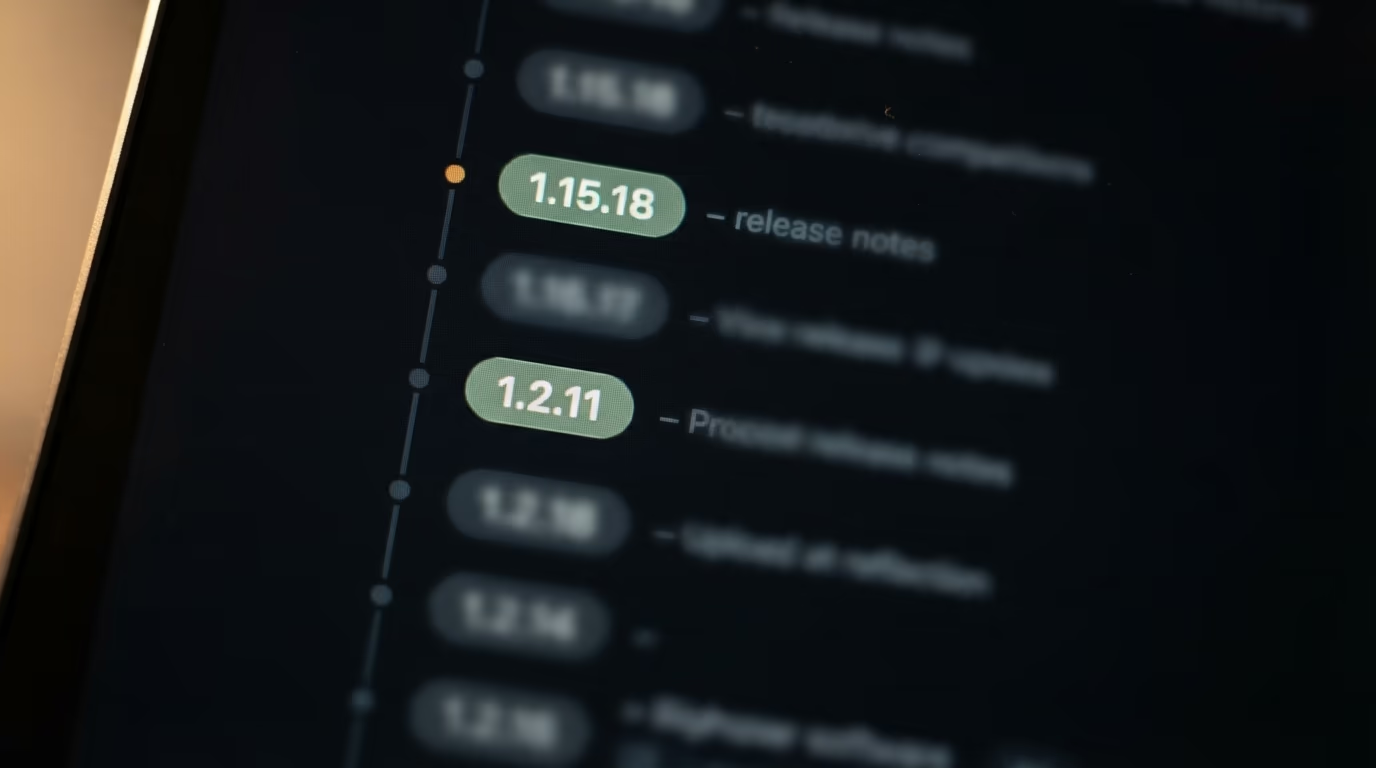
Neither project is coasting on its reputation. CrewAI's newest release, 1.15.18, went up on 27 August 2026, LangGraph's 1.2.11 on 11 August 2026, and both repositories took commits on the day I checked. The open issue counts sit close together as well, 767 for CrewAI and 720 for LangGraph, and both figures include pull requests because that is how the GitHub API reports them.
Download counts tell a stranger story and need a warning attached. In the 30 days to 28 August 2026, pypistats.org recorded 69,344,306 downloads of langgraph against 30,450,518 of crewai. LangGraph is installed as a dependency by other LangChain packages, so a large share of those downloads are build machines rather than people who chose it, which makes the figure a measure of reach and not a headcount of developers.
The number I would actually worry about is 424 releases in under 3 years. That cadence gets fixes to you quickly and it also ages tutorials fast. CrewAI's current quickstart creates a project with crewai create crew and configures agents in a JSONC file, while the older Python and YAML layout is what the docs now keep behind a --classic flag. Any CrewAI walkthrough older than a few months should be read with that in mind.
So which should you pick between CrewAI and LangGraph?
Pick CrewAI when the job is a team of steps that mostly runs forward, and pick LangGraph when the job loops, branches or holds a state you need to inspect. A research agent that gathers sources, writes a draft and edits it is a crew, and you will have it working in an evening. An approval workflow that can send a document back 3 times before it passes is a graph, and forcing it into a crew is how you end up rewriting it in month 2.
Team size decides more than either framework's marketing does. One person shipping a side project benefits from CrewAI's defaults, because chromadb, pdfplumber and the rest are already there and the 769 MB never leaves the laptop. A group of 4 engineers sharing a repository benefits from LangGraph's explicitness, since the graph is readable by whoever is on call and the checkpoint after every node makes a failed run cheap to restart.
The sceptical answer to all of this is that the framework hardly matters next to the model, and that is half right. Swapping a weak model for a strong one changes the output more than swapping CrewAI for LangGraph ever will. What the framework decides is what happens on the bad days, when a run dies at step 7 of 9 and has to restart without paying for the first 6 again, or when somebody needs to approve a step before it emails a customer. That is when 136 packages or an explicit graph stops being a detail you can ignore.
There are 2 practical notes before you commit either way. Check your Python version first, because CrewAI will not install on 3.14.0 today and that alone has ruined a few Saturday afternoons. Then decide whether you want a hosted platform at all, since both libraries run perfectly well on your own machine and the pricing above only applies the day you move off it.
If you are not yet sure the job needs a framework, it may not. A single coding agent with a good prompt handles a surprising amount of the work people reach for a crew to do, and our walkthrough of an agent that runs an SEO job end to end was built without either library. Reach for CrewAI or LangGraph when you need several steps to survive a restart, and not a day before that.
Questions people ask
Is CrewAI or LangGraph better for a beginner?
CrewAI is easier to start with, because a working agent takes about 12 lines of Python and the framework picks the execution order for you. LangGraph asks you to define a state, add every node and draw every edge before the first run, which is more typing up front and clearer later. A beginner building a straight sequence should start with CrewAI.
What is the real install difference in CrewAI vs LangGraph?
On a Mac running Python 3.13 on 28 August 2026, CrewAI 1.15.18 installed in 33 seconds and left 136 packages and 769 MB in the virtual environment, while LangGraph 1.2.11 installed in 5 seconds and left 36 packages and 55 MB. CrewAI is heavier because it bundles vector databases, document readers and tracing that LangGraph expects you to add yourself.
In CrewAI vs LangGraph, which one is cheaper to run?
Neither library charges anything, since CrewAI and LangGraph are both MIT licensed and run free on your own hardware. The paid plans belong to the hosted platforms, where CrewAI lists a free Basic tier with 50 workflow executions a month and a custom Enterprise quote, and LangChain lists Developer at $0 per seat a month and Plus at $39 per seat a month. Your model tokens are billed separately by whichever provider you use.
Can CrewAI run on Python 3.14?
No, not as of 28 August 2026. CrewAI 1.15.18 declares support for Python 3.10 up to but not including 3.14, and running pip install crewai on Python 3.14.0 fails while building a wheel for tiktoken. LangGraph 1.2.11 installs on Python 3.14.0 without any trouble.
Do CrewAI and LangGraph both let a human approve a step?
Yes, both do, with different tools. LangGraph pauses a run with its interrupt function and resumes it with a Command object, backed by a checkpoint saved after every node. CrewAI has a @human_feedback decorator since version 1.8.0 that pauses a flow, asks its question and stores the reply in self.last_human_feedback.
What happens if an agent run crashes in the middle?
Both frameworks can resume from saved state, and the granularity differs. LangGraph writes a checkpoint after every node through InMemorySaver, SqliteSaver or PostgresSaver and reloads it by thread_id, so a crash costs you a single node. CrewAI snapshots flow state with the @persist decorator and reloads by flow id, so a crash inside a long task usually means running that task again.
Can you use CrewAI and LangGraph together in one project?
Yes, and some teams do, since both are ordinary Python libraries under the MIT license with no exclusivity clause. The usual shape is a LangGraph graph handling the branching and the checkpoints, with a CrewAI crew called inside a node when a piece of the work suits a group of agents with roles. Expect the combined environment to carry CrewAI's larger dependency footprint.
Which framework has more users, CrewAI or LangGraph?
It depends on which signal you trust. On 28 August 2026 CrewAI led on stars with 57,753 against 40,634, while pypistats.org recorded 69,344,306 downloads of langgraph in 30 days against 30,450,518 of crewai. LangGraph is installed automatically as a dependency of other LangChain packages, so its download figure measures reach rather than the number of developers who chose it.