TutorialsAugust 27, 202613 min read
How to build an MCP server tonight without writing code
A working MCP server that gives Claude live Hacker News access, written for you by a coding agent from one printed prompt. No API keys anywhere, and every command checked before it shipped.
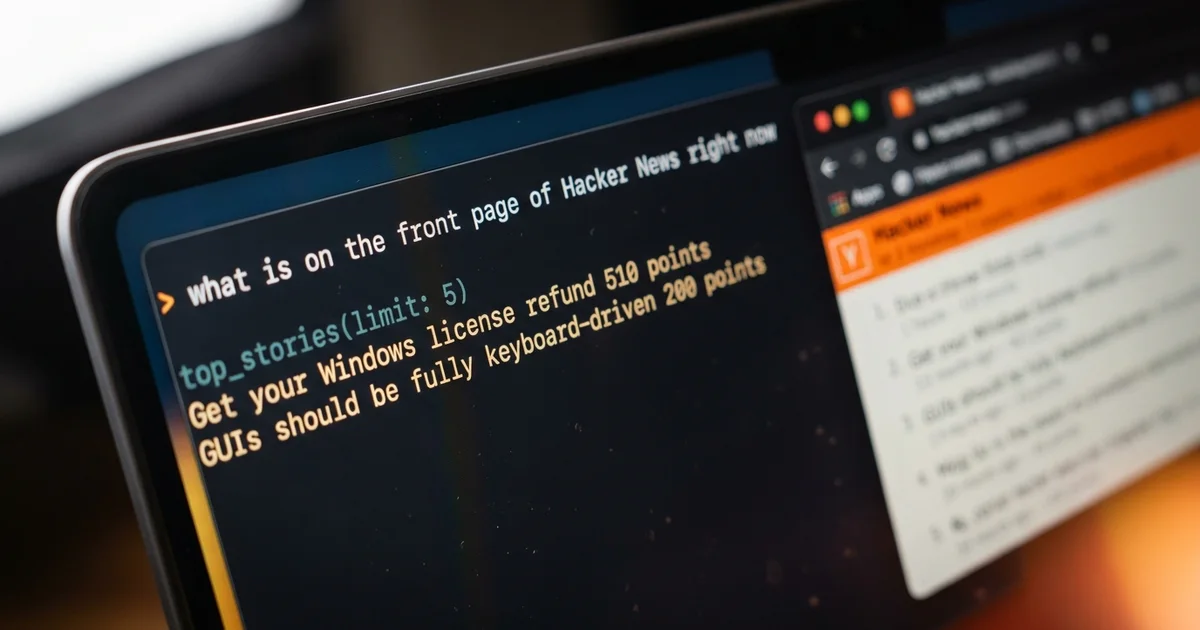
The short version of how to build an MCP server is that you write a small program listing the tools you want Claude to have, then point Claude at that program so it can call them whenever a question needs one. The build below takes about 45 minutes on a Mac or on Windows, needs no API keys and no paid data source, and you never type a line of the code yourself, because a coding agent writes all of it from one prompt printed further down.
By the end you have a server called hackernews sitting in a folder on your own computer, with 2 tools inside it. One returns the stories on the front page of Hacker News right now, the other searches the archive by keyword. You ask Claude what is happening on Hacker News this morning, Claude calls your tool, and the answer comes back with real titles and real scores in it rather than a guess from training data.
Every command printed here was checked against the vendor's own documentation, and all of them except the 2 installers were run on a Mac before this article went out. Every version number and price was read off the vendor's page on 27 August 2026. If a step assumes something you do not have, that is a mistake in the article and not in you, which is exactly why the failure section near the end is as long as it is.
What is an MCP server, in plain English?
An MCP server is a small program that runs on your computer and offers an AI application a list of tools it is allowed to call, using the Model Context Protocol. The application, Claude in this build, reads that list when it starts, decides on its own when a question needs one of your tools, and asks for your approval before anything actually runs.
Anthropic published the protocol and then gave it away. On 9 December 2025 the company announced it was donating the Model Context Protocol to the Linux Foundation's new Agentic AI Foundation, where it joined goose by Block and AGENTS.md by OpenAI as founding projects. That matters for one practical reason. What you are about to build is not a private extension owned by a single vendor, so the same server keeps working in any application that speaks the protocol.
The official documentation says a server can offer 3 kinds of capability, tools that the model can call, resources that it can read, and prompts that a user can pick from a menu. Almost everybody wants tools first, and this build uses nothing else, because a tool is what lets a model go and fetch something it could not otherwise know. Everything Claude answers about today's Hacker News comes from a tool call, not from memory.
The plumbing underneath is deliberately boring, which is good news for a first build. Your program talks to the application through its standard input and output, exchanging small JSON messages, and that is the whole transport. Nothing is deployed, nothing is hosted, no port is opened to the internet, and nothing leaves your machine except the requests your own tools decide to make.
What do you need before you start, and what does it cost?
You need 3 things to build an MCP server this way, a computer running macOS 13 or later or Windows 10 build 1809 or later, Node.js version 20 or higher, and a Claude plan that includes Claude Code, which is $20 a month billed monthly or $17 a month on the annual price. Everything else here is free, and the Hacker News data the server reads needs no account of any kind.
| What you need | What it does here | Price on 27 August 2026 |
|---|---|---|
| Node.js 20 or higher | runs your server on your own machine | free, v24.20.0 is the current LTS |
| Claude Code | writes the server, registers it, tests it | included with Claude Pro at $20 a month billed monthly |
| The Claude desktop app | where you use the server without a terminal | free download, macOS 11 or later, Windows 10 or later |
| The Hacker News API | the live data your 2 tools return | free, no account, no quota to sign for |
| About 45 minutes | install, build, connect, test, break, fix | one evening |
The row worth reading twice is the Claude Code one. Anthropic's own setup documentation states that Claude Code requires a Pro, Max, Team, Enterprise or Console account and that the free Claude.ai plan does not include access to it, so a free account cannot run the agent that writes this build for you. If you would rather not pay anything at all, the same prompt works in any coding agent that can create files and run commands, and the rest of the article does not change.
The desktop application is a separate free download for macOS 11 or later, Windows 10 or later, and Ubuntu or Debian in beta. It is worth installing even if you live in the terminal, because it is the pleasant place to actually use the thing you built, and connecting a server to it is an 8 line file and a restart.
What are you building tonight?
You are building a server named hackernews with 2 tools in it, top_stories and search_stories, that gives Claude live access to the Hacker News front page and to its archive. Ask Claude what is on the front page right now and it calls top_stories, receives a list of titles with their scores and comment counts, and answers from that list.
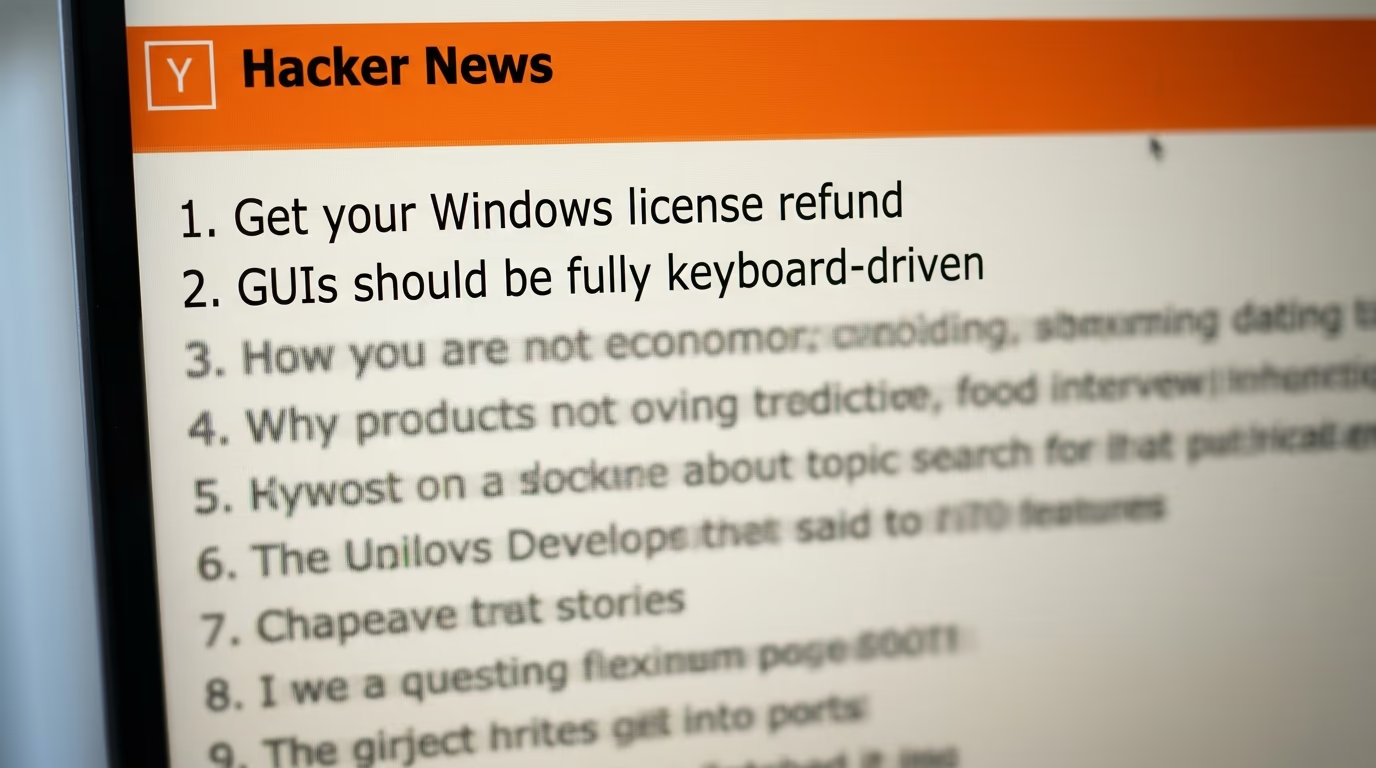
The data comes from 2 public endpoints that anybody can open in a browser and read. The official Hacker News API returns the front page as a plain list of story numbers, then one small document per story holding its title, score, author and link. The Algolia search API covers the archive back to 2006 and answers an ordinary text query with the same kind of document.
Here is what one tool looks like once the agent has written it. It is worth reading slowly, because these few lines explain the whole idea better than any diagram.
server.registerTool(
  "top_stories",
  {
    description: "Get the current top stories on Hacker News",
    inputSchema: z.object({
      limit: z.number().min(1).max(30).default(10),
    }),
  },
  async ({ limit }) => {
    // fetch the stories, then return them as plain text
  }
);
The first string is the name the model sees. The description underneath is the sentence the model reads when it decides whether this tool answers the question in front of it, so a vague description is the most common reason a working server gets ignored. The inputSchema says this tool accepts one number called limit, between 1 and 30, defaulting to 10, and that rule is what stops a model from cheerfully asking for 5,000 stories.
The answer a tool returns is plain text, which surprises people who expect something more formal. Mine looked like the block below when I called it during the writing of this article, and those numbers were the real scores at that moment.
Get your Windows license refund (510 points, 197 comments)
https://en.refund4freedom.org/

Just the rumour of a bug is enough to find an exploit these days (113 points, 37 comments)
https://anil.recoil.org/notes/rumour-is-the-exploit
How do you install Node.js and Claude Code?
Step 1 installs Node.js and takes about 10 minutes, step 2 installs Claude Code and takes about 10 minutes, and both finish with a version number printed in your terminal so you know they worked. Everything in this section happens in a terminal window, and you type 4 short commands in total.
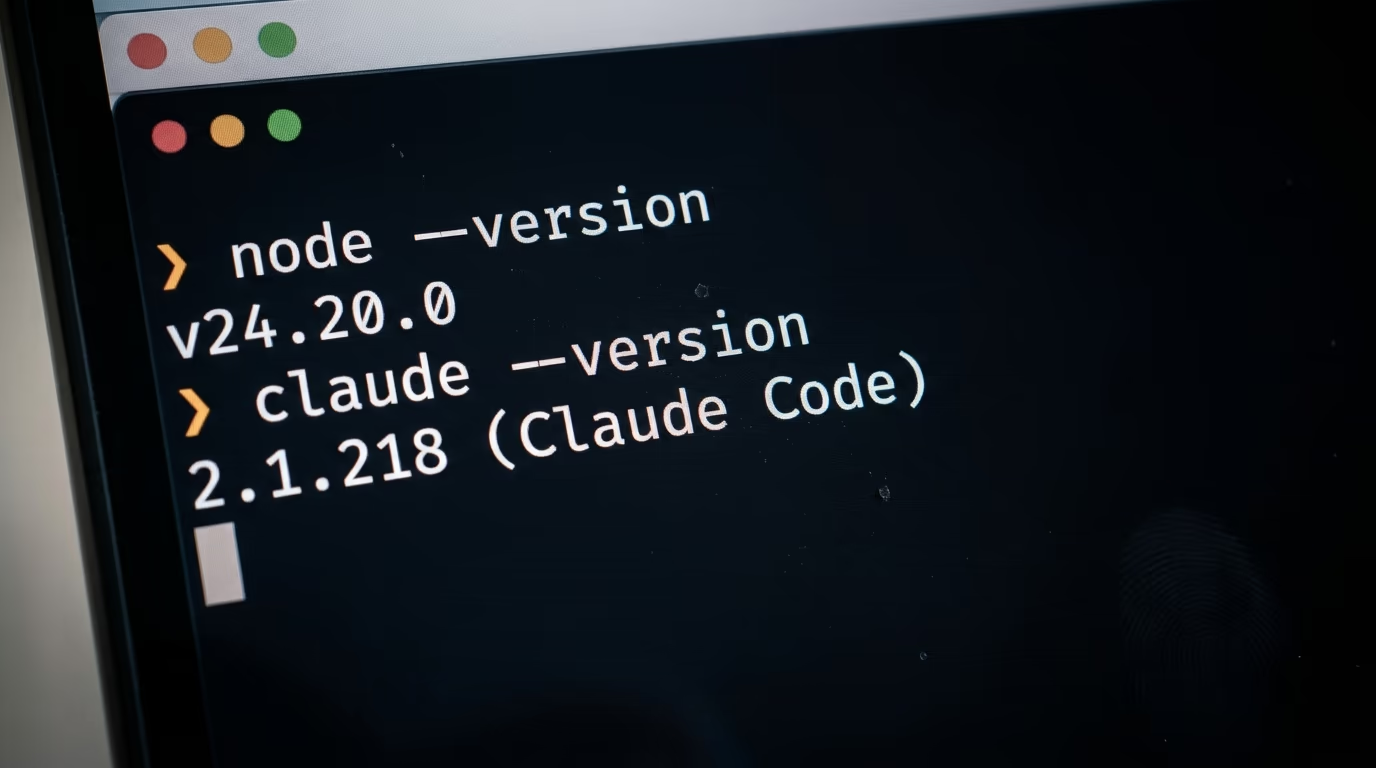
Open a terminal window first, since everything below happens inside one. On a Mac, hold Command and press the space bar, type Terminal and press Return. On Windows, open the Start menu, type PowerShell and press Return. A window appears with a blinking cursor waiting for you, and that blinking cursor is the whole of what people find intimidating about this.
Step 1 takes roughly 10 minutes and begins with one question. Type the line below and press Return to ask whether Node.js is already on the machine.
node --versionIf the answer starts with a v and the first number is 20 or higher, you are done with this step. If the answer says command not found, download the LTS installer from the Node.js download page, which offers v24.20.0 today, run it like any other application, then close the terminal window and open a fresh one before you check again. That last instruction sounds fussy and it is the reason half of first attempts fail.
Step 2 takes roughly 10 minutes as well. Install Claude Code with the single line Anthropic publishes for your system, which downloads their installer and runs it. On a Mac or on Linux, that line is the first one below, and on Windows you use the second one inside PowerShell.
curl -fsSL https://claude.ai/install.sh | bashirm https://claude.ai/install.ps1 | iexCheck that it landed by asking for its version, which should print a number followed by the name in brackets. Mine printed 2.1.218 (Claude Code) on the evening this was written.
claude --versionNow type claude on its own and press Return. The first run sends you to your browser to sign in, and after that the session opens in the terminal and waits for instructions in ordinary English. Everything from here is a conversation, and the only long thing you ever paste is the block in the next section.
What prompt builds the MCP server for you?
You paste one prompt into Claude Code and it writes the whole server, which takes about 10 minutes of watching and answering yes. The block below is the only long thing in this article, it is plain English on purpose, and it is numbered in the order the agent works through it so you can follow along and see where you are.
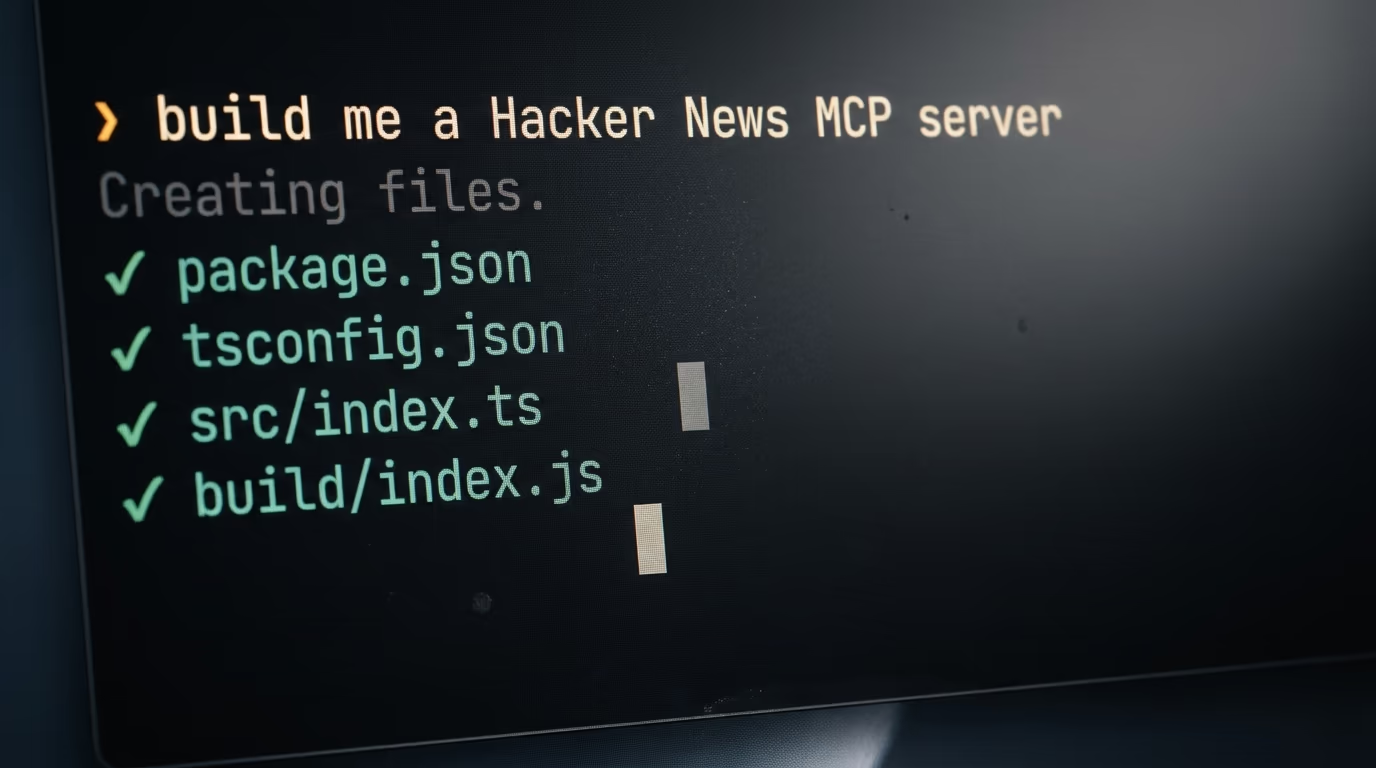
Start a session by typing claude in your terminal, then paste the whole block in one go and press Return.
You are building a Hacker News MCP server on my machine, from nothing. I have never written code, so do every step yourself, say in one plain sentence what you are about to do, and show me the result before moving on.

1. Check that Node.js is installed and that the version is 20 or higher, and tell me the number you see. If it is missing or older, stop and tell me to install the LTS version from nodejs.org first.

2. Create a folder called hackernews in my home folder, start a Node project inside it, and install the packages @modelcontextprotocol/server and zod, plus typescript and @types/node as development packages.

3. Set the project to use modules, add a build script that runs tsc, and write a TypeScript config that compiles the src folder into a build folder, target ES2022, module Node16.

4. Write src/index.ts as a server named hackernews with 2 tools. top_stories takes a limit between 1 and 30, reads the story list from https://hacker-news.firebaseio.com/v0/topstories.json, reads each story from https://hacker-news.firebaseio.com/v0/item/ID.json, and returns the title, the score, the comment count and the link as plain text. search_stories takes a query and a limit, calls https://hn.algolia.com/api/v1/search with tags=story, and returns the same shape. Print nothing to standard output, because the protocol uses it, so send any logging to standard error instead.

5. Build the project, then run the compiled file once so I can see the single line it prints on standard error, then stop it.

6. Test the server yourself before I open Claude at all. Send it an initialize message, then a tools/list, then a call to top_stories with a limit of 3, and paste the 3 titles that come back.

7. Register it in Claude Code for all my projects with claude mcp add, using the full path to the compiled file, then run claude mcp list and show me the status line.

8. Add the same server to the Claude desktop app config file for my operating system, keeping any servers already in that file, and tell me to quit the app completely and open it again.

9. Write a README in the folder with the 2 tools, the command to rebuild after a change, and the 3 errors most likely to bite me, in plain English.

10. Never print or store any credential, and never change files outside the hackernews folder and the config file in step 8.
While it works it will ask permission to create files and to run commands, and saying yes each time is the normal path. What you should end up with is a folder called hackernews holding package.json, tsconfig.json, a src folder with index.ts inside it, a build folder with the compiled index.js, and a README. Those 5 things are the entire server.
Step 6 is the one that saves your evening. It makes the agent talk to your server the way Claude will, sending the same 3 messages by hand, so if something is wrong you learn it there instead of 20 minutes later in an application that only tells you the server failed. When it works, you get 3 real story titles pasted back into the session.
One instruction inside that prompt looks pedantic and it decides whether any of this works. Standard output is where the protocol messages travel, so a friendly progress message printed there lands in the middle of the conversation between Claude and your server. The documentation notes that servers of this kind may use standard error for all their logging, which is why the finished server prints its one line of life there and nowhere else.
How do you connect the MCP server to Claude and test it?
Registering the server with Claude Code takes one command, and connecting it to the Claude desktop application takes a short config file and a full restart. Both are printed below exactly as they were run on a Mac, and the agent does them for you in steps 7 and 8 of the prompt, so this section is mostly here for when you want to redo it yourself.
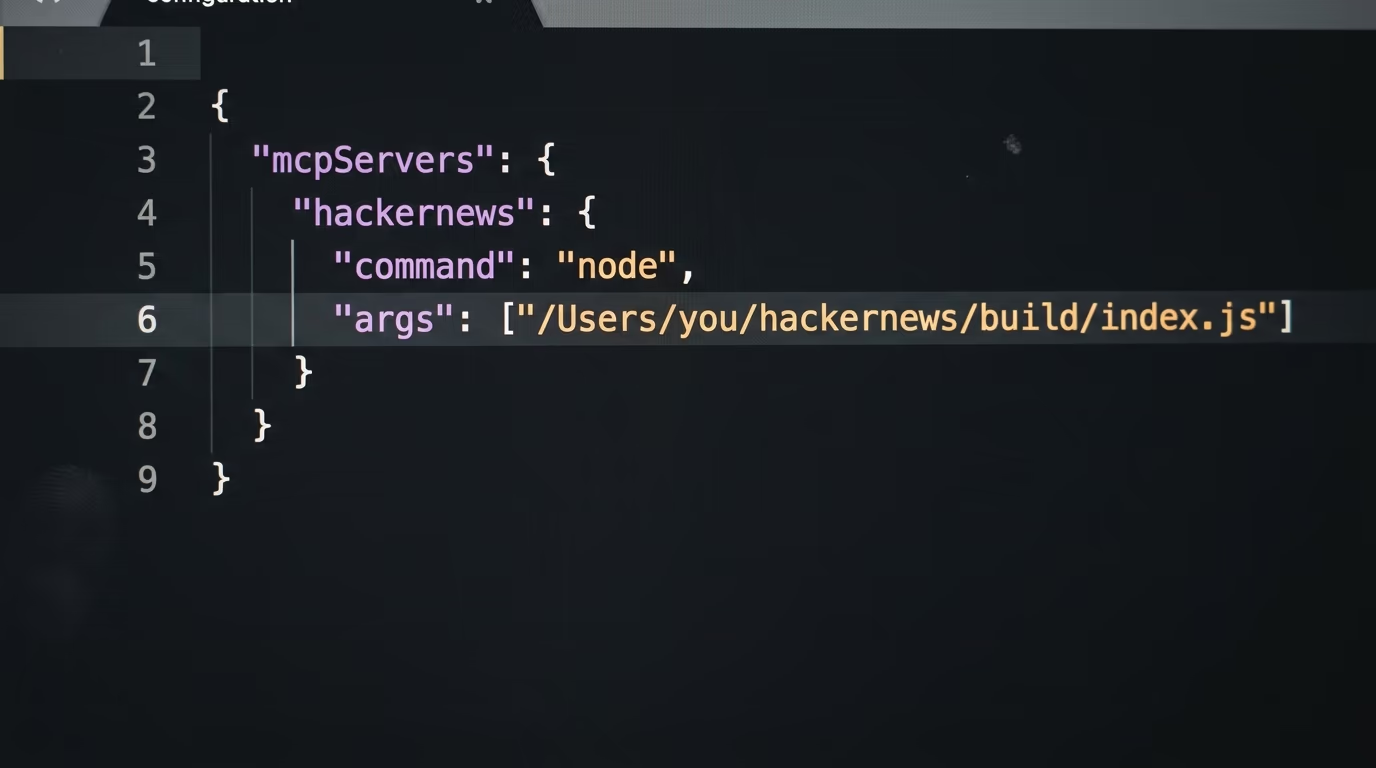
In the terminal, from any folder, run the command below with the real path to your own compiled file in place of the example. The name straight after add is what you will see in Claude later, and everything after the 2 dashes is the command that starts your server.
claude mcp add --scope user hackernews -- node /Users/you/hackernews/build/index.jsClaude Code answers with a line confirming what it stored, naming the transport, the command and the scope. Asking for the user scope means the server is available in every folder you ever work in, instead of only the one you happen to be standing in.
Added stdio MCP server hackernews with command: node /Users/you/hackernews/build/index.js to user configThen check that it is alive, which prints one line for every server it knows about, with the status at the end of the line. The line you want ends on Connected, and anything else means the server did not start.
claude mcp listChecking MCP server health...
hackernews: node /Users/you/hackernews/build/index.js - ✔ ConnectedThe desktop application is configured somewhere else entirely. Open the Claude menu in the menu bar at the top of your screen, choose Settings, click the Developer tab in the left sidebar, then click the Edit Config button, which opens claude_desktop_config.json in your text editor and creates the file if it was missing. On a Mac that file lives in your Library folder under Application Support and Claude, and on Windows it sits in the Claude folder inside AppData.
{
  "mcpServers": {
    "hackernews": {
      "command": "node",
      "args": ["/Users/you/hackernews/build/index.js"]
    }
  }
}
Save the file, then quit the application completely rather than closing its window, and open it again. Click the control that reads Add files, connectors, and more at the bottom left of the message box, move the mouse over Connectors, click Manage connectors, and hackernews appears in the list with its 2 tools underneath it.
Now comes the moment that pays for the evening. Ask Claude what is on the front page of Hacker News right now and which story has the most comments. It requests your approval to call top_stories, you accept, and the answer comes back built from titles that were posted this morning. Ask it to search the archive for something you care about and it calls the other tool without being told which one to use.
What breaks the first time, and how do you recognize it?
6 things go wrong on a first evening, and every one of them has a short fix, so the trick is recognizing the wall rather than concluding the whole idea is broken. They are listed below in the order they tend to appear, and most of them sit in the official troubleshooting notes, which is the clearest sign that everybody hits them.
The terminal says command not found for node even though you just installed it. The window you are typing in was opened before the installer ran, so it still has the old idea of what exists on the machine. Close it, open a new one, and ask for the version again.
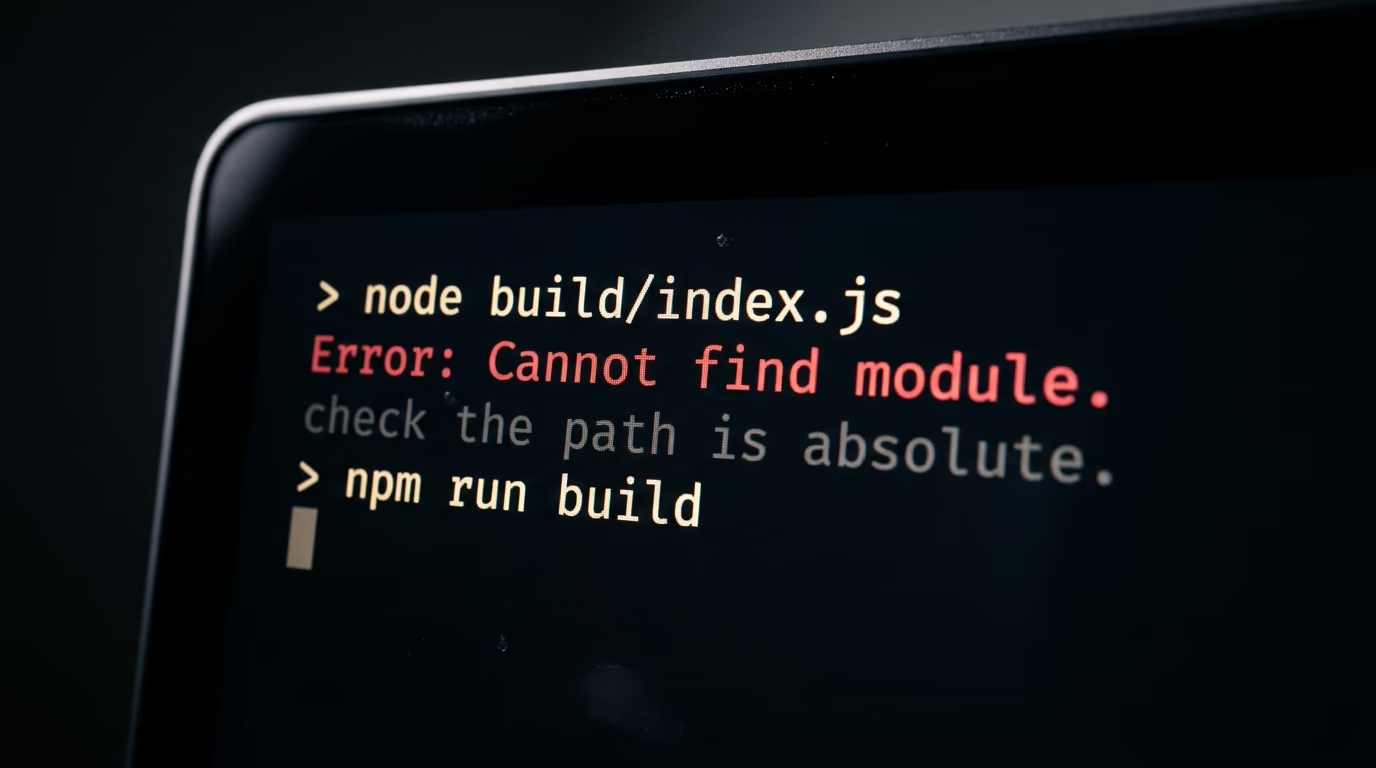
The server refuses to start with a message about not being able to find a module. Almost always the path in the config is relative rather than absolute, and the official documentation is explicit that the paths in that file must be absolute. Copy the full path, starting from your user folder, and paste that instead.
You edit the server, ask Claude something, and nothing has changed. The file Claude actually runs is the compiled one in the build folder, so a change to src/index.ts means nothing until you run the build again. Ask your agent to rebuild, or type npm run build in the project folder yourself.
The server shows as connected for a second and then dies. That is the standard output rule again, and it bites whenever a helpful line of logging gets added to the wrong stream. Anything the server wants to say to a human goes to standard error, and the protocol keeps standard output to itself.
The desktop application does not list your server at all. Quit it completely and reopen it, because closing the window is not enough, and if it still refuses, read the log file. On a Mac the MCP logs sit in your Library folder under Logs and Claude, and on Windows they are in the logs folder inside the Claude folder in AppData, where a file named after your server holds everything it printed while failing.
The last one is a habit rather than an error message. This server runs with your own account's permissions, exactly like any program you double click, so a tool you write can read and change whatever you can. The documentation makes the same point about granting folder access, so keep your tools narrow and read what your agent wrote before you register it anywhere.
Where do you take your MCP server next?
The server you now have is a template with the interesting bits already in place, so the next build is a copy of this folder with 2 endpoints swapped out. Point the same shape at your own sitemap, at a folder of markdown notes, at a spreadsheet of clients exported as text, or at any public API that answers without a login, and Claude gains a tool it did not have this morning.
When something misbehaves, the official inspector is worth the 30 seconds it takes to start. It ships as @modelcontextprotocol/inspector, currently at version 2.4.0, and its documentation describes a web interface, a command line mode and a terminal interface, all letting you connect to a server, call its tools by hand and read the protocol messages going back and forth. Debugging a tool there is faster than asking Claude to try again and guessing what it saw.
2 habits make the difference between a server that gets used and one that sits there. Keep the number of tools small, because a model choosing between 4 clear tools is reliable and a model choosing between 25 overlapping ones is a coin toss. Then write the descriptions as if a new colleague were reading them, since that sentence is the only thing the model has when it decides whether your tool is the right one for the question.
The same approach scales well past a single tool. The build sitting next to this one on the WTFisAI tutorials desk is an SEO agent that runs on a schedule instead of on demand, and it was made the same way, by pasting a long prompt in plain English and letting the coding agent write every file. Tonight's server is the smaller cousin of that machine, and it is the right place to start.
Once your server exists, the interesting question stops being how to build one and becomes what you point it at. We track that side of things on the agents desk, for software that goes and does something, and on the tools desk, for what shipped this week and whether it deserves your afternoon.
Give yourself one evening, expect the module error, and expect the moment where you edited the source and forgot the build. Nobody sails through this on the first attempt, and the version you end up with, running on your own machine, answering with today's real data, is worth more than any screenshot of somebody else's setup.
Questions people ask
How do you build an MCP server if you cannot code?
You describe the server in plain English to a coding agent and it writes every file for you, which is exactly what the master prompt in this article does. You still need Node.js installed and a plan that includes Claude Code, but you do not read or write the TypeScript yourself, and the agent tests the server before you connect it to anything.
How long does it take to build an MCP server?
About 45 minutes for a first one, split into 10 minutes for Node.js, 10 minutes for Claude Code, 10 minutes of watching the agent write and test the files, and the rest for connecting it and hitting an error or 2. A second server built from the same folder takes closer to 10 minutes, because everything is already installed by then.
Do you need an API subscription to run an MCP server?
No API subscription is needed for the server itself, because it runs on your own machine and talks to the application through standard input and output. This build reads the free Hacker News endpoints, which need no account, so the only recurring cost is the Claude plan you use for the coding agent, at $20 a month billed monthly on Pro.
What is the difference between an MCP server and a plugin?
An MCP server is a separate program on your computer that speaks a public protocol, so the same server works in any application that supports the Model Context Protocol rather than in one product. Anthropic donated that protocol to the Linux Foundation's Agentic AI Foundation on 9 December 2025, alongside goose by Block and AGENTS.md by OpenAI.
Why does Claude not see my MCP server?
The 3 usual causes are a path in the config that is relative instead of absolute, a source file that was edited without rebuilding, and a desktop application that was closed rather than quit and reopened. Running claude mcp list shows the status of every server it knows about, and a line that does not end with Connected means the server never started.
Is it safe to run an MCP server on your own machine?
The server runs with your own account's permissions, so it can do anything you can do, which is why the documentation warns against granting a server access to folders you would not hand over. Keep the tools narrow, read what your coding agent wrote before registering it, and remember that Claude asks for approval before each call.
Can the same MCP server work outside Claude?
Yes, because the protocol is public and the server has no idea which application is talking to it. The same folder registered in Claude Code and in the Claude desktop application also works in any other client that supports the Model Context Protocol, with no change to the code and only a different config file.