TutorialsAugust 21, 202612 min read
Claude Code subagents, how to build your first one tonight
Anthropic removed the /agents wizard in version 2.1.198, so the guides telling you to run it are out of date. Here is how a subagent gets built now, in about 30 minutes.
Claude Code subagents are helper sessions that your main session hands a single job to, each one with its own context window, its own list of allowed tools and its own model. A subagent works alone and returns a short summary, so the 40 files it read and the 12 pages it opened never touch your conversation.
You can build your first 2 subagents tonight in about 30 minutes, and the only long thing you paste is a prompt written in ordinary English that asks Claude Code to write the files for you. Anthropic's documentation says the creation wizard behind the /agents command was removed in version 2.1.198, which means every guide that tells you to run it and pick options from a menu is describing software you no longer have.
By the end of this you will have 2 small files saved on your machine. One is a researcher that searches the web and writes a sourced brief, the other opens every source in that brief and marks each finding CONFIRMED, WRONG or MISSING. You do not need a repository or a programming language, and nothing here costs extra beyond the Claude plan that Claude Code already requires.
What is a Claude Code subagent, and why does it get its own context window?
A Claude Code subagent is a second Claude session that your main session starts, gives one task, and closes when it reports back. Because it runs in its own context window, everything it reads stays inside that window, and only its final answer is added to your conversation.
Anthropic's subagents documentation gives 5 reasons to use one, and they explain the feature better than any analogy. You keep exploration and long output out of your main conversation, you limit which tools an assistant is allowed to touch, you reuse the same configuration in every project, you give it a narrow system prompt so it behaves the same way every time, and you can send cheap work to a cheaper model such as Haiku.
You have already used subagents without creating any. Claude Code ships with 3 built in types, and 2 of them cannot write anything at all. Explore searches and reads a codebase, Plan researches before a plan gets written, and general purpose handles longer work with every tool available.
A subagent is a markdown file with a few settings at the top, and where you save that file decides who can use it. A file inside a project's .claude/agents/ folder belongs to that project alone, while a file in ~/.claude/agents/ works in every project on your machine. The 2 you are about to build go in that second folder.
Some limits are worth knowing before you build a fleet of them. Claude Code runs 20 subagents at once by default, lets a subagent start subagents of its own up to 3 layers below your conversation, and prints a warning at startup once the descriptions of all your custom subagents add up to more than 15,000 tokens.
None of this is free in tokens, and the honest version of the trade sits in the docs themselves, which warn that many subagents each returning a detailed result will fill your main context anyway. The Nimbalyst guide to subagents puts a number on it and claims a subagent heavy session can use around 7 times the tokens of a single session, which is their figure rather than a measurement Anthropic publishes.
What do you need before you start, and what does it cost?
You need a Claude plan that includes Claude Code, a computer running macOS 13 or later, Windows 10 from build 1809 onward, or a recent Linux, and about 30 minutes. Anthropic's pricing page lists Pro at $20 a month billed monthly, or $17 a month when you pay $200 for a year upfront, and the free Claude plan does not include Claude Code at all.
Max is the other consumer option, listed from $100 a month, and you do not need it for any of this. The setup documentation also accepts Team, Enterprise and Console accounts, so an employer subscription you already have will do.
Step 1 takes about 5 minutes. Sign in on the Claude pricing page and check that your plan includes Claude Code, or start a Pro subscription there. Claude Code refuses to run on the free plan, and finding that out now is better than finding it out 20 minutes into an install.
Step 2 takes about 5 minutes. Install Claude Code with the single line for your system, typed into Terminal on a Mac or PowerShell on Windows.
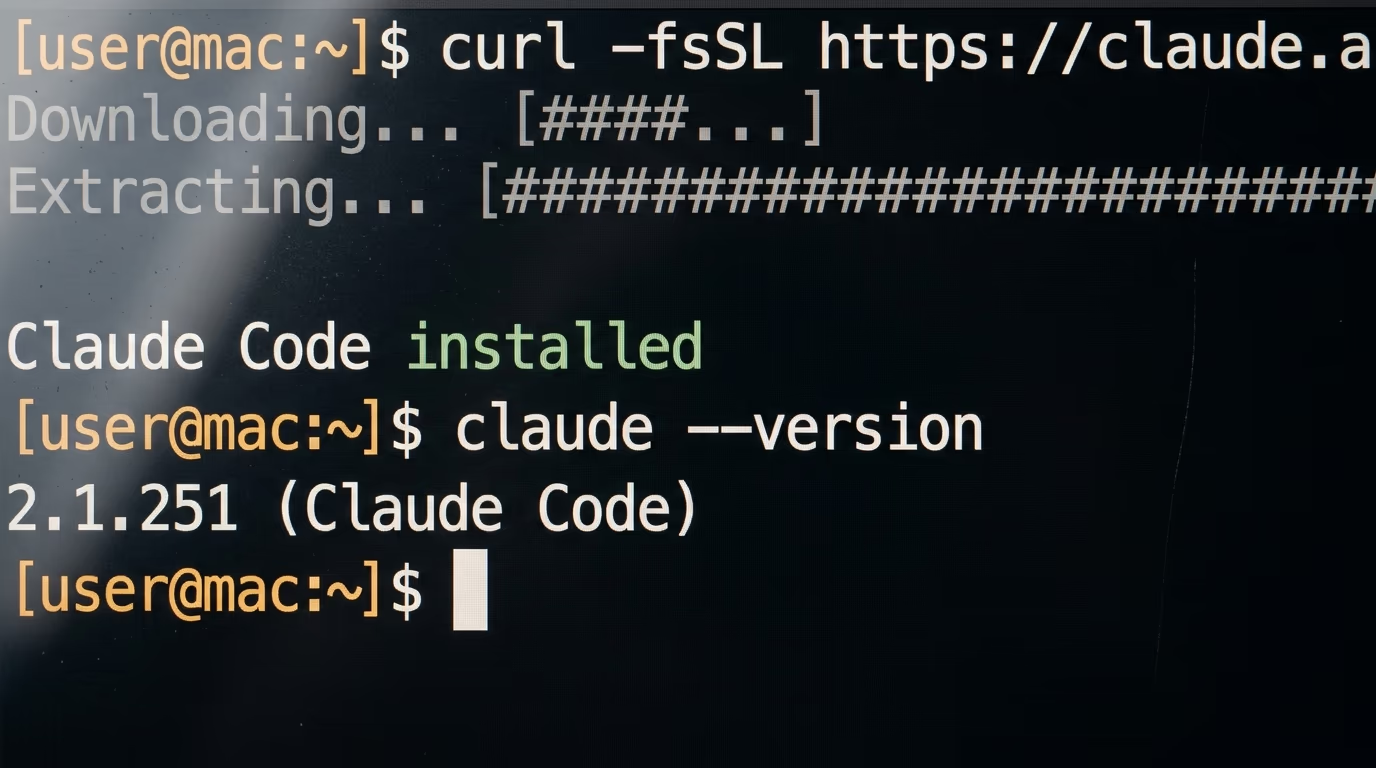
curl -fsSL https://claude.ai/install.sh | bashThat line downloads Anthropic's installer and puts the claude command on your machine, and it prints a success message when it finishes. On Windows the same job is done by one line typed into PowerShell rather than the Command Prompt.
irm https://claude.ai/install.ps1 | iexIf you have never opened a terminal and would rather keep it that way, there is a way around it. Anthropic publishes a desktop app for macOS, Windows and Linux, and the Claude Code setup page links to it as the option for people who prefer a graphical interface, with everything below working the same way once you are inside.
Step 3 takes about 2 minutes. Check that the install worked by asking Claude Code for its version.
claude --versionYou should see a version number followed by the name in brackets, in the shape 2.1.251 (Claude Code). If the terminal answers that the command was not found, close it, open a new window and try once more, because the installer edits a file your open terminal read when it started.
Step 4 takes about 2 minutes. Make a folder for tonight and start Claude Code inside it, which keeps the brief you are about to generate away from everything else on your disk.
mkdir research
cd research
claude
The first run opens your browser so you can log in, and then you land in a session with a prompt box at the bottom of the window. Every step from here happens in that box.
How do you create a subagent now that the /agents wizard is gone?
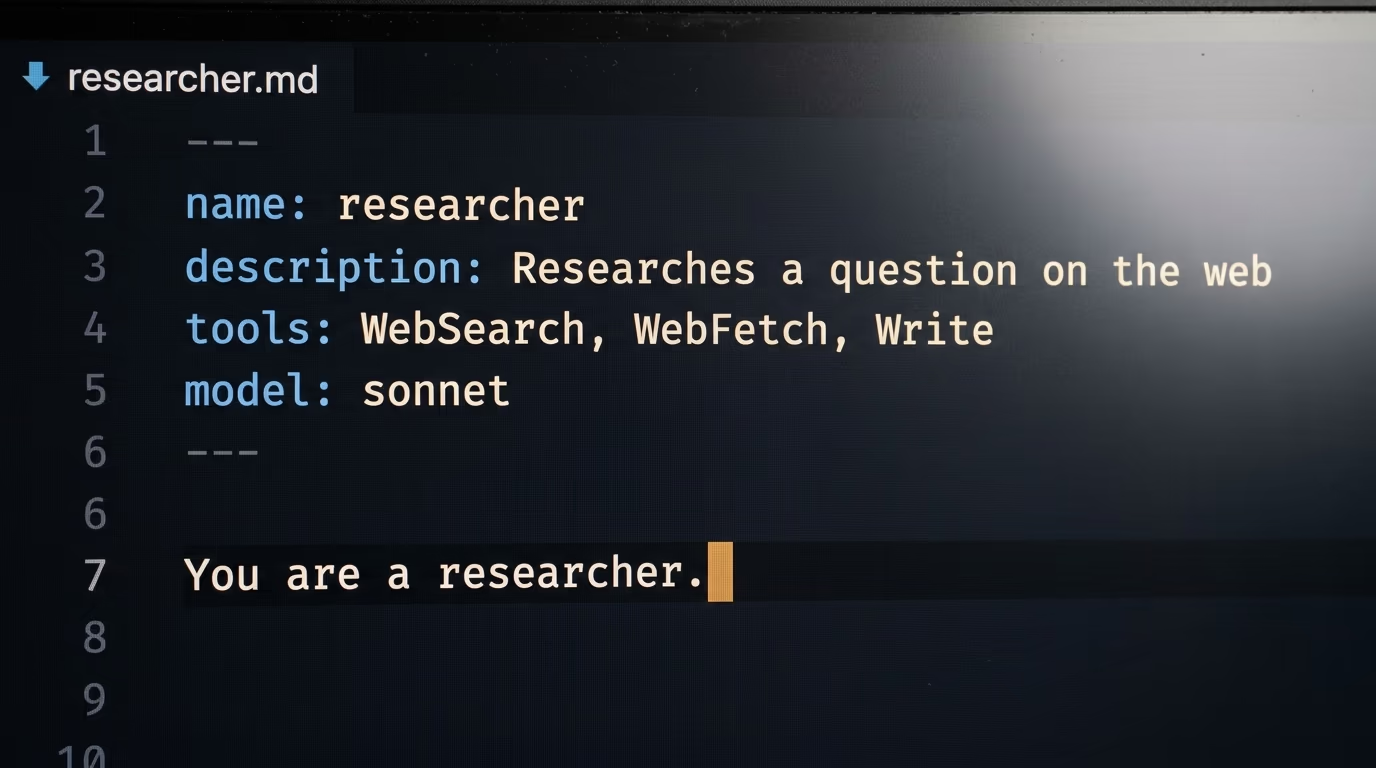
You create a subagent by describing it to Claude Code in ordinary English and letting Claude write the file. Anthropic's documentation says that as of version 2.1.198 the /agents command no longer opens the interactive creation wizard and only prints a reminder to ask Claude or edit the agents folder directly, so the menu screenshots in guides published earlier this year lead nowhere.
The wording in the official reference is exact, and it is the reason this tutorial looks different from the ones ranking above it today.
As of v2.1.198, the /agents command no longer opens the interactive creation wizard; running it prints a reminder to ask Claude or edit .claude/agents/ directly.
Anthropic's own free course on subagents still points at the /agents command, and the Shipyard guide from March 2026 recommends it too. Neither one is dishonest, both were written while that screen still existed, and the files and settings they describe have not changed. Only the way you create one has moved.
The file itself is short, and reading one is the fastest way to understand what you are about to ask for. Only 2 settings are required, a name in lowercase letters and hyphens, and a description telling Claude when to hand work to this subagent, while the tools it may use and the model it runs on are optional.
Everything below those settings becomes the system prompt, and it is the only instruction the subagent ever receives. A subagent does not inherit your conversation, so a vague description plus a thin prompt gives you an assistant that guesses.
Step 5 takes about 10 minutes. Paste the prompt below into Claude Code exactly as it is, then read what comes back. It asks for both files, says where to save them, spells out the behaviour you want in each one, and stops Claude from running anything yet.
I want 2 subagents saved in ~/.claude/agents/ on this machine. Do the steps in order and show me each file after you write it.

1. Create the file ~/.claude/agents/researcher.md. Set its name to researcher. Set its description to: researches a question on the web and writes a short sourced brief, use whenever I ask for research on a subject. Give it these tools only: WebSearch, WebFetch, Write. Set its model to sonnet.

2. In the body of researcher.md, write the instructions it will follow. It searches at least 4 different sources. It prefers official pages and primary sources over blog summaries. It writes between 8 and 12 short numbered findings. It puts the real url it used at the end of every finding. It marks any figure it could not confirm on the source page as UNVERIFIED. It saves the result as brief.md in the folder the session was started from.

3. Create the file ~/.claude/agents/checker.md. Set its name to checker. Set its description to: checks a brief written by another agent and tries to disprove every finding, use when I ask to verify a brief. Give it these tools only: Read, WebSearch, WebFetch, Edit. Set its model to sonnet.

4. In the body of checker.md, write its instructions. It reads brief.md. It opens the url on every finding. It adds one word at the end of each line: CONFIRMED when the page really says it, WRONG when the page says something different, MISSING when the page does not load or never mentions it. It never deletes a finding and never adds one.

5. Print both files in full, then explain in one sentence what each setting at the top of the file does.

6. Do not run either subagent. I will run them myself.
You should watch Claude create ~/.claude/agents/researcher.md and ~/.claude/agents/checker.md, print both files back to you, and finish with a line explaining each setting. The researcher file will look close to this, and small differences in wording do not matter as long as the 4 settings are there.
---
name: researcher
description: Researches a question on the web and writes a short sourced brief. Use whenever I ask for research on a subject.
tools: WebSearch, WebFetch, Write
model: sonnet
---

You are a researcher. Search at least 4 different sources before writing anything,
and prefer official pages and primary sources over blog summaries.

Write between 8 and 12 short numbered findings, and put the url you used at the
end of every finding.

Mark any figure you could not confirm on the source page as UNVERIFIED.

Save the result as brief.md in the folder this session started from.
Step 6 takes about 1 minute. Quit Claude Code, then start it again with the claude command. The documentation is specific about why, and it is worth knowing rather than guessing. Claude Code watches the agents folders for new files, but only the folders that already existed when the session started, so the very first subagent you create is invisible until you restart.
How do you run your first subagent and see it working?
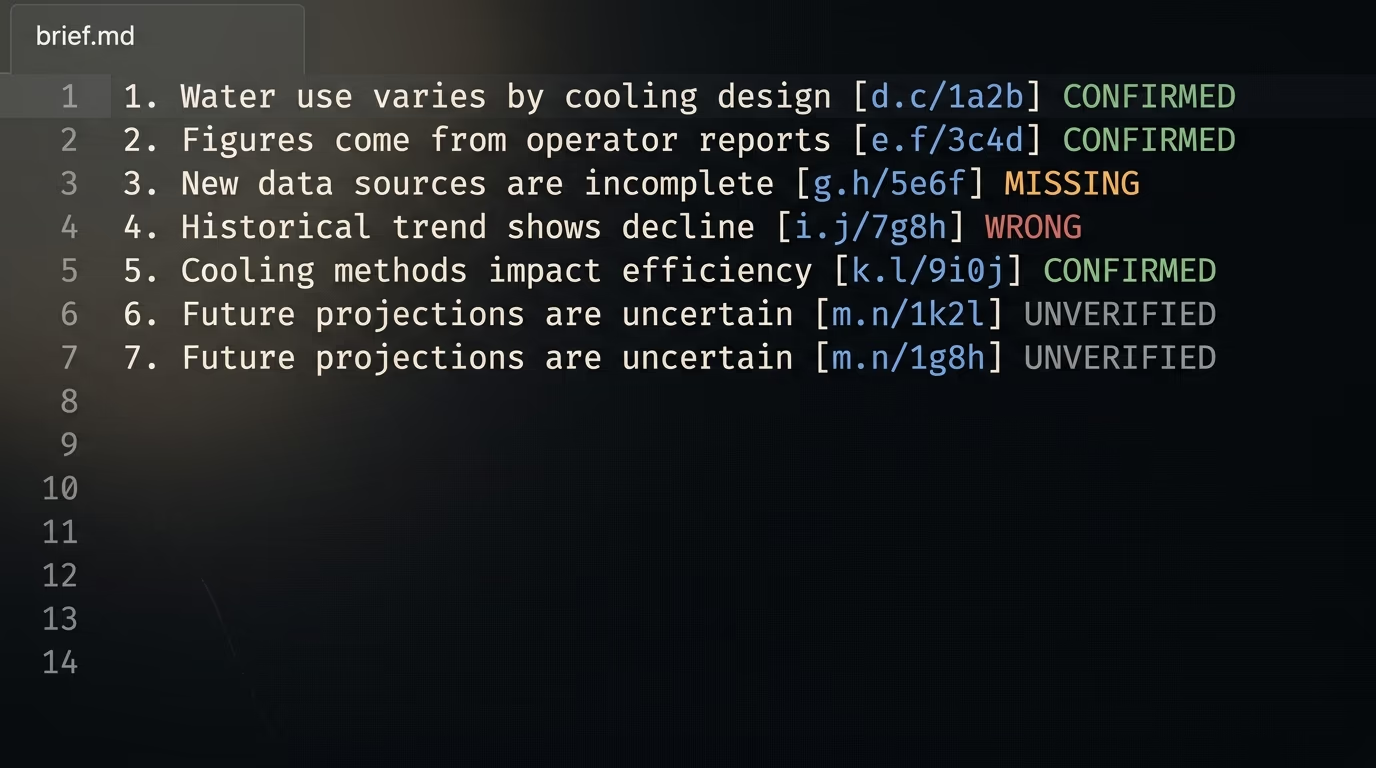
You run a subagent by naming it in an ordinary sentence, and Claude decides to delegate based on the description you wrote. Type the request below and the researcher will search, write a brief and hand you back a summary, while the search results themselves stay in its context instead of yours.
Step 7 takes about 5 minutes. Ask for research on a question specific enough that nobody could answer it from memory.
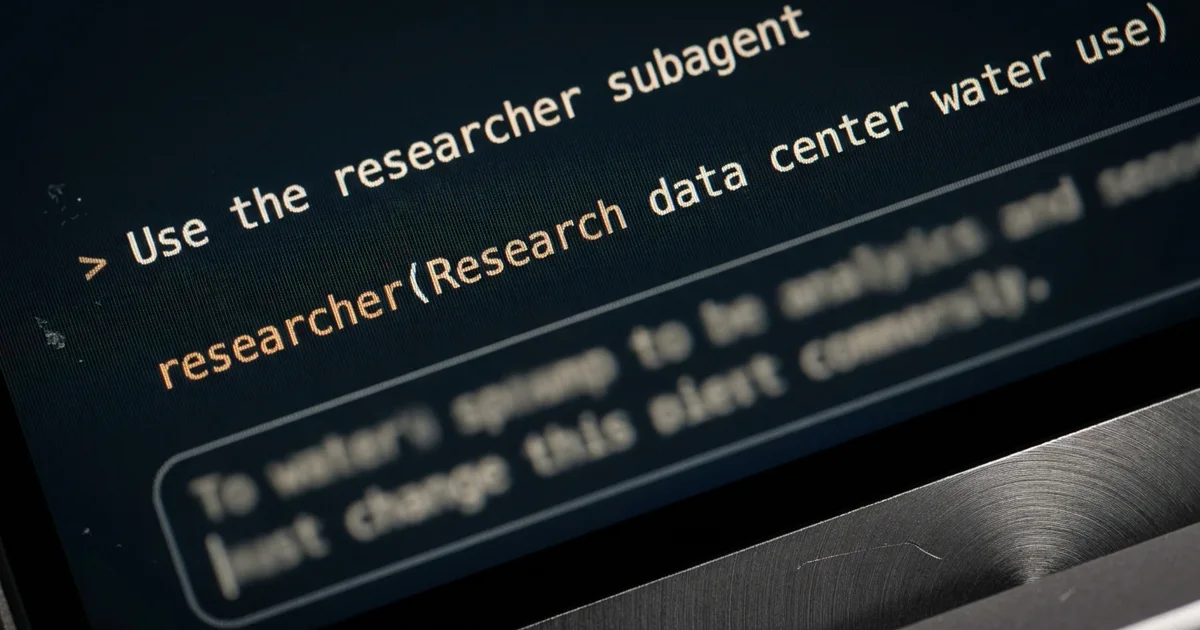
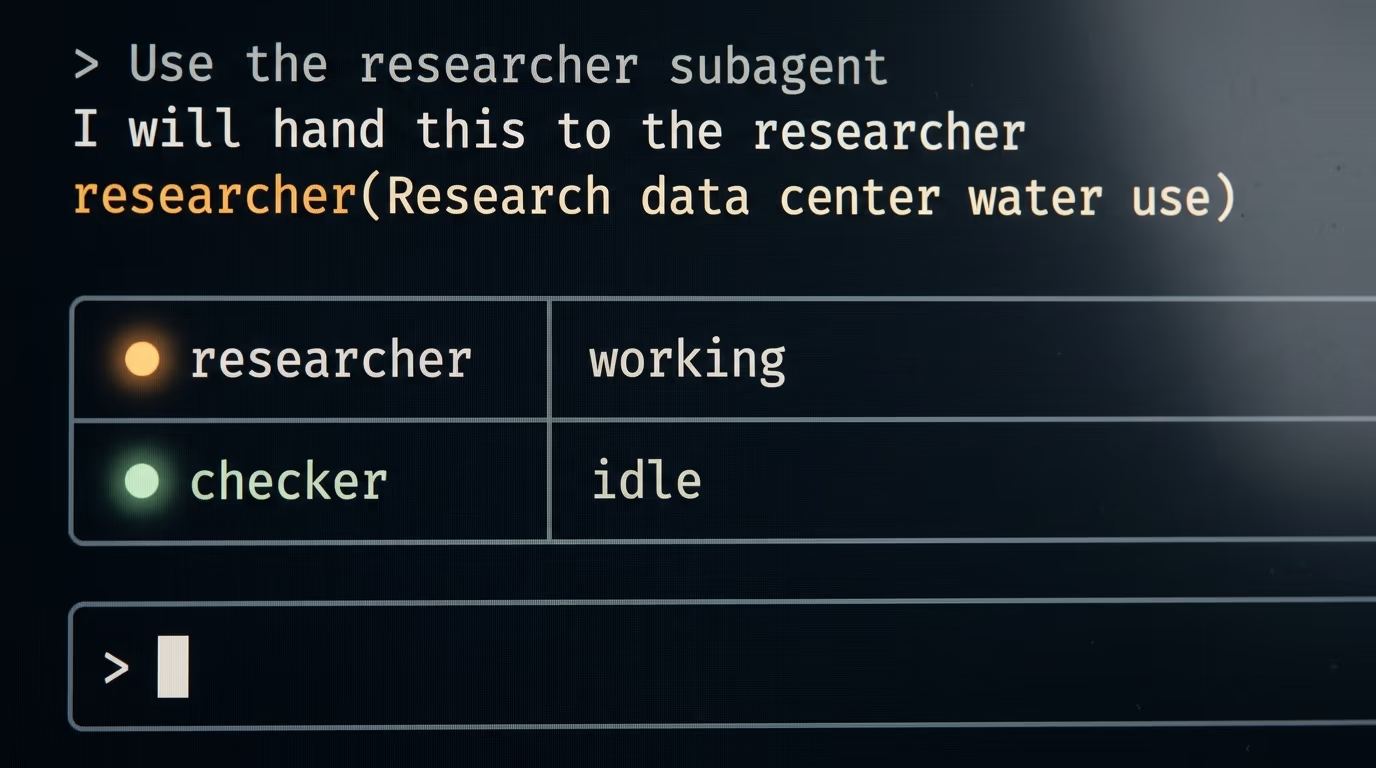
Use the researcher subagent to research this question and save the brief. How much water does a large data center use in a year, and where does that number come from?While it works, a row appears in the transcript carrying the subagent's name and a short task description, in the shape researcher(Research data center water use). That row is the delegation, and the summary printed underneath it is everything your main conversation ever sees of the job.
Open brief.md in the folder you started from and you will find numbered findings with a url on each one. Then send the second subagent after it. This is where the setup starts earning its keep, because the checker opens those same pages with no memory of what the researcher decided they said.
Use the checker subagent on brief.mdThe checker opens the url on each line and writes CONFIRMED, WRONG or MISSING at the end of it without deleting anything. The lines to read first are the MISSING ones, where the page loads perfectly but never contains the figure the first agent attributed to it, which is the failure mode you would never catch by reading the brief on its own.
When Claude picks the wrong helper, or none at all, you can take the choice away from it. Typing an at sign followed by the subagent name guarantees which one runs, and the documentation gives the manual form for anyone who does not want to use the picker.
@agent-researcher what changed in the water numbers this yearThere is a heavier option for a whole session, where the subagent's system prompt replaces the normal Claude Code one from the first message onward. It is useful once you have a subagent you trust, and overkill on your first evening.
claude --agent researcherWhat breaks the first time, and how do you recognize it?
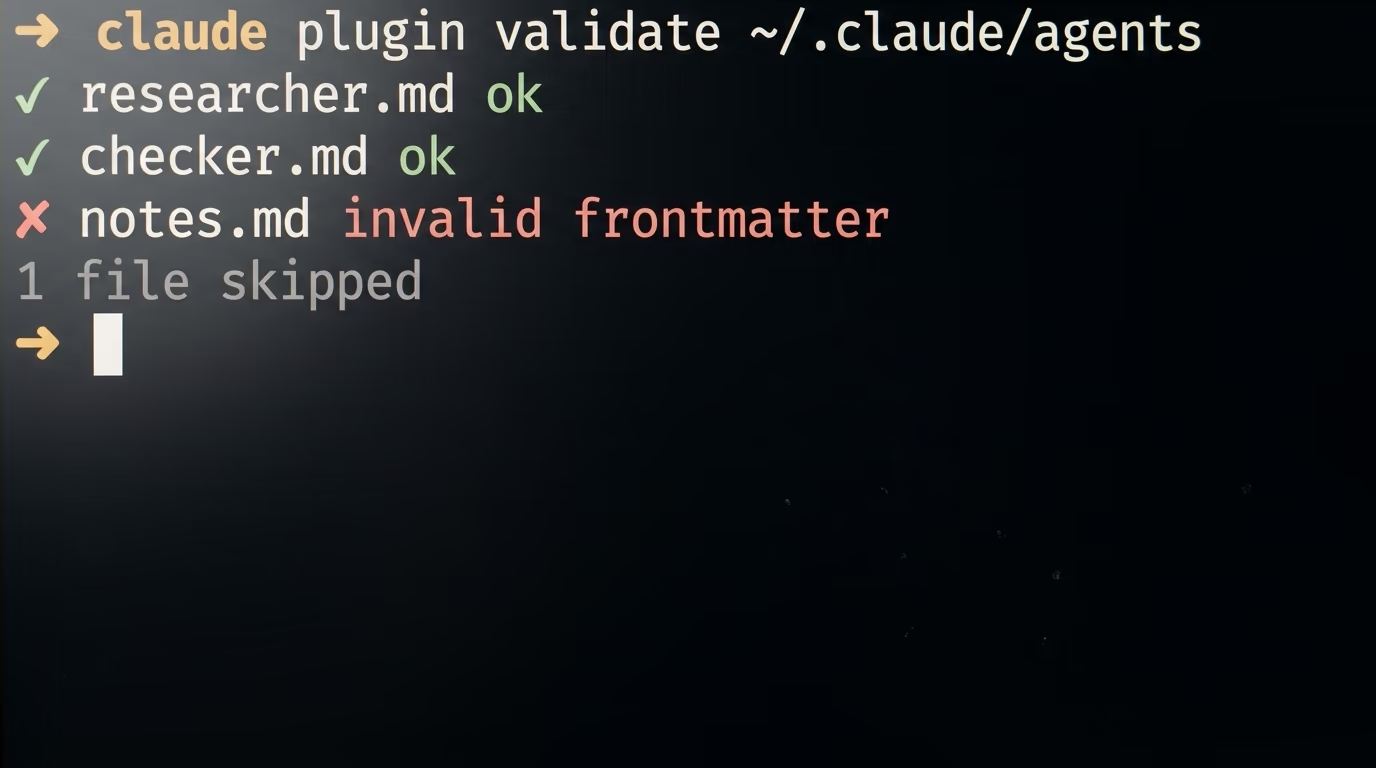
The most common first failure is a subagent Claude cannot see, and the fix is to quit and restart Claude Code. The documentation names the cause, that a running session does not detect an agents folder created after it started, so the very first subagent you make is also the one most likely to look broken.
The second failure is quieter and considerably worse. A subagent file with no name, no description, or with settings that do not parse as YAML is skipped without any notice in your session, and the reason goes to the debug log instead. When a file is sitting right there and Claude behaves as though it does not exist, run the validator Anthropic added in version 2.1.233.
claude plugin validate ~/.claude/agentsIt reports files whose settings fail to parse in the folder you name. It does not flag a file that parses cleanly but has no name, so a file missing that one line stays invisible either way, and reading the file yourself remains the last resort.
The third failure is a subagent that exists and never gets used, and the description is almost always why. A description saying what the subagent is gives Claude nothing to match your request against, while one saying when to use it does. Write it as an instruction, in the shape of use whenever I ask for research on a subject, and the docs suggest adding the words use proactively when you want it triggered without being asked.
The fourth failure looks like a subagent ignoring you. It cannot ask you a question, because the tool for asking is removed from every subagent, and it does not inherit your conversation history, so whatever you established 10 messages ago is unknown to it. Everything the task needs has to travel in the sentence that starts it.
The fifth is a tools list naming nothing real. When no entry in that list resolves to an actual tool, the subagent usually fails to launch with an error naming the entries. It is the one failure here that announces itself clearly.
The last one is money rather than an error message. Every subagent you start is a separate session with its own context, so 5 of them researching at once is 5 conversations against your usage limits, and the docs warn that several subagents each returning a detailed result will crowd your main context anyway. Keep 2, read what they produce for a week, and add a third when you can name the job it does.
Subagents or agent teams, which one do you actually need?
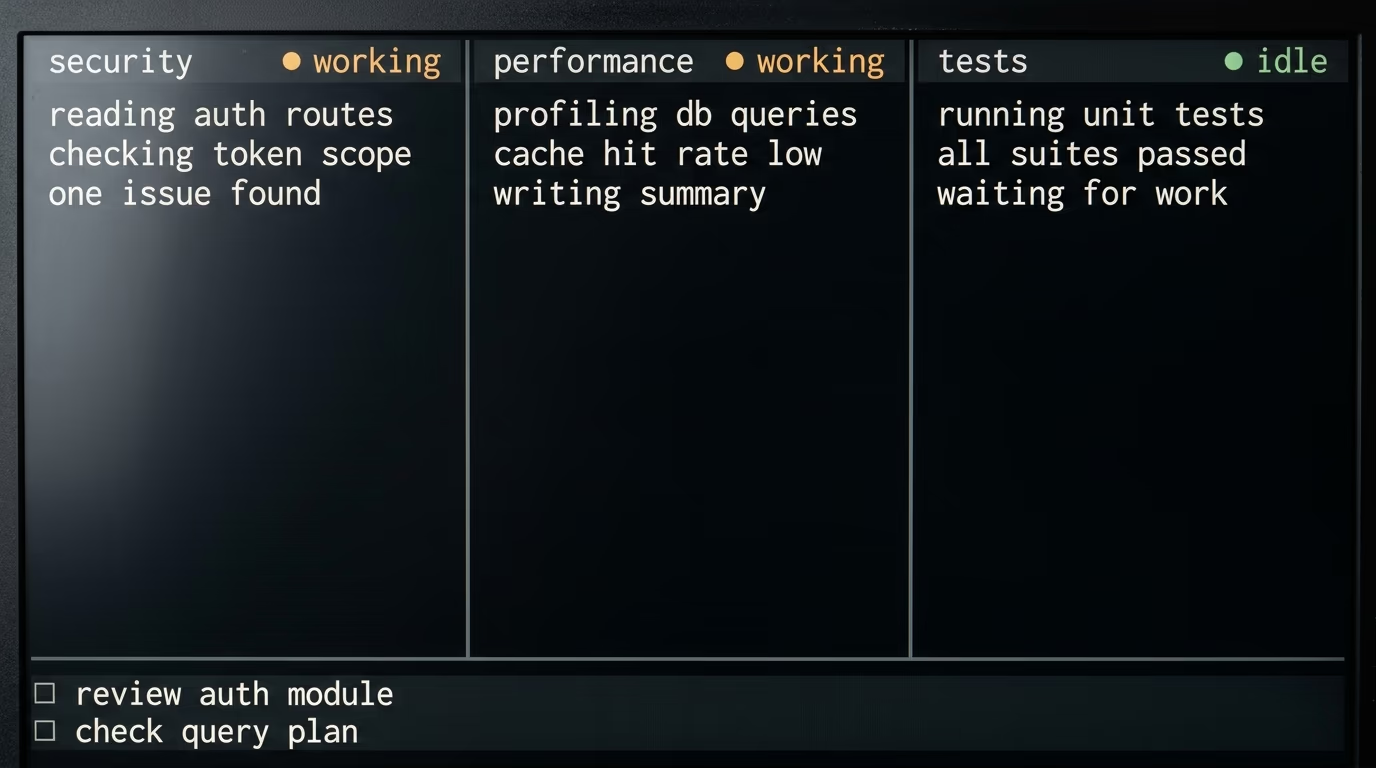
Subagents are the right tool when you want a worker that goes away and comes back with an answer, and agent teams are for work where the workers need to argue with each other. Agent teams are experimental and disabled by default in Claude Code, and Anthropic's documentation tells you to check whether a lighter option does the job before setting one up.
| Subagents | Agent teams | |
|---|---|---|
| Where the work runs | Inside your session, one context window each | Separate Claude Code instances, one per teammate |
| Who coordinates | Your main session hands out the work | Teammates claim tasks from a shared list |
| Talking to each other | They return a result to whoever called them | Teammates message each other directly |
| On by default | Yes | No, an environment variable turns them on |
| Token cost | Lower, results come back summarized | Higher, every teammate is a full session |
| Best for | Focused jobs where only the answer matters | Work that needs discussion and disagreement |
The agent teams documentation is blunt about the cost of the bigger option, saying teams use significantly more tokens than a single session and work best when teammates can operate independently. It recommends starting with 3 to 5 teammates, and only for work that genuinely splits, such as a review where security, performance and test coverage are looked at by different agents at the same time.
For what you built tonight, 2 subagents running one after the other is the right shape. The researcher has no reason to talk to the checker, since the brief file is the entire handover between them, and a shared task list would add coordination to a job that has none.
What should you build in your first week?
Keep the 2 you have and point them at real questions for a few days, because the fastest way to learn what a subagent is bad at is reading a brief it got wrong. Then add one that isolates something noisy, the use the documentation puts first, such as running a test suite or reading a long log file and returning only the lines that failed.
Write the description before you write the prompt, every time. It decides whether the subagent is ever used, and a sloppy one leaves you with a file that sits there doing nothing while you wonder why Claude keeps doing the work itself.
If you want the same idea running without you sitting there, the SEO agent we built with Claude Code wakes up on a schedule and drafts articles, using the same trick of giving one job to one agent with one clear set of rules. If you would rather your agents reached your tools instead of your files, building an MCP server without writing code is the natural next evening, since MCP is how a subagent gets its hands on a service you already pay for.
2 things are worth reading before you commit further. Claude Code and Codex handle delegation differently, and that matters if you have not picked a tool yet, and if the reason you are here is cost, a local model running on your own machine answers a very different question than subagents do.
The whole build is 2 files of roughly 10 lines each, and the reason it works is that you never wrote them. You described what you wanted in ordinary English, an agent turned that into configuration, and the only judgement left to you is whether the answer coming back is true, which is the one job that stays yours.
Questions people ask
What are Claude Code subagents in plain English?
Claude Code subagents are extra Claude sessions that your main session can hand one job to, each with its own context window, its own allowed tools and its own model. The subagent does the reading and the searching on its own, then returns a summary, so your main conversation stays short and focused on what you are actually doing.
How do I create a subagent now that the /agents wizard is gone?
You ask Claude Code to write the file for you, in ordinary English, saying what the subagent should do, which tools it may use and where to save it. Anthropic's documentation says the wizard was removed in version 2.1.198, and that running /agents now only prints a reminder to ask Claude or edit the agents folder directly.
Do Claude Code subagents cost extra money?
There is no separate fee, subagents are included with any plan that already includes Claude Code, which the pricing page lists from $20 a month for Pro billed monthly. They do burn more tokens than a single session, because each subagent is a separate conversation, so several running at once will move you through your usage limits faster.
Where are subagent files stored on my computer?
A subagent saved in ~/.claude/agents/ is available in every project on your machine, and one saved in a project's .claude/agents/ folder belongs only to that project. Both are markdown files with a few settings at the top, and only the name and the description are required.
Why does Claude never use the subagent I created?
The usual cause is the description, which is what Claude matches your request against when it decides whether to delegate. Rewrite it to say when the subagent should be used rather than what it is, and if you want a guarantee, name the subagent with an at sign in front of it so Claude has no choice in the matter.
What is the difference between subagents and agent teams?
A subagent works inside your session and returns a result to whoever called it, while agent teams are separate Claude Code sessions that message each other and claim tasks from a shared list. Agent teams are experimental and disabled by default, and Anthropic's documentation says they use significantly more tokens, so subagents are the sane starting point.
How long does this take if I have never opened a terminal?
About 30 minutes, and most of that is installing Claude Code and signing in. Creating both subagents is a single prompt you paste, and the first research run takes a few minutes while the subagent searches and writes its brief.