TutorialsAugust 28, 202613 min read
How to build an AI agent for SEO with Claude Code
An AI agent for SEO that picks keywords from real data, writes the draft and reports on Telegram every morning. The full build, the master prompt, and what a $20 plan really covers.
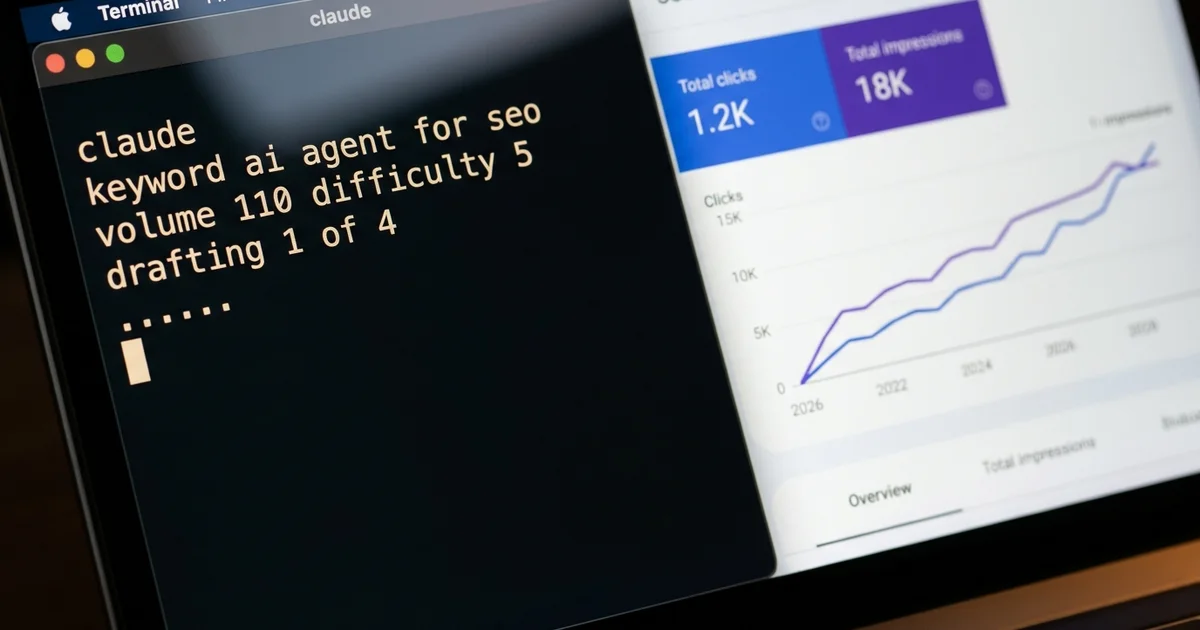
An AI agent for SEO is software that picks its own keyword from real search data, checks whether your site can realistically rank for it, writes the draft, generates the images and saves the whole thing for a human to approve. Mine runs on a Mac 6 nights a week, it has drafted 70 articles and 65 pages across my 4 sites in 2 months, and the writing costs no API money at all because it runs on a Claude subscription I was already paying for.
I did SEO by hand for 16 years and it ate the hours I wanted to spend building products, so I stopped writing and handed the job to an agent that lives on my machine. What follows is the whole build, and the only thing you copy is a prompt written in plain English. The coding agent writes every script itself, asks you for each credential at the moment it needs it, and tests each piece in front of you, which is the reason somebody who has never opened a terminal can finish this tonight.
Every price below was checked against the vendor's own page while this was written, the master prompt is printed in full further down, and so are the 4 failures that produced the rules. Those failures are the reason the machine works at all, and skipping them is how you end up with a folder of drafts nobody ever reads.
What does an AI agent for SEO actually do every night?
An AI agent for SEO wakes at a fixed hour, picks one keyword from DataForSEO and Google Search Console, reads the live top 10 for it, writes about 2,500 words with its own images, saves the piece as a draft and sends me a summary on Telegram in the morning. Nothing goes live on its own, and my whole job is reading the report with coffee and pressing publish on what deserves it.
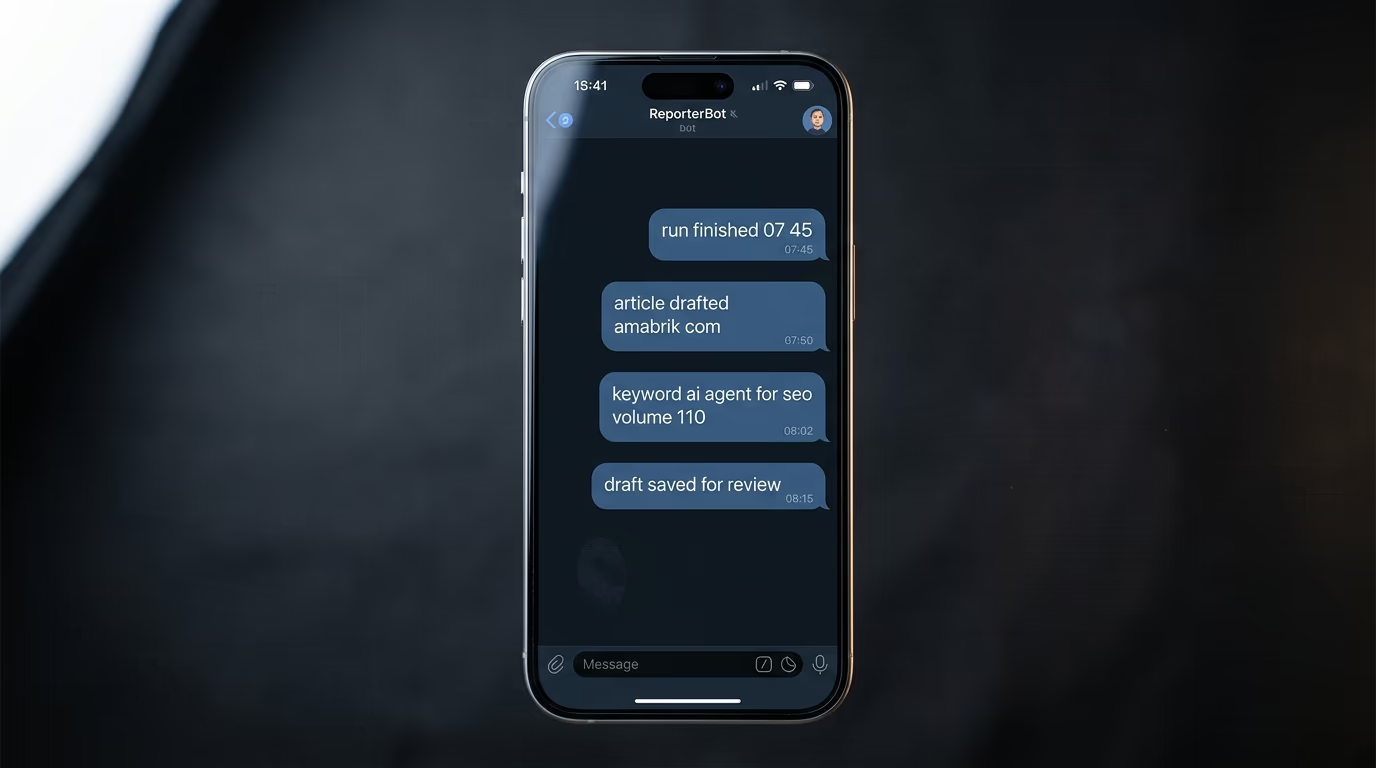
The week is split by intent. Monday, Wednesday and Friday are article nights, aimed at people asking questions, and Tuesday, Thursday and Saturday are page nights, aimed at people ready to buy. Sunday at 02:00 the agent runs an optimization pass instead of writing anything new, and a small daily job submits every freshly published url to Google and Bing rather than waiting weeks to be found.
In 2 months that rhythm has produced 70 article drafts and 65 page drafts across my 4 sites, every keyword taken from real search data, every image generated during the run. What matters more than the count is that the work happens whether or not I feel like writing, and my own review takes about 15 minutes a day.
This is worth building if you own a site, know roughly who buys from you, and keep losing the evening you meant to spend writing. It is not worth building if what you actually want is a button that publishes without a human reading the output, because that button is how sites get buried, and the gates in this build exist precisely to stop you from pressing it.
What do you need to build an AI agent for SEO, and what does it cost?
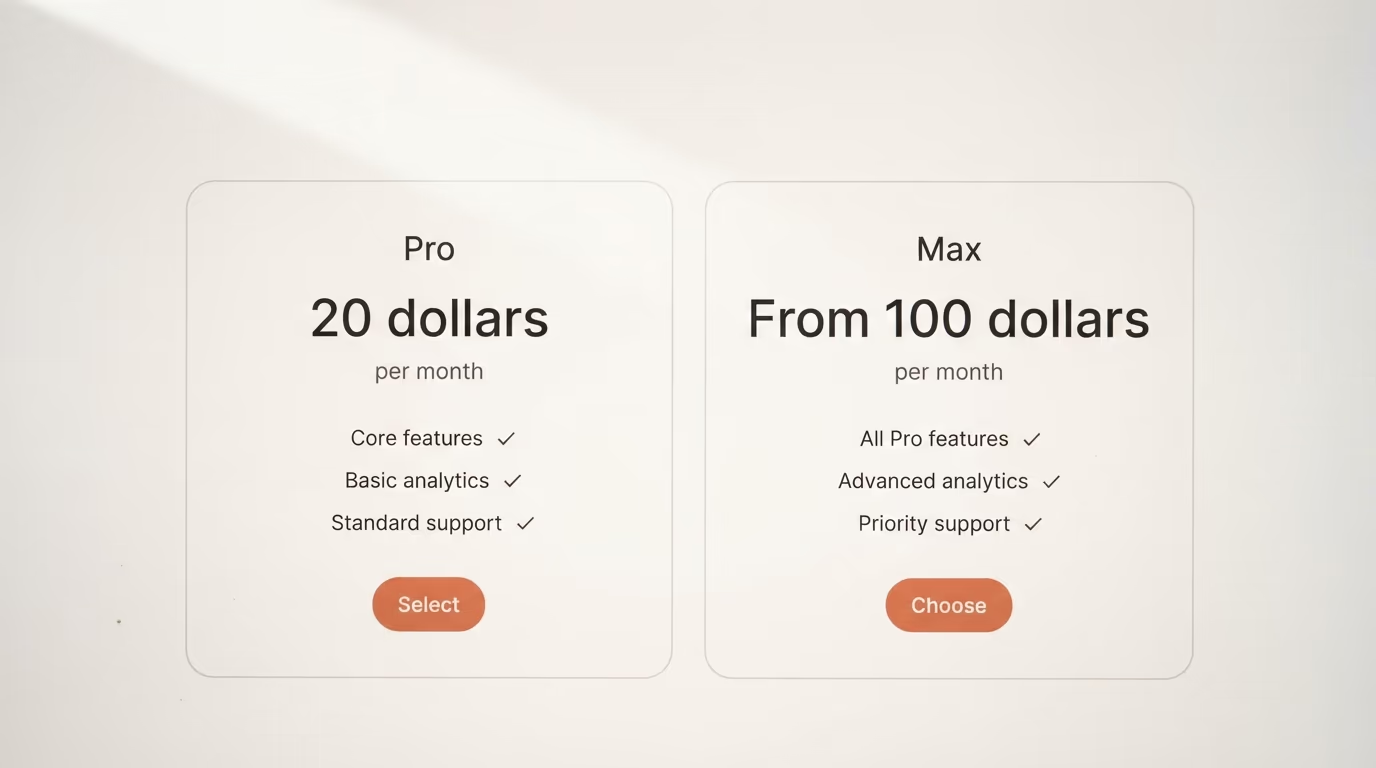
Building an AI agent for SEO takes 7 things, 3 of them free, and the smallest working setup is a computer you already own plus a Claude plan at $20 a month. Everything else is either free or measured in cents, and there is no API bill for the writing itself because the subscription covers it.
| What you need | What it costs today | What it replaces |
|---|---|---|
| A computer that stays on | nothing if you own one, no GPU needed | a rented server |
| Claude Code and a Claude plan | Pro at $20 a month, Max from $100 | the writer and the researcher |
| A DataForSEO account | pay as you go, $50 minimum payment | a keyword research subscription |
| Google Search Console | free | a rank tracker |
| A Gemini API key for images | about $0.13 a hero image, $0.03 a section image | a stock photo plan |
| A blog it can write into | whatever you already run | nothing, you keep your site |
| A Telegram bot | free | your inbox |
Claude Code is Anthropic's terminal agent and it is included in the Pro plan, which claude.com lists at $20 if you pay monthly and $17 a month on the annual billing. The free plan does not include Claude Code at all, which the setup documentation states outright, so this is the one thing you cannot avoid paying for. Pro is enough to run one site properly. My 4 sites run on the Max plan, which the same page lists as starting at $100 a month, and I want that difference stated in full rather than averaged into a friendlier number.
DataForSEO is where the real keyword numbers come from, meaning volume, difficulty and cost per click. Its pricing page describes a pay as you go model with a $50 minimum payment, and a Google organic results request costs $0.0006 in the standard queue or $0.002 for the live version that answers in seconds. A nightly run makes a handful of those calls, so the deposit lasts a long time.
Google Search Console is free, in Google's own words a free service that helps you monitor, maintain and troubleshoot your site's presence in search results, and it is how the agent sees what you already rank for. Images come from the Gemini API, where the model people call Nano Banana Pro is listed at roughly $0.134 for a 1K image and the lighter flash model at roughly $0.0336, with no free tier on either. Telegram costs nothing, and its own documentation says the bot platform is free for users and developers.
How does the machine work from the clock to the draft?
This kind of SEO agent has only 3 moving pieces, a clock that starts a job each night, a folder of plain markdown rules that holds everything it knows about your site, and one command per job. Once you can redraw those 3 on paper, nothing about the build is mysterious any more.
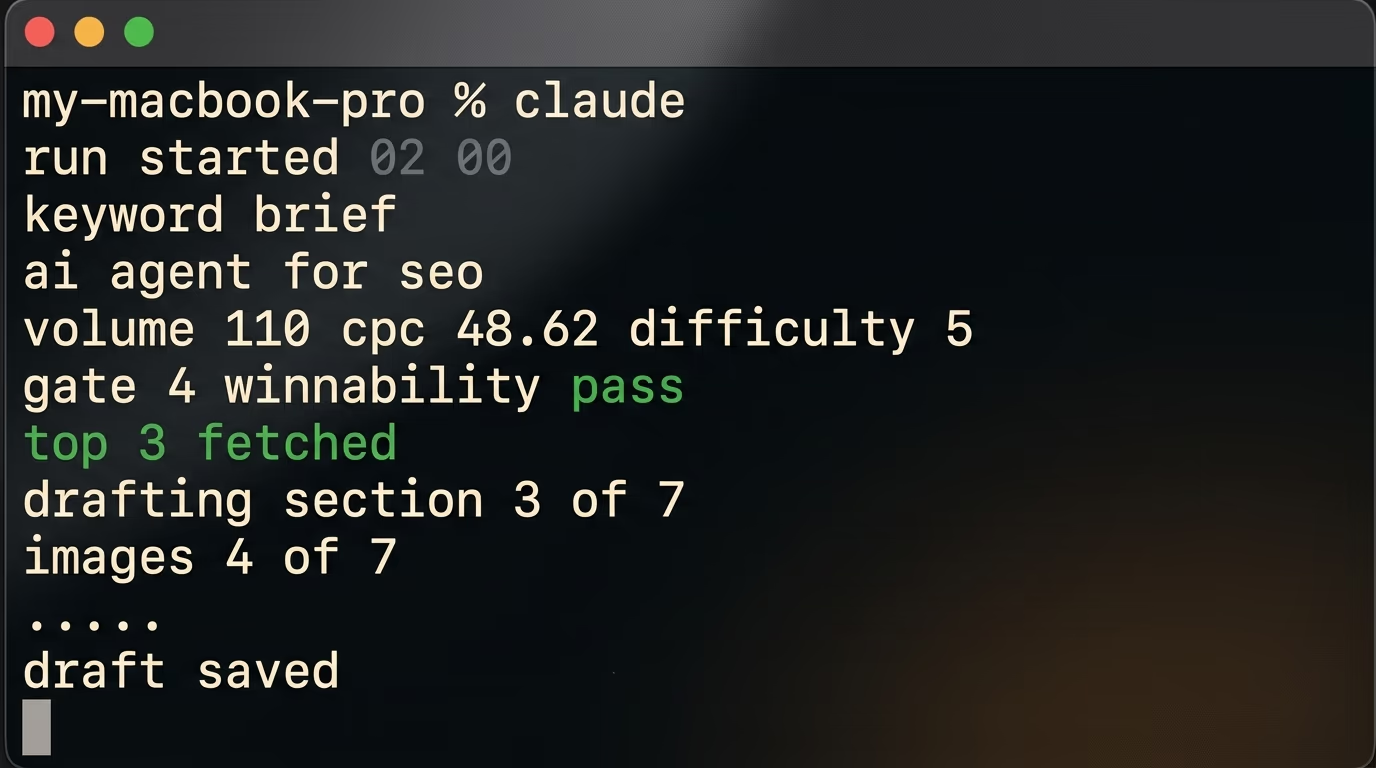
The clock comes first, with 6 scheduled jobs, one per night. Each job runs a single command, the Claude Code binary with its print flag, which the official CLI reference documents as printing a response without interactive mode. That flag is what makes the agent headless, meaning it works alone and never waits for an answer nobody is awake to give. On a Mac the scheduler is launchd and on Linux it is cron, and you never write either file yourself because the agent writes it from your prompt.
The knowledge lives in markdown files called skills, and this is where the value actually sits. One engine file holds the method, meaning how to pick a keyword, how to write, and how to make an image. One small config file per site holds the identity, so the domain, the audience, the tone, the topic clusters and what the agent is allowed to publish alone, which in my case is pages yes and articles never. When the agent gets something wrong I do not retrain anything, I edit a text file, and my engine file today is a written record of every failed run.
An autonomous agent with write access deserves respect, so 4 rules keep mine harmless. Articles are always saved as drafts and a human presses publish. Every secret lives in one .env file that the scripts read at runtime, and the agent's instructions forbid printing, copying or committing anything it contains, so no credential ever lands inside an article or a commit. Every run has a hard timeout and writes one status line to a log, and a failure rings on Telegram instead of passing in silence. And the agent runs with limited permissions rather than full access, which is the setting I would never widen on a machine holding my credentials.
Which 5 gates decide the keyword before anything is written?
The 5 gates are relevance, verified volume, intent, winnability and cannibalization, in that order, and a keyword that fails any one of them is dropped rather than argued with. The agent is forbidden from inventing a keyword because it sounds right, which is the single rule that separates this from a content spinner.
- Relevance, meaning would somebody searching this plausibly become a customer of yours
- Verified volume, because a keyword with no confirmed searches in DataForSEO gets no article
- Intent, where question keywords become articles and buying keywords become pages, confirmed by reading the live top 10
- Winnability, where a new site targets difficulty 25 or under and walks away from a results page full of famous brands
- Cannibalization, checked against the sitemap, the unpublished drafts and Search Console before the keyword is locked
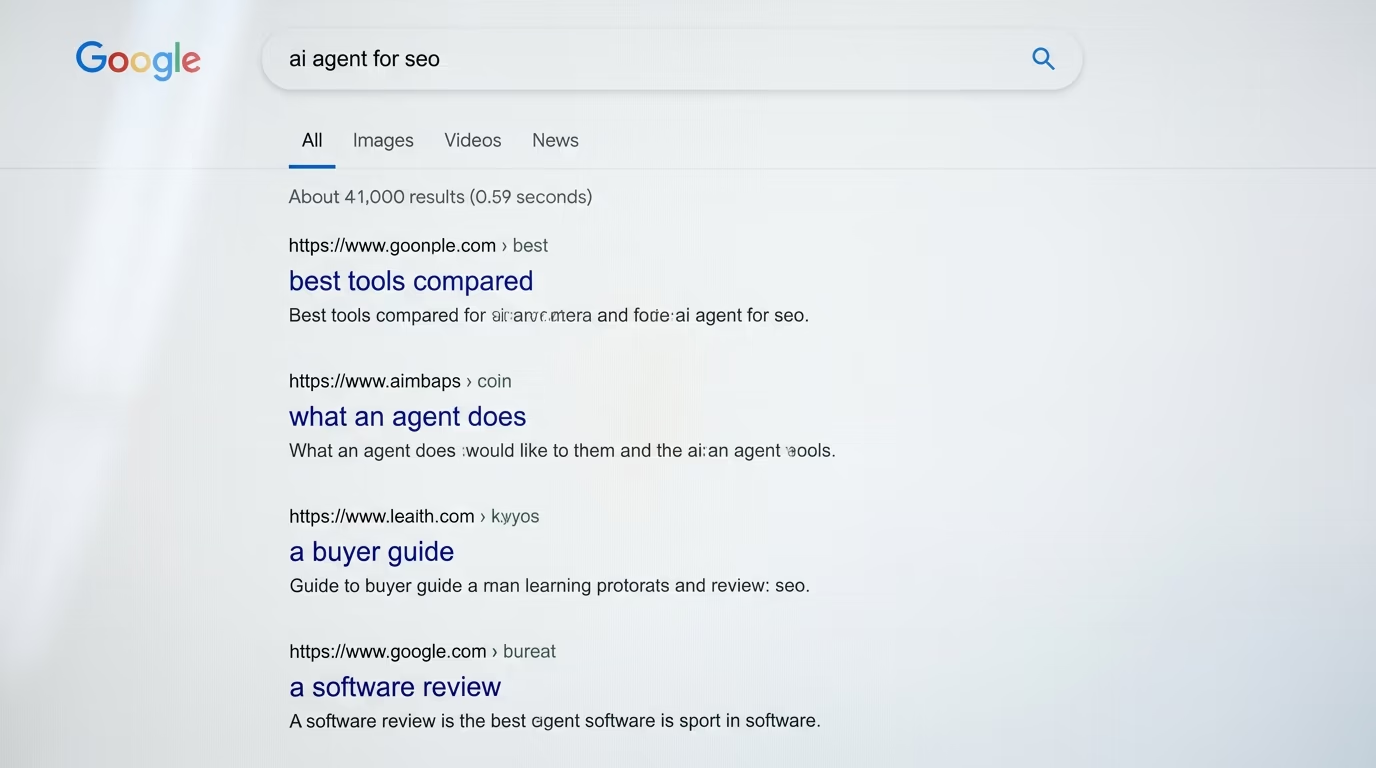
Gate 4 is the one that changed my results. Written into my engine file exactly as it stands, the rule says a difficulty 9 keyword at 300 searches beats a difficulty 60 keyword at 5,000, because you will actually rank for the first one and you will sit on page 6 for the second. The keyword this very article targets went through the same door, and DataForSEO reports 110 searches a month in the United States for ai agent for seo, a difficulty of 5 and a cost per click of $48.62, which is a small audience with real commercial value and a fight a young site can win.
Once a keyword survives, the agent reads the top 3 ranking pages and writes 3 things, a map of everything they cover, a list of what they miss, and one sentence answering why anybody would read ours instead. If it cannot write that sentence honestly, it drops the keyword and moves on. For this piece the answer was easy, because the pages ranking today either sell a hosted agent or list 10 products with prices, and none of them hands you the prompt that builds one.
The fastest results come from keywords you almost rank for already. Search Console shows where you sit between position 5 and 20, and a targeted improvement on those pages can move them into the top 3 within weeks, so the agent hunts them before it goes looking for anything new. That is ranking you already earned and simply have not collected yet.
Which rules keep the writing from reading like a robot?
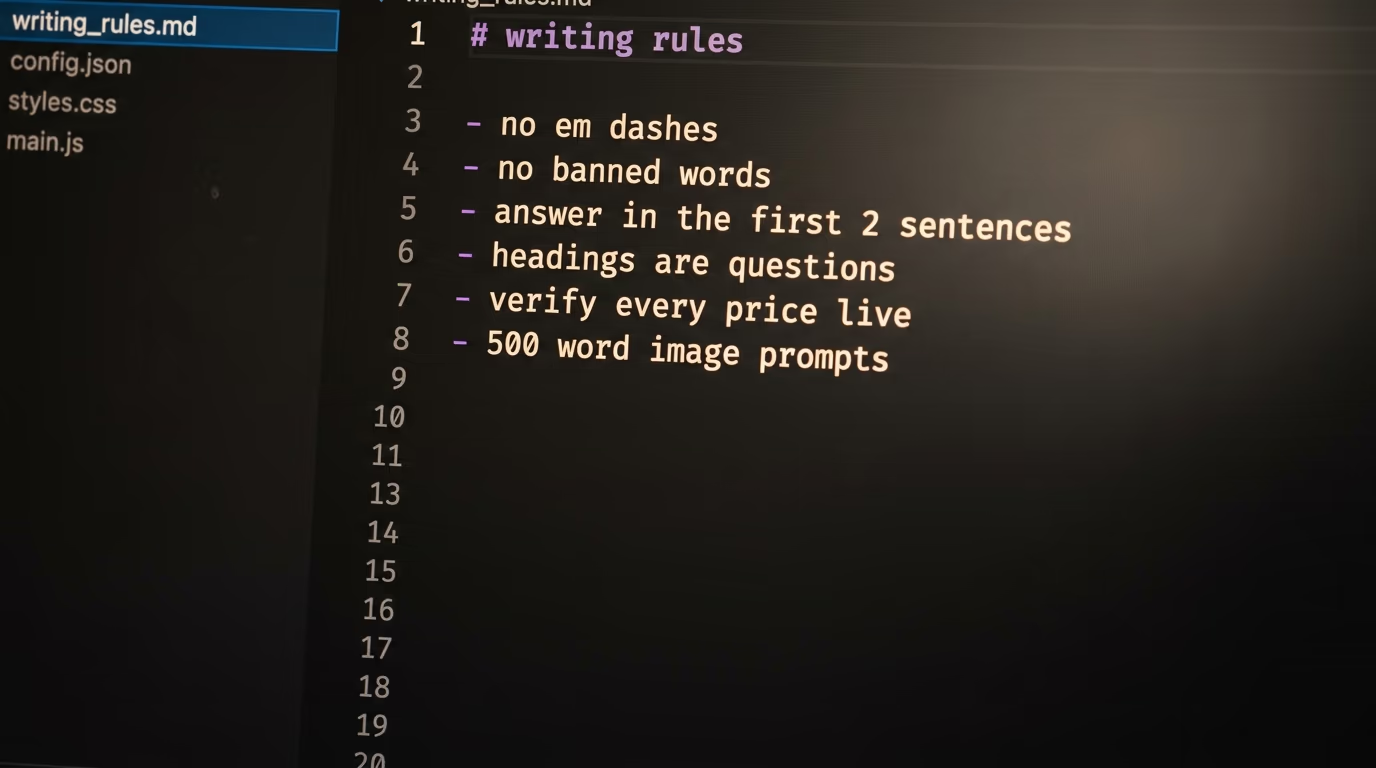
The engine file, which is the agent's own rulebook, bans the em dash, bans the pattern where a clause dismisses one idea in order to sell a bigger one, bans a list of about 40 words that machines love, caps the statistics per article, forces a direct answer in the opening sentences, forces H2 headings phrased as real questions and forces an FAQ built from what people actually ask. Readers and search engines both smell machine text, and these bans are the cheapest defence there is.
Those structural rules are not decoration, they are answer engine optimization. The direct answer at the top is the exact block ChatGPT and Perplexity lift when they quote a page, the question headings and the FAQ mirror the way people ask an assistant, and the agent adds the matching schema markup so a machine knows what the page answers. One piece of writing does both jobs, so the same page can rank in Google and get quoted by an assistant.
2 dedicated skills then run on every draft, and this is not optional in my setup. An anti slop skill carries the bans and runs while the text is being written, and a humanizer skill rewrites whatever still sounds mechanical afterwards, built from the public list of signs of AI writing that Wikipedia editors maintain. Prevention while drafting plus cleanup after catches far more than either does alone.
The biggest rule of all is that every price, date and number gets checked against a live source during the run or gets deleted, and an article with 3 verified facts beats one with 10 plausible guesses every time. This matters for ranking too, because Google's spam policies define scaled content abuse as using generative AI tools or other similar tools to generate many pages without adding value for users. The line they draw is about value to the reader, not about the tool you used, which is exactly where the gates and the verification rule keep you.
Images get the same discipline, so each piece gets a hero and one image per section, and the prompts are the opposite of asking for a nice blog image. Mine run 500 words minimum, describing the literal subject, the composition, the light, the camera, and ending with a list of what is forbidden, meaning no glowing orbs, no padlocks and no metaphor standing in for the thing itself. Long prompts are the difference between images that look generated and images that look art directed.
What broke before this worked?
Every rule above exists because I shipped without it first and paid for it. There were 4 failures worth naming, and each one turned into a line in the engine file that the agent now cannot get around.
My first agent invented its own keywords because they sounded right, and the articles ranked for nothing at all, since nobody was searching those phrases. That is where the data only rule comes from, and no verified volume now means no article, however good the title looks. It cost me several weeks of nightly runs producing pages that could never have worked.
Then I let it chase big keywords, and the drafts landed on page 6 behind sites with 15 years of authority, which is the same as not existing. That failure built the winnability gate, and it is the rule I would tattoo on every new site owner. A young domain gets long tail keywords or it gets nothing.
Then came the robot voice, with articles that were factually correct and completely dead on the page, full of em dashes and bullet lists, with statistics stacked to look credible. I turned everything I hated about them into a banned patterns list that now runs automatically on every draft, which works far better than telling a model to write casually. My early images failed the same way, generic abstract nonsense, until I understood that image models reward obsessive detail, and that is how the rule about 500 words of prompt was born.
How do you set this up yourself tonight?
The whole build takes about an hour, spread over 5 steps, and the only long block you copy is a prompt in plain English. Read what the agent builds as it goes, and paste your keys only into the file it creates for them.
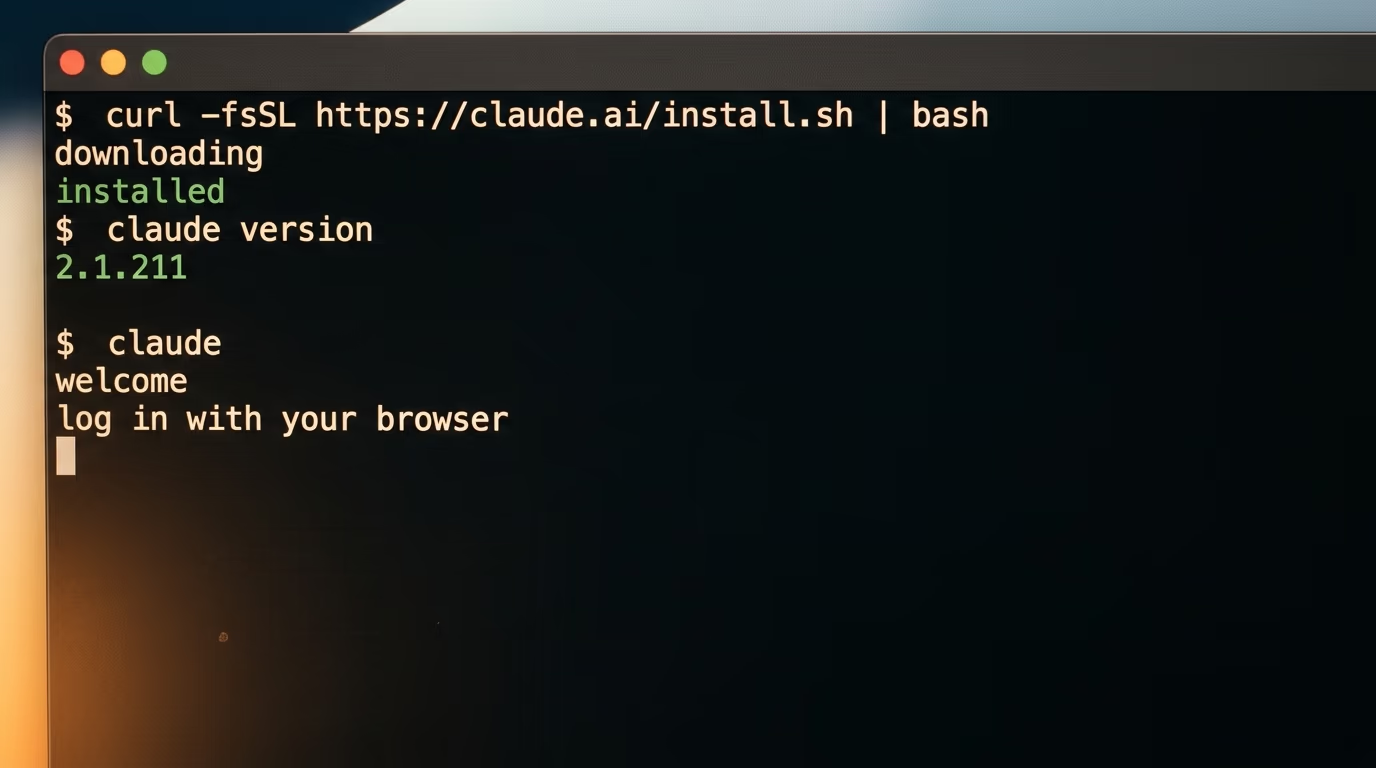
Step 1 takes about 10 minutes and installs Claude Code. On a Mac, on Linux or inside Windows Subsystem for Linux, the documented installer is one line, and it needs macOS 13 or newer, Ubuntu 20.04 or newer, and 4 GB of memory.
curl -fsSL https://claude.ai/install.sh | bashThen confirm it landed and start it. The first command should print a version number such as 2.1.211, and the second opens a session and sends you to your browser to log in with the Claude account you pay for.
claude --version
claude
Step 2 takes about 10 minutes and creates the accounts, meaning a DataForSEO account, Search Console if your site is not connected yet, a Gemini API credential for the images, and a Telegram bot. For the bot you message BotFather inside Telegram and send the command newbot, which asks for a name and a username and then hands you a token. You will end up with 4 secrets in total, and you paste none of them anywhere yet.
Step 3, about 30 minutes, and this is the step that makes the build beginner proof, because you install real rules rather than a summary of them. I packaged the exact engine my agent runs each night, cleaned of my own site names, and it sits in a public repository under the MIT license with the engine skill and the templates inside. It is free and it lives at github.com/DigiHold/seo-agent-pack.
Open that page, click the green Code button, choose Download ZIP and unzip it into a new folder. Open a terminal in that folder, start Claude Code with the claude command, then paste the prompt below exactly as it is. It runs top to bottom, stops at each step, and asks you for what it needs when it needs it.
You are setting up my autonomous SEO agent on this machine, using the SEO Agent Pack in this folder. Work step by step, test each piece in front of me before moving on, and never publish anything live.

1. Install the engine. Copy skills/seo-engine into my Claude skills folder, read its reference files, and tell me in 5 lines what the keyword gates, the competitor pass, the writing rules and the image method say.

2. Build my site config from the template by interviewing me. Ask for my domain, who buys from me, my voice, 3 to 5 topic clusters, my image palette, my currency, what you may publish alone, and where my blog lives on disk or behind which API.

3. Create the .env file from the template. Ask me to paste each key into that file myself, one at a time, and never print, copy or commit anything it contains.

4. Write and test a small script that asks DataForSEO for the volume, the difficulty and the live top 10 of one keyword I give you. Show me the raw result before you write anything else.

5. Walk me through connecting the Google Search Console API in plain words, naming the exact buttons I have to click, then test it with one real query and show me the rows. Say clearly when it is my turn to act in the browser.

6. Write and test the image script with my Gemini key. Generate one image from a 500 word prompt and open it so I can judge it.

7. Connect Telegram. Tell me to send any message to my own bot, then find my chat id yourself and send me a test message.

8. Write the daily indexing job. It reads my sitemap, submits new and updated published URLs to Google through the Search Console API and to Bing through IndexNow, generates the IndexNow key file and places it at my site root, and once a week it submits the sitemap and reports which pages are still not indexed.

9. Install the nightly run prompt and the schedule from the templates, both disabled, and show me the files before anything is enabled.

10. Finish with one full manual run on a single keyword, end to end, and show me the draft, the images and the status line. Stop there and wait for my review.
Step 4 takes about 5 minutes, and when the setup finishes you ask for a real run and watch what comes out, because this is the moment you find out whether your config describes your site properly.
Run the nightly job once now, in front of me, on the keyword we tested. Show me the status line, the name of the draft file and every image you generated, then stop.Step 5 takes about 5 minutes, and if the draft is reasonable you turn the schedule on and let it start working tonight.
The test run was good. Enable the schedule you installed, tell me which nights write articles and which write pages, and send me a Telegram message the first time each job runs.One honest warning about the timing. The only genuinely tedious step is granting access on Google's side for Search Console, which takes about 15 minutes of clicking through consent screens and pasting a file, and the agent talks you through it but cannot do it for you. Everything else in this build is faster than the estimates above.
What does week one look like once the schedule is on?
Week one produces drafts that are usually mediocre, which is normal rather than a sign the build failed. You read every draft, you notice the same 3 or 4 things annoying you, and you write each of them into the engine file as a rule. Those corrections are permanent, so the output gets sharper every week while your own effort falls toward a single review a day.
Start with one site even if you own several, because the first week is when you learn what your rule file is missing. Keep articles on human approval forever, since the review is where you catch the claim that would have embarrassed you, and trust the quick wins in Search Console before you go hunting for new keywords.
And when the agent proposes a seductive big keyword with 5,000 searches, do not remove the gate that blocks it. The gates are the system, and every time I have overridden one it has cost me a night of writing for a page that never ranked. The machine is worth having precisely because it says no more often than a person would.
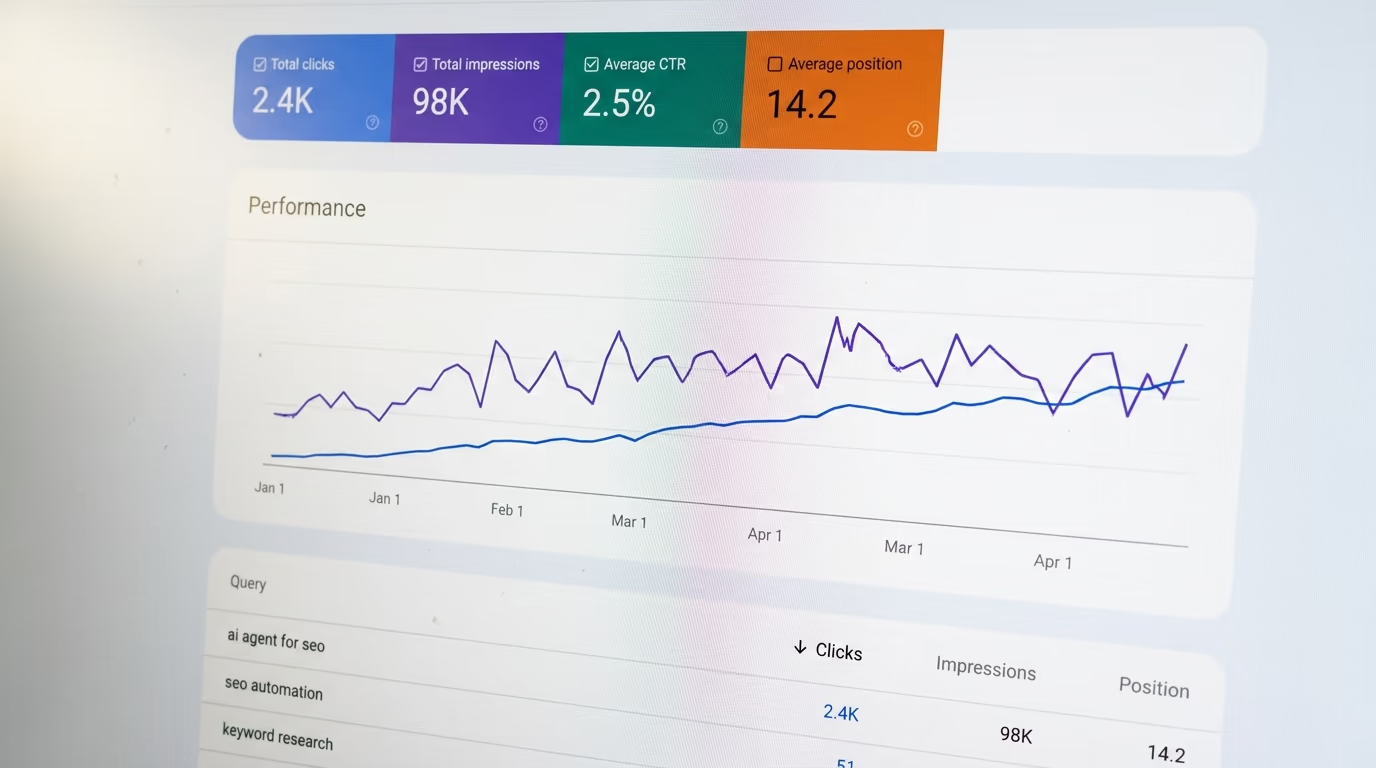
The Sunday run is my favorite of them all. It pulls Search Console data, finds the pages that are underperforming, meaning falling positions and weak clicks against strong impressions, rewrites a few of them and rebuilds the internal links between related pages so authority flows where it helps. A system that only produces will rot, so this one reads its own results every week and changes what it does next.
Questions people ask
What is an AI agent for SEO?
An AI agent for SEO is software that runs on a schedule and does the whole job without being asked, meaning it picks a keyword from real search data, checks the live results page, writes the draft, generates the images and saves it for review. The version described here runs on a Mac through Claude Code and reports on Telegram each morning.
Can I build an AI agent for SEO without paying for an API?
The writing needs no API credential, because Claude Code runs on the Claude subscription, which claude.com lists at $20 a month for Pro billed monthly. You still need 2 paid services for the data and the pictures, a DataForSEO account with a $50 minimum payment and a Gemini API credential that costs roughly $0.134 for a hero image.
Does a $20 Claude plan really run 4 websites?
No, and it is worth being precise about this. Pro at $20 a month is enough to start with one site, while the 4 sites described here run on the Max plan, which claude.com lists as starting at $100 a month. Anyone telling you 4 sites run on $20 is compressing 2 different numbers into one.
How long does the whole setup take?
About an hour of your attention, spread across 5 steps, with the coding agent doing the writing and testing between them. The slowest step is granting Search Console access on Google's side, which takes roughly 15 minutes on its own and is the only stage where you leave the terminal.
Will Google penalize articles an agent wrote?
Google's spam policies target scaled content abuse, which they define as using generative AI tools or other similar tools to generate many pages without adding value for users. The test they describe is the value of the page to a reader, not the tool that produced it, which is why the keyword gates, the competitor pass and the human approval step matter more than the writing speed.
Does the agent publish articles by itself?
Not in this setup, and that is deliberate. Every article is saved as a draft and a human presses publish, so a bad claim or a thin section gets caught by a person before anyone reads it. The agent is allowed to publish pages alone on my sites only because I read every page template myself first.
What does an AI agent for SEO cost to run each month?
The subscription is the only fixed cost, at $20 a month on Pro or from $100 on Max. On top of that a nightly run spends fractions of a cent on search data, since a Google organic results request is priced at $0.0006 in the standard queue, plus roughly $0.03 to $0.13 per generated image.