AgentsAugust 20, 202612 min read
Best AI agent builder in 2026, ranked with real prices
7 builders, every price read off the vendor's own page today. The lists ranking above this one disagree with those pages by up to $20, and one big name's canvas shuts down on 30 November.
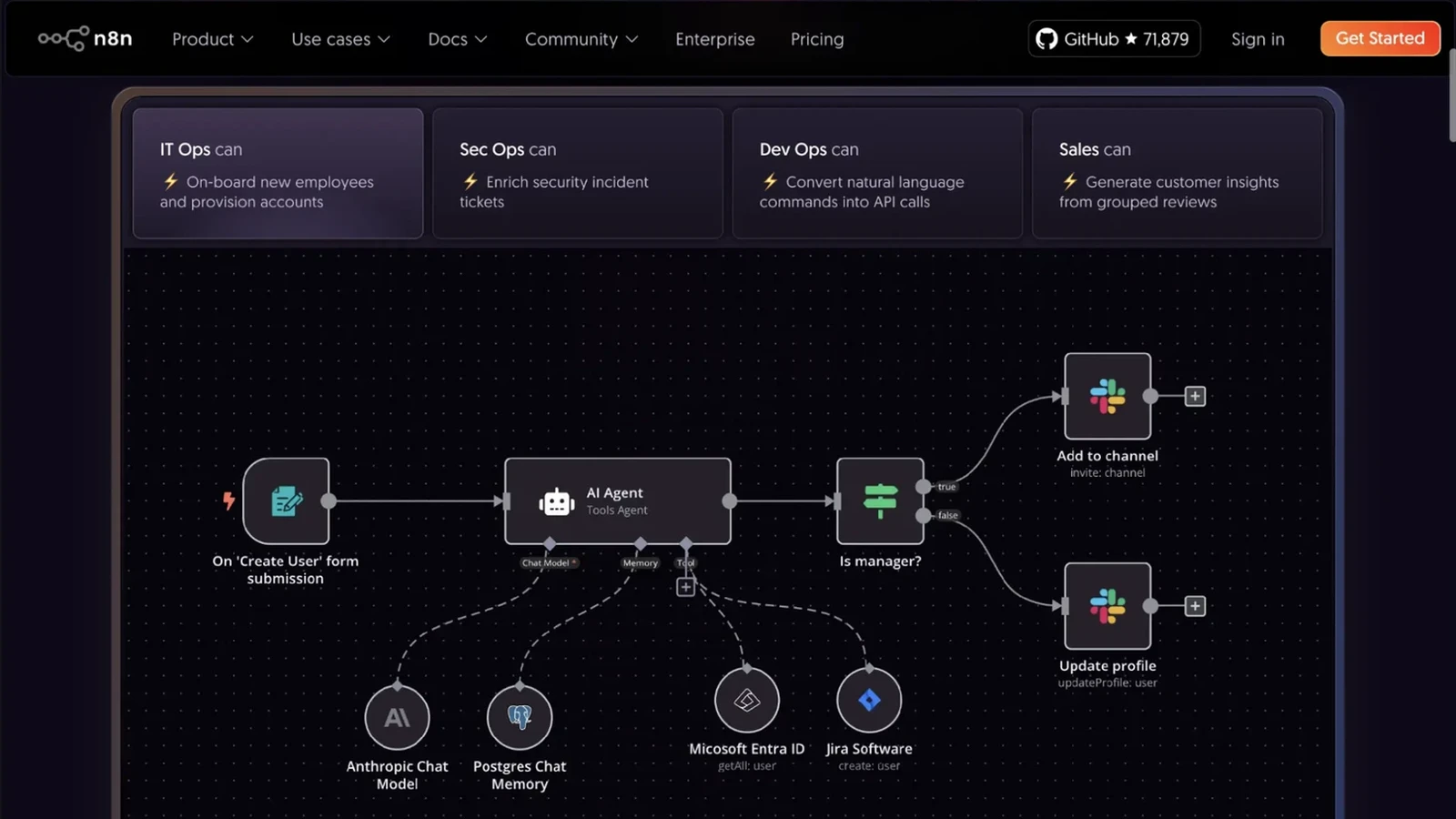
The best AI agent builder for most people is Zapier Agents, because it already holds the logins for the apps you work in and its free tier covers 400 agent activities a month. If you'd rather own the whole thing, n8n's Community Edition runs on your own machine for nothing, and its hosted Starter plan is 20€ a month billed annually.
Those 2 answers cover most people who type this question. What follows ranks 7 builders by the job you actually have, and every price here was read off the vendor's own pricing page on 28 August 2026. That matters more than it should, because the ranked lists currently sitting in Google's top 3 for this query disagree with the vendors' own pages by as much as $20 a month on the same plan, and 2 of them price a European company in dollars.
What does an AI agent builder actually do that a workflow tool doesn't?
An AI agent builder hands a language model a goal, a set of tools and permission to choose the order of its own steps, while an ordinary workflow tool runs the boxes you drew in the order you drew them. That difference is the whole product category. A workflow says step 1, then step 2, then step 3, forever. An agent says here is the inbox, here is the calendar, here is what a good reply looks like, now work it out.
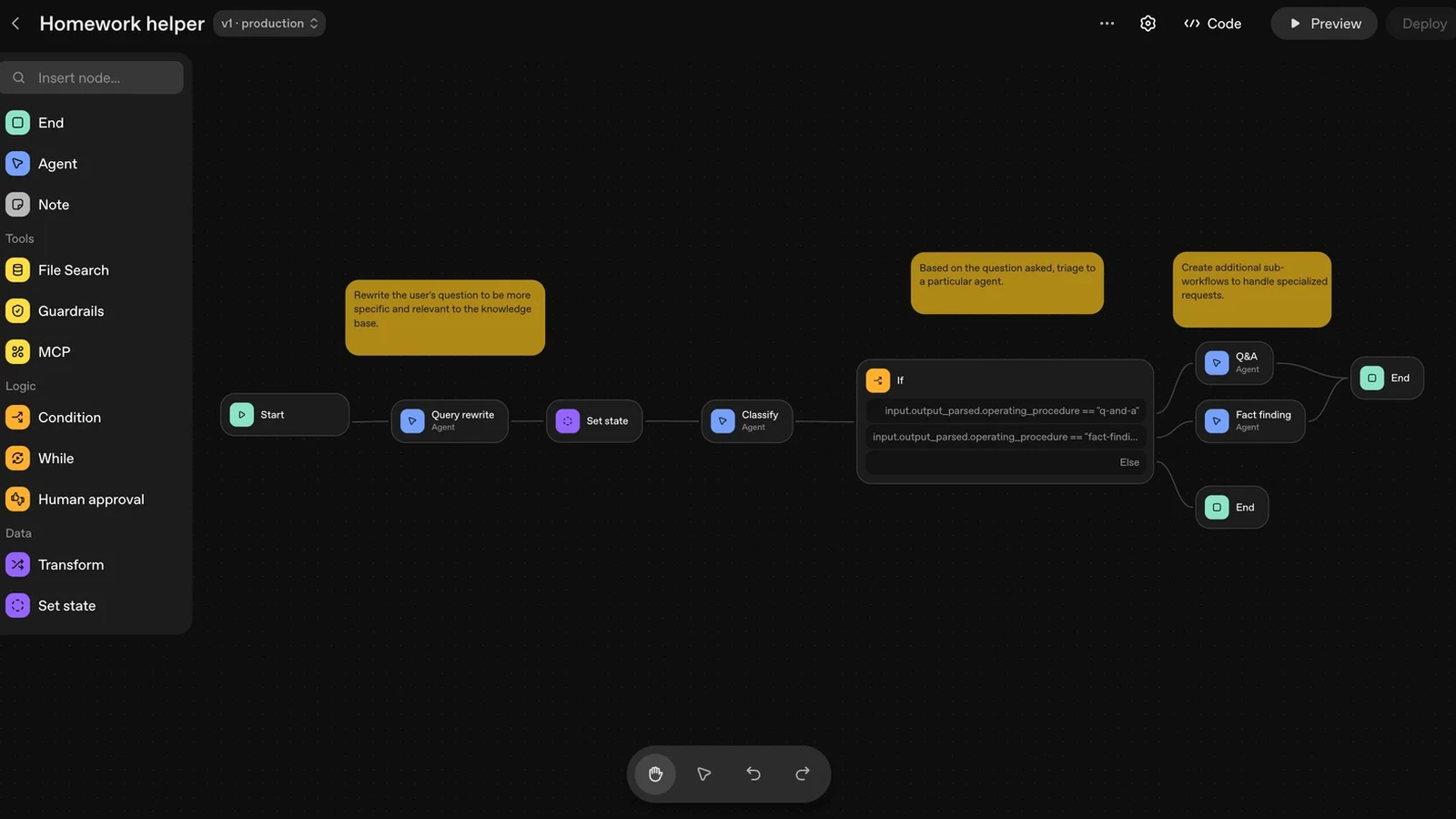
You can see the shape of it in any of these canvases. The left rail carries an Agent node, a Condition, a While loop, and then the things that exist only because agents are unpredictable, a Guardrails block and a Human approval block. Nobody ever needed human approval on a workflow that sends a Slack message when a form is filled in. You need it the moment the software gets to decide what to send.
The practical result is that agent builders are judged on 3 things rather than one. The first is how many tools they can reach, because an agent with no hands is a chatbot. The second is how tightly you can fence it in, since an agent that emails a client without asking is worse than no agent. The third is what a run costs, and this is where the marketing gets slippery, because every vendor invented its own billing unit.
Those units are worth learning before you compare a single price. Zapier bills core automations in tasks and its agents in activities. n8n bills in workflow executions regardless of how many steps a workflow has. Gumloop and Lindy both bill in credits, which are consumed at different rates depending on which model the step calls. A $30 plan and a $37 plan can buy very different amounts of real work, and no ranked list I read this morning compared them on that basis.
The unit decides your bill more than the price does. n8n counts one execution per workflow run no matter how many steps happen inside it, which is why its Starter plan advertises 2,500 workflow executions with unlimited steps. Zapier meters agents in activities on a counter that sits apart from its task counter. Gumloop and Lindy both meter in credits, and a credit buys less when the step calls an expensive model. Plans within $10 of each other can permit very different amounts of work, so read what the meter counts before you read the number next to the currency sign.
Which AI agent builder is best if you've never written code?
Gumloop is the strongest visual builder for someone who has never written code, and its Pro plan starts at $37 a month with 20,000 credits included. You drag nodes onto a canvas, wire them together, and every node is a plain English thing like Website Scraper or Google Docs Reader rather than a function signature. There's a 14 day free trial, and this is the correction worth writing down, because 2 of the 3 articles ranking above this one describe Gumloop as having a free plan. Its own pricing page shows a trial and a paid plan, and nothing else.
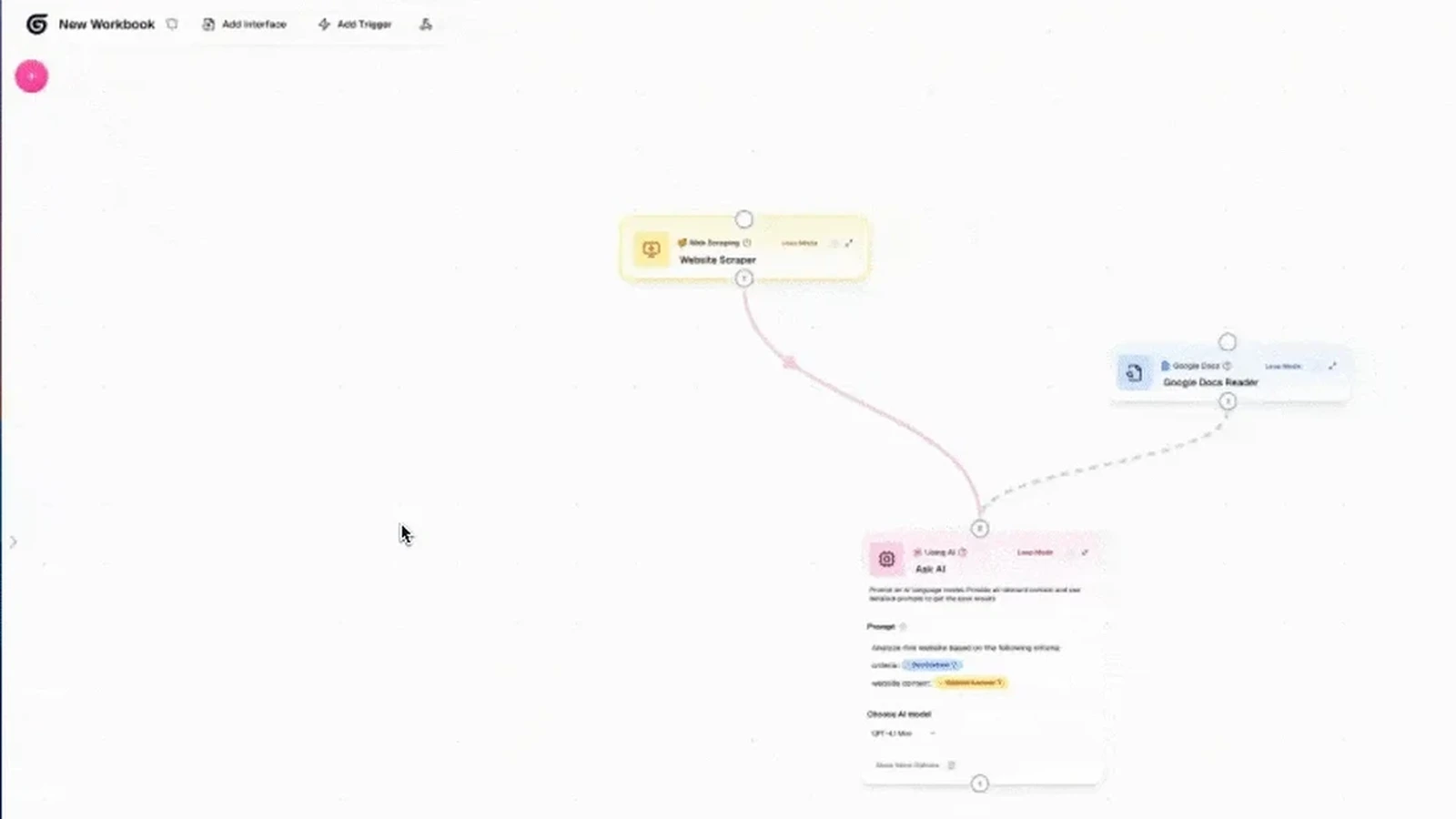
What makes the canvas readable is that the prompt lives inside the node, in a box you can see, next to a dropdown where you pick the model. When the agent does something stupid, you open the node, read the sentence you wrote, and fix the sentence. That loop is the reason a visual builder is easier for a beginner than a framework, and it has nothing to do with avoiding code. It's about being able to see the instruction and the result in the same window.
The honest limit is that a canvas gets ugly fast. Anything past about 15 nodes turns into a diagram you have to scroll around, and the branching logic that a developer writes in 4 lines becomes a fan of arrows. Builders who start visually and get serious tend to migrate, which is a real cost worth pricing in on day one rather than discovering in month 4.
Lindy is the other name in this bracket and it aims at a different job, an assistant sitting on your inbox and calendar rather than a pipeline you design. Its Plus plan is $29.99 a month per user with 3,000 credits, Pro is $99.99 with 15,000, and Max is $199.99 with 35,000. There's a 7 day free trial and no free tier. One ranked list above this article quotes Lindy at $49.99 a month, which is $20 above what Lindy's own page charges today.
Which AI agent builder plugs into the apps you already pay for?
Zapier Agents wins on reach, because Zapier already holds authorised connections to the apps most small teams run on and an agent inherits every one of them. This is the least glamorous advantage in the category and the one that decides most projects. Building an agent is a weekend. Getting a security reviewer to approve a new application's access to the company Gmail is a quarter.
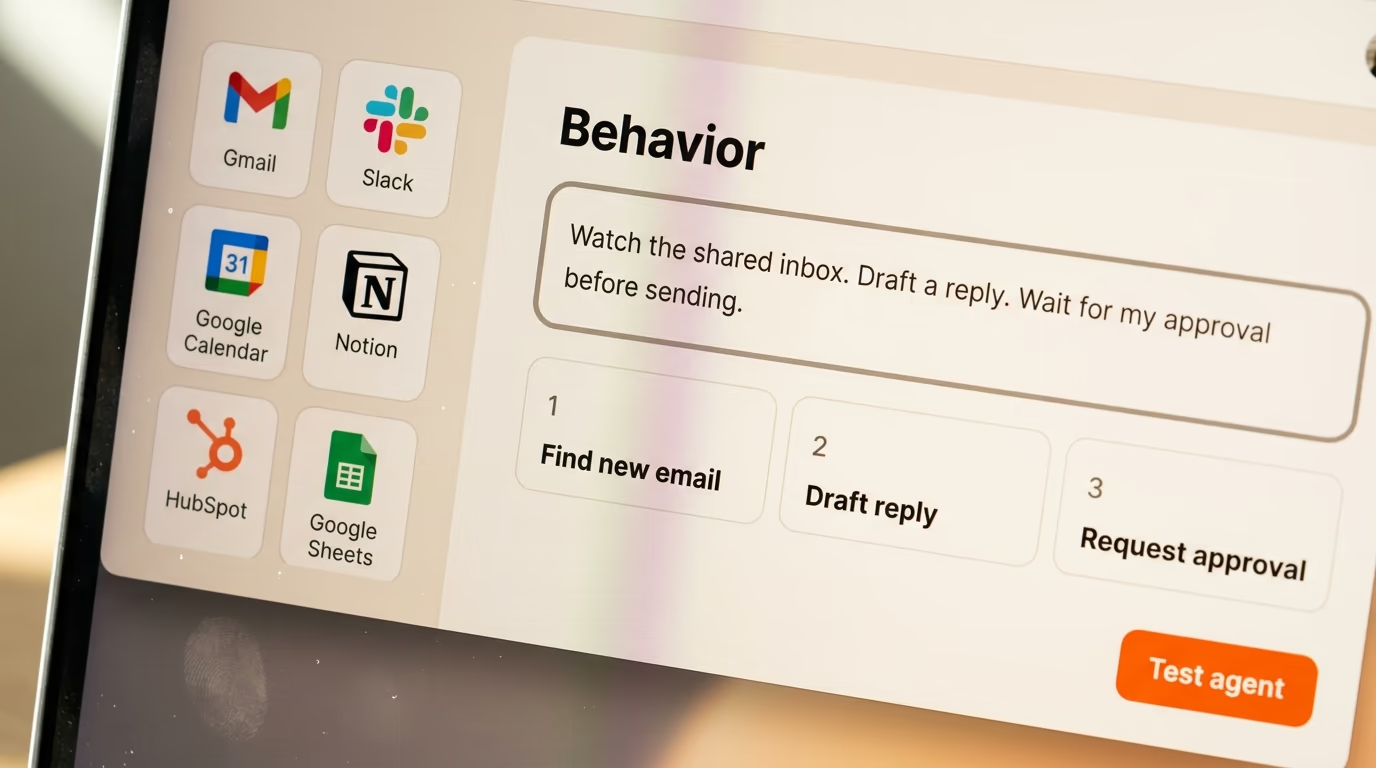
The pricing needs reading carefully, because 2 meters run side by side. Zapier's core plans are Free at $0 with 100 tasks a month, Professional from $19.99 a month billed annually or $29.99 monthly, and Team from $69 a month billed annually. Agents run on a separate meter called activities, where the free tier gives you 400 activities a month and Pro gives 1,500, and Zapier's pricing page states that spending activities doesn't touch your task allowance.
That free tier of 400 activities is more useful than it sounds. It's enough to run one agent doing something small every day for a month, which is exactly the size of test that tells you whether the idea works before anybody signs anything. The free core plan also includes basic access to Agents, Chatbots and MCP, so you can wire an agent to an external tool over the Model Context Protocol without paying first.
Where Zapier gets expensive is volume. Tasks and activities both count individual operations, so an agent that checks a mailbox every 10 minutes burns allowance whether or not it finds anything to do. Teams that hit that wall usually move the high frequency work to something billed per execution, keep the app connections in Zapier, and end up paying for both. Nobody's ranked list mentions that, and it's the most common ending I've seen.
What people actually build with connected apps is narrower than the demos suggest. The agents that survive contact with a real week have a tight brief, watch this inbox and draft replies to pricing questions, read new rows in this sheet and fill in the company details, gather yesterday's support tickets into one message before the morning meeting. Each of those has a clear input, a bounded output, and a human who notices the same day when it goes wrong. The ambitious briefs, run my sales process, are the ones that quietly stop being opened.
What's the best AI agent builder you can run yourself for nothing?
n8n is the best AI agent builder you can run on your own hardware for free, because its Community Edition is published on GitHub and the visual editor is the same one the paid cloud runs. You install it, open a browser at your own machine, and drag an AI Agent node onto a canvas next to a chat model, a memory store and whatever tools you point it at. Nothing leaves your network unless you send it out.
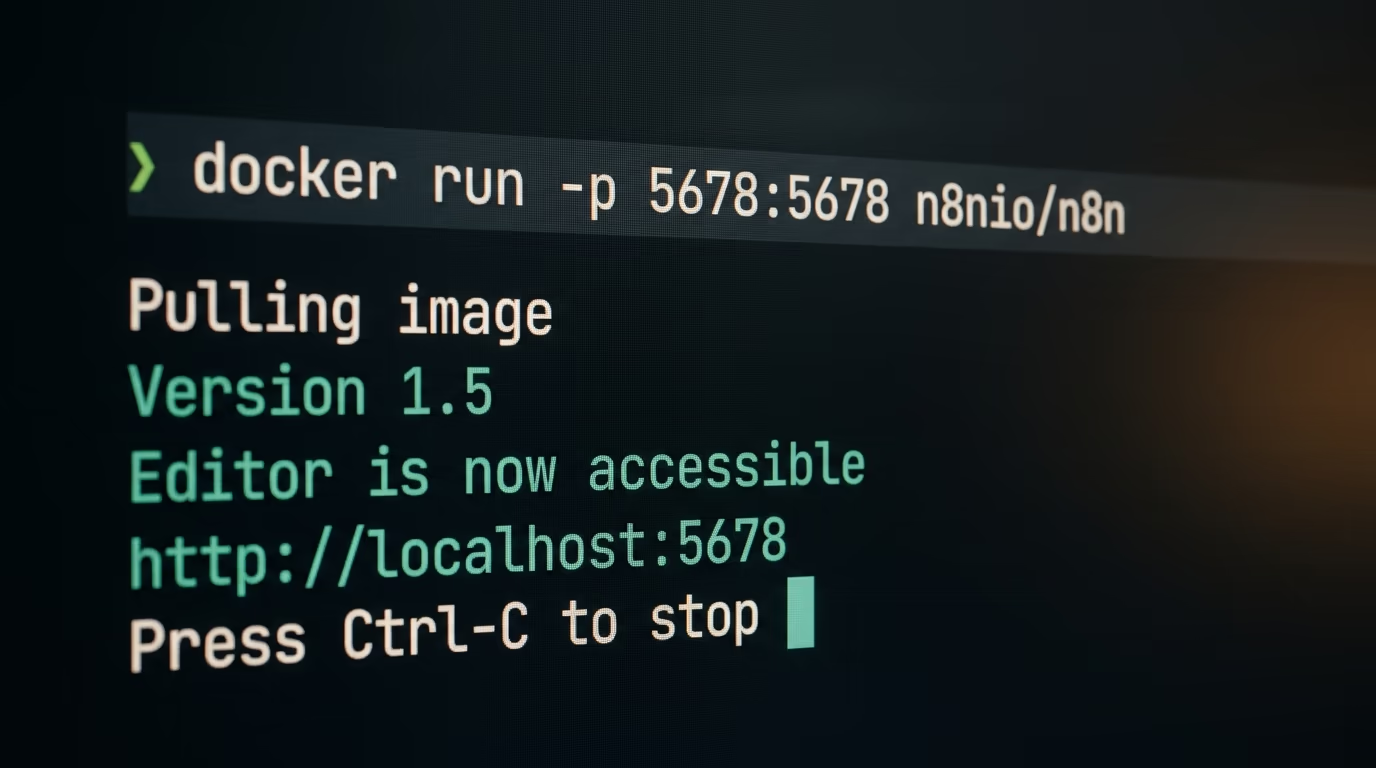
The hosted plans are where the currency correction lands. n8n's own pricing page today quotes Starter at 20€ a month billed annually with 2,500 workflow executions, Pro at 50€ with 10,000 executions, and Business at 667€ with 40,000. Every plan carries unlimited active workflows and unlimited users, and annual billing saves 17%. The lists ranking above this article quote $24, $60 and $800, in dollars, for the same 3 plans.
Execution based billing is the reason n8n suits agent work better than task based billing does. A workflow with 40 steps and a workflow with 4 steps both count as one execution, so a chatty agent that calls 6 tools before it answers costs the same as a trivial one. If you've already read about running models on your own machine, the same logic applies one layer up, and pairing a self hosted builder with a local model gets your marginal cost to roughly zero.
The cost you do pay is operational. Somebody has to update the container, back up the database and notice when it stops. That's genuinely fine for a developer and genuinely not fine for a marketing team without one, which is the real dividing line between this option and the hosted ones. Self hosting is free the way a puppy is free.
Which AI agent builder should a developer choose?
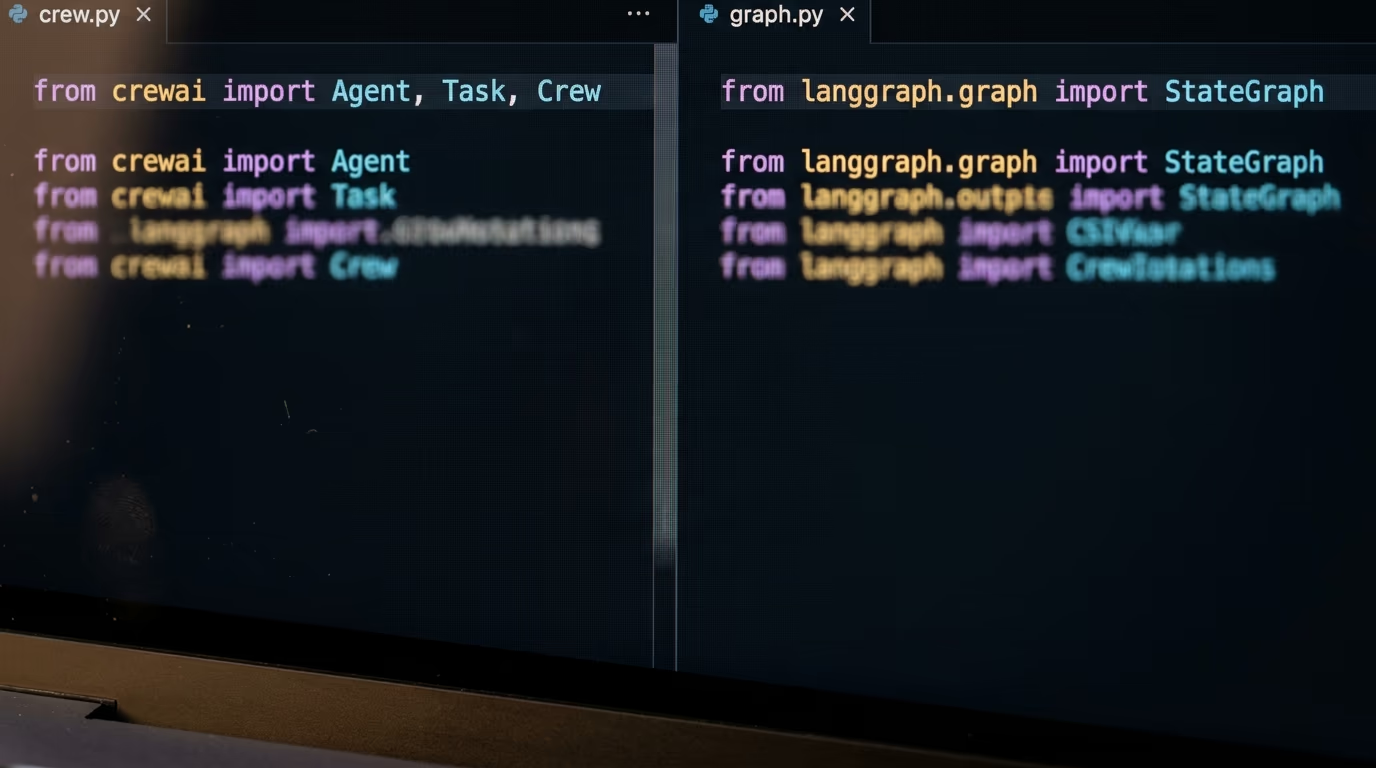
A developer should choose a framework rather than a canvas, and the 3 worth your evening are CrewAI, LangGraph and Anthropic's Claude Agent SDK. All 3 put the agent in your own codebase, under your own version control, which means you can test it, review it and roll it back like any other software. That's an advantage no visual builder can offer, and it stops mattering the day a non developer needs to change something.
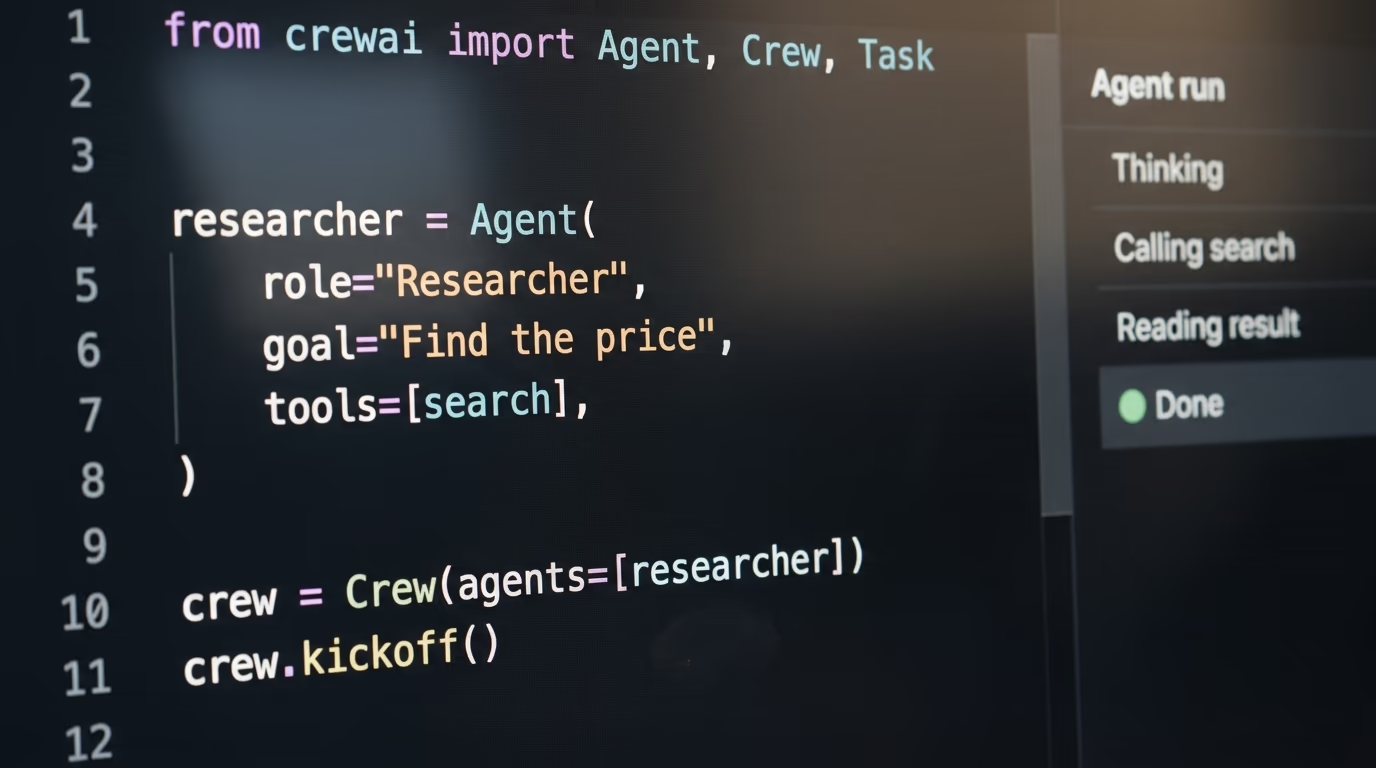
CrewAI is MIT licensed with 57.8k stars on GitHub, and its README describes it as a framework for orchestrating role playing, autonomous AI agents. You give each agent a role and a goal, hand the group a task, and let them pass work between themselves. Its hosted tier is free with 50 workflow executions a month, a visual editor and GitHub integration, with everything above that quoted only as enterprise pricing.
LangGraph is also MIT licensed, with 40.6k stars, and describes itself as a low level orchestration framework for building stateful agents. It's harder to start with and easier to live with, because you define the state machine explicitly rather than hoping the model picks a sensible order. Its companion service, LangSmith, has a Developer seat at $0 a month with up to 5,000 base traces, then Plus at $39 a seat. Being able to replay exactly what an agent did is worth more than most features people pay for.
Anthropic's Claude Agent SDK is the third, described in its own documentation as Claude Code as a library, available in Python and TypeScript only. It ships the file editing, command running and web search tools that make Claude Code useful, which makes it the natural pick when the agent's job is to touch real files rather than call web APIs. One condition catches people out, because Anthropic's docs state that third party developers may not offer claude.ai logins or rate limits in their products without prior approval, so anything you ship to customers authenticates against the API and is billed as API usage, not out of your own Pro subscription.
The reason a developer should care about tracing more than about syntax is that agents fail quietly. A workflow that breaks throws an error somebody can read in a log. An agent that has drifted into answering the wrong question returns a well formatted, entirely wrong result, and nothing anywhere turns red. LangSmith's free Developer seat and its 5,000 traces a month exist for that, and the Claude Agent SDK ships hooks that run your own code at each stage of the agent's lifecycle so you can record what it did. Whatever you pick, turn the recording on before the agent goes anywhere near a customer.
What should you check before committing, and which builder wins?
Check that the product will still exist next year, and this is not a rhetorical warning. OpenAI's own documentation for Agent Builder, its drag and drop canvas for multi step agent workflows, carries a deprecation notice stating that OpenAI is deprecating Agent Builder and that the product is scheduled to shut down on 30 November 2026. Existing users can keep going during a transition window, and ChatKit stays available. Anybody choosing a builder this week should read that line before they start drawing on the canvas.
That's the sharpest example of a rule worth applying to all of them. An agent builder holds your logic, your prompts, your app connections and every small correction you made at 11pm, and moving all of that to another product is a rebuild rather than an export. Before you commit, look for a self hosted or open source escape hatch, and prefer the tools that have one even if you never use it.
The other question worth settling early is where your data goes. A hosted builder sends the contents of your mailboxes, documents and customer records to the vendor's servers and then onward to a model provider, which is a conversation with whoever signs off on that where you work. A self hosted n8n install keeps the orchestration on hardware you control, though the model call still leaves the building unless you're running the model locally too. It's the difference between vetting one supplier and vetting 3, and it's a far easier answer to give at the start than 6 months into quiet daily use.
| Builder | Best for | What you pay | Free option |
|---|---|---|---|
| Zapier Agents | The apps you already pay for | Core Pro from $19.99/mo billed annually | Yes, 400 activities/mo |
| n8n | Owning the whole thing | Cloud Starter 20€/mo billed annually | Yes, Community Edition, self hosted |
| Gumloop | A visual canvas, no code | Pro from $37/mo, 20,000 credits | No, 14 day trial |
| Lindy | An assistant on your inbox | Plus $29.99/mo per user, 3,000 credits | No, 7 day trial |
| CrewAI | Several agents with roles | Enterprise quoted on request | Yes, MIT licence, 50 runs/mo hosted |
| LangGraph and LangSmith | Replaying what the agent did | LangSmith Plus $39/mo per seat | Yes, Developer seat, 5,000 traces/mo |
| Claude Agent SDK | Agents that touch real files | Claude Pro $17/mo billed annually | No, shipped products bill via the API |
The verdict splits cleanly by who you are. If you run a small business on Gmail, Slack and a CRM, start with Zapier Agents on the free tier, because 400 activities a month will tell you within 2 weeks whether the agent earns its place, and you never touch a credential. If you're technical and cost sensitive, run n8n's Community Edition on a cheap server and pay nothing until the volume justifies 20€. If you're a developer building something you'll ship to other people, pick LangGraph for the state machine or the Claude Agent SDK for anything that edits files, and budget for API usage from the start.
One thing nobody selling these tools will tell you is that the builder is rarely what fails. Agents fail on the boring things, a mailbox that hands back 300 messages instead of 3, or an approval step that somebody clicks through 40 times without reading until the day it mattered. Every builder here can be fenced in, and the fencing is the work. Start with one agent, give it a job small enough that you'd notice a bad result the same day, and only then argue about which canvas is prettier.
If you want to see what that looks like end to end rather than in a comparison table, the walkthrough of an agent that does SEO work on a schedule covers the same ground with one tool and real output, and the piece on what open weight models cost is the other half of the bill nobody budgets for.
Questions people ask
What is the best AI agent builder for beginners?
Gumloop is the easiest starting point for someone who has never written code, because every step is a labelled node on a canvas and the prompt sits inside the node where you can read it. Its Pro plan is $37 a month with 20,000 credits, after a 14 day free trial. Zapier Agents is the alternative if you'd rather test something for free first, since its free tier includes 400 agent activities a month.
Is there a free AI agent builder?
Yes. n8n's Community Edition is free to run on your own machine, and CrewAI and LangGraph are both published under the MIT licence, so you can self host all 3 without paying a subscription. Zapier Agents has a free hosted tier of 400 activities a month, and LangSmith gives one Developer seat at $0 with up to 5,000 traces a month.
How much does an AI agent builder cost per month?
Between $0 and about $200 a month for a single user, depending on whether you host it yourself. n8n's hosted Starter plan is 20€ a month billed annually, Zapier Professional starts at $19.99 a month billed annually, Gumloop Pro starts at $37, and Lindy runs from $29.99 to $199.99 per user per month. Self hosted n8n, CrewAI and LangGraph cost nothing beyond your server and your model usage.
What's the difference between an AI agent and a Zapier automation?
A Zapier automation runs the steps you drew in the order you drew them, every time. An AI agent is given a goal and a set of tools and decides its own order, which is why agent builders ship guardrails and human approval steps that ordinary automations never needed. Agents handle messy inputs better and predictable ones worse.
Is OpenAI's Agent Builder shutting down?
Yes. OpenAI's documentation carries a notice saying the company is deprecating Agent Builder and that the product is scheduled to shut down on 30 November 2026. Existing users can continue during a transition window, and ChatKit remains available as a deployment option. Anyone starting a new project today should choose something else.
Which AI agent builder is best for developers?
LangGraph if you want to define the agent's state machine yourself and replay every run, CrewAI if you want several agents with roles handing work to each other, and Anthropic's Claude Agent SDK if the agent needs to read and edit real files. All 3 keep the agent in your own repository under version control. LangGraph and CrewAI are MIT licensed.
Do I need to pay for a model separately?
Usually yes, and this is the line item people forget. Self hosted builders like n8n, CrewAI and LangGraph charge nothing for the software but every model call is billed by whichever provider you point them at. Hosted builders such as Gumloop and Lindy bundle model usage into credits, which is simpler to budget and more expensive at volume.
Can an AI agent builder send emails without asking me?
It can, which is why an approval step matters more than any feature on the box. OpenAI's Agent Builder canvas ships a Human approval node sitting right beside its Guardrails block, and you should look for the equivalent in whatever you pick before you connect a mailbox. Turn it on for anything that leaves your company, at least until you've watched the agent handle 200 real cases without a surprise.