AISeptember 16, 202612 min read
Gemini 3.8 Live undercuts OpenAI, and stops at 15 minutes
Google's new voice models cost about half a cent a minute to listen and under 2 cents to answer, far below OpenAI's published rates. A plain call still ends at 15 minutes unless you compress it.
Gemini 3.8 Live is Google's new speech to speech model, announced on 15 September, and it costs about half a cent for every minute it listens to you and just under 2 cents for every minute it talks back. Google also put both of its new voice models on a free tier, so you can hold a real conversation with one today without handing over a card.
That rate is the story, and most of the coverage skipped it. The announcement everybody reposted yesterday lists test scores and partner names, and it never says what a minute of conversation actually costs. The number sits on Google's own pricing page instead, where it undercuts what OpenAI charges for its realtime models by a factor of 5 or more, depending on whether you count the listening or the talking. A second number nobody mentioned sits in the session documentation, and it decides whether the thing you want to build will work at all.
What are Gemini 3.8 Live and 3.8 Live Extended Thinking?
Gemini 3.8 Live and its Extended Thinking sibling are the 2 voice models Google released on Tuesday, and they take audio in and send audio straight back out without writing a transcript in the middle. Anyone who built a voice bot the old way will recognise what that removes. Speech went to a transcription model, the text went from there to a chat model, and the answer went off to a separate voice. Every hop in that chain added delay and threw away tone, so the result always sounded like a machine reading a script. A speech to speech model hears the audio itself and answers in audio, which is why it can be interrupted mid sentence and pick up where it left off.
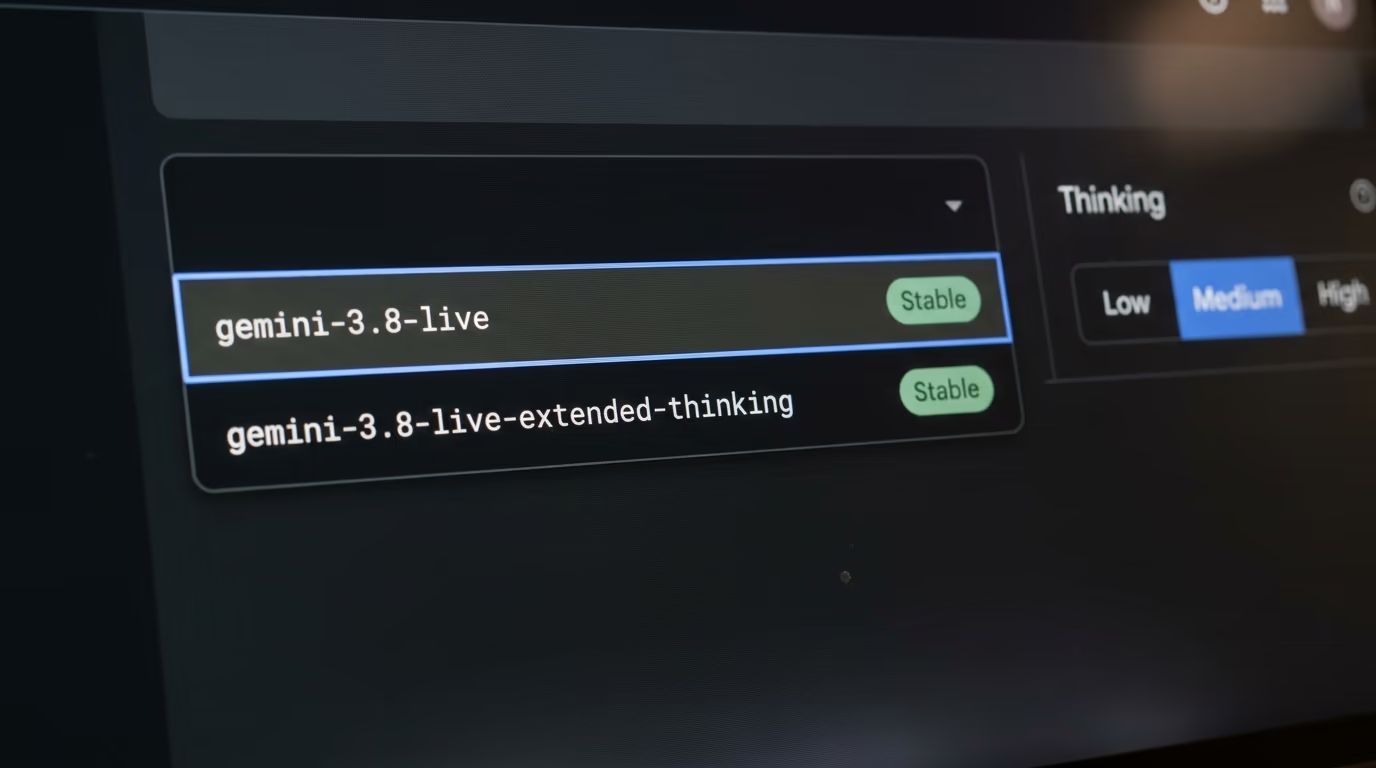
The difference between the 2 is what happens while you wait. Google positions the standard model for volume and cost, and the Extended Thinking version for work that needs reasoning across several steps. The thinking version can start speaking before it has finished working, so it acknowledges a request out loud and narrates its progress instead of leaving dead air on the line. Both are marked stable in Google's model list rather than preview, which is unusual on a launch day and means Google is willing to be held to them.
Both models can also see, since they accept text, images, audio and video as input and return text and audio, so you can point a phone camera at a broken appliance and talk about what is on the screen. Google says they detect and switch between languages in the middle of a conversation without being told to, and that every second of audio they produce carries a SynthID watermark, which is Google's inaudible marker for machine generated sound. Tool calls run in the background while the conversation keeps going, which is the fix for the long silence that used to happen whenever a voice bot went off to look something up.
What does Gemini 3.8 Live cost per minute?
Google charges $0.005 for each minute of audio you send to Gemini Live and $0.018 for each minute it speaks back, and the Extended Thinking version carries exactly the same rates on the same pricing page. Video costs a fifth of a cent a minute on top if you send it. Those are the paid tier rates, and Google lists the free tier for these models as free of charge.
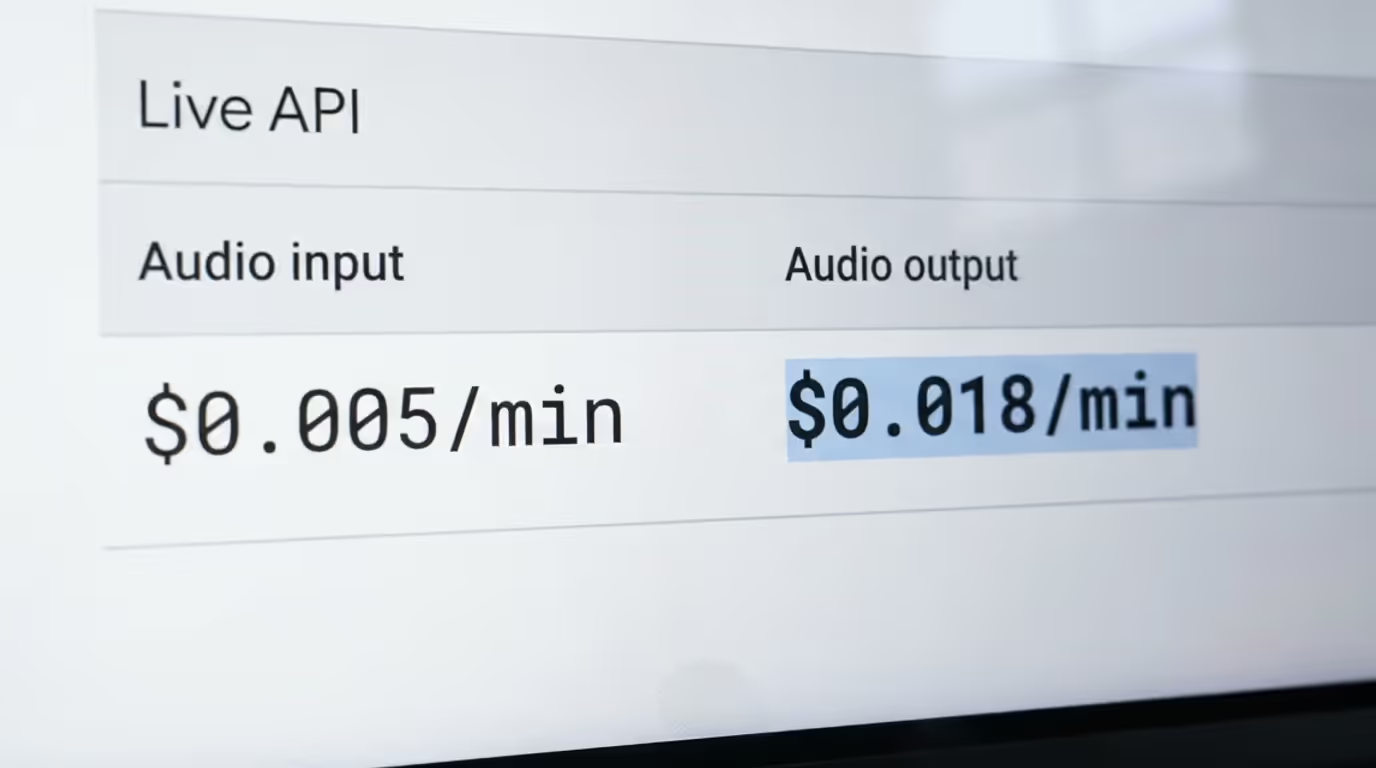
Publishing a per minute rate at all is the useful thing Google did here. Voice pricing is normally quoted per million tokens, which is meaningless to anyone trying to work out whether a support line is affordable, because nobody knows how many tokens a conversation eats until they have run one. A minute of speech is something you can count on a wall clock. Google gives both numbers, and the per minute figures are its own conversion of its own token rates.
Talking costs roughly 4 times more than listening, and that asymmetry should shape what you build. A voice agent that mostly listens and answers briefly is cheap to run, and one that lectures is not. That flips the usual instinct to make a bot chatty and warm, and it rewards the kind of agent that asks a short question and then shuts up. If you have priced this sort of thing before on the big text models, the shape will be familiar from our breakdown of what the major models charge per million tokens, where output has always cost several times more than input. The rates themselves sit on Google's Gemini API pricing page under the Live API heading, which is worth opening yourself before planning anything around them.
One caveat travels with that free tier. Google does not publish the free limits for these models on its rate limits page, which tells you to check your own quota inside AI Studio instead. So free of charge is real, but how many free minutes you get is not a published number, and it is not something anyone outside Google can quote yet.
Is Gemini 3.8 Live cheaper than OpenAI's voice models?
Yes, on the rates each company publishes on its own pricing page, and the gap is large. Listening to you costs roughly a tenth of what OpenAI charges on its current realtime flagship, and speaking back costs roughly a fifth. Nobody put the 2 price lists side by side yesterday, so here they are, read off Google's pricing page and OpenAI's pricing page during this run.
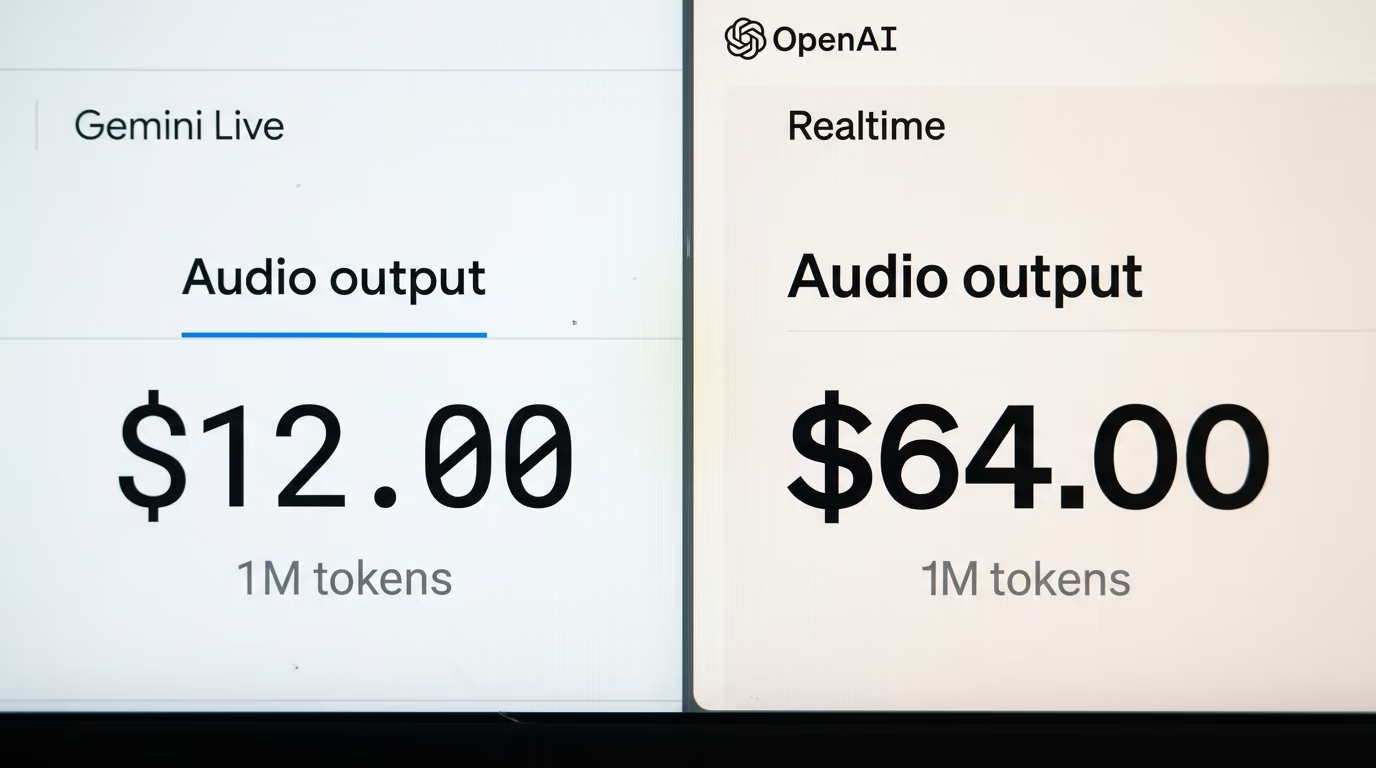
| Per 1M tokens | Gemini 3.8 Live | gpt-realtime-2.1 | gpt-realtime-2.1-mini |
|---|---|---|---|
| Audio in | $3.00 | $32.00 | $10.00 |
| Audio out | $12.00 | $64.00 | $20.00 |
| Text in | $0.75 | $4.00 | $0.60 |
| Text out | $4.50 | $24.00 | $2.40 |
The smaller mini model is the fairer fight, and Google still wins the audio rows on price while OpenAI wins the text input row. There is one more line on OpenAI's page that complicates a simple ranking, because OpenAI also sells a managed voice session product billed by the second at a per minute rate, with the backend model and any tool use charged separately on top. That is a different shape of product rather than a straight competitor, and it is worth knowing about before anyone quotes it as the OpenAI price for voice.
What that gap buys is a different class of project. At the higher realtime rate, a hobbyist who leaves a voice demo running for friends to try is watching real money leave the account, which is why so many of those demos sit behind a login or a waiting list. At Google's rate the same demo costs less than the coffee somebody drank while building it, and the free tier means the first version costs nothing at all. That is the difference between a weekend experiment and a thing you quietly take offline on Monday because the bill frightened you.
A cheaper rate per token is not automatically a cheaper bill, which is where most price comparisons go wrong. The bill is the rate multiplied by how many tokens the model actually burns on your conversation, and the 2 vendors do not spend tokens at the same speed. Google's own numbers prove that point better than any argument, as the next section shows.
Why does the thinking version cost 4 times more per hour?
Gemini Live Extended Thinking is priced at exactly the same rate as the standard model, and yet an hour of conversation with it costs about 4 times more. The reason sits in Google's own documentation on reasoning, which states that when thinking is turned on, response pricing is the sum of output tokens and thinking tokens. You pay for the words it says out loud, and for the reasoning it does silently before saying them, at the same output rate.
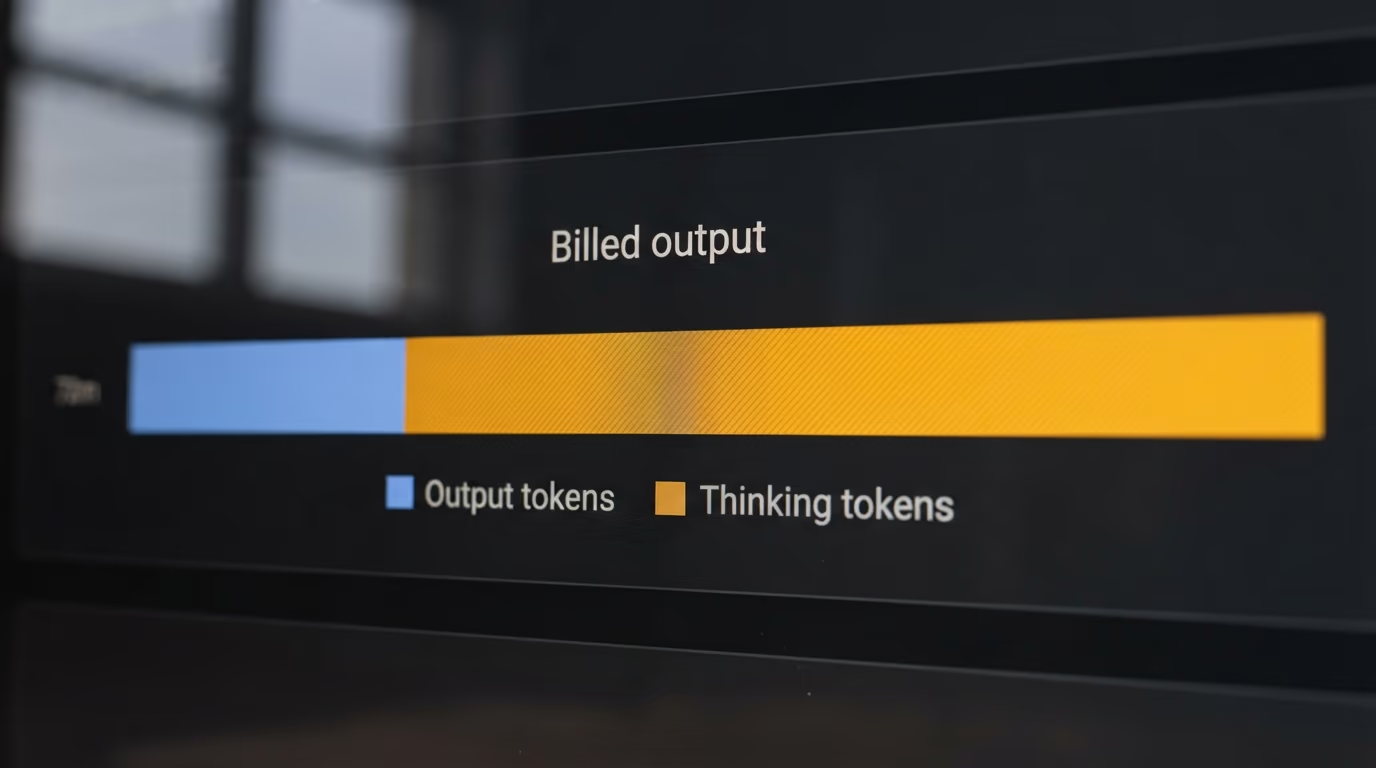
Artificial Analysis, which runs an independent speech index rather than taking vendor numbers on trust, measures this as the cost of one hour of input audio. On that measure the standard model runs at well under a dollar an hour and the thinking version at several times that, while the 2 named rivals sit higher still. Their index also scores the thinking version well above the standard one on quality, so the extra money is buying something real rather than nothing. Google goes further and claims the top overall position on that index, which is the vendor describing its own placing.
| Model | Cost of 1 hour of input audio, Artificial Analysis |
|---|---|
| Gemini 3.8 Live | $0.84 |
| Gemini 3.8 Live Extended Thinking, high | $3.50 |
| Grok Voice Think Fast 2.0, high | $4.80 |
| GPT-Live-1 Astra, medium | $5.83 |
There is a lever here that the announcement does not draw attention to. The thinking model takes a setting with low, medium and high levels, so you can turn the reasoning down and pay less for it, but Google's model page says the minimal setting is not supported on this one. You can make it think less and you cannot make it stop, so the cheap option is choosing the standard model rather than detuning the expensive one.
For anyone sizing a real deployment, that ratio is the planning number to carry around. A support line running the thinking model all day costs multiples of the same line running the standard model, and the honest way to decide between them is to run both against a handful of your own recorded calls rather than trusting either an index or a launch post.
How long can a single Gemini Live voice call last?
A Gemini Live session that carries only audio ends after 15 minutes, and a session that also carries video ends after 2 minutes, according to Google's own session management documentation. The underlying connection is capped lower still, and the documentation says that exceeding these limits terminates the session and therefore the connection. None of the launch coverage mentioned any of it.
Read that against what people actually want to build and it reshapes the project. A customer support line where a caller waits on hold, explains a problem and then waits again will pass that ceiling on a bad day. The camera limit is harsher, because pointing a phone at a boiler and talking through the repair is exactly the demo everybody wants to build, and that conversation gets 2 minutes before it drops.
Google does document the way out, and it is worth knowing before anyone concludes the product is unusable. Turning on context window compression, which slides a window across the conversation and drops the oldest audio as it goes, extends a session to an unlimited length. Session resumption covers the other half, handing back a token that stays valid for 2 hours after a session ends, so a dropped call can be picked up rather than restarted. Both are settings you switch on rather than features you have to build yourself.
Those ceilings are not arbitrary, and understanding where they come from helps you plan around them. A live session holds the whole conversation in memory so the model can be interrupted and then resume with the context intact, and that memory grows with every second of audio from both sides. Video fills it very much faster, which is why the camera ceiling is so much shorter than the audio one. Compression works by discarding the oldest audio rather than by making the model remember more, so a compressed session running for an hour is a model that has forgotten how the call began.
The practical consequence is that the default configuration is a demo configuration. Anything expected to hold a long conversation has to be built with compression and resumption from the first day, and a team that discovers these ceilings in production after a launch will be rewriting its session layer under pressure. If you want to feel the shape of this before committing to anything, our walkthrough on building a voice agent that costs nothing to run covers the same moving pieces on local models.
What we do not know yet about Gemini 3.8 Live
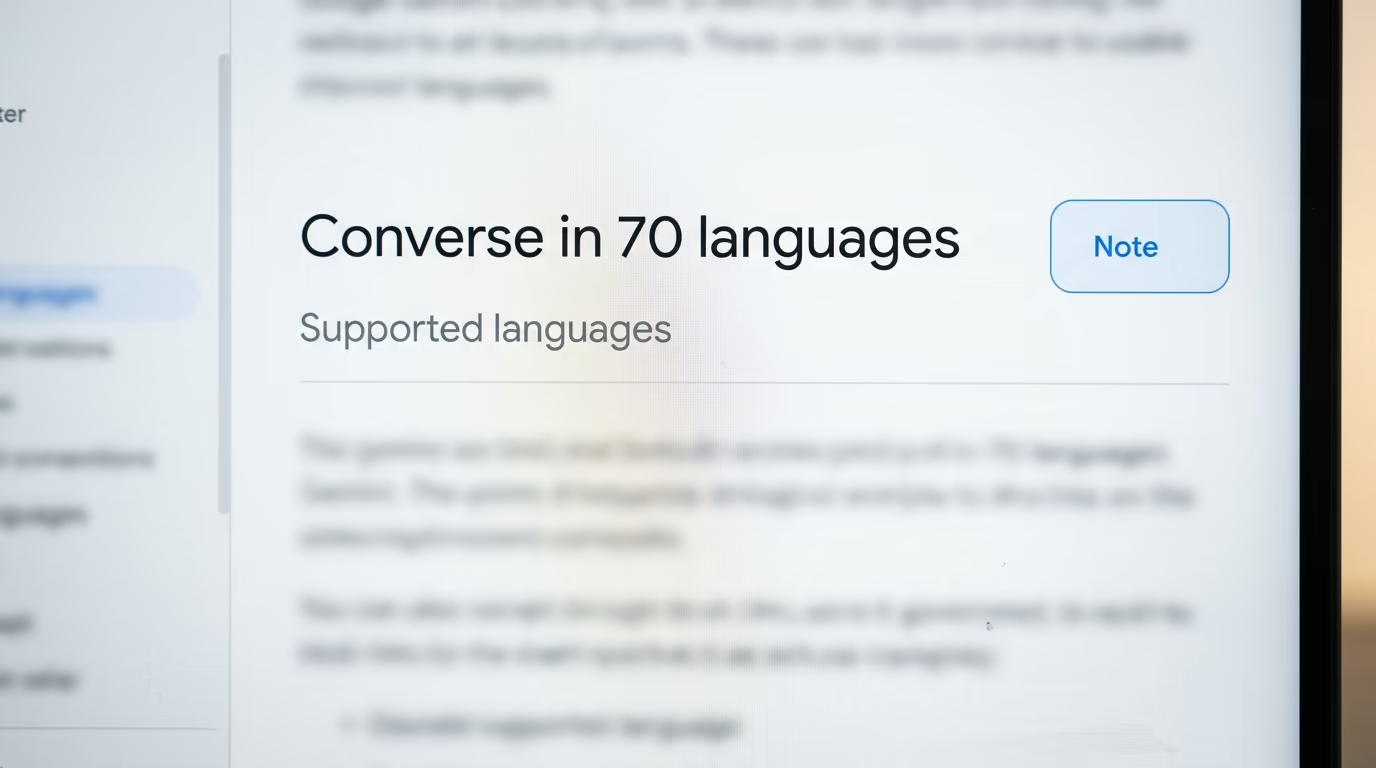
Several things about Gemini Live are still unverified, and saying so is more useful than pretending a launch post settled them. Google's own pages disagree on how many languages the models handle, which is the easiest claim to check and the most surprising one to find broken. The announcement says 97 languages with automatic switching mid conversation, while the Live API guide still describes conversing in 70 languages. Google has not reconciled the 2 pages, so the honest answer today is that the higher figure is a claim from the announcement and the lower one is what the documentation says.
The task completion scores in the announcement are Google's own measurements on named tests, and nobody outside Google has reproduced them. Artificial Analysis publishes an independent index and its ranking agrees with the direction Google claims, which is genuine outside support, but agreement on a quality index is not the same as an outside party reproducing the specific agent results in the launch post. Treat those as the vendor's figures until somebody else runs them.
There is no published latency figure anywhere in the announcement either, which is a strange omission for a product whose entire pitch is live conversation. Low latency is asserted and never measured, so how fast it answers compared with the rival it is being sold against remains an open question. The free tier limits are similarly unpublished, as is whether these opening rates hold, given that Google has already dated a price rise for one of its text models at the end of December and has said nothing either way about the voice ones.
The SynthID watermark raises a question nobody has tested publicly. Google says every second of generated audio carries it, which is reassuring for anyone who wants to know whether a voice was synthetic, and unhelpful for anyone who assumed they could ship this voice as their brand's own without disclosing it. Whether that marker survives compression, a phone line or re encoding is not documented on the launch page.
What to check before you build a voice agent on this
For anyone opening a laptop tonight, the barrier to trying this is now essentially zero, and the barrier to shipping it is a session layer. You can open Google AI Studio, pick the model from the list and talk to it in a browser on the free tier without a card, which is a genuinely different starting position from the one voice developers had a week ago. Simon Willison has already published a small browser tool for talking to these models that connects straight to the Live endpoint without any libraries, if you would rather see the wiring than use a console.
Before committing a project to it, check 3 things in this order. Run your own recorded calls through both the standard model and the thinking one and compare the resulting bills rather than the index, because your conversations are not the test set. Decide early whether any call can run past the audio ceiling, and if the answer is yes, turn on compression and resumption at the start instead of after launch. Then confirm the free quota you actually have inside AI Studio, since Google does not publish it.
The wider move here is about price rather than capability. Google has put a competent voice model at a rate that makes a hobby project viable and dropped it onto a free tier, at a moment when the same conversation costs several times more elsewhere, and it has priced its reasoning version to sit alongside the rivals rather than above them. That kind of pressure usually travels, so the thing to watch over the next few weeks is whether OpenAI's realtime rates move, the way they did after earlier rounds of this. Our look at what OpenAI's Agents API costs and who cannot use it yet covers how that pricing currently stacks up, and our comparison of Siri against Gemini covers the consumer end of the same fight.
Questions people ask
What is Gemini 3.8 Live?
Gemini Live is a speech to speech model Google released this week, which takes spoken audio in and returns spoken audio without producing a transcript in between. It accepts text, images, audio and video as input, and it can be interrupted while it is speaking. Google released it alongside a higher reasoning version called Extended Thinking.
How much does Gemini 3.8 Live cost per minute?
Google charges about half a cent for each minute of audio sent to the model and just under 2 cents for each minute it speaks back, with video costing a fifth of a cent a minute on top. The Extended Thinking version is listed at the same rates on the same pricing page. Speaking costs roughly 4 times more than listening, so a brief agent is cheaper to run than a talkative one.
Is Gemini 3.8 Live free to try?
Google lists the Live models as free of charge on the free tier of the Gemini API, so you can talk to one in Google AI Studio without entering a card. Google does not publish the free tier limits for these models on its rate limits page, and instead directs you to check your own quota inside AI Studio. It is genuinely free to try, but the number of free minutes is not a published figure.
How long can a Gemini Live session last?
A session carrying only audio is limited to 15 minutes, and a session carrying video as well is limited to 2 minutes, according to Google's session management documentation. The connection itself is capped lower still. Turning on context window compression removes the time limit, and session resumption hands back a token valid for 2 hours so a dropped conversation can be resumed rather than restarted.
Is Gemini 3.8 Live cheaper than OpenAI's realtime models?
On the rates each company publishes, yes. Listening costs roughly a tenth of what OpenAI charges for audio input on its current realtime flagship, and speaking back costs roughly a fifth, as the price table in this article sets out. OpenAI's smaller mini model narrows the gap considerably and wins on text input, and OpenAI separately sells a managed voice session billed by the second with the model charged on top.
What is the difference between Gemini 3.8 Live and Extended Thinking?
The standard model is built for volume and low cost, while Extended Thinking reasons across several steps and can speak while it is still working, acknowledging a request and narrating progress instead of going quiet. They share the same price per token, but an hour with the thinking version costs several times more because reasoning tokens are billed as output. Its reasoning level can be set to low, medium or high, and Google's model page says it cannot be switched off entirely.
Can Gemini 3.8 Live see video from a camera?
Yes, the models accept video as an input alongside audio, images and text, so you can point a camera at something and discuss what is on the screen. Video input is billed separately at a fifth of a cent a minute. A session that carries video is limited to 2 minutes rather than the audio ceiling, which is the constraint most camera demos will hit first.