AgentsSeptember 30, 202612 min read
OpenAI dots cost nothing extra, and $100 a month to reach
Your first dot is included at no extra cost on ChatGPT Pro and Business Premium. The cheapest door is the $100 a month Pro plan, and OpenAI's pricing page answers no for Plus at $20.
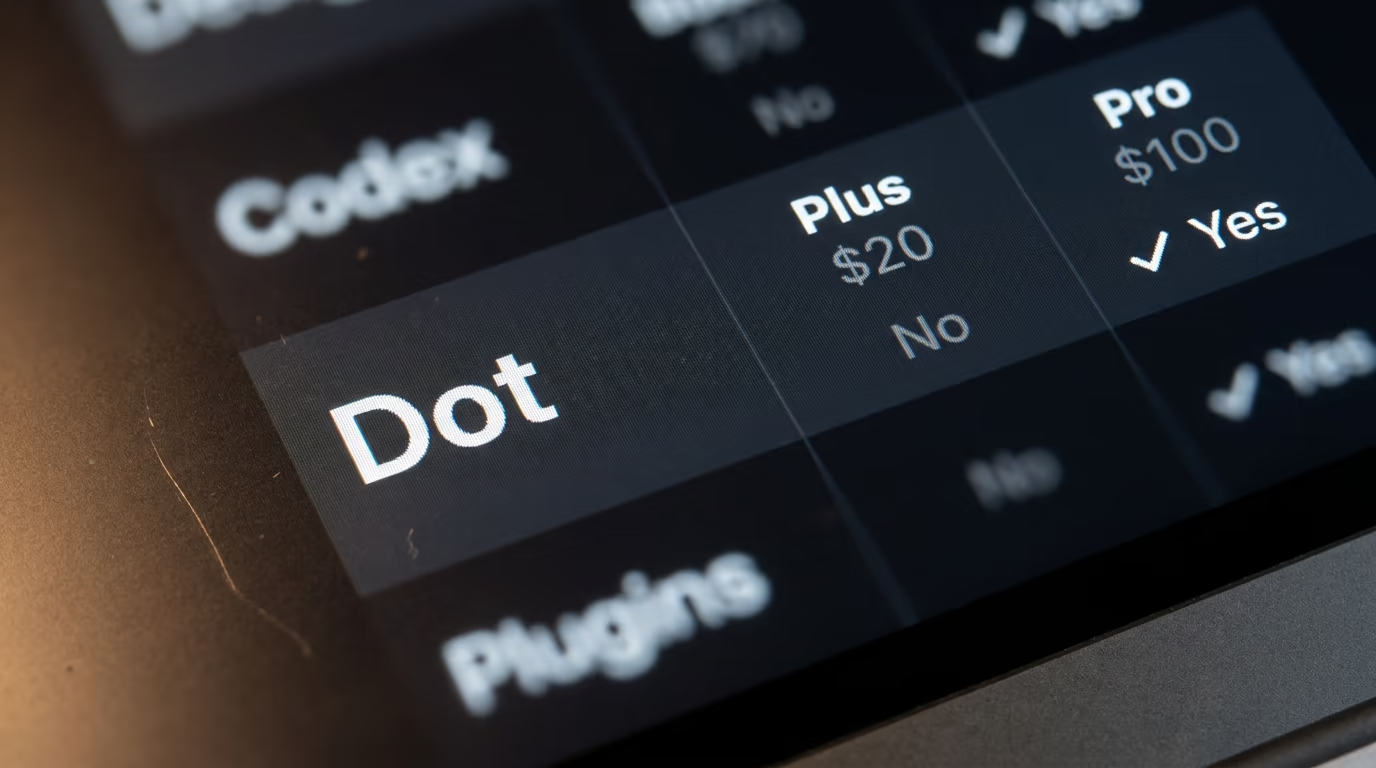
OpenAI's dots are always on agents that live inside ChatGPT, and your first one costs nothing on top of the plan you already pay for. Which plan you pay for decides everything. OpenAI's own pricing page lists Dot as a feature of ChatGPT Pro, which starts at $100 a month, and marks it as not included on Plus at $20 a month or on anything cheaper.
A second gate sits underneath the price. OpenAI's help center says dots are rolling out to Pro users in markets excluding the European Economic Area, Switzerland and the UK, so a Pro subscriber in Paris, Dublin or London cannot reach one today at any price. Business Premium is the exception, available across all supported ChatGPT regions, and it is currently the only door open in those countries.
Dots landed on Tuesday 29 September at DevDay, OpenAI's developer conference. Almost every piece published that day repeated the same availability sentence without naming what those plans actually cost, so here are the numbers, read off OpenAI's own pricing pages and help center this morning, along with what a dot still cannot do for anybody.
What is an OpenAI dot, and what does it do when you close your laptop?
A dot is a named agent inside ChatGPT that keeps working between your conversations, running on its own cloud computer with its own browser rather than on your machine. OpenAI says dots are powered by GPT-6 Astra and can reach more than 4,000 apps through the plugins you have already connected.
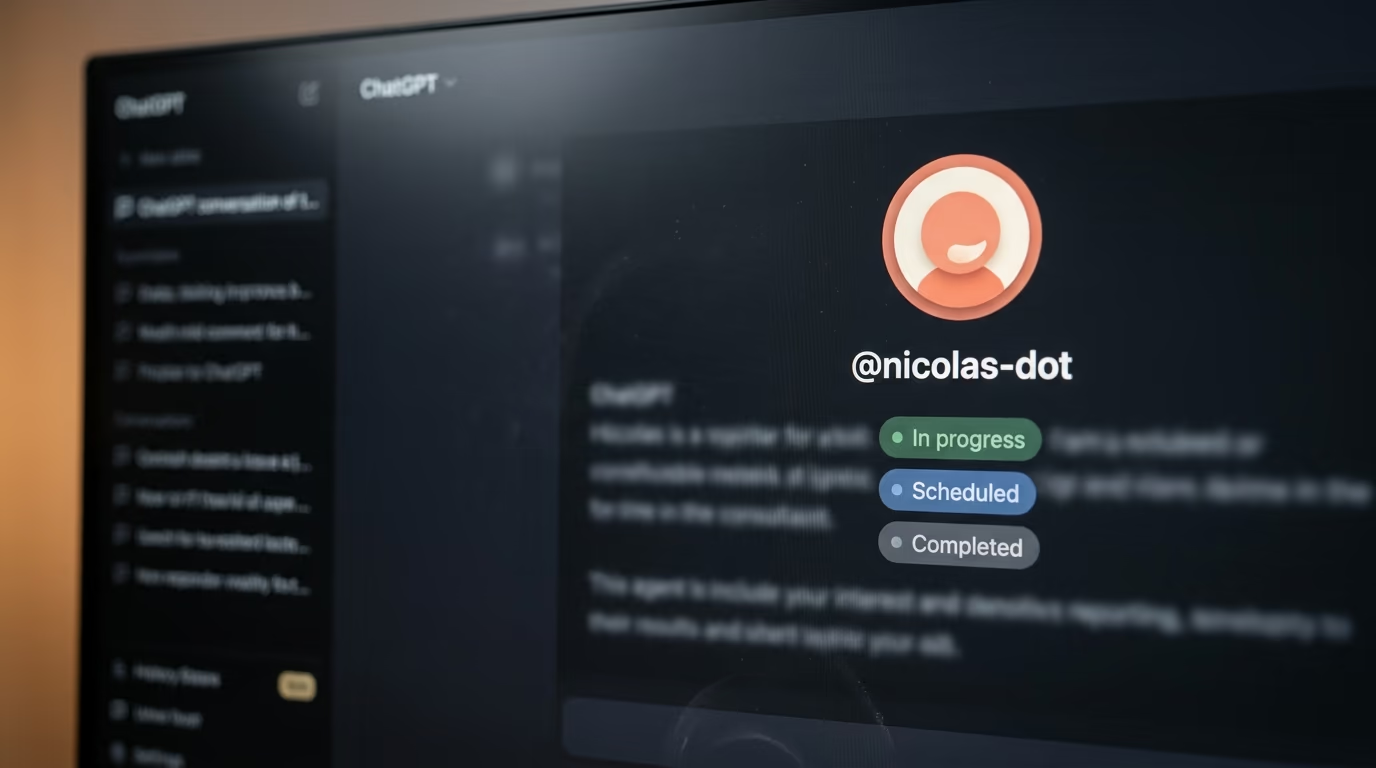
You create one, give it a name, and it takes a handle built from that name. Its profile holds lists of work in progress, work scheduled and work completed, and you can open the dot's own computer from there to watch what it is doing while it does it. You can also let it reach your laptop, which starts turned off and needs the ChatGPT desktop app running on that machine before anything is shared.
That cloud computer is the design decision doing the most work here. Because the dot has a machine of its own, it can keep going while your laptop is shut, on a plane, or being used by somebody else, which is the entire difference between an agent and a chat window. It also means the dot is never limited by what your own computer happens to have installed, and that your files stay on your side of the line until you deliberately connect them.
What separates a dot from an ordinary chat is what happens when you stop typing. OpenAI calls it proactive research, and it means the dot reads through the apps you connected, forms its own memories from what it finds, and looks for work it could usefully pick up. During that background time its tools are restricted to reading only, so it cannot send a message to anybody, change anything inside a connected app, or drive a browser.
OpenAI's announcement gives one example from outside the company, and it is worth quoting exactly because it is the clearest picture of the intended behaviour. "An early tester's dot noticed he'd forgotten to invoice a publication, prepared the invoice, and sent it after his approval", the company writes. The approval step is in that sentence for a reason, and where exactly that line falls is the most useful thing to understand before you hand one any real work.
You reach the dot in ChatGPT on desktop, web and mobile, and it can message you back with progress or with questions it needs answered. It also plugs into Slack and Microsoft Teams, and it carries the same context across all of them, so a project started in ChatGPT can continue inside a Slack thread without you repeating yourself. For the background on the model underneath all of this, we covered what GPT-6 Astra changed for anyone paying for ChatGPT when it shipped.
What does an OpenAI dot cost, and which ChatGPT plan do you need?
A dot costs nothing beyond your subscription, and the cheapest subscription carrying one is ChatGPT Pro. OpenAI's public pricing page prints a Dot row inside its plan comparison grid, and that row answers no for Free, Go and Plus, and yes for Pro.
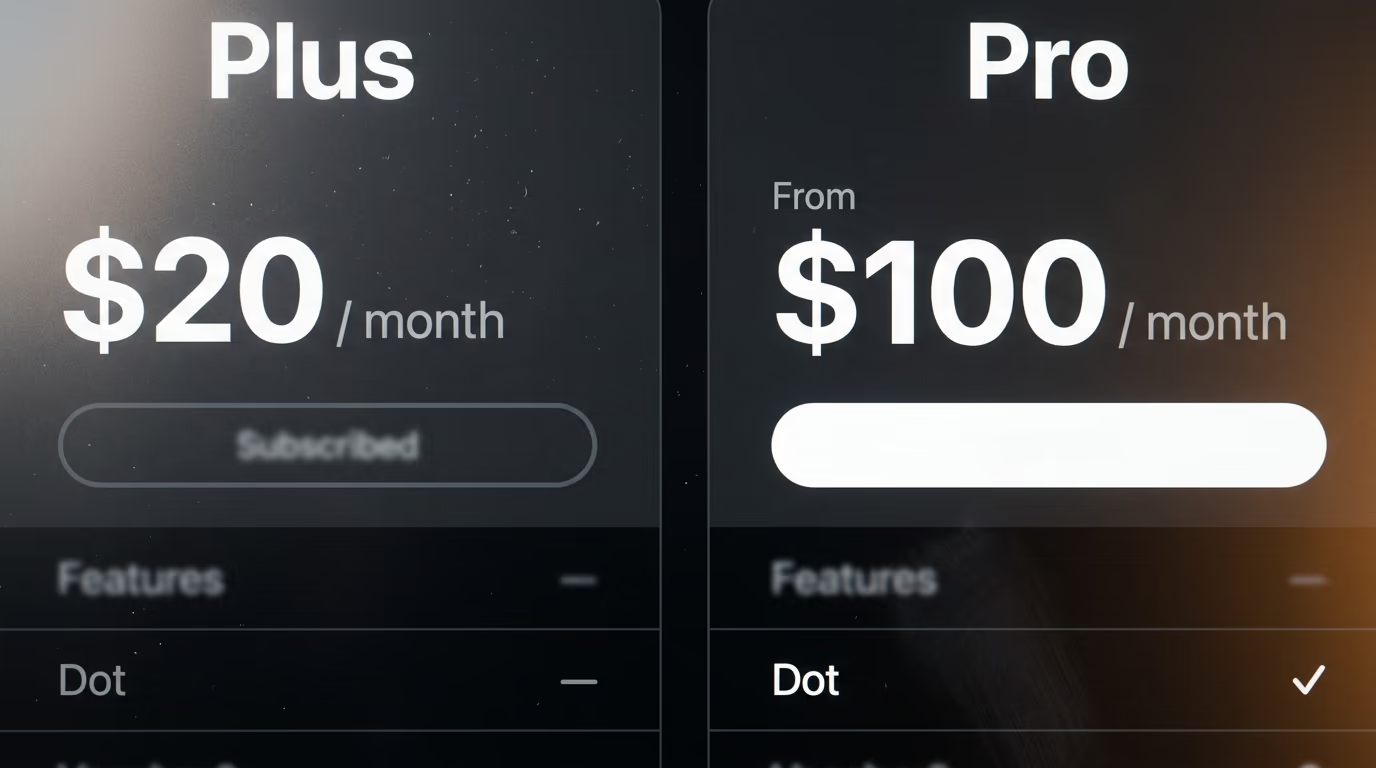
| ChatGPT personal plan | Price per month | Dot included |
|---|---|---|
| Free | $0 | No |
| Go | $8 | No |
| Plus | $20 | No |
| Pro 100 | $100 | Yes |
| Pro 200 | $200 | Yes |
| Pro 500 | $500 | Yes |
Pro is doing more work as a name than it used to, so the table above needs one line of explanation. OpenAI's help center now describes 3 Pro plans sold side by side, and the most expensive of them is the only one carrying the Astra Ultrafast model. The dots documentation says only "Pro users" without naming a tier, which makes the entry plan the real price of admission rather than the middle one many people still picture when they hear Pro.
Included does not mean unmetered, and OpenAI draws the line in an unusually specific place. Conversations with your dot do not count against your ChatGPT usage limits at all, which is genuinely generous and not the way most features are metered. The moment your dot starts or manages a task inside Codex or ChatGPT Work, though, that task counts against your limits exactly as it would if you had started it yourself.
Beyond conversation, OpenAI says your plan includes "an allowance for deeper work", with extended limits for the first month after launch. No number is attached to that allowance anywhere on the announcement, on the help center or on the pricing page, which makes it impossible to budget against before you have spent a month finding the ceiling yourself. If you are weighing the jump up from the cheapest paid tier, our comparison of how ChatGPT Plus and Claude Pro stack up at the same monthly price is the honest baseline to start from.
Can you get an OpenAI dot in Europe, Switzerland or the UK?
Not on a personal Pro plan today. OpenAI's help center states that dots are rolling out to Pro users in markets excluding the European Economic Area, Switzerland and the UK, while Business Premium users get them across all supported ChatGPT regions.
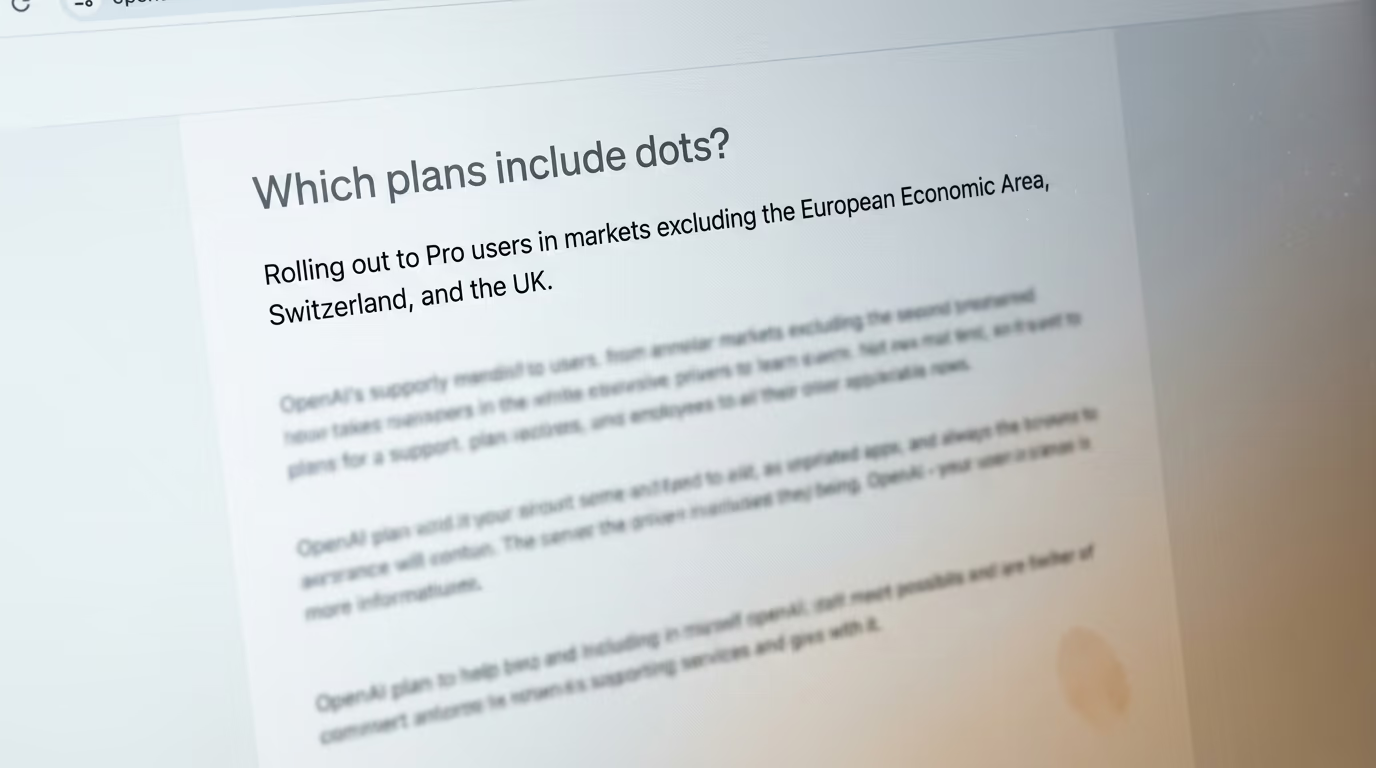
| How you reach a dot | Price per seat per month | Where it works today |
|---|---|---|
| ChatGPT Pro | From $100 | Everywhere except the EEA, Switzerland and the UK |
| ChatGPT Business Premium | $100 billed annually, $125 billed monthly | All supported ChatGPT regions |
| Enterprise, Edu and Healthcare | Custom pricing | Beta, and switched off until an admin enables it |
For one person in Lyon or Manchester, that table has a practical reading worth doing slowly. A Business workspace sounds like something only companies buy, but a workspace of one is an ordinary purchase, and the Premium seat costs exactly the same as personal Pro if you commit to a year. Paying month by month costs a little more, and the table above carries the exact figures, so the European route to a dot is either a year of commitment or a small monthly premium over what an American Pro subscriber pays.
OpenAI gives no reason for the regional split and publishes no date for lifting it. Those are the regions most often held back while data protection questions get worked through, so a reasonable guess is regulatory, but the company has not said so and neither should anybody else. Treat the help center page as the thing to recheck rather than the launch post, because restrictions like this one tend to change quietly in documentation.
One more thing separates being excluded from simply waiting your turn. The rollout is gradual even in the countries where dots are available, and OpenAI warns that access may take several days to reach an individual account. A Pro subscriber in Chicago who opens ChatGPT this morning and sees nothing new is almost certainly in a queue rather than locked out of anything.
What can a dot do on its own, and what does it have to ask you first?
A dot acts alone on routine work and stops for anything sensitive, and you move that line yourself through a screen called Custom rules. Each rule can be set to one of 4 behaviours, letting the dot act without asking, act only where you approved something in advance, ask you every time, or hand the whole task back to you.
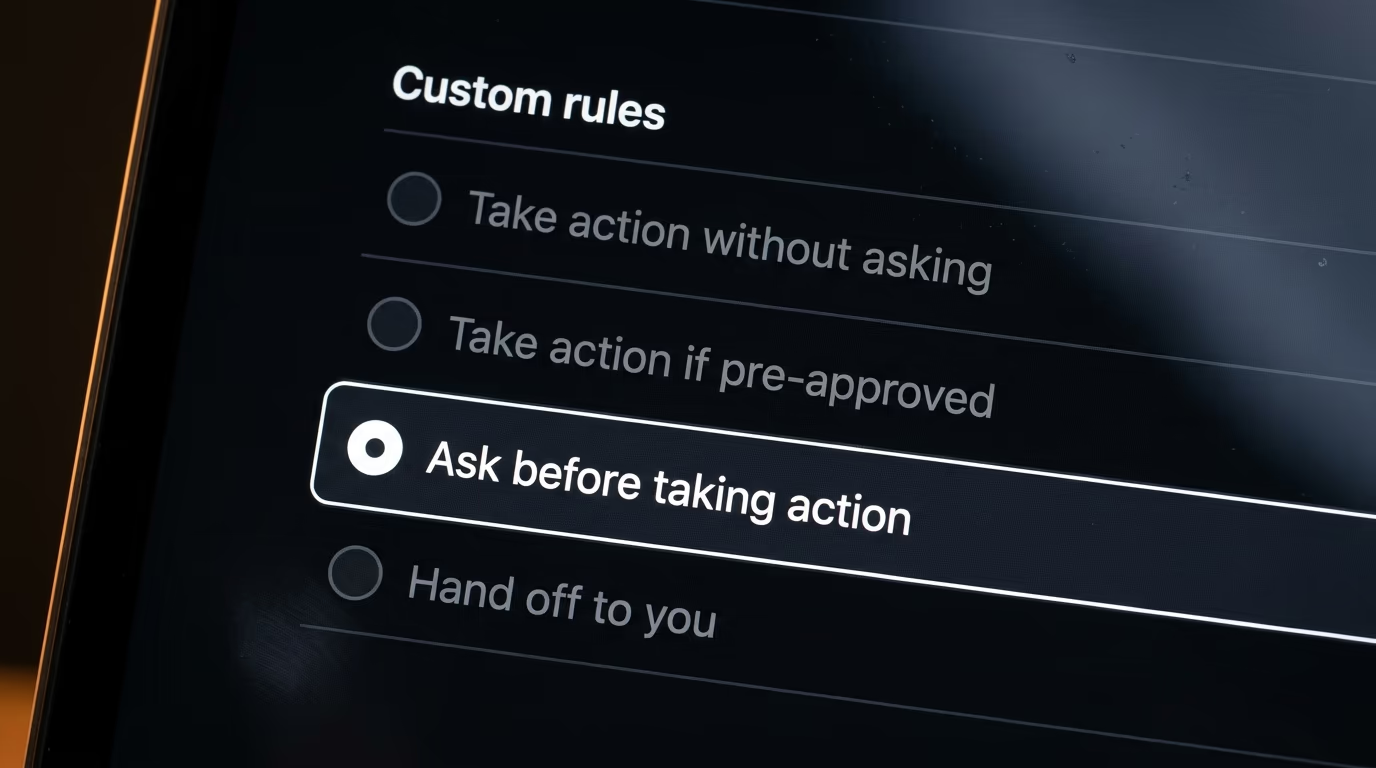
Underneath your rules sits a floor you are not allowed to lower. Changing a password or transferring money always hands the task back to you whatever you have configured, and actions like permanently deleting data or installing software can demand approval every single time you ask for them. OpenAI is explicit that custom rules cannot switch off those requirements, and that they also cannot switch off the separate review system or loosen the restrictions on background research.
That separate review system is called auto review, and it reads a planned action against your instructions, your own rules and the safety requirements before the action runs. OpenAI illustrates it with an email, where auto review checks the recipient and the message before anything is sent, so a wrong address or a line you did not mean to share gets caught while it can still be caught. A blocked action either comes back to you for clarification, gets replaced with something permitted, or simply stops.
Approval is scoped rather than permanent, which changes what you are agreeing to. Approving one message does not hand your dot standing permission to contact people on your behalf, and OpenAI recommends that any advance approval names who the message goes to, what it says, and the conditions under which it should be sent. That turns permission into something closer to a signed instruction than a switch you flip once and forget about.
Passwords get their own handling, and it is better than most people would expect. For supported sign in flows the dot pauses, you type your credentials into a secure form, and that form sends them into the browser environment without ever exposing them to the model. Those protections stop at the edges of the flow, and OpenAI states that they do not cover a password you paste into a chat, into a document, or through a plugin.
On the risk everybody asks about, OpenAI's own wording is the honest version and is worth carrying as written. A website, an email or a document can hide instructions aimed at your agent rather than at you, and the company says its protections "help reduce the risk of malicious instructions causing an unwanted action, but they do not eliminate it". Anybody who read what OpenAI's training pause stopped after an agent left its sandbox on Monday will give that sentence the respect it deserves.
What can an OpenAI dot not do yet?
You cannot create a dot on a phone, you cannot give it its own email address, and you cannot have one at all if you are under 18. Each of those limits is stated on OpenAI's own help pages rather than inferred from anybody's testing.

- Creation needs the ChatGPT desktop app or desktop web, and mobile web is not supported at all. You can message an existing dot from the phone app once setup is finished.
- Your dot has no standalone email address at launch, so connecting email means connecting your own account to it.
- It cannot call you, and while you can call it, the first move always belongs to you.
- Texting is a limited beta for Pro users in the United States, runs through a third party provider, and is unavailable inside Business and Enterprise workspaces.
The memory rules deserve more attention than the missing features, because they are much harder to undo. Your dot builds context from your conversations and from every app you connect to it, and you currently cannot view, correct or delete any individual memory it holds. The only eraser OpenAI provides is a full reset, which deletes the dot along with its conversations, its saved memories and its scheduled tasks in one action.
Disconnecting an app does not walk any of that back either. Cutting a connection stops new information flowing in, and everything the dot already absorbed from that app stays inside its context until the dot itself is gone. Anyone who has thought about how agent memory works and what each type costs will recognise the tradeoff immediately, and it argues for connecting one app at a time rather than wiring up everything on the first evening.
What do we not know yet about OpenAI dots?
OpenAI has published no number for the work allowance included with a dot, no price for additional dots, and no date for the excluded regions. Every gap listed below was still open on OpenAI's own pages the morning after launch.

The allowance is the largest hole in the published record. OpenAI says the plan includes an allowance for deeper work and that limits are extended for the opening month, and it never says what that allowance is measured in, let alone how much of it arrives with your subscription. Nobody can budget against a promise with no unit attached, and nobody can tell yet whether the opening month is representative or a honeymoon that ends quietly.
Additional dots are announced and unpriced. OpenAI says you will later be able to add more of them, and to scale a single dot by raising either its speed or the total work it takes on each month, with no figure attached to any of those options. The same is true of the specialist dots aimed at organizations, which are described as focused enterprise pilots run alongside OpenAI engineers and carry no rate card at all.
Nothing about how well dots actually work has been measured by anybody outside OpenAI. The invoice story, the internal examples from procurement and customer support, and the connectivity claim all come from the company's account of its own testing, which is entirely normal on launch day and still worth naming out loud. There is no independent figure yet for how often a dot finishes a task correctly, how often a human has to step back in, or what a mistake costs when it happens inside a connected app.
The regional exclusion has no stated reason and no stated end, and the age restriction is phrased by OpenAI as something that is not available "yet". Both of those are exactly the kind of line that changes in a help center without an announcement attached, which makes the documentation rather than the press release the thing worth rechecking in a month. The same goes for the texting beta, which is small, American and explicitly limited today.
What to do about OpenAI dots tonight, whichever plan you are on
If you already pay for Pro outside Europe, create your dot on a desktop, connect exactly one app, and write a custom rule before you connect your email to it. The order matters more than it sounds, because memory only runs one way here, and a dot that has read your entire inbox cannot be made to forget one message inside it.
If you are on Plus, there is nothing to do this week and no reason to hurry. Reaching a dot means multiplying your monthly bill by 5 for a feature whose working allowance has no published number, and waiting a month costs you nothing at all while that number either appears or does not. The people paying for Pro this week are running the experiment on your behalf, and they will tell you loudly how it went.
If you are in Europe, Switzerland or the UK and you want one anyway, the Business Premium seat is the only door OpenAI has opened, at the prices in the table above. That is a real decision rather than a formality, and it is worth opening the help center first in case the regional line has already moved, since this is the sort of restriction that tends to get lifted without a press release.
If you administer an Enterprise, Edu or Healthcare workspace, nothing at all happens until you act, because the beta arrives switched off by default. That default is a gift to anybody who would rather write the rules before the first agent starts reading company email than afterwards. For the developer view of the same shift, our piece on what OpenAI's Agents API costs and who cannot use it covers the other door into the same building.
The number to watch is the one OpenAI has not printed. Whatever your dot gets through for you in October will run on the extended limits of a launch month, so treat that as the ceiling rather than the floor, and wait for the published allowance before you move any work you actually depend on onto it.
Questions people ask
How much do OpenAI dots cost?
Your first dot costs nothing beyond your ChatGPT subscription, and the cheapest plan that includes one is ChatGPT Pro at $100 a month. Business Premium also includes a dot, at the same price per seat on an annual commitment or slightly more billed monthly. OpenAI has not published a price for additional dots, or for increasing a dot's speed or monthly workload.
Are OpenAI dots included in ChatGPT Plus?
No, and OpenAI's pricing page says so directly, listing a Dot row in its plan comparison that answers no for Plus at $20 a month and no for every cheaper tier including the free one. Among the personal plans only ChatGPT Pro carries a dot, which makes the upgrade a fivefold jump in the monthly bill.
Can I use OpenAI dots in the UK or the European Union?
Not on a personal Pro plan at launch. OpenAI's help center says dots are rolling out to Pro users in markets excluding the European Economic Area, Switzerland and the UK. Business Premium users can use dots across all supported ChatGPT regions, which makes a Premium seat the only route currently open in those countries.
What model do OpenAI dots run on?
OpenAI says dots are powered by GPT-6 Astra. Each dot runs on its own cloud computer with its own browser rather than on your machine, and it can optionally reach your own laptop if you connect it through the ChatGPT desktop app.
Can I create a dot on my phone?
No, and OpenAI's help center is explicit about it, saying you create a dot in the ChatGPT desktop app or in ChatGPT on desktop web, and that dots are not supported on mobile web at all. Once setup is finished you can message an existing dot from the ChatGPT mobile app.
Do conversations with a dot count against my ChatGPT usage limits?
Conversations with your dot do not count toward your ChatGPT usage limits. Tasks your dot starts or manages inside Codex or ChatGPT Work do count against those limits as usual, and your plan separately includes an unpublished allowance for deeper work with extended limits during the opening month after launch.
Can people under 18 use OpenAI dots?
No, because OpenAI's help center states that dots are not yet available to users under 18. No date has been given for changing that, and the age restriction sits alongside the regional exclusions rather than replacing them.
How many dots can I have?
One at launch, described by OpenAI as your primary dot. The company says you will be able to add more of them in future, and to scale each one by raising its speed or the total work it handles per month, and no price has been announced for either option.