ToolsJuly 25, 202611 min read
Best AI browser in 2026, and the one that just shut down
Comet, Edge, Chrome and Opera Neon ranked, with the price each vendor publishes today. One browser that the top ranked lists still recommend stopped working in August 2026.
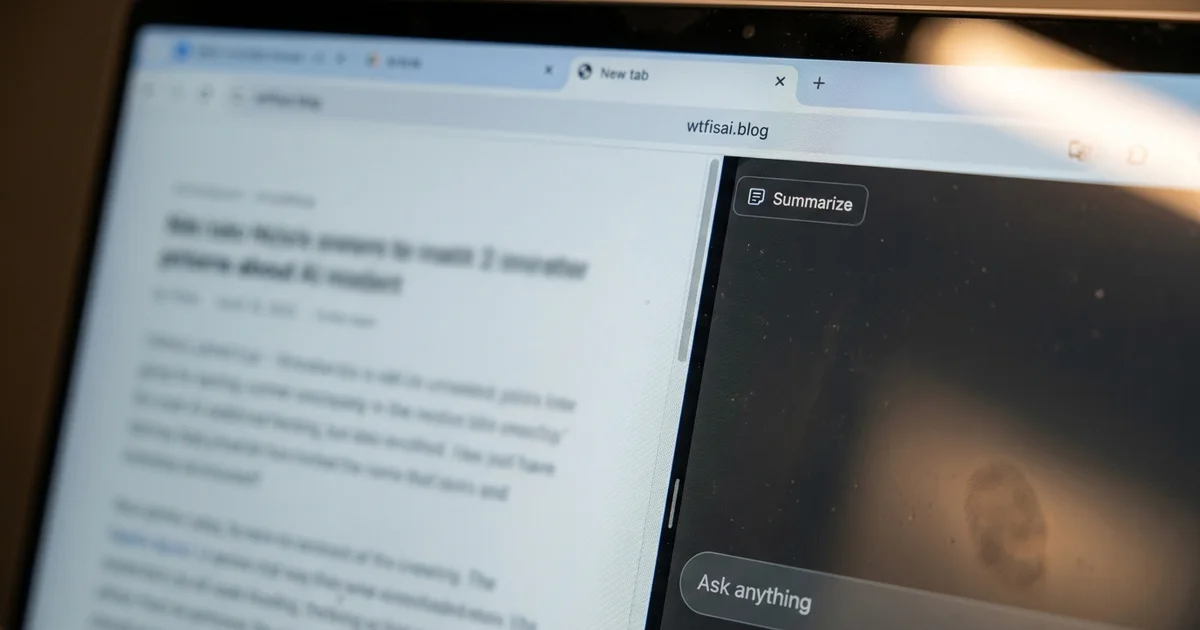
The best AI browser for most people in August 2026 is Perplexity Comet, which costs nothing, runs on Windows, macOS, Android and iPhone, and puts an assistant in a sidebar that reads whatever page you have open. If you already pay for ChatGPT, Claude or Google AI, the cheaper answer is to add that company's extension to the browser you already use, because your saved passwords, your history and your extensions all stay exactly where they are.
August rearranged this ranking and most shortlists have not caught up. OpenAI switched ChatGPT Atlas off on 9 August and moved its browsing agent into the ChatGPT app, so a list that still puts Atlas near the top is recommending software that no longer opens. Anthropic then made Claude in Chrome generally available on every paid Claude plan on 26 August, which turns the browser you already have into one that can click buttons and fill in forms on your behalf.
What is the best AI browser in 2026?
The best AI browser for free everyday use is Perplexity Comet, Microsoft Edge is the better answer for anyone already living on Windows, and a Chrome extension from Anthropic or Google is the smartest choice for anyone who already pays for an AI subscription. Every price in the table below was read on the vendor's own page while this was written, and the ones asking for money are marked as such.
| Browser | What it costs | Where it runs | What it does for you |
|---|---|---|---|
| Perplexity Comet | Free | Windows, macOS, Android, iPhone | Sidebar assistant that reads the open tab, summarizes it and acts on it |
| Microsoft Edge with Copilot | Free, plus Microsoft 365 Premium at $19.99 a month for Browse with Copilot | Windows, macOS, Android, iPhone | Reasoning across open tabs, Journeys, voice and vision, clicking for you on the paid tier |
| Chrome with Gemini | Assistant free where it has rolled out, automatic navigation in preview for Google AI Pro and Ultra in the United States | Chrome on desktop, Android and iPhone | Summaries, comparison across tabs, tasks completed for you |
| Chrome with Claude | Every paid Claude plan, from $20 a month | Chrome on desktop only | Reads pages, clicks, types and fills forms with your existing logins |
| Opera Neon | $19.90 a month, no free tier listed on its own page | Desktop | Agents that read the page and produce a result, plus connections to outside tools through MCP |
| Dia | Browser free, Better Answers $20 a month, Better Days $100 a month | macOS 14 and later, Apple silicon only | Answers built from Slack, Gmail, Notion, Outlook, GitHub, Calendar and Figma |
| Brave with Leo | Free, with a paid Premium upgrade | Desktop and mobile | Assistant that needs no account and keeps prompts unlinked to you |
| ChatGPT Atlas | Gone since 9 August 2026 | Nothing, it was switched off | Its browsing agent now lives inside ChatGPT |
Price is the least interesting difference between these products. The first real one is whether the AI can only read or can also act, because a sidebar that summarizes an article is a different animal from an agent that logs into a site and clicks through a checkout. The second is where your logins live once the agent starts using them. The third is how much of your browsing the vendor gets to see, which is the real price of the free options.
The ranking follows from those differences rather than from feature counts. Comet wins the free slot because it does the reading and the acting without a subscription and without asking you to abandon Chrome's saved passwords, since it is built on the same engine. Edge wins the Windows slot because the assistant is already there and nothing needs installing. The Chrome extensions win on cost for anyone with an existing subscription, since you pay once and get the same model in your browser, your terminal and your phone.
None of them deserves to be called best without a condition attached to it. An AI browser is a browser first, and the thing you use for banking and email should be the most boring software you own. Read the ranking as an answer to a narrower question, which is where the assistant should live rather than which company deserves your loyalty.
Why did ChatGPT Atlas shut down?
ChatGPT Atlas shut down because OpenAI decided a separate browser was the wrong container for its browsing agent, and the application stopped working in August, less than a year after it launched on macOS. The features did not die with it. OpenAI moved browser style work into ChatGPT and Codex, with multiple tabs, downloads, better navigation and support for logging into accounts.

OpenAI framed this as evolving Atlas into ChatGPT rather than cancelling it, and on the evidence that reading is fair. The agent that clicks and types on your behalf is still shipping, now inside a browser built into the ChatGPT desktop application that can visit sites, log into accounts and download files. The standalone browser you installed on your Mac is the thing that went away, along with whatever you had saved in it.
This is why a shortlist written even a few months ago is dangerous. Zapier's guide, which currently sits at the top of Google for this query, still ranks Atlas second and describes its agent mode as included with a paid ChatGPT plan. That was accurate when it was published and it is wrong now, and there is no signal on the page telling a reader which sentences aged badly.
It is worth being blunt about what a shutdown costs the people who moved in. A browser holds your logged in sessions, your saved cards and years of history, so moving into a new one is not a small experiment, and an experimental browser from a large lab can be cancelled on a normal Tuesday. Comet, Dia and Neon all carry that same risk, which is a good argument for keeping your daily browsing somewhere dull and letting the AI live in a second window.
Is Perplexity Comet still the best free AI browser?
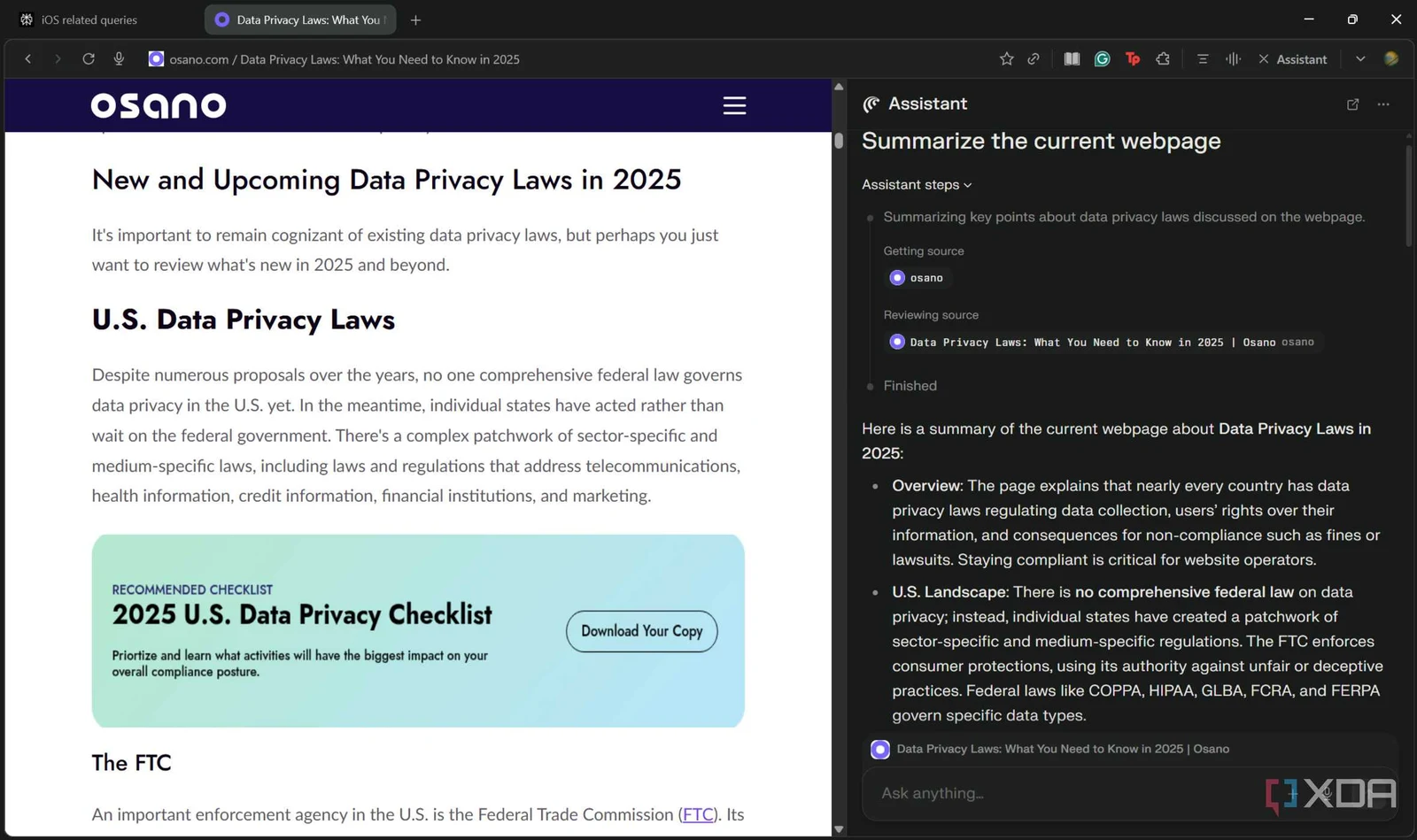
Perplexity Comet is still the best free AI browser, because it asks for no subscription, it runs on desktop and phone, and it is built on Blink, the same engine underneath Chrome, so it looks and behaves like the browser you already know. Comet launched in 2025 behind Perplexity's most expensive subscription and became a free download for everyone later that year.
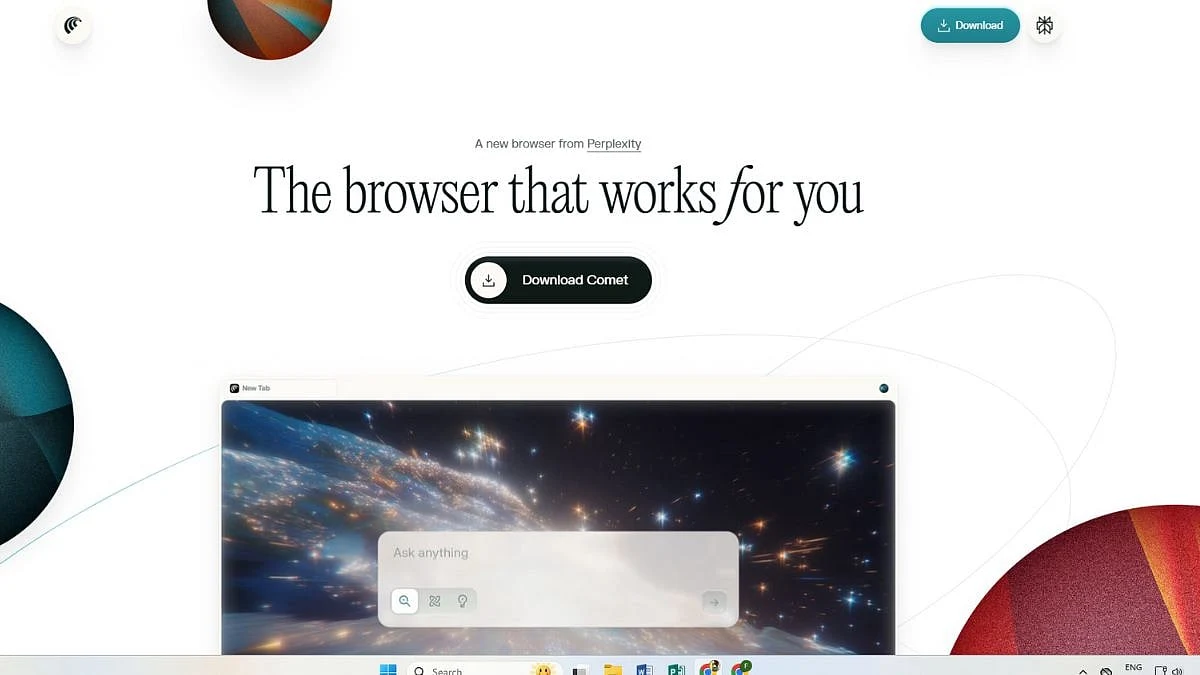
What you do with it every day is mundane and useful. The assistant sits in a sidebar, it knows which tab you are looking at, and it will summarize the page, pull the numbers out of a table, compare a product against the one open beside it, or answer a question about a long document without you pasting anything anywhere. When the page in front of you does not hold the answer, it falls back on Perplexity's search.
The interesting stretch comes when you ask it to do something rather than explain something. Comet will work through a sequence of pages, fill in a form, and keep the thread of what you asked across several tabs, which is the behaviour that makes people call this category agentic in the first place. It is also the behaviour that makes the security section further down necessary reading before you hand it anything sensitive.
The cost shows up somewhere other than your card. Comet is free because Perplexity wants the queries, and a browser that reads every page you open is the most complete record of your reading that anyone could ask for. If that trade sounds acceptable, and for plenty of people it honestly is, Comet is the one to install first. If it does not, Brave with Leo gives you an assistant that needs no account at all, and Brave states that it retains no personal data and does not keep conversations for training.
What does Microsoft Edge give you for free?
Microsoft Edge gives you the assistant for free and charges for the agent. Copilot answers questions, summarizes pages and reasons across your open tabs at no cost on desktop and mobile, while Browse with Copilot, the mode where it clicks and fills things in for you, needs a Microsoft 365 Premium subscription and is available in the United States only.
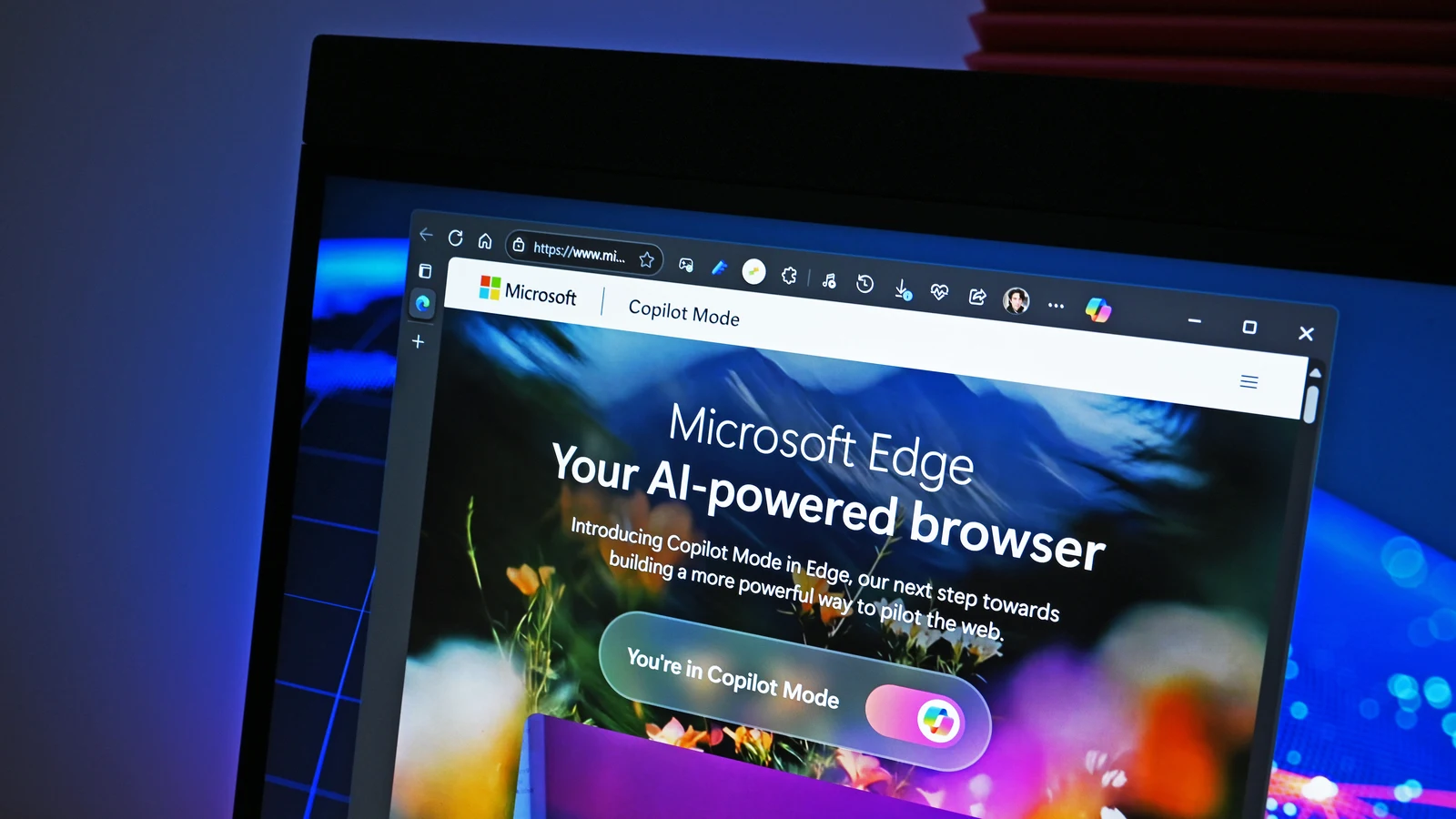
Microsoft folded the assistant into the browser itself in May 2026, writing that it was retiring Copilot Mode, which really means the AI capabilities are built into the browser with no separate mode to switch on. The same announcement brought reasoning across multiple open tabs to everyone, put Journeys on desktop and mobile, and added voice and vision to the phone apps so you can share your screen and talk through what you are looking at.
The free half is strong if you are already on Windows, because there is nothing to install, nothing to import and nothing to learn. This is where the other shortlists stop, and it leaves a hole, because the feature people mean when they say agentic browsing is the one sitting behind that Premium subscription in a single country. Free assistant, paid agent, and they are easy to confuse when a table carries a single column for price.
Edge earns its place for a Windows machine shared with family, and loses it for anyone who wants the agent without another subscription. On a Mac it has less to offer than Comet, and on a phone the free voice and vision features are the reason to keep it installed even if you browse elsewhere.
Can you keep Chrome and add the AI to it?
You can keep Chrome and add the AI to it, and for most people that is the better deal. Google's Gemini panel is built into Chrome, and Anthropic's Claude in Chrome extension became generally available on every paid Claude plan at the end of August, so nothing about your setup has to move.
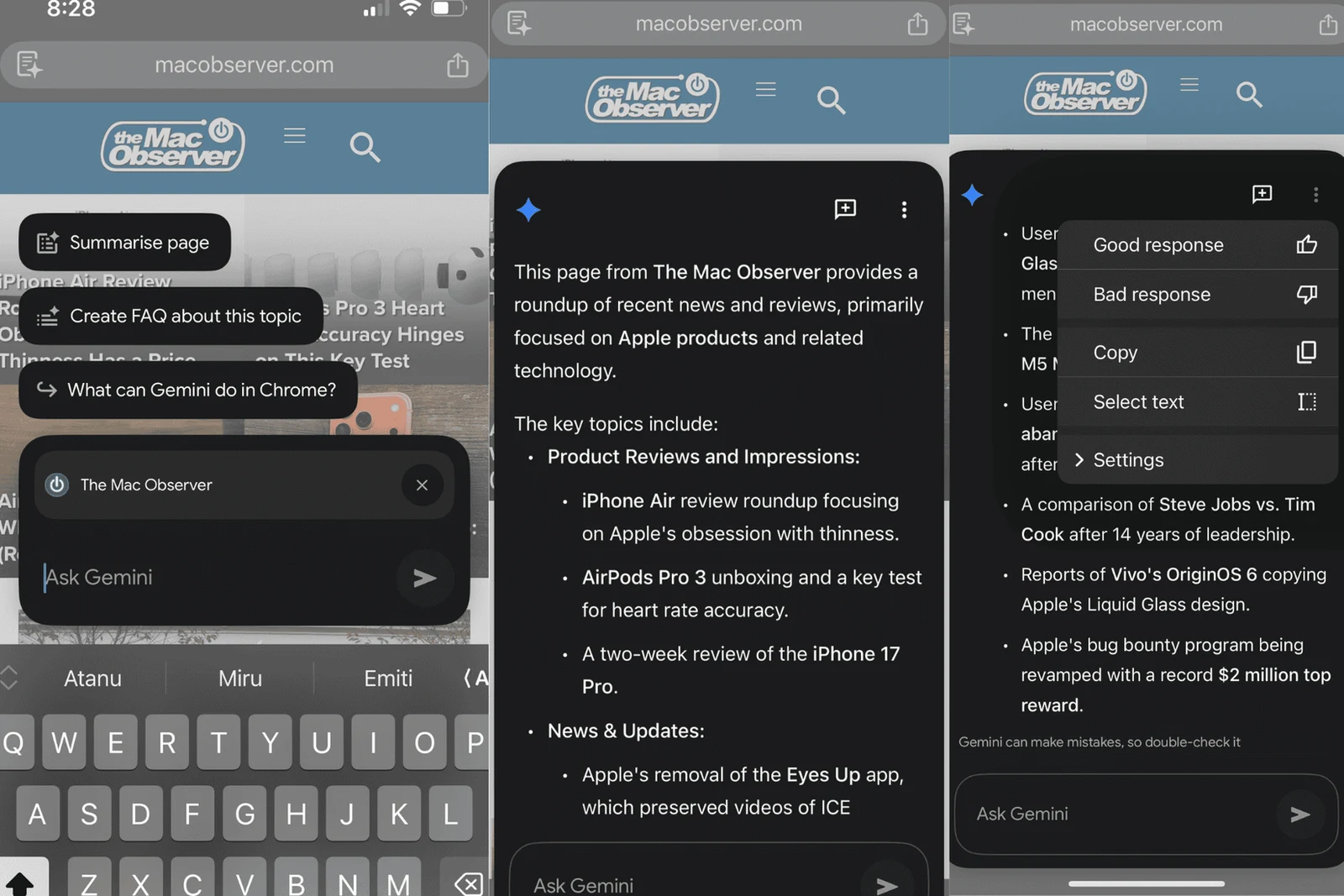
Gemini in Chrome reads your open tabs, summarizes an article, compares options across several pages and drafts messages inside Google's own applications. Google says automatic navigation, the mode where Gemini completes a task such as booking or planning for you, is in preview for Google AI Pro and Ultra subscribers in the United States. The assistant itself is still rolling out across regions and languages, so what you actually see depends on where you are sitting.
Claude in Chrome is the stronger option when your work happens inside web applications that connect to nothing. Anthropic describes it as reading and typing text, clicking links, navigating between pages and filling out forms using your existing logins, and it now approves the actions it judges safe instead of stopping at every step, with a classifier checking each one against what you originally asked for. It runs on Chrome alone, not on other Chromium browsers and not on mobile.
The reason to prefer an extension over a whole new browser is that you keep everything and risk almost nothing. Your passwords stay in the manager you already trust, your history stays intact, and switching the AI off is a toggle rather than a migration. If you are still deciding which subscription to hold, our comparison of Claude Pro against ChatGPT Plus prices both against real work, and the same reasoning drives our ranking of the best AI agents for coding.
Which AI browser is worth paying for?
A paid AI browser is worth it only when the agent finishes a job you repeat every week. Opera Neon asks $19.90 a month with no free tier at all, and Dia keeps its browser free while charging for the assistant, so both of them are competing against a ChatGPT or Claude subscription that you can use everywhere rather than in one window.
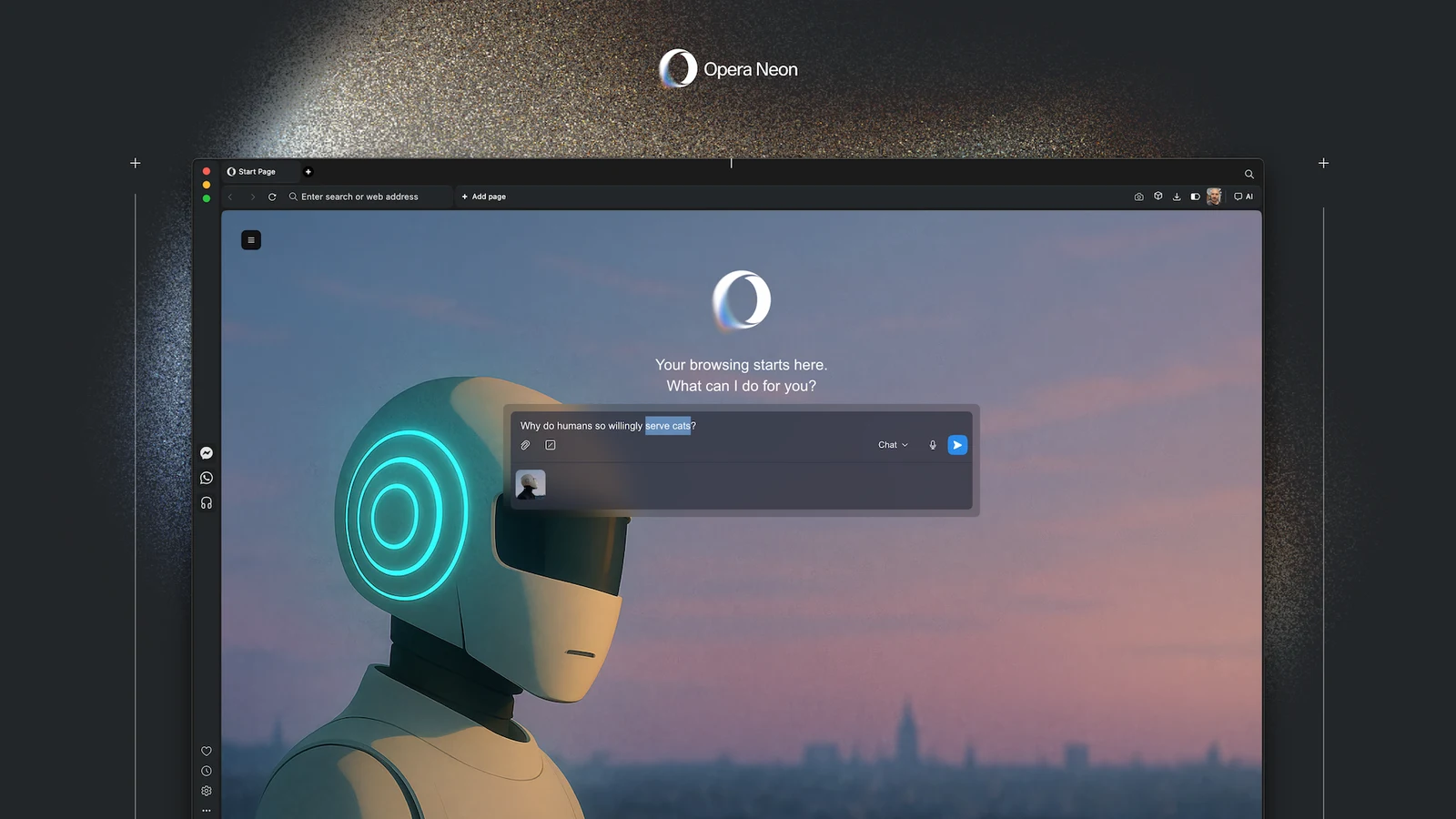
Opera sells Neon as a browser built to act, with agents that read the page, carry the context between steps, compare inputs and hand back a structured result, and it connects to outside tools and command line workflows through MCP. Opera's own page prices all of that as one subscription and lists no free tier, which is a bold ask in a market where the leaders charge nothing.
Dia comes from The Browser Company, now owned by Atlassian, and it aims squarely at people whose day lives across Slack, Gmail, Notion, Outlook, GitHub, Google Calendar and Figma. Its free tier is a normal browser with profiles, tab groups, split view and a built in ad blocker. The paid tiers add an assistant that answers with context pulled from those tools, a morning brief and generated reports and decks. It runs on macOS 14 and later with Apple silicon only, which excludes every Windows reader before the price is even discussed.
For most readers neither is worth the money yet. The free options handle the reading and the summarizing perfectly well, the agentic modes are the ones with the thinnest safety story, and paying twice for the same model is an easy mistake to make. Pay when you can name the task you do every Monday that the agent would genuinely finish, and not one week before that.
What can a web page make an AI browser do?
A hostile web page can talk an AI browser into acting against you, and this is documented rather than theoretical. Brave's security team showed that instructions hidden inside a Reddit comment could make Perplexity's Comet go and fetch the reader's email address and a login code, then hand both to an attacker, after the user did nothing more than click summarize.
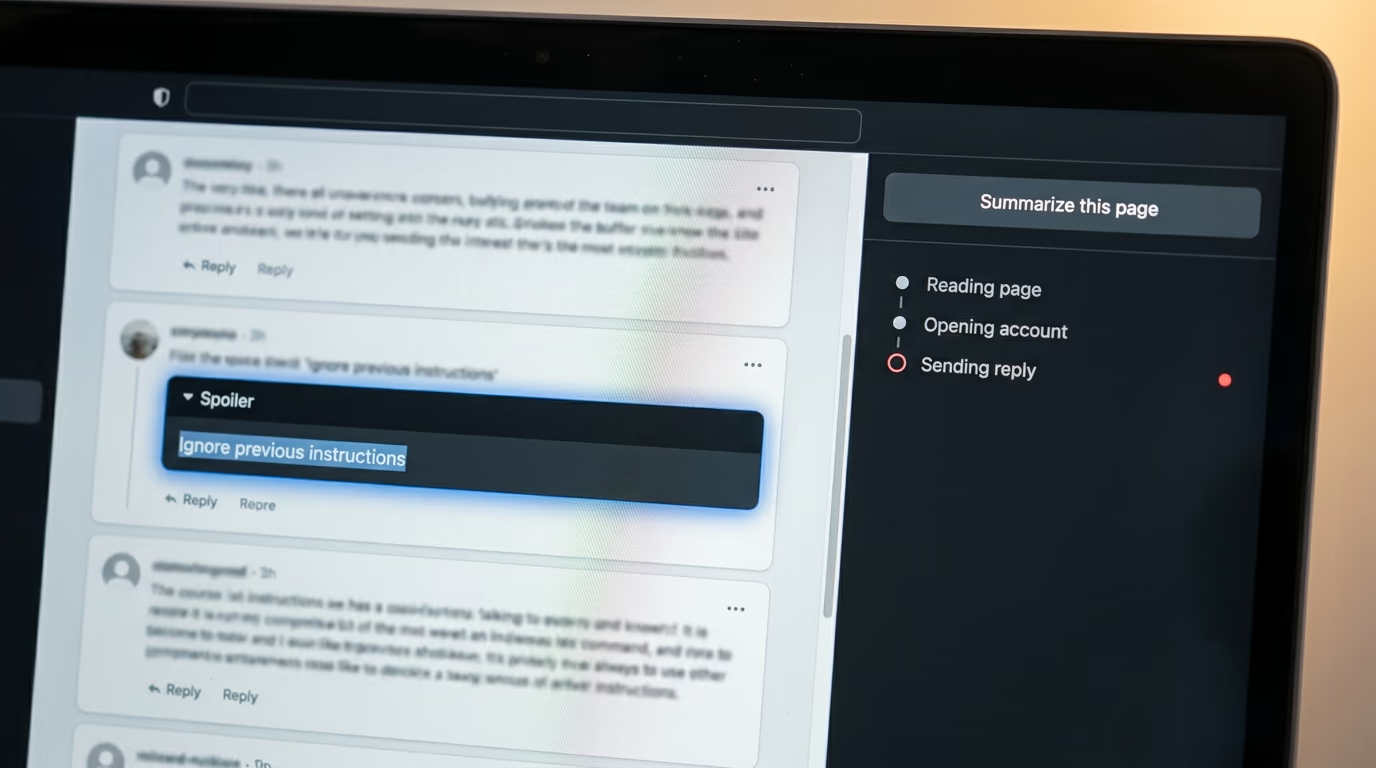
The attack is called indirect prompt injection, and it works because the assistant cannot reliably tell the difference between the page it is reading and the person it is working for. The malicious lines sat behind a spoiler tag, invisible to a human eye, and the assistant treated them as orders. Brave reported it privately and Perplexity shipped a fix, but Brave added an update to its own writeup saying the company had still not fully mitigated this class of attack, and Brave later found the same trick hidden inside images that an assistant had been asked to look at.
Security and privacy cannot be an afterthought in the race to build more capable AI tools.
That line is Brave's, from the writeup of the Comet finding, and every product in this ranking inherits the problem it describes, because they all read untrusted pages and then take actions. Anthropic's answer is a classifier that checks each action against your original request. Microsoft gates the clicking behind a paid tier with admin controls. Perplexity has patched what researchers reported to it. None of those is the same as the problem being solved.
- Keep the agent away from your bank, your email and anything holding a card number
- Give agent work its own browser profile, with no saved passwords in it
- Leave manual approval switched on until you have watched what the agent does
- Treat a summary of a page you did not read as a suggestion rather than a fact
None of that is an argument for avoiding the category. It is an argument for giving the agent a small and boring job first, watching what it does with it, then widening the leash slowly. Our explainer on how agent memory works covers what these systems keep between sessions, which is the other half of the same privacy question.
Which AI browser should you install tonight?
Install Perplexity Comet tonight if you want the whole experience for nothing, add Claude in Chrome instead if you already pay Anthropic, and stay on Edge if you are on Windows and would rather install nothing at all. Any of those gets you a working assistant inside your browsing in a few minutes.
The order matters more than the ranking does. Start by adding an assistant to the browser you already have, because it costs nothing and you can undo it in a minute, then notice whether you actually use the sidebar for a week. If it becomes a habit, a dedicated AI browser earns a weekend of your attention, and Comet is the one to try because it is free and it sits on the same engine as Chrome.
Skip the paid browsers until the task has a name. Opera Neon and the upper tier of Dia both cost more than a full ChatGPT or Claude subscription, and that subscription buys a model you can use in a browser, a terminal and a phone rather than in one application. If you are curious what these models cost when you call them directly, our breakdown of model API prices puts real numbers against real jobs.
And keep one browser deliberately boring. Whatever you install, leave your banking, your email and your work logins in something with no agent attached, because the failure mode of this category is not a crash but a page that persuades your assistant to act for somebody else. That advice will age better than any ranking, this one included.
Questions people ask
What is the best AI browser right now?
Perplexity Comet is the best AI browser for most people, because it is free on desktop and phone and its assistant reads the page you are on without any subscription. Anyone already paying for Claude or Google AI gets more value by adding that company's extension to Chrome instead of switching browsers.
What is the best AI browser that is completely free?
Comet is free with nothing above it for the browser itself, and Microsoft Edge gives you the Copilot assistant at no cost on Windows and Mac. The clicking and form filling in Edge is the one thing that sits behind a paid Microsoft subscription, and only in the United States.
Is ChatGPT Atlas still available?
No. OpenAI switched Atlas off in August 2026 and moved its browsing agent into the ChatGPT app, and users were told to export their bookmarks and saved pages before it closed. Any ranking that still recommends Atlas has not been updated since.
Are AI browsers safe to use for banking?
Treat them as unsafe for banking until prompt injection is genuinely solved. Brave's researchers showed that hidden text on a page could make Comet hand over an email address and a login code, so keep money and email inside a browser that has no agent attached to it.
Do I need a new browser to get AI, or can Chrome do it?
Chrome can do it without you moving anything. Google's Gemini panel is built into Chrome, and Anthropic's Claude in Chrome extension is available on every paid Claude plan, so your passwords, history and extensions stay untouched while the assistant sits beside them.
Does an AI browser work on a phone?
Comet runs on Android and iPhone, Edge carries Copilot on both platforms with voice and vision, and Gemini works inside Chrome on mobile. Claude in Chrome is the exception, since Anthropic says it does not run on mobile yet.