TechAugust 5, 202613 min read
RunPod vs Vast.ai, 5 tests and the real price of a 4090
Vast.ai looks cheaper until you check the middle of the market. I pulled 91 live RTX 4090 offers and RunPod's own price API, then ran 5 tests on cost, setup, uptime, hidden charges and endpoints.
RunPod and Vast.ai both rent you a single Nvidia GPU by the second, and the honest answer to which one is cheaper depends on where you shop inside each catalogue. In August 2026 I pulled every rentable single GPU RTX 4090 offer from Vast.ai's public API and asked RunPod's own price API for the same card, and the cheapest Vast.ai host wanted $0.121 an hour while RunPod posts $0.34 an hour on its Community Cloud, yet the median Vast.ai host carrying a verified badge asked $0.441.
That gap is the whole story. Vast.ai is a market where 91 different machines competed for the same job, so the floor is low and the middle is not, while RunPod publishes one rate per tier and you either take it or you walk. Everything else, the disk you leave behind, the bandwidth, the odds that the box disappears at 3am, moves the real bill more than the headline rate does.
I ran 5 tests on both platforms, covering price, the time it takes to reach a running machine, what else lands on the bill, how likely the machine is to fail, and whether you can serve an API instead of babysitting a box. Every figure below came from the platforms themselves, either their pricing pages or their public APIs. If you're still deciding whether to rent a GPU at all rather than pay per token, the LLM API pricing comparison covers the other side of that choice.
What's the difference between RunPod and Vast.ai?
RunPod is a company selling its own GPU capacity at a posted price, and Vast.ai is a marketplace where independent hosts list their machines and set their own rates. Every other difference in this comparison follows from that one.

RunPod splits its supply in 2 tiers. Secure Cloud sits inside what its documentation calls T3/T4 data centers. Community Cloud comes from independent providers joined through a vetted peer to peer network, which is how the same RTX 4090 drops from $0.74 an hour to $0.34. You pick the tier, RunPod picks the actual machine, and the number on the page is the number you pay.
Vast.ai hands you the machine list instead. Every offer carries its own hourly rate, its own disk rate and its own bandwidth rate, all chosen by whoever owns the hardware, which is why 2 listings for the identical card can sit $0.30 apart on the same screen. Vast.ai's documentation says verification is fully automated with no manual intervention, and that it scores each machine on stable uninterrupted operation, its hardware and network configuration, and a DLPerf performance number.
The catalogues are different sizes too. RunPod's public GraphQL API listed 48 GPU models when I queried it during the run, 37 of them offered on Community Cloud and 32 on Secure Cloud. Vast.ai's pricing page claims 68 or more GPU types, which is what happens when anyone with a spare rig can list one. If you're picking a card because of a specific model you want to run, the piece on open weight AI models has the memory numbers you will want before you shop.
The rental modes differ as well. RunPod sells pods you rent until you stop them and serverless workers that come and go with traffic. Vast.ai sells 3 modes, an on demand rental nobody can take from you, an interruptible rental a higher bidder can pause, and a reserved rental discounted for a commitment of 1, 3 or 6 months.
Which is cheaper per GPU hour, RunPod or Vast.ai?
Vast.ai is cheaper at the floor of its market and RunPod is competitive in the middle of it. In August 2026 the cheapest rentable single RTX 4090 on Vast.ai was $0.121 an hour, RunPod's Community Cloud rate for that card was $0.34 an hour, and the median of the 43 verified Vast.ai listings was $0.441 an hour.
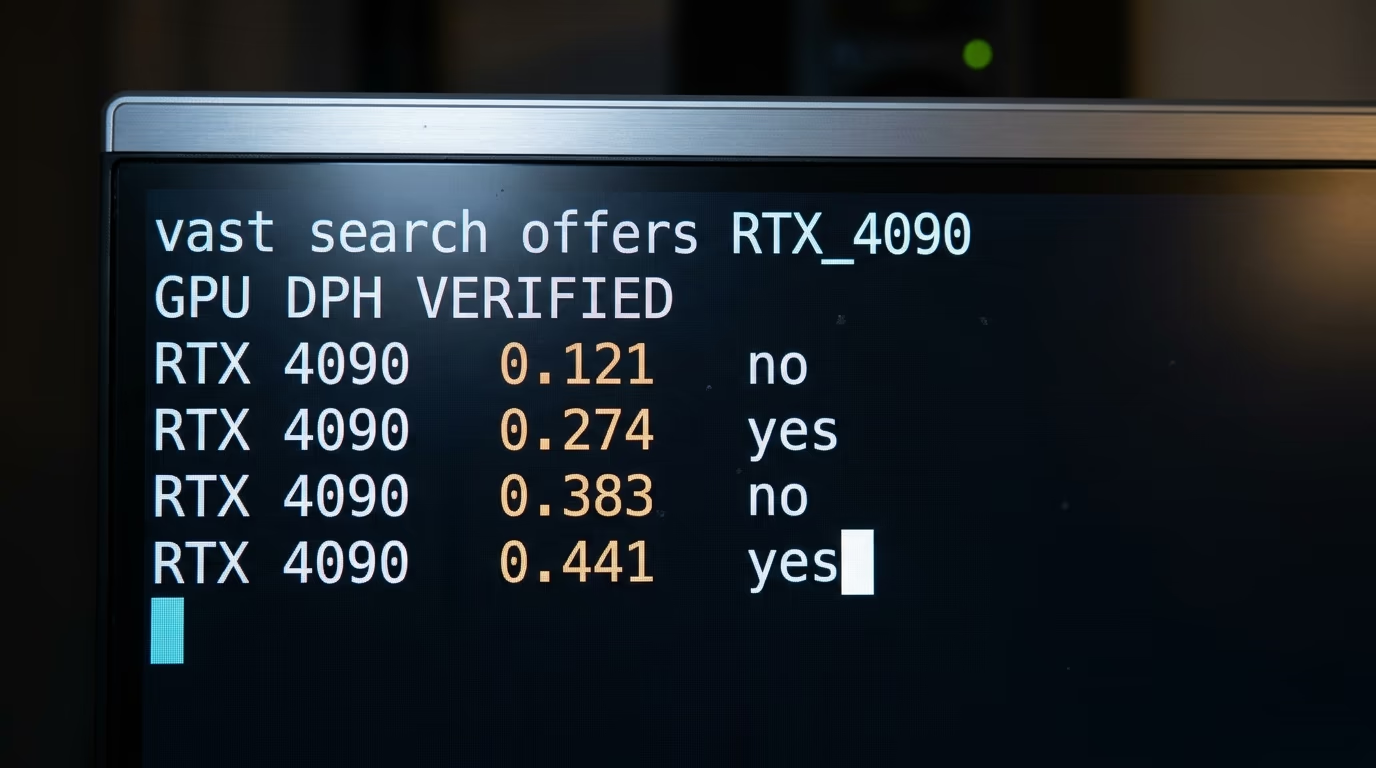
Those numbers come from a census rather than a screenshot. I asked Vast.ai's public offer API for every rentable single GPU RTX 4090 available on demand, which returned 43 verified listings and 48 unverified ones, then sorted the hourly totals. The verified half ran from $0.274 to $1.138 with a median of $0.441. The unverified half ran from $0.121 to $0.71 with a median of $0.383, so half the market sat above $0.38 an hour even without a badge.
The census needs no account and no API token, so you can check my figures against today's market before you spend anything. This command asks for the 5 cheapest single RTX 4090 machines currently rentable.
curl -s -G https://console.vast.ai/api/v0/bundles/ \
  --data-urlencode 'q={"gpu_name":{"eq":"RTX 4090"},"rentable":{"eq":true},"num_gpus":{"eq":1},"order":[["dph_total","asc"]],"limit":5}'
What comes back is a JSON block with one entry per machine, and the field to read is dph_total, the dollars per hour you actually pay including its disk. The same response carries storage_cost, inet_up_cost and the reliability score, which is where every Vast.ai number here came from.
RunPod has no market to sort. Its public GraphQL API returns one lowest price per GPU model per tier, and during the same run it gave $0.74 an hour for an RTX 4090 on Secure Cloud and $0.34 on Community Cloud. So the comparison that matters is RunPod's single posted rate against the shape of the Vast.ai spread, and at the median the posted rate wins by about $0.10 an hour.
The H100 flips that result around completely. RunPod's API returned $3.29 an hour for an H100 SXM on Secure Cloud and no Community Cloud price at all for either H100 variant, so the cheapest H100 it would sell me was the data center rate. Vast.ai had 9 rentable single H100 SXM machines that minute, 4 verified with a median of $2.137 and 5 unverified with a median of $1.954, and the cheapest asked $1.336. For the expensive card, the market came in at under half of RunPod's price.
Interruptible bidding goes lower still, and by a wide margin. Vast.ai listed 64 interruptible RTX 4090 offers with a median of $0.267 an hour and a floor of $0.073, plus 8 interruptible H100 SXM offers starting at $0.149. You're bidding for a machine somebody else can outbid, so the job has to survive being paused halfway, but for a queue of image renders running overnight the arithmetic is hard to argue with.
The same shopping trip on both platforms, taken minutes apart in August 2026, looked like this.
| What you rent | RunPod | Vast.ai |
|---|---|---|
| RTX 4090, cheapest listed | $0.34/hr, Community Cloud | $0.121/hr, unverified host |
| RTX 4090, typical | $0.74/hr, Secure Cloud | $0.441/hr, median verified host |
| H100 SXM, cheapest listed | $3.29/hr, Secure Cloud | $1.336/hr, unverified host |
| Cheapest interruptible RTX 4090 | not offered | $0.073/hr |
| Disk while the machine runs | $0.10/GB/month | $0.20/GB/month, median host |
| Disk while it is stopped | $0.20/GB/month | same rate until you destroy it |
| Data leaving the machine | no transfer fees | $4.00/TB, median unverified host |
| Money in the account before you start | from $10 in credit | $5 minimum deposit |
How long does it take to get a GPU running on each one?
RunPod gets you to a running notebook faster, because it hands you a browser notebook with nothing to set up, while Vast.ai wants an SSH keypair first and can then spend anywhere from 10 to 60 minutes pulling a fresh container image. Both platforms want money in the account before they will start anything. RunPod's billing documentation says you can start with as little as $10, and Vast.ai's quickstart puts its minimum deposit at $5.
After the deposit, RunPod is the shorter road. You pick a template, choose a region and a GPU, click deploy, then open JupyterLab from the pod's detail pane in your browser. If you'd rather have a shell, the documented route is the runpodctl command line tool, which prints the ssh command for the pod once your account has an SSH keypair on file.
Vast.ai asks for more before the first prompt appears. You generate the SSH keypair yourself and paste the public half into the Keys page, because a rented instance won't open a shell without one. If you'd rather use the browser notebook, the documentation tells macOS users to download and trust the TLS certificate Vast.ai provides, since browsers block the notebook until that certificate is installed.
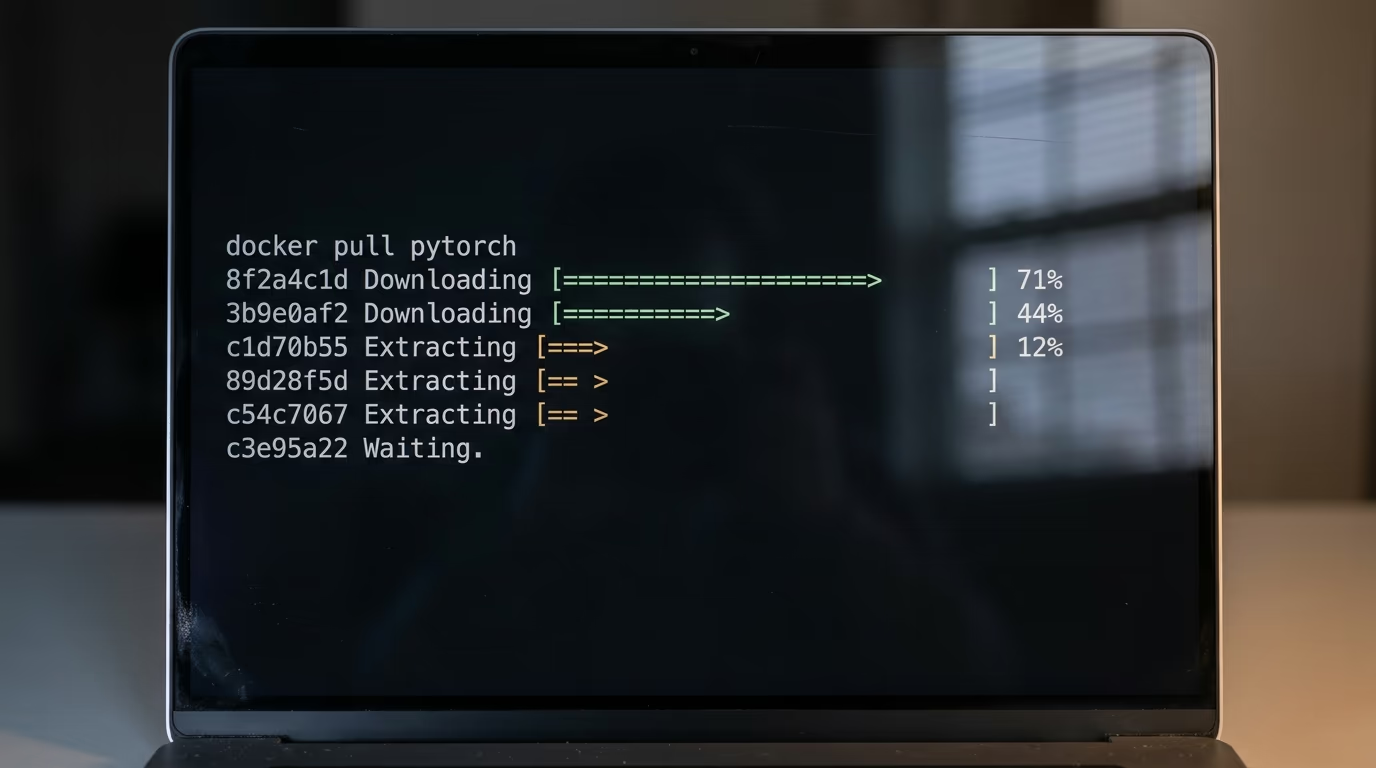
Then the container image has to land on the machine. Vast.ai's quickstart says cached images launch quickly while fresh pulls may take 10 to 60 minutes, and which of those you get depends entirely on the machine you rented and what is already on its disk. A cheap host on a thin uplink can spend 40 minutes pulling a PyTorch image while the meter runs. Sorting by price alone is how you pay $0.121 an hour to watch a progress bar.
One Vast.ai setting deserves reading twice before you click. Its documentation states that the disk size you choose when creating an instance cannot be changed later, so a 20 GB allocation becomes a full rebuild the moment a second weight file lands. RunPod lets you attach a network volume that outlives the pod, at $0.07 per GB per month under 1 TB.
What lands on the bill besides the GPU hour?
Storage is what turns a cheap hour into an expensive week on both platforms, and only Vast.ai charges for bandwidth on top. RunPod's pricing page lists container and volume disk at $0.10 per GB per month while a pod runs and $0.20 per GB per month while it sits stopped, and its billing documentation states that all compute and storage charges are billed per second, with no fees for data transfer.
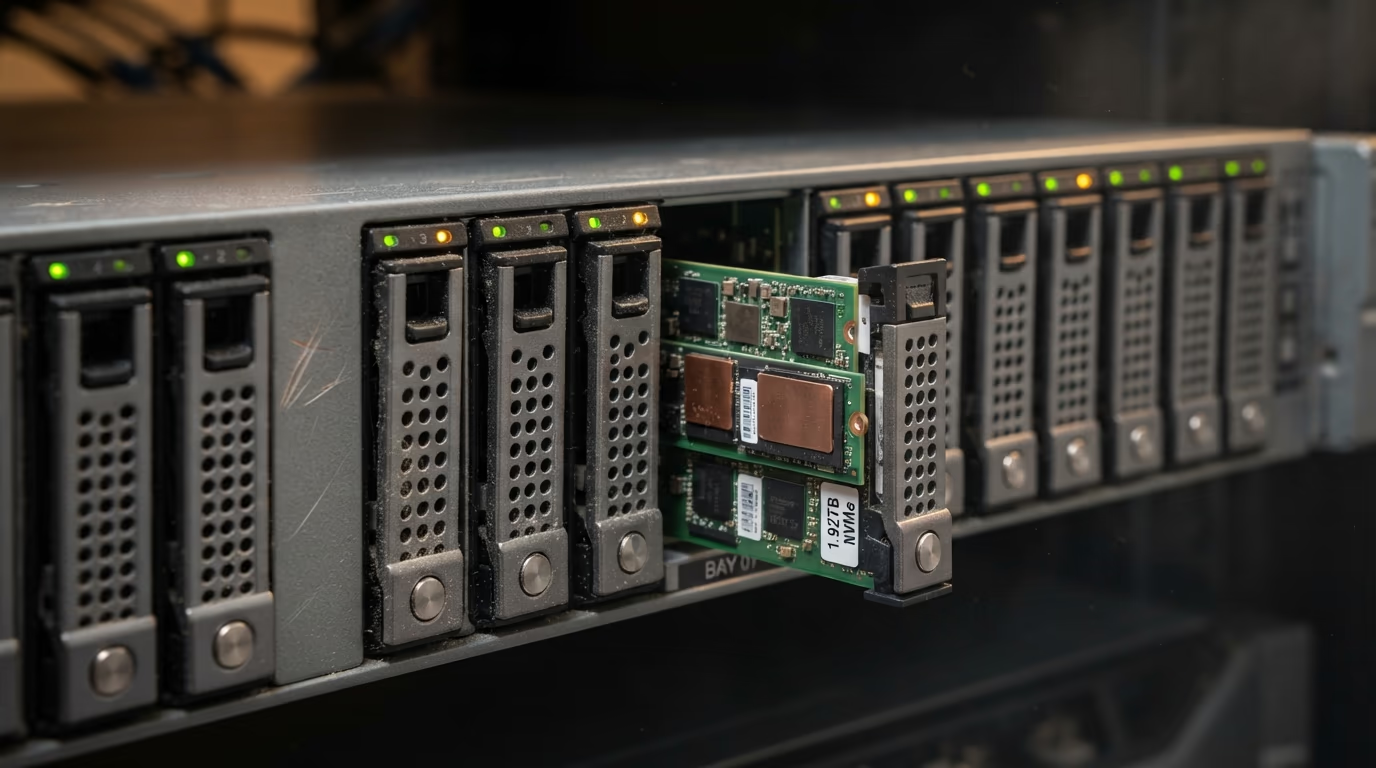
Vast.ai charges whatever the host decided. The median disk rate across the RTX 4090 listings I pulled was $0.20 per GB per month, and Vast.ai's own command line source documents that field in dollars per GB per month, so the 2 platforms can be compared like for like. Storage there is billed for as long as the instance exists, running or not, and the documentation is blunt about the remedy, which is that you must destroy the instance completely to stop the charge.
Bandwidth is where the market gets strange. Across the 48 unverified RTX 4090 hosts the median charge for data leaving the machine was $4.00 per TB, and 10 of them charged nothing at all. Across the 43 verified hosts the median was $10.67 per TB and one asked $54.61. RunPod charges nothing for transfer on any tier, which turns into real money only when you're shuttling weights or datasets in the hundreds of gigabytes.
Put it together on a small job. Say 3 hours of fine tuning on an RTX 4090, a 60 GB disk kept for a week afterwards, and 40 GB downloaded at the end. On RunPod's Community Cloud that is $1.02 of compute and about $2.83 of disk once the idle rate takes over, with no transfer fee, so roughly $3.85. On a median unverified Vast.ai host it is $1.15 of compute, about $2.85 of disk and $0.16 of bandwidth, so roughly $4.16. Shop the Vast.ai floor at $0.121 an hour on the same disk rate and the identical week costs about $3.37.
What happens when the money runs out is the last line of the bill. RunPod's documentation says a pod with a network volume attached is stopped and the data on that volume is preserved, while a pod without one is terminated and its data can't be recovered. Vast.ai stops your instances when the balance reaches zero, then schedules the instances, volumes and data for deletion unless you top up, though a saved card can carry you through. Both of those are cheaper to read about than to discover.
How likely is the rented machine to break or vanish?
Neither platform promises the machine will still be there in an hour, and they fail in different ways. The RunPod risk is that the GPU you want is out of stock, and the Vast.ai risk is that the specific stranger's box you rented goes offline mid job.
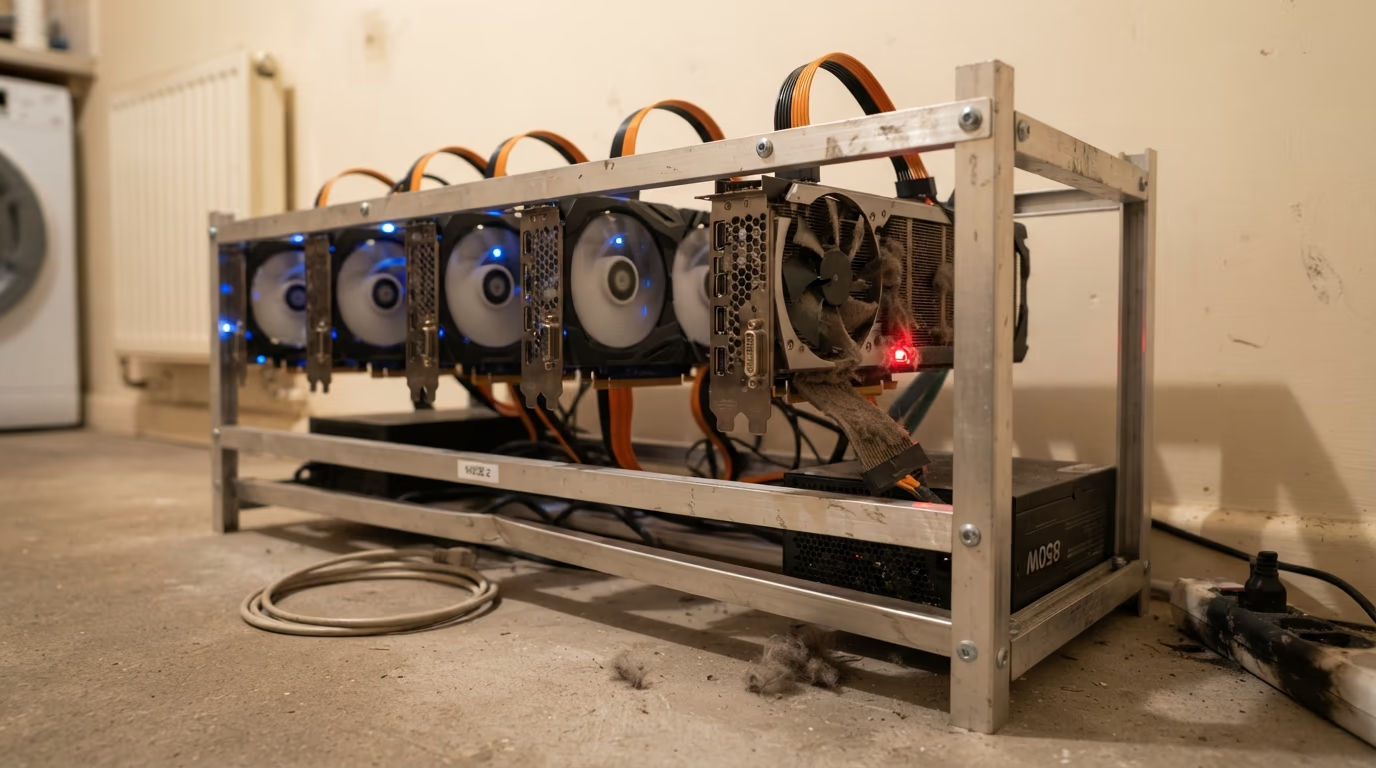
RunPod answers the stock question directly through its API. When I queried it, the RTX 4090, the H100 SXM, the A100 SXM and the H200 SXM all came back Medium on Secure Cloud, while the H100 PCIe and the RTX 5090 came back Low, and every Community Cloud model that had a price at all came back Low. The stock level is visible in the API before you spend anything.
Vast.ai reports something more granular than a stock level. Every listing carries a reliability score the platform computes itself, and across the 43 verified RTX 4090 offers the median score was 0.9955 while the worst sat at 0.8287. A machine scoring 0.83 is one that will go away at some point, and the number sits right next to the price for anyone who reads it. Sorting purely by dollars per hour pushes those machines to the top of your screen.
The verification difference matters more than a blue badge suggests. Vast.ai verifies automatically, scoring uninterrupted operation, hardware and network configuration, and a DLPerf performance number. Its datacenter status is a separate label, and the documentation says a machine earns it by sitting in a certified datacenter with an active ISO/IEC 27001 certificate. An unverified host is somebody's rig somewhere, which is fine for a render queue and wrong for anything with a customer waiting at the other end.
Interruptible rentals fail on purpose, which is a different problem again. A higher bid pauses your instance, so the pattern that works is checkpointing to a volume every few minutes and accepting that the job finishes when it finishes. That's a fair trade at $0.073 an hour and a terrible one the night before a demo.
Can you run an API endpoint instead of a whole machine?
RunPod has a finished serverless product and Vast.ai has a toolkit for assembling one. On RunPod you deploy a worker behind an HTTPS endpoint, and the documentation says flex workers scale down to zero when idle and cost nothing while they are not running.
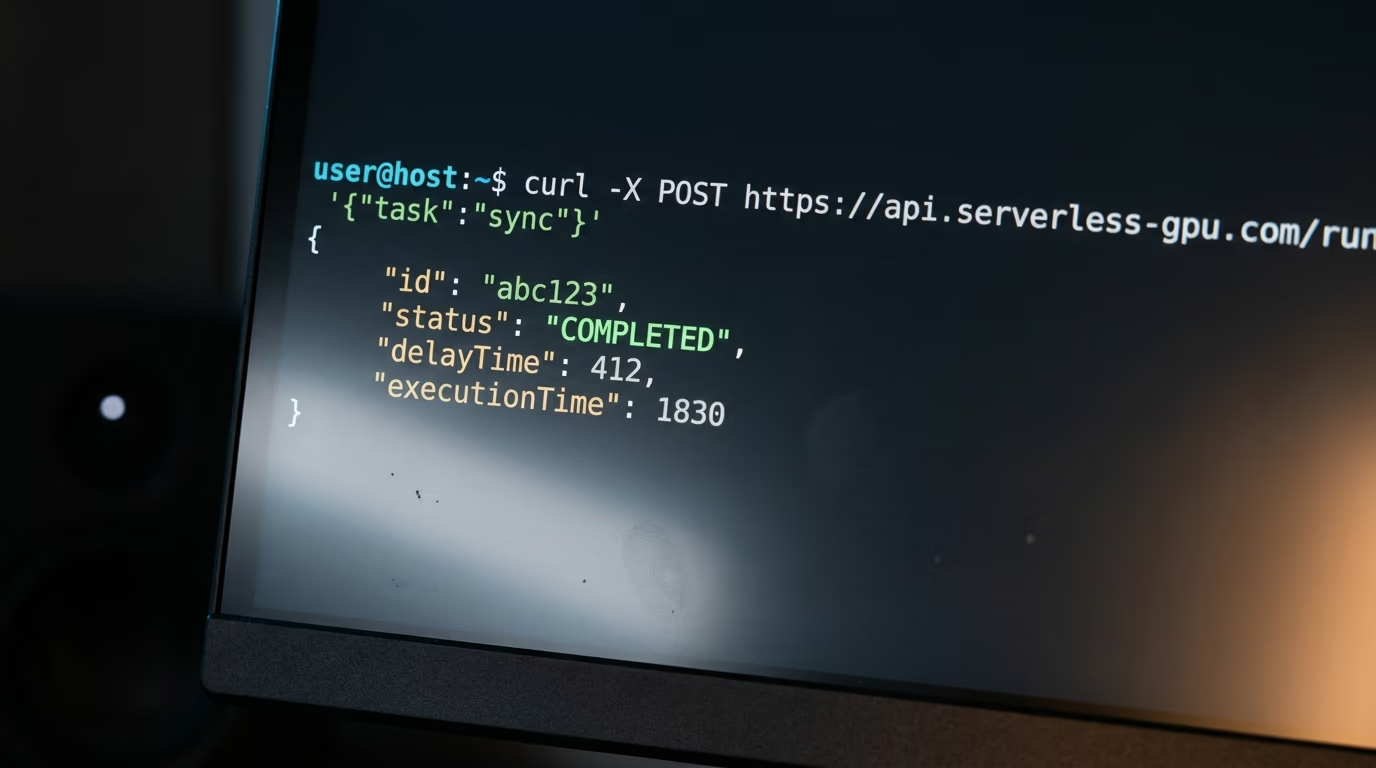
The rates sit on the same pricing page as the pods, and they are higher. An H100 serverless worker is $4.79 an hour, an RTX 4090 is $1.10, an A100 is $2.72 and a B200 is $8.64, all billed while the worker is starting, while it is executing and while it waits out its idle timeout. A finished worker also keeps billing through its idle window, 5 seconds by default, before it shuts down.
The active worker setting is the opposite trade. An active worker runs 24 hours a day and, in RunPod's own words, eliminates cold starts entirely, which suits an endpoint with steady traffic and wastes money on one that answers 40 requests a day.
Vast.ai's serverless works, but you assemble it yourself. Its documentation describes a routing endpoint that hands each client the URL of an available worker, with a PyWorker sitting in front of your model, which it defines as a Python web server designed to run alongside a machine learning model instance. You write that layer, or you adapt one of theirs. If your real goal is only a chat endpoint for a model you already run at home, the shortlist in best local LLM for coding will tell you whether you need to rent anything at all.
So the answer splits along how much plumbing you enjoy. RunPod gives you a working endpoint in an afternoon at a per hour rate above its pod prices, and Vast.ai gives you raw machines plus a reference implementation at marketplace prices. Paying $4.79 an hour for a serverless H100 instead of $3.29 for an H100 pod is the fee for not writing the router yourself.
So which one should you rent, RunPod or Vast.ai?
Rent from RunPod when the job has a deadline or a customer attached, and rent from Vast.ai when the job is patient and you are willing to read the listing carefully. That's the verdict after 5 tests, and the prices are the reason rather than the branding.
RunPod wins on the boring things. One posted price, no transfer fees, a published inventory level, a finished serverless product, and a Community Cloud RTX 4090 at $0.34 an hour that undercut the median verified Vast.ai host by $0.10. For a fine tune you want to start in the next 10 minutes on a card under $1 an hour, it's both the shorter road and, at the median, the cheaper one.
Vast.ai wins at the extremes, and the extremes are large. An H100 SXM at $1.336 an hour against RunPod's $3.29 isn't a rounding difference, and an interruptible RTX 4090 at $0.073 an hour changes which experiments are worth running at all. The price of those numbers is that you're choosing one specific machine owned by one specific stranger, so the reliability score, the disk rate and the bandwidth rate are all yours to check.
The rule I would give a friend is about time rather than money. If an hour of your attention is worth more than $20, the Vast.ai search page will eat the saving before the job even finishes. If you run the same container 50 times a month and you have already found 3 hosts you trust, that same market pays you back on every single run.
Both platforms are worth an account, and $15 in total covers the minimum on each. Rent the same card on both for an hour, run your actual workload rather than a benchmark, and keep the receipts. Anyone sizing hardware before they shop should read the memory arithmetic in what a mixture of experts model is, because renting a card that is 24 GB too small is the most expensive mistake available on either platform.
Questions people ask
Is Vast.ai actually cheaper than RunPod?
At the bottom of the market yes, and in the middle of it no. The cheapest rentable single RTX 4090 on Vast.ai was $0.121 an hour in August 2026, against $0.34 an hour on RunPod's Community Cloud, but the median verified Vast.ai listing for that card asked $0.441 an hour. Vast.ai is cheaper if you sort and read the listings, and dearer if you take the first machine you see.
Which is cheaper for an H100, RunPod or Vast.ai?
Vast.ai, by a wide margin on the day I checked. Its cheapest rentable single H100 SXM was $1.336 an hour and its verified median was $2.137, while RunPod's API returned $3.29 an hour on Secure Cloud and no Community Cloud price for either H100 variant. The saving is real, and so is the work of picking a host you trust.
How much money do I need to start on RunPod or Vast.ai?
Vast.ai documents a minimum deposit of $5, paid by card, BitPay or Crypto.com. RunPod's billing documentation says you can start with as little as $10 in credit. Opening both accounts costs $15 in total, and an hour on an RTX 4090 costs under $1 on either platform.
Is an unverified Vast.ai machine safe to use?
Verification on Vast.ai covers uninterrupted operation, hardware and network configuration and a DLPerf performance number, and its separate datacenter label requires a certified datacenter holding an active ISO/IEC 27001 certificate. It's not a statement about what the owner of the hardware can see, so treat any rented machine the way you would treat a computer you do not own. Keep private data and long lived credentials off it.
Do RunPod or Vast.ai charge for bandwidth?
RunPod does not, and its billing documentation states there are no fees for data transfer. On Vast.ai each host sets its own rate, and across the 48 unverified RTX 4090 listings I pulled the median charge for data leaving the machine was $4.00 per TB, with 10 hosts charging nothing and one verified host asking $54.61 per TB.
What happens if my credit runs out on RunPod or Vast.ai?
On RunPod a pod with a network volume attached is stopped and the volume data is preserved, while a pod without one is terminated and its data can't be recovered. On Vast.ai the instances stop when the balance reaches zero, then the instances, volumes and data are scheduled for deletion unless you add credit, although a saved card can keep them alive. Storage keeps billing on both while anything is still stopped rather than destroyed.