TechJuly 30, 202612 min read
Why are GPUs used for AI, and what a CPU can't do
A graphics chip runs thousands of small sums at once, and it reads its own memory about 37 times faster than a desktop. That second number is the one that decides your speed.
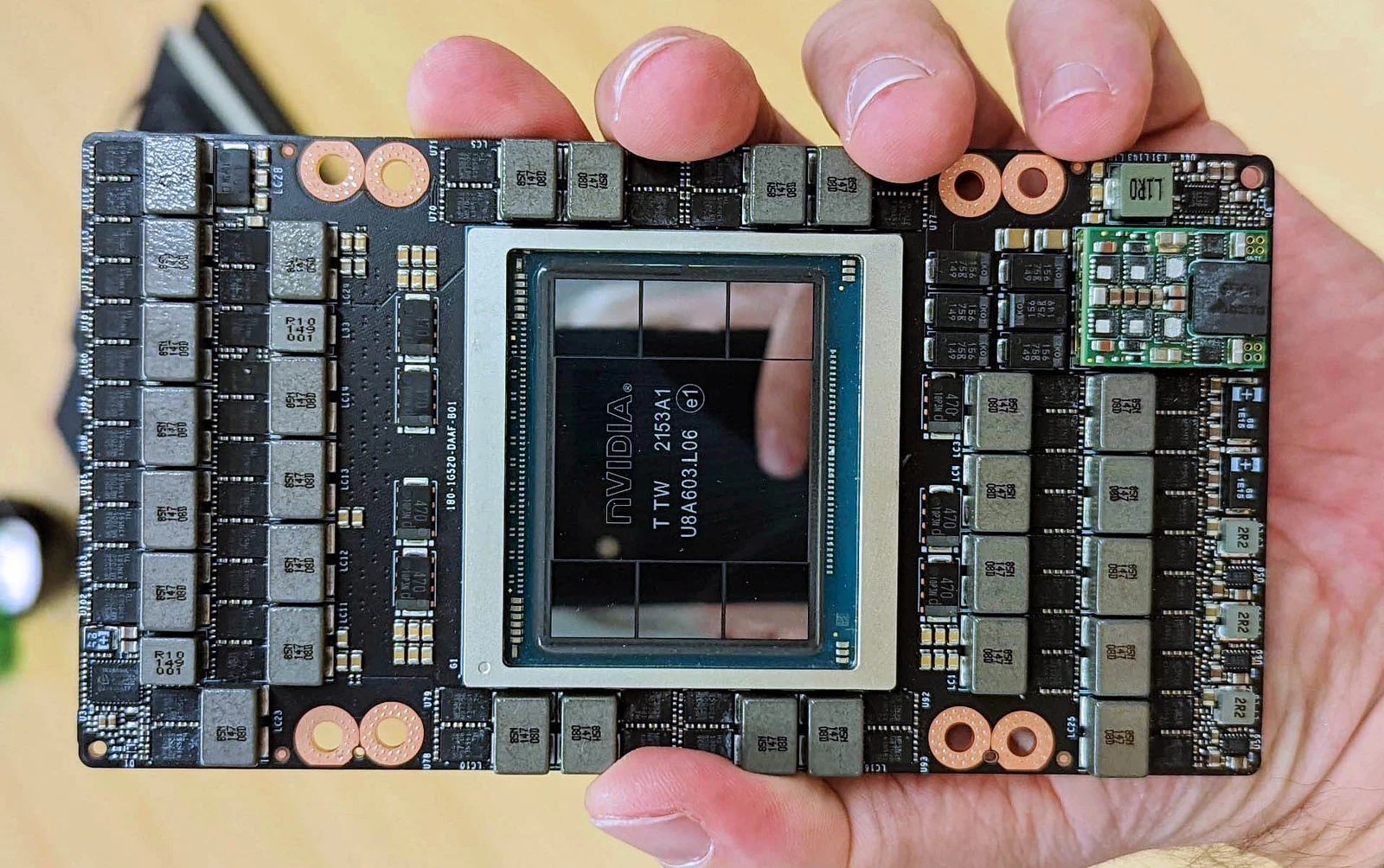
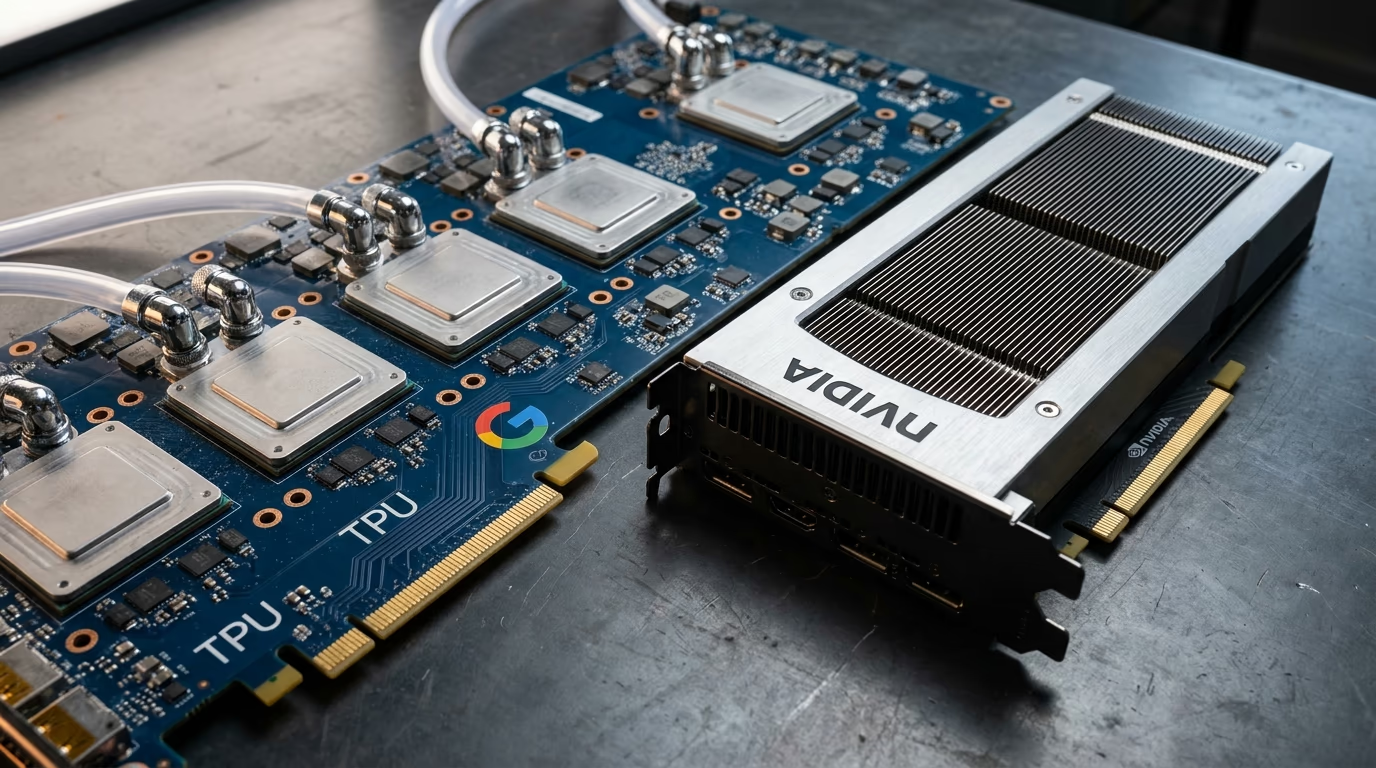
Why are GPUs used for AI? Because the math inside a model is billions of copies of one tiny operation, a multiply followed by an add, and a graphics chip runs thousands of those in the same instant while a desktop processor runs a few dozen at best. The other reason gets far less attention and matters just as much, and it is the speed at which a chip reads its own memory. A data center GPU pulls numbers out of its memory roughly 37 times faster than the processor in a good desktop pulls them out of yours. Every number a model stores has to be read before you see a single token of your answer, so the chip that reads fastest is the chip that answers fastest.
That is the version for the pub, and it holds up under questioning. The longer answer is worth 5 minutes of your evening because it quietly decides what you rent or buy, and whether the model you have your eye on will ever run on the machine already sitting under your desk. Every figure below comes from a manufacturer's own specification page or a rental provider's public price list, and the money is in US dollars.
Why are GPUs used for AI instead of CPUs?
GPUs are used for AI instead of CPUs because the work is a mountain of small calculations that do not depend on each other, so all of them can run at the same time. A GPU is a warehouse packed with tiny arithmetic units, while a CPU is a workshop with a few brilliant ones. A current desktop processor from AMD lists 16 cores on its specification page, while Nvidia's page for the GeForce RTX 5090 lists 21,760 much simpler cores sitting on one board.
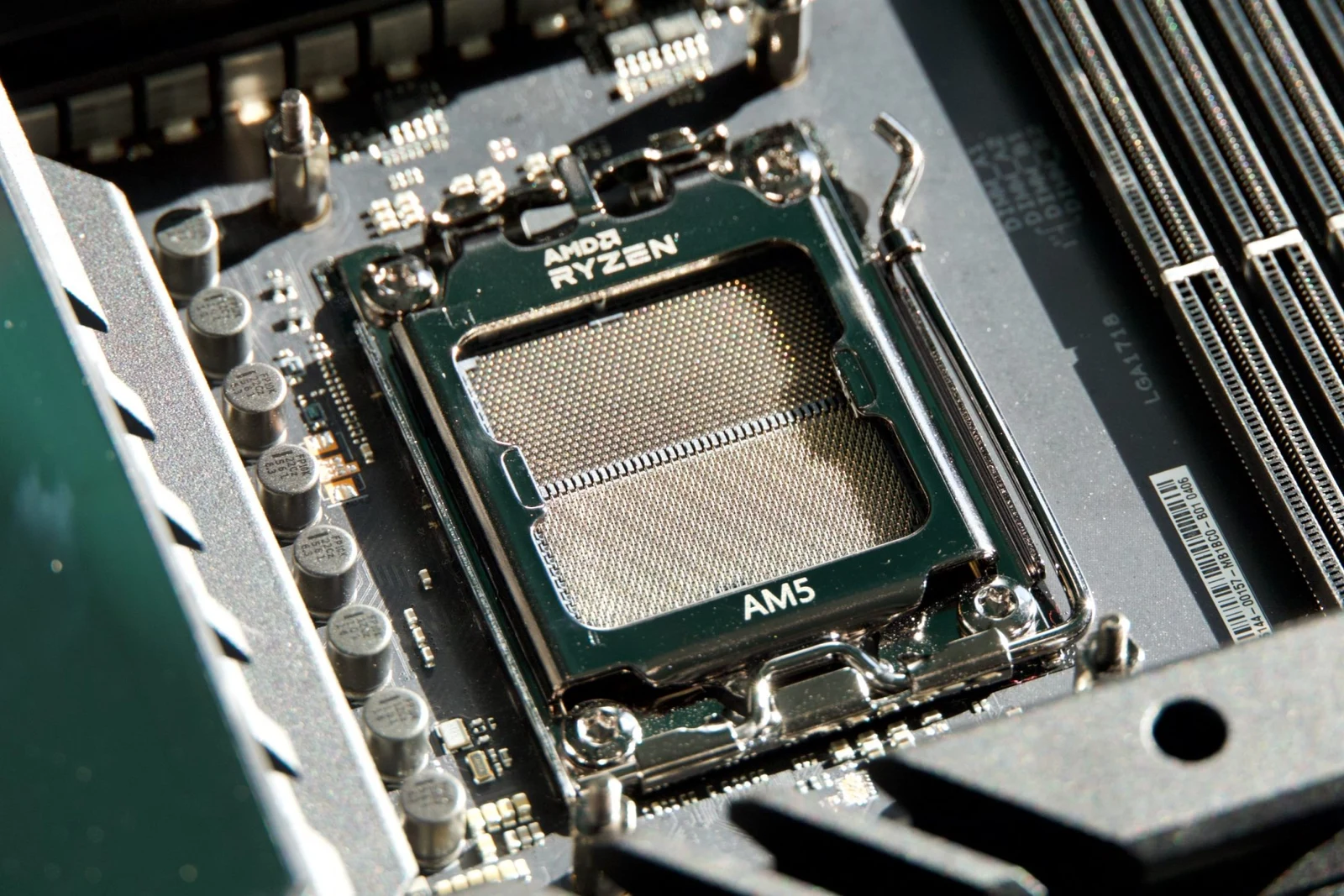
A processor core is a large and clever engine built to run one instruction after another as fast as physics allows, guessing what comes next and juggling the dozens of jobs your operating system throws at it every second. A graphics core is the opposite of that, small and simple and useless when anything unexpected turns up, and there are thousands of them lined up waiting for the same instruction to arrive. For a spreadsheet or a browser tab the clever engine wins easily. For the inside of a model, the rows of simple engines win by a distance nothing can close.
The math they are racing on is matrix multiplication, which deserves half a minute of your attention because everything else follows from it. One layer of a language model is a grid of numbers with thousands of rows, and running that layer means multiplying your input against every row of the grid, then adding up whatever comes out of each one. No row needs the answer from any other row, so all of them can be worked out at the same moment by any chip with enough arithmetic units to go around. A processor walks the rows in small groups because it only has a few units. A graphics chip takes the whole grid at once.
That independence is why a gaming component ended up running artificial intelligence. Drawing a frame in a video game is also millions of independent little sums, one for every pixel on the screen, so hardware built for pixels turned out to be hardware built for model weights. Nvidia leaned into the accident with what it calls Tensor Cores, described on its own site as specialized GPU cores that speed up AI and HPC math workloads, which swallow a small matrix multiply and add as a single instruction instead of a long queue of them. That is the difference between a chip that can do the math and a chip designed around it.
None of this makes your processor useless, whatever the marketing implies. It still runs the program, reads the model off the disk, turns your typing into tokens and hands the work over. On a machine with no graphics card at all it does the matrix math too, and it gets there in the end, only slowly enough that you feel every token land. The split is closer to a kitchen than a competition, with one chef reading the order and another doing the chopping at inhuman speed.
What is a GPU doing while a model writes an answer?
While a model writes an answer, the GPU is reading the model's stored numbers and multiplying them against everything written so far, one layer at a time, then running the same circuit again for the next token. A model file of many gigabytes means every one of those numbers gets touched to produce one token, and touched again for the one after it, so the reading never pauses while text is appearing on your screen. Nothing carries over between tokens except a cache of what came before.
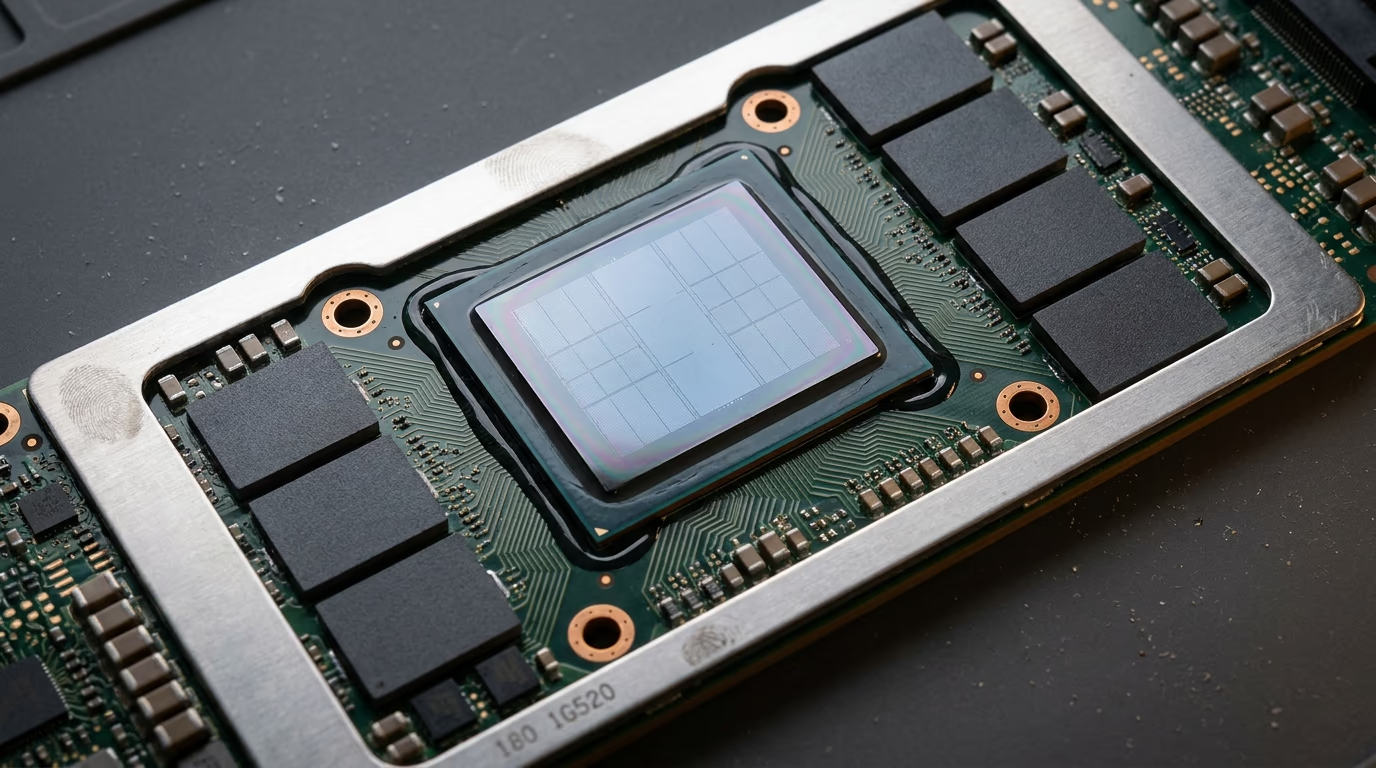
The size of each stored number is a lever anyone can pull. Weights normally arrive at a precision that keeps plenty of decimal places, and rewriting them at half that size halves the file, which means the chip moves twice as much of it every second and your answer arrives sooner. The trade is called quantization, and it is the reason a model with billions of settings inside it can still land on a laptop. Nvidia's Tensor Core page lists the sizes its chips handle in hardware, down to a 4 bit format the company calls NVFP4.
You pay for the squeeze in accuracy, and how much depends on the model and how hard you push. A mild reduction is close to invisible in ordinary use, while the most aggressive settings start to show on long chains of reasoning, where the model has to hold a thread across many steps and small errors compound. Anyone selling you a tiny download of a huge model has already made that trade on your behalf, so it is worth knowing which setting you picked up.
One design changes the whole calculation, and it matters before you compare any hardware at all. A mixture of experts model stores an enormous file but wakes only a slice of it for each token, so it reads far less memory than its size suggests. That is why a huge download can feel quicker than a small one, and why the size of a file tells you what will fit on your machine, never what will fly on it.
Why does memory bandwidth decide how fast your answer arrives?
Memory bandwidth decides how fast your answer arrives because the whole model has to be read before one token can come out, so the ceiling on speed is bandwidth divided by the size of the file. A 20GB model on an H100, the data center GPU most rental providers sell, works out at a ceiling of about 167 tokens a second. The same file on a desktop processor reading ordinary system memory works out at about 4, which is a crawl once an answer runs past a paragraph.
Run the same division on the machines people actually own and the ranking stops being mysterious. The table below does it for a model of that size, using the memory speed each manufacturer publishes on its own pages. A laptop with unified memory sits between a desktop and a rented server, a graphics card sits above both, and a data center accelerator sits far above all of them. Nothing else on a specification sheet predicts the ranking as well as that one figure does, which is why it deserves more attention than the teraFLOPS everybody quotes.
| Hardware | Memory it holds | Memory read speed | Ceiling on a 20GB model |
|---|---|---|---|
| Desktop CPU (Ryzen 9 9950X, DDR5 5600, 2 channels) | As much RAM as you fit | About 89GB/s | About 4 tokens/s |
| MacBook Pro, M5 Max | Up to 128GB unified | 460 to 614GB/s | 23 to 31 tokens/s |
| GeForce RTX 5090 | 32GB GDDR7 | Not listed on Nvidia's product page | n/a |
| Nvidia H100 SXM | 80GB | 3.35TB/s | About 167 tokens/s |
| Nvidia H200 | 141GB HBM3e | 4.8TB/s | About 240 tokens/s |
| Nvidia B200 (from the DGX B200 page) | 180GB (1,440GB across 8 GPUs) | 8TB/s (64TB/s across 8) | About 400 tokens/s |
| AMD Instinct MI355X | 288GB HBM3E | 8TB/s | About 400 tokens/s |
| Google TPU7x, Ironwood | 192GiB | 7.38TB/s | About 369 tokens/s |
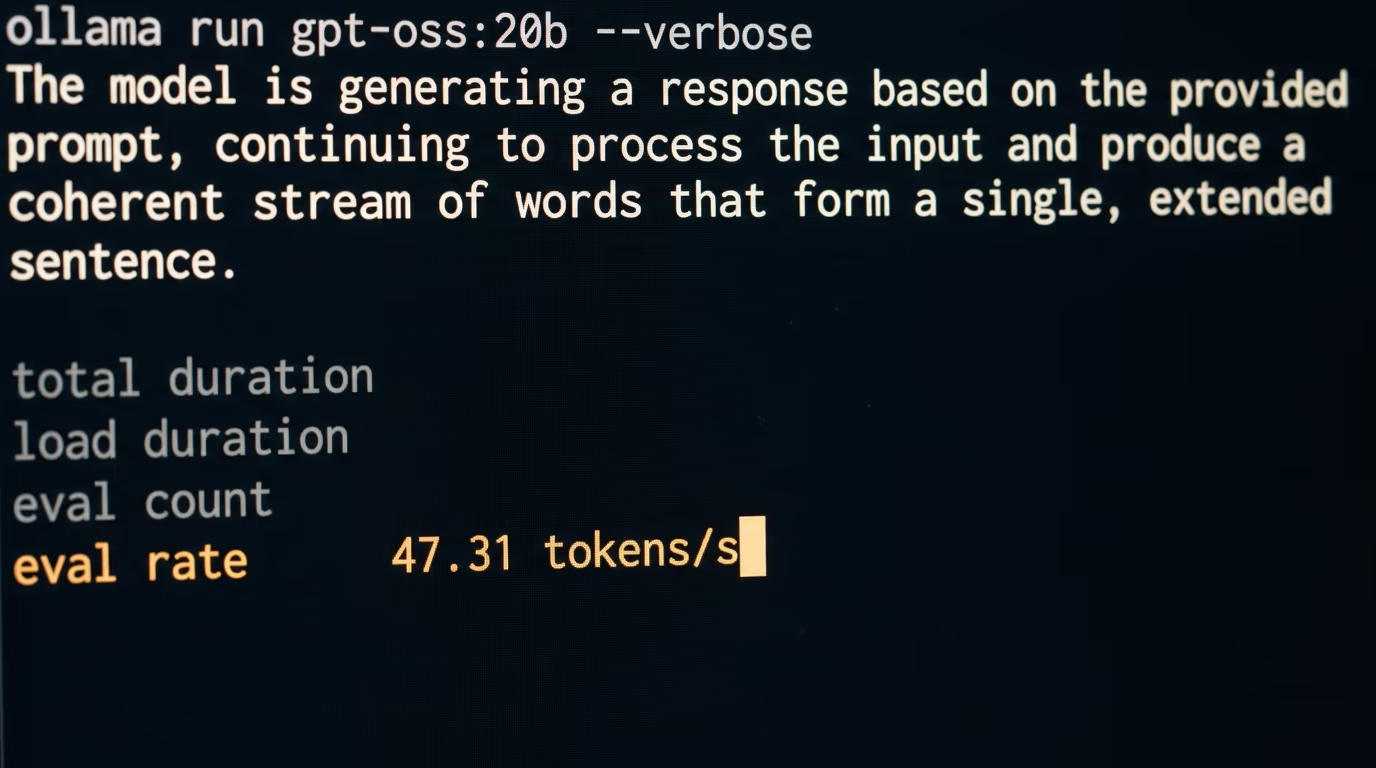
These are ceilings and nobody reaches them. Real output is lower because the chip also spends time on attention across everything written so far, because a file never gets read in one perfect sweep, and because your machine has other work to do while you wait. So treat the division as the wall nobody climbs over, then measure what you actually get. Ollama's API returns an eval count and an eval duration with every answer, so dividing one by the other gives your real rate. The gap between them is the honest cost of everything the arithmetic ignores.
Servers dodge the whole problem by answering many people at once. Read the weights a single time, push a crowd of conversations through them in that same pass, and the cost of the read is shared across everybody in the queue, which is why an API can feel cheap while your own machine feels slow on the very same model. It also explains why data center chips are sold on memory capacity as loudly as on speed, since a bigger memory holds a bigger model and more simultaneous conversations before anything spills.
What does an AI GPU cost to rent or to buy?
Renting is how most people ever touch a data center GPU, and the prices are public. RunPod's pricing page lists an H100 at $3.29 an hour on its secure cloud, which is about the price of a sandwich for an hour on hardware that costs more than a car. Lambda lists the same chip a little higher for a single unit, and a little lower when you take a whole server of them at once.
| GPU | Memory | RunPod secure cloud | Lambda on demand, 1 GPU |
|---|---|---|---|
| B200 | 180GB | $6.79/hr | $6.99/hr |
| H200 | 141GB | $4.59/hr | not listed |
| H100 SXM | 80GB | $3.29/hr | $4.29/hr |
| A100 SXM | 80GB | $1.59/hr | not listed |
| RTX 5090 | 32GB | $0.99/hr | not listed |
| RTX 4090 | 24GB | $0.74/hr | not listed |
An hour buys more than it sounds. Fine tuning a small open model on a pile of your own examples is an afternoon of work, so the bill lands near the price of a takeaway and the meter stops the moment you shut the machine down. Renting only turns into a bad deal when the thing runs all day and every day, which is a problem most people never reach and nobody should plan for on their first weekend. The cheap seats matter more than the headline chips here, since an older accelerator at a third of the price finishes the same small job.
Buying the same silicon is a different conversation, since these accelerators ship to businesses by the rack and are priced for a purchasing department rather than a person. The consumer road stops at a graphics card with 32GB of memory on board, and renting one of those by the hour costs about a dollar, which is a cheap way to find out whether it really holds the model you have been reading about. Buy the card afterwards, when you know the answer, rather than before.
Prices also move, and they move differently at every provider, so a figure in an article is a starting point rather than a promise. The comparison of RunPod and Vast.ai covers what changes between the cheap end and the reliable end of that market, including what you give up on the cheap end. If what you want is a model's output rather than a machine of your own, the pricing comparison across the big model APIs is almost always cheaper for a small volume of work.
Do you need a GPU to run AI at home?
You do not need a data center GPU at home, you need enough fast memory to hold the model you want to run. Ollama's page for gpt-oss describes its smaller version as a 14GB download that runs on machines with as little as 16GB of memory, which is an ordinary laptop from the last few years. The rule underneath is that a model which does not fit in fast memory either crawls or refuses to start at all.
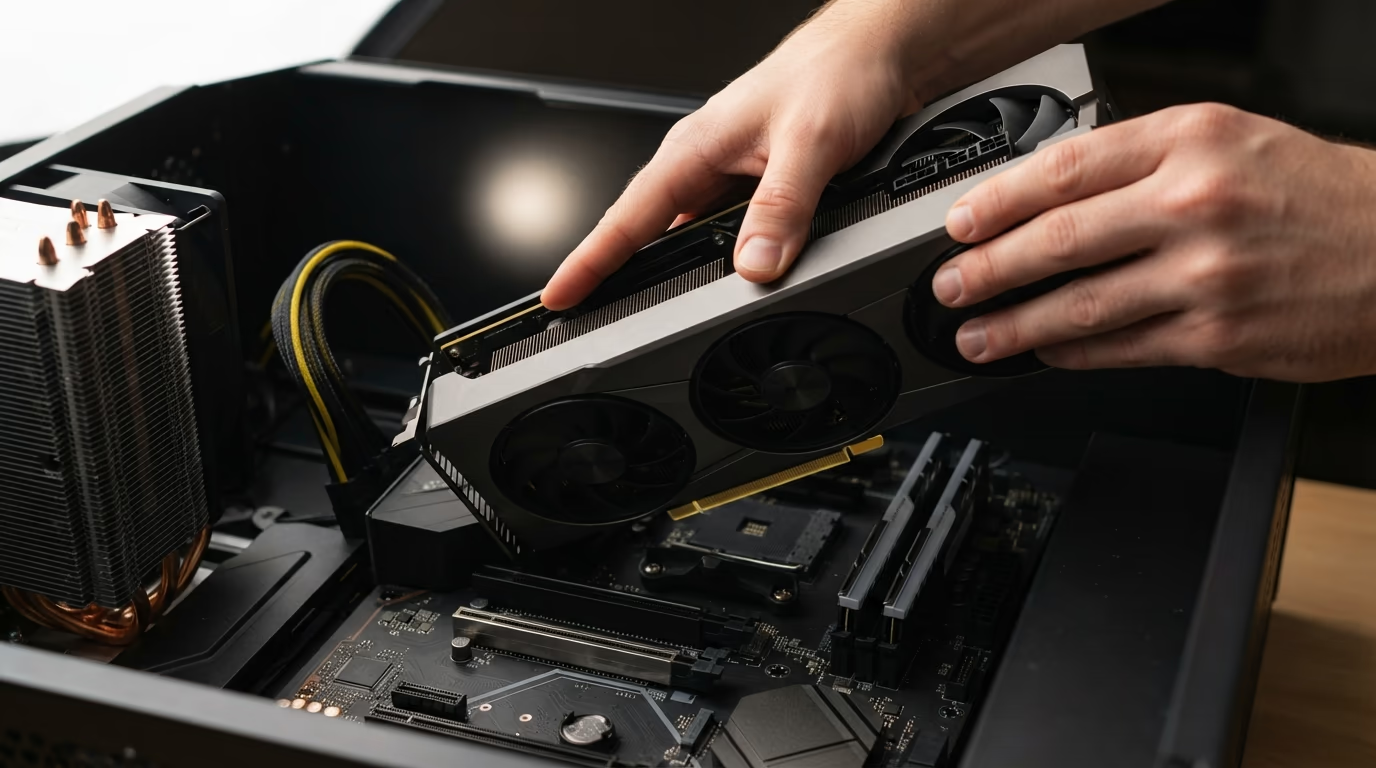
On a Windows or Linux desktop the number that matters is VRAM, the memory soldered onto the graphics card itself, which is the only memory the chip reads at full speed. A card at the top of the consumer range holds a mid sized model with room left over for a long conversation, so it covers most of what people download at home. Anything larger than the card spills into ordinary system memory, and since the chip reads that many times more slowly, the model does not slow down gently, it falls off a cliff.
Apple ended up in a decent position here almost by accident. On a Mac the processor and the graphics share one pool of memory, so a laptop configured with plenty of it loads a model that no consumer graphics card can hold, and Apple publishes a memory speed for its fastest laptop chip that leaves a typical desktop processor far behind. You get capacity a desktop cannot match, while a rented server still reads memory several times faster, which is a fair trade for a machine you can close and carry to a cafe.
Choosing the model matters more than choosing the hardware, and the second question is really the first one asked again. Our ranking of the best local LLM for coding by how much RAM you have starts from the memory in your machine rather than from a leaderboard, and the comparison of LM Studio and Ollama covers which app to install first. If the vocabulary around downloadable models is still fuzzy, the piece on open weight AI models and what they cost is the shortest way in.
What can replace Nvidia GPUs for AI work?
Google's TPUs and AMD's Instinct accelerators already run at serious scale, and both hold more memory per chip than the Nvidia hardware most rental providers offer. Google publishes the numbers for its Ironwood generation, AMD publishes them for its largest Instinct card, and the table above puts both next to the Nvidia hardware people know by name. On paper, neither of them is short of memory or short of speed.
Everybody still queues for Nvidia because of CUDA, which Nvidia describes as a development environment for creating high performance GPU accelerated applications, and because a decade and a half of research code was written against it. Most frameworks and most half finished repositories on GitHub assume it is there. Moving a training run to another vendor is rarely a hardware decision, it is a software project with a schedule and a budget attached to it.
For anyone reading this on a laptop rather than in a procurement office, the practical answer is that you will meet these chips inside somebody else's cloud. Google sells TPU time on its own platform, AMD accelerators show up at several rental providers, and the framework you pick decides more than the badge on the silicon does. The competition is worth cheering for anyway, since the fastest way to bring the price of an hour down is a second company able to sell the same hour.
So which one should you actually pay for?
Start from the model you want to run, work backwards to the memory it needs, and the hardware answer falls out on its own. For trying things on a machine you already own, a laptop with a decent amount of memory and a small open model is a genuine starting point, and it costs nothing beyond the download and an evening. Nobody should buy hardware before finding out whether they enjoy the work, and most people discover in a week that they wanted the output rather than the machine.
For daily local use with something bigger, the honest floor is a graphics card at the top of the consumer range, or a Mac with a generous unified memory pool if you would rather carry it around. For training or fine tuning, rent by the hour and let somebody else own the depreciation, because an afternoon on a data center GPU costs less than a restaurant meal and the machine vanishes when you are finished with it. For serving an application to real users, an API is usually cheaper than all of it, since the provider spreads the cost of reading those weights across everybody else's requests too.
The single number to carry away is bandwidth divided by file size. It explains why a laptop that loads a huge model still answers slowly, why quantization feels like magic, why servers batch requests together, and why the marketing talks about teraFLOPS while your experience is governed by how quickly a chip reads its own memory. Everything else on the specification sheet is detail stacked on top of that division, and you can ignore most of it until the division stops explaining what you see.
Questions people ask
Why are GPUs used for AI instead of regular processors?
A GPU has thousands of small arithmetic units that all run the same instruction at once, which matches the matrix multiplication inside a model, so the work finishes in one sweep instead of many. A desktop processor has a handful of large cores that are better at unpredictable jobs and much slower at this one. The GPU also reads its own memory far faster, and that is what decides how quickly your tokens appear.
Do I need a GPU to run AI models at home?
No, you need enough fast memory rather than a particular card. Ollama publishes a smaller version of gpt-oss that runs on an ordinary laptop, so the entry ticket is roughly the memory you already own. A dedicated graphics card answers faster, and a Mac with a large unified memory pool holds bigger models than most cards do.
How much VRAM do I need to run a model locally?
Enough to hold the model file with room to spare for the conversation, which in practice means a card at 24GB or above for the mid sized models people download. When a model does not fit, it spills into ordinary system memory, which the chip reads many times more slowly, so the speed collapses rather than dipping. Check the download size before you buy anything.
Why are GPUs used for AI training rented rather than bought?
Because training happens in bursts and the hardware is priced for companies rather than people. An hour on a rented data center GPU costs a few dollars, so a fine tuning run over an afternoon costs about as much as a takeaway, and the meter stops when you do. Buying the same accelerator means a whole server and a purchase order.
What is CUDA and why does everyone mention it?
CUDA is Nvidia's software layer, which the company describes as a development environment for creating high performance GPU accelerated applications. It runs only on Nvidia hardware, and most AI code written over the last decade and a half assumes it is there. That software history, more than the silicon itself, is what keeps buyers with one vendor.
Can Google or AMD chips replace Nvidia for AI?
They already do for the companies that run them, and both hold more memory per chip than the Nvidia hardware most rentals offer. Google's own documentation covers its Ironwood generation and AMD publishes full numbers for its largest Instinct card. For an individual, the practical route to either is renting through a cloud rather than buying anything.
Does a gaming graphics card work for AI?
Yes, and it is the normal way to start. The memory on a consumer card holds most of the open models people run at home, and the same chip that draws game frames does the matrix math. The limits show up when a model needs more memory than the card carries, or when you want to train something large rather than run it.
How fast will a model run on my machine?
Divide the memory read speed of your machine by the size of the model file, and that is your ceiling in tokens per second. Real output is lower because the chip does other work between tokens, so treat it as a limit rather than a promise. Ollama returns an eval count and an eval duration with every answer, and dividing one by the other gives the real rate.