AIJuly 27, 202612 min read
LLM quantization, and which model file you should download
What LLM quantization does to a model, what Q4_K_M means, what it costs you in quality, and which of the 24 files in a repository is the one to click.
LLM quantization stores a model's internal numbers with fewer digits, so the file shrinks and the model fits in the memory of an ordinary computer. The llama.cpp project publishes the plainest example of what that buys you on its own quantize documentation page, where a Llama model that ships as a 32.1 GB download comes out the other side as a 4.9 GB file a laptop can hold.
That is why a model page on Hugging Face hands you 24 files with names like Q4_K_M and Q6_K instead of one download button. They are not versions and they are not rival models, they are copies of the same trained brain saved with different amounts of care, and choosing between them is the question almost everybody arrives with.
What is LLM quantization, in plain English?
LLM quantization is the act of rewriting every number inside an already trained model at lower precision, which cuts the file size and the memory the model needs while leaving the training alone. Nothing is retrained and nothing is deleted, so the model still knows what it knew, and it simply holds each of its numbers less exactly than before.
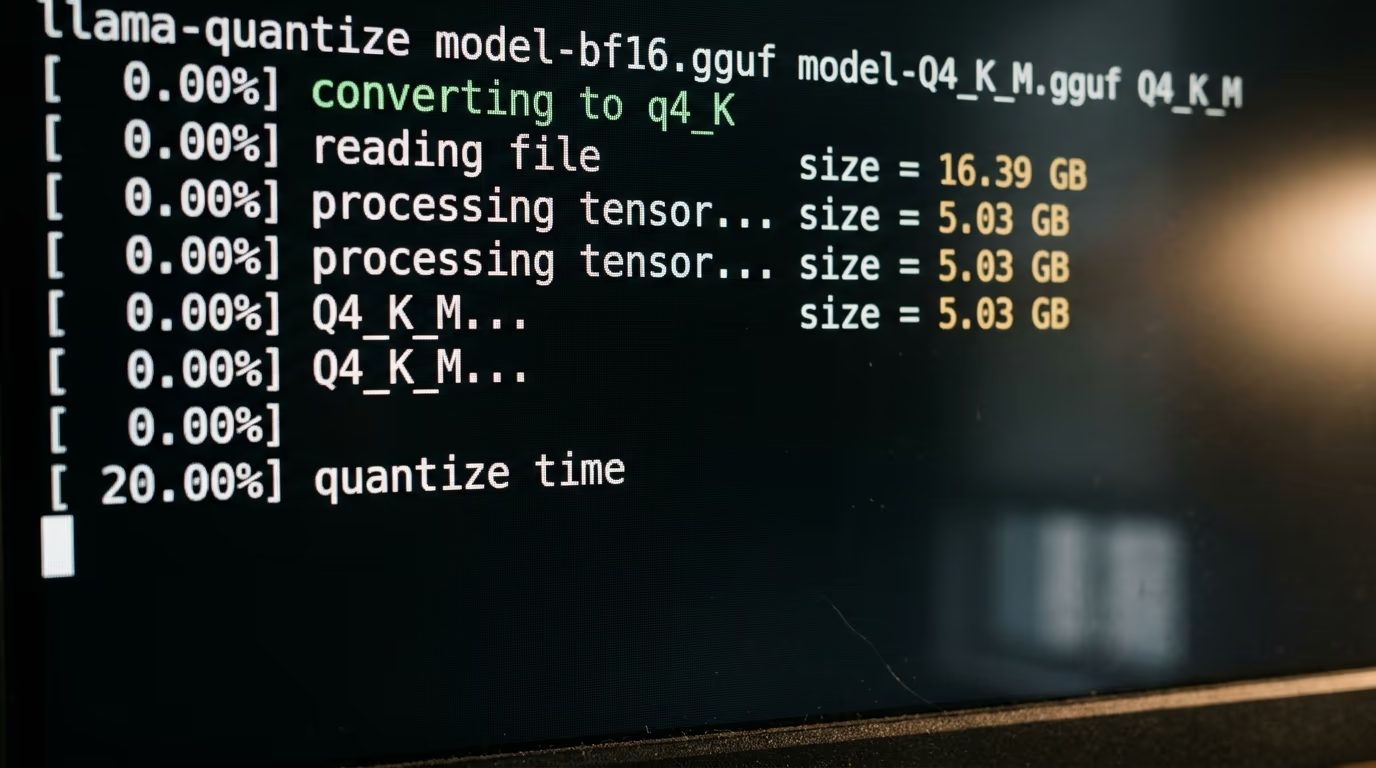
A language model is an enormous pile of numbers called weights, and every one of them is a measurement the training process settled on over months of computation. Those weights are usually published at 16 bits each. Rounding them down to 4 bits is the whole trick, in the same way a shop can list its prices to the nearest dollar instead of to the cent. The shop still sells the same goods, the till is just faster and the price list is a lot shorter.
The rounding is not applied evenly across the model. The people who publish these files keep the layers that matter most at higher precision and squeeze the ones that tolerate it, which is why a file called Q4_K_M is not uniformly 4 bits deep. The Hugging Face Hub documentation puts the true average for a Q4_K file at 4.5 bits per weight, so it sits a little above the name on the box, and that gap exists precisely because somebody decided which layers to protect.
Quantization is also not the same thing as making a smaller model, and the difference decides what you should expect from the download. Distillation trains a genuinely smaller network to imitate a bigger one. Pruning deletes pieces of the network outright. Quantization keeps every single weight in place, so a shrunk copy of an open weight AI model is the same model the lab released, written down more cheaply.
The picture that helps most is a photograph saved as a JPEG. The full model is the raw file straight off the camera, enormous and exact. A shrunk copy is that same photograph saved as a high quality JPEG, about a third of the size, and you would have to look closely at the edges to see any difference at all. Drag the quality slider far enough down and the difference stops being subtle, which is exactly what happens at the bottom of a file list.
Why does quantization shrink a model so much?
Quantization shrinks a model because the file is almost nothing but numbers, so cutting the storage cost of each number cuts the whole download by roughly the same ratio. Dropping from the precision a model ships in down to about 4 bits cuts the file to roughly a quarter of its size, and llama.cpp publishes the exact figures for the Llama family in its own repository.
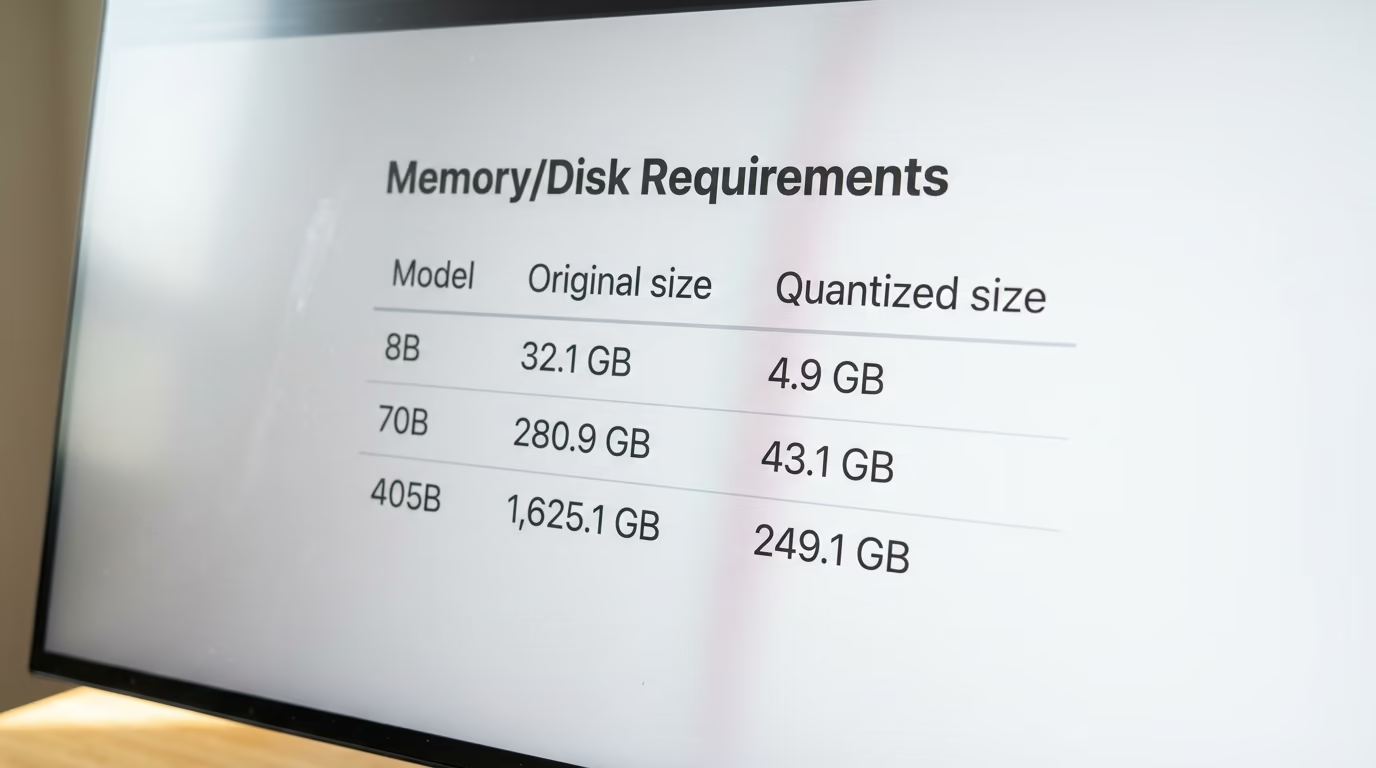
| Model | Size as published | Size at Q4_K_M |
|---|---|---|
| Llama 3.1 8B | 32.1 GB | 4.9 GB |
| Llama 3.1 70B | 280.9 GB | 43.1 GB |
| Llama 3.1 405B | 1,625.1 GB | 249.1 GB |
Read the bottom row again, because it is the one that changes what is possible for a person rather than a company. As published it is a rack of server hardware and nothing a household could own. Squeezed to about 4 bits it becomes 249.1 GB, still a serious machine, and no longer a data centre. The same arithmetic on the top row is what puts a genuinely useful model on a laptop bought for other reasons.
The number that decides whether you can run something is the memory, not the disk. llama.cpp's documentation is blunt about it and says memory and disk requirements are the same at the moment, because the file is loaded whole into memory before your first question is answered. If the file is larger than the memory you have free, the model simply will not start.
There is a second bill nobody warns you about. The conversation itself takes memory on top of the file, and it grows with the length of what you paste in, so a model that fits comfortably with a short question can run out of room halfway through a long document. Leaving a couple of gigabytes of headroom above the file size is the habit that saves you from discovering this at the worst possible moment.
This is also why the answer changes with the machine rather than with the file. A desktop with a discrete graphics card can hold the whole thing in the card's own fast memory, which is why an identical download feels quick on one computer and sluggish on another. We wrote about that difference in why GPUs are used for AI, and it explains most of the confusion people have when a friend's laptop runs the same model twice as fast as theirs.
What do file names like Q4_K_M mean?
In a name like Q4_K_M, the Q means quantized, the digit is roughly how many bits each weight keeps, the K means the file uses the newer method that varies precision across the model, and the final letter is the size inside that family, S for small, M for medium, L for large. So Q4_K_M is the medium build of the 4 bit K family, which is the version most tools install by default.
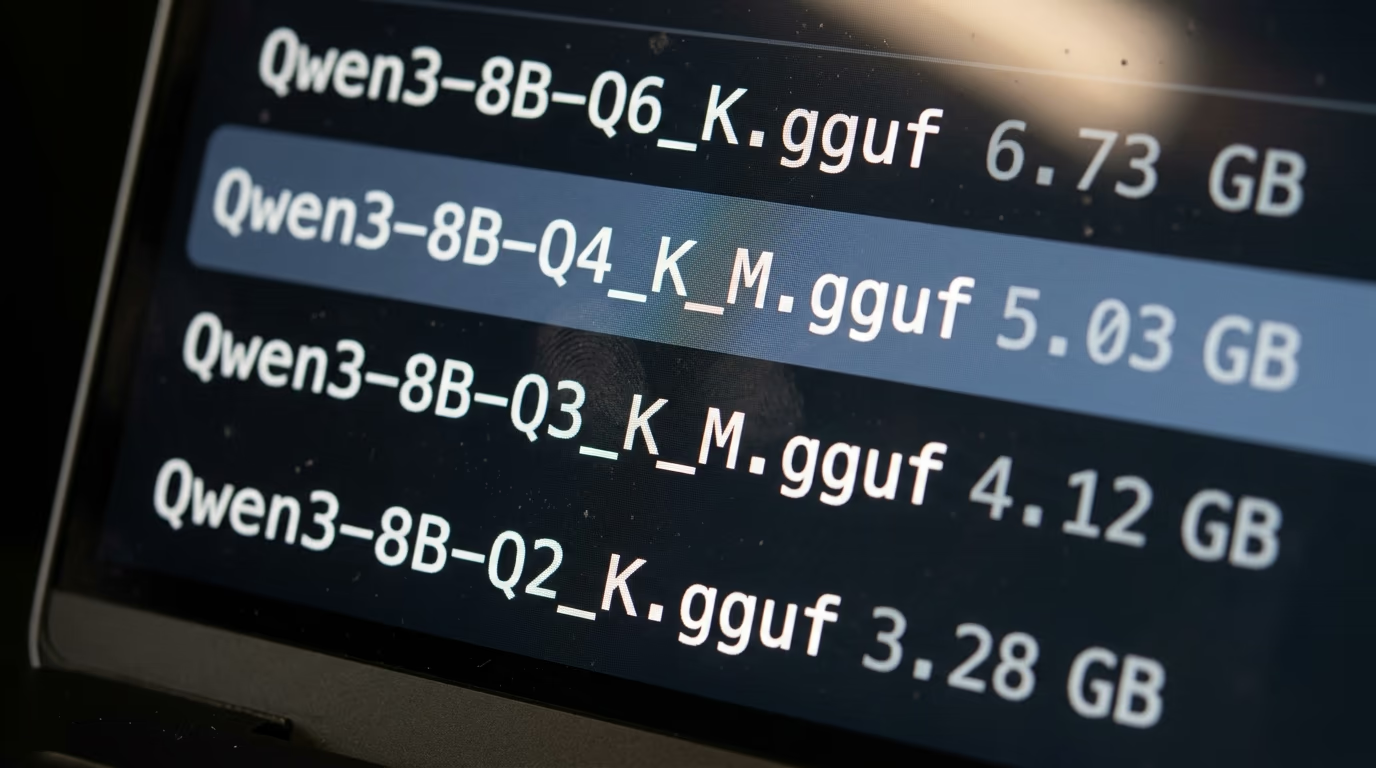
The K carries more meaning than a single letter suggests. K quants store weights in blocks that each keep their own scaling factor, which lets the file spend bits where they change the answer and save them where they do not. The Hugging Face Hub documentation lists the older Q4_0 and Q8_0 formats as legacy and describes them as not used widely as of today, which is your signal to skip them whenever a repository offers you both.
Names beginning with IQ rather than Q, like IQ4_XS, are built with an importance matrix. The packager runs sample text through the model first and records which weights carry the most meaning, then protects those and squeezes the rest harder. They reach smaller sizes at a given quality, they cost a little more processing to read back, and they turn up most often at the very small end where every bit has to earn its place.
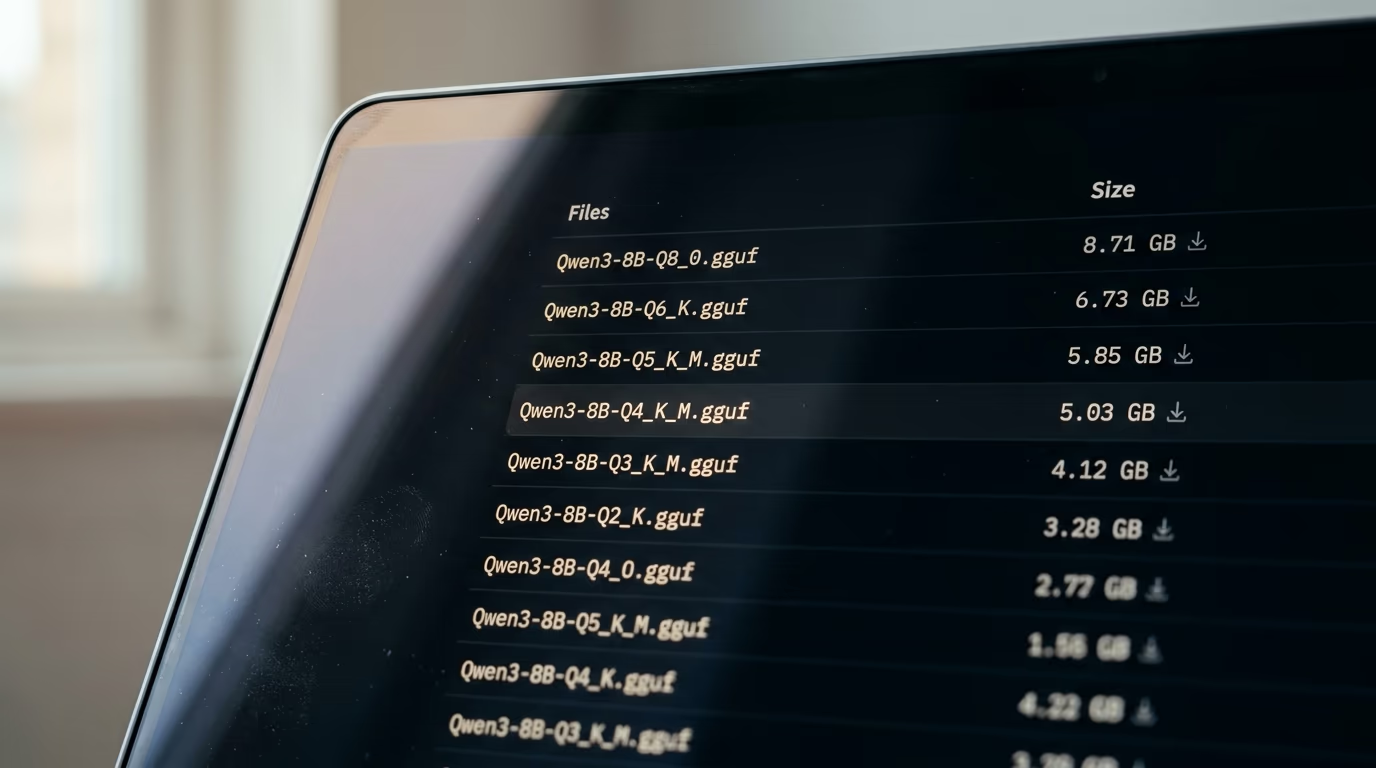
Not everything in one of these repositories has been shrunk at all. Builds ending in bf16 or f16 are the model exactly as the lab published it, with nothing taken away, and they sit there so people can compare against them or make their own smaller versions. On the Qwen3 file list published by bartowski, the untouched build weighs more than 3 times what the Q4_K_M build weighs at 5.03 GB, so the same model appears twice at very different prices in memory.
One habit is worth forming right now, because it pays off every time you meet a new model. These names are consistent across every repository and every tool, so once you can read Q4_K_M you can read any file list you will ever open, and the same string means the same thing whether you find it on Hugging Face, inside LM Studio or in the Ollama library.
Which quantization file should you download tonight?
Download the Q4_K_M build unless you have a specific reason not to, because it is what almost every tool installs by default and the level most people cannot tell apart from the original in ordinary use. LM Studio's own documentation gives the same advice in a single line, telling you to choose a 4 bit option or higher if your machine is capable enough for running it.
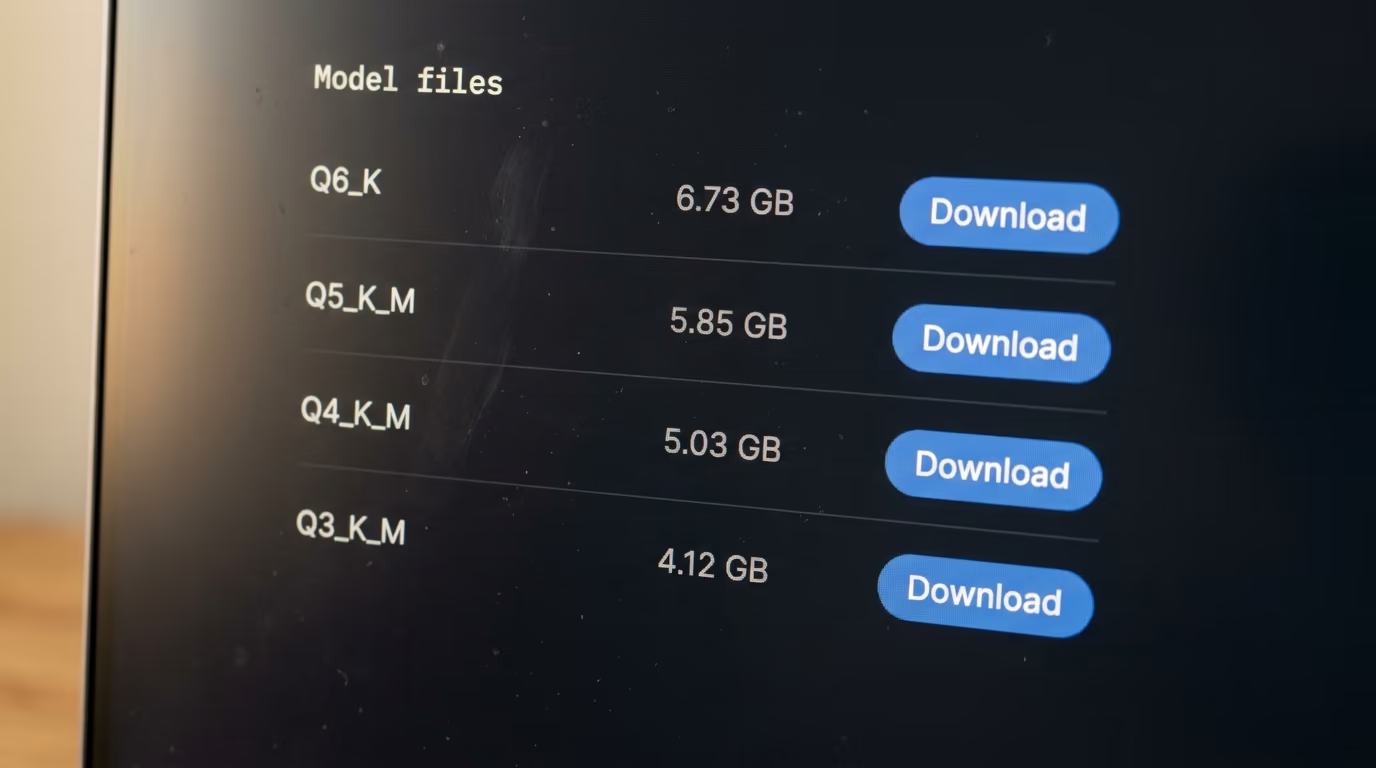
The rule that decides it is your memory rather than your taste. Take the memory your computer has, subtract what the browser and everything else is already using, and pick the largest file that still leaves room to breathe. The table below is one model at each level, with real file sizes read from the repository, and a memory column that is plain arithmetic rather than a benchmark.
| Build | File size, Qwen3 8B | Memory to keep free | Who it is for |
|---|---|---|---|
| Q8_0 | 8.71 GB | 11.7 GB | comparing quality against the original |
| Q6_K | 6.73 GB | 9.7 GB | the safe choice when memory is not tight |
| Q5_K_M | 5.85 GB | 8.9 GB | a middle step when Q4 feels lossy |
| Q4_K_M | 5.03 GB | 8.0 GB | the default, and the right first download |
| Q3_K_M | 4.12 GB | 7.1 GB | a bigger model squeezed onto a small machine |
| Q2_K | 3.28 GB | 6.3 GB | last resort, expect visible mistakes |
The right hand column is the file size plus 3 GB, and those 3 GB are not a measurement, they are headroom for the conversation and for the rest of your software. On a machine with 16 GB of memory, everything down to Q6_K is comfortable. On a machine with 8 GB, Q4_K_M is the honest ceiling, and anything heavier will either refuse to load or crawl badly enough that you stop using it.
There is one case where the file size misleads you. If the model is a mixture of experts model, only a fraction of it does any work for each piece of text, so it answers faster than its size suggests, and the whole file still has to be loaded into memory before it answers anything. The speed is cheap and the memory is not, which catches people out when they see a large file described as efficient.
If none of this appeals, the shortcut is real and nobody will judge you for taking it. The tools most people install make the choice for you and hide the file list entirely, which the last section covers, and the models worth trying first are ranked in the best local LLM for coding.
What do you lose when you shrink a model?
You lose exactness in the stored numbers, and the visible cost stays small down to about 4 bits before it grows quickly below that. llama.cpp describes the damage in its own documentation as accuracy loss usually measured in perplexity, which is a score for how surprised a model is by ordinary text, and says a good importance matrix file keeps that loss down.

The damage shows up at the edges long before it shows in the middle. A heavily squeezed model still writes a fluent paragraph and still follows an instruction, and it starts slipping on the things that have to be exact, like a chain of arithmetic, a rare proper name, a quotation it half remembers, or code where a single character decides whether the program runs at all.
Nobody has published a single number that covers this loss, and anybody who offers you one is overselling. It depends on the model, on the format and on the question you ask, which is why llama.cpp publishes a method for measuring the loss instead of a figure for it. What a reader can lean on instead is the behaviour of the tools themselves, because they are built by people who had to pick a default and live with the complaints.
Ollama ships Qwen3 at Q4_K_M by default and llama.cpp uses the same level as the worked example in its own documentation. LM Studio, which has no connection to either, tells you to choose a 4 bit option or higher. Groups with no reason to coordinate landed on the same floor, and that agreement is better evidence for a normal reader than any chart of scores they will never be able to reproduce.
What you should not do is trust anybody's claim that a shrunk model matches the original, and that includes this article. Nobody has run the model on your questions. The way to settle it is to download the default, ask it the things you care about, and only climb to a heavier file if you can point at something the smaller one got wrong.
Are quantized models slower than the original?
Quantized models are usually faster than the original rather than slower, so the shrink is not the trade off most people expect. In the speed table llama.cpp publishes alongside its size table, measured on one machine, the 4 bit build of a Llama model generated text at more than 2 times the rate of the full precision build of the same model.
| Build | Text generated per second, llama.cpp's own figure | Reading |
|---|---|---|
| F16, the full model | 29.17 | slowest of the three |
| Q8_0 | 50.93 | faster, and heavier on disk |
| Q4_K_M | 71.93 | fastest, and smallest |
The reason is traffic rather than arithmetic. A model spends most of its time carrying weights out of memory and into the processor, which means the fewer bytes each weight occupies, the more of them arrive every second and the sooner the next piece of the answer appears on screen. Shrinking the file shrinks the traffic, and the multiplication itself was never the thing holding the machine back.
The caution attached to that table matters as much as the figures in it. This is llama.cpp's measurement on llama.cpp's machine, published in its repository rather than checked by anybody else, and the speed you get depends on your own hardware far more than on the build you picked. The direction holds everywhere though, because the cause is physical rather than a tuning decision somebody made and could reverse.
The rule has an exception visible in the same table. The IQ builds, the ones made with an importance matrix, are smaller than Q4_K_M and still generate a little slower in those measurements, because the machine has extra unpacking work to do before it can multiply anything. Smaller is usually faster here, and it is a tendency rather than a law you can bank on.
What to check before your first download
Before you download anything, check how much memory your computer really has free, then take the Q4_K_M build of a model whose file fits inside that number with a few gigabytes to spare. That single decision covers almost every situation a reader of this site will meet, and everything else in this article is refinement on top of it.
The shortest path skips the file list completely. The Ollama page for Qwen3 lists that model at 5.2 GB with the quantization given as Q4_K_M, so the choice has already been made for you, and typing the model name is the entire procedure. Nothing in the interface asks you to pick a file, which is either a relief or a limitation depending on how much you want to steer.
LM Studio is the other common starting point and it takes the opposite approach, showing the file list with each quantization visible, so you can see exactly what you are choosing and change your mind later. We put them side by side in LM Studio and Ollama compared, and either of them is a fine place to spend an evening.
The last check has nothing to do with size. A shrunk copy carries the same licence as the model it came from, so the terms on the original repository are the ones that apply to whatever you do with the output. Ollama lists Qwen3 under Apache 2.0, which permits commercial use, and plenty of other models on the same shelf arrive with conditions that do not.
None of this has to be decided perfectly on the first attempt. A download is reversible, the files sit in a folder you can delete, and the fastest way to understand quantization is to run the default build for an evening, so you learn it on your own questions rather than on somebody else's table. If something about the answers bothers you, move one level up. If nothing does, you have already finished, and the rest of the file list can stay where it is.
Questions people ask
What does LLM quantization actually do to a model?
LLM quantization rewrites every number inside a trained model at lower precision, so the file gets smaller and the model needs less memory to run. Nothing is retrained and no layers are removed, which means the model keeps what it learned and only holds each of its numbers less exactly than the original.
Is LLM quantization the same as making a smaller model?
No, and the difference matters when you are comparing downloads. Quantization changes how each number is stored, while distillation trains a genuinely smaller network to imitate a bigger one, so a shrunk file still contains every weight the original had.
Which quantization should I download if I am not sure?
Take the Q4_K_M build, which is what Ollama installs by default and what LM Studio's documentation points you toward when it tells you to choose a 4 bit option or higher. It fits most laptops and it is the level most people cannot tell apart from the original in ordinary use.
How much memory do I need for a 4 bit model?
Plan for the file size plus about 3 GB, which covers the conversation itself and leaves room for everything else running on your computer. Apply that to the file you are looking at, and if the total comes out above the memory you have free, drop down one build.
Does a quantized model give wrong answers?
It gives the same kind of answers with a little less exactness, so the slips turn up first on things like arithmetic, rare names and quotations. Nobody has measured your questions, which means the only honest test is to run the default build and compare it against a heavier one on work you care about.
What is the difference between Q4_K_M and Q4_0?
Q4_K_M uses the newer method that varies precision across the model, while Q4_0 applies the same setting everywhere. The Hugging Face Hub documentation marks Q4_0 as legacy and describes it as not used widely as of today, so take the K version when a repository offers you both.