TutorialsJuly 29, 202611 min read
How to make a Telegram bot that answers with AI, tonight
One prompt pasted into a free coding agent writes the whole thing. You bring a Telegram account and 2 credentials, and your own bot answers you about 45 minutes later.
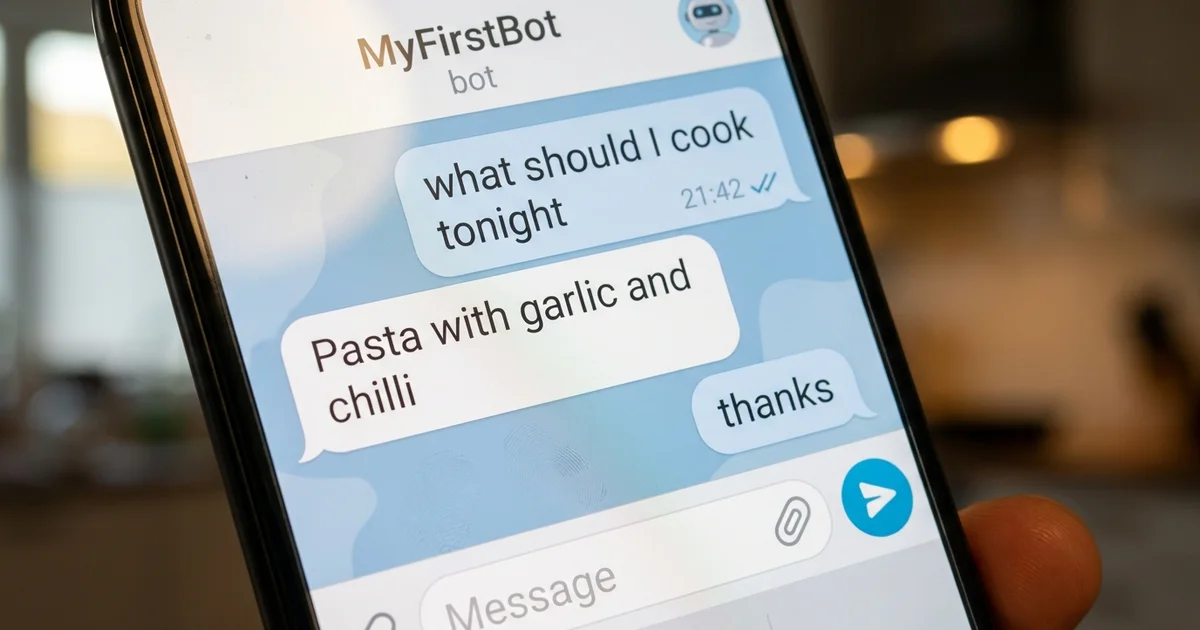
To make a Telegram bot, open Telegram, start a chat with the account called BotFather, send it the command /newbot, and answer the 2 questions it asks about the name. That is how to make a Telegram bot, and BotFather replies with a long token which is the bot itself. Everything after that is deciding what happens when somebody writes to it.
This tutorial gives that bot a brain. You paste one plain English prompt into a free coding agent, it writes the program that connects your bot to Google's Gemini, and your own assistant starts answering you inside Telegram about 45 minutes later. You never read a line of code, nothing here asks for a payment card, and every command below was checked against the official documentation while this was being written.
You do not need to know what a terminal is. You will open one, paste a couple of lines into it, and the agent handles everything else. If the most technical thing you have ever done is install an app from a store, this was written for you.
What does the finished Telegram bot actually do?
The finished Telegram bot is a private chat inside your normal Telegram app where you ask a question and an AI model answers within a couple of seconds. It looks exactly like a conversation with a person, with the same bubbles and the same notification sound.
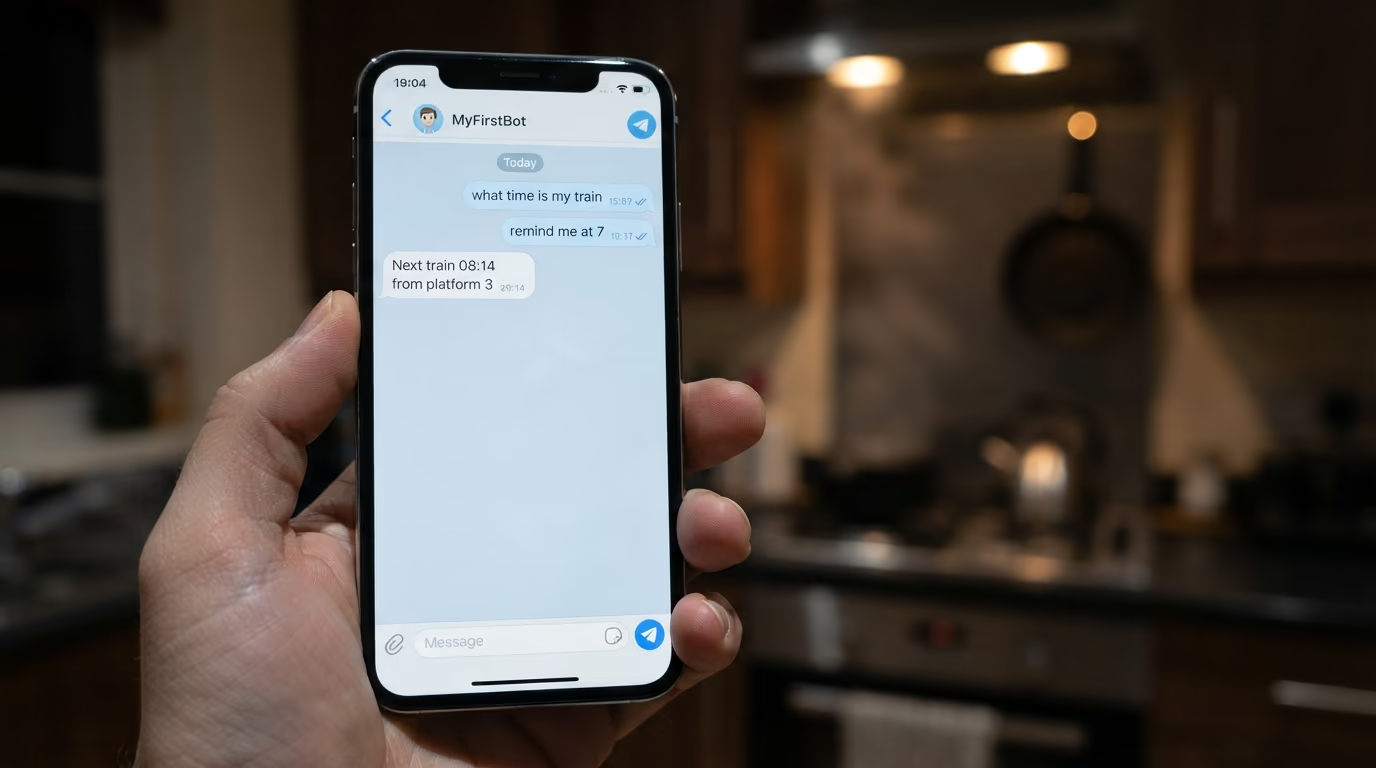
The program that makes it work lives on your own computer rather than on a server somewhere. When you write to the bot, Telegram holds your message on its side until your program asks for it, your program passes the question to Gemini, and the answer travels back along the same road. Nobody else can talk to your bot unless you hand them its username, and the prompt further down tells the agent to ignore everybody except you.
What you get out of it is a chat window on your phone that answers instead of searching. Mine gets used while cooking, and whenever something arrives in a language I read badly. It is the same model you would reach through a website, sitting inside the app your friends already have open.
Be clear about what it is not, because that saves you an hour of confusion later. Nothing is hosted anywhere, so the bot answers only while your computer is awake and the terminal window is open, and nobody else can install it as an app. It also has no memory of yesterday until you add one, which is the first improvement worth making and the one I come back to at the end.
That limitation sounds worse than it is for a first build. A machine that sleeps at night still covers every evening you would actually use the bot, and turning it into something permanent later is one more instruction to the same agent rather than a rebuild.
What do you need to make a Telegram bot, and what does it cost?
You need a Telegram account, a computer that stays awake while the bot runs, and 2 free credentials, one from Telegram and one from Google AI Studio. The total bill for this build is nothing, and that means nothing rather than a trial that expires on you.
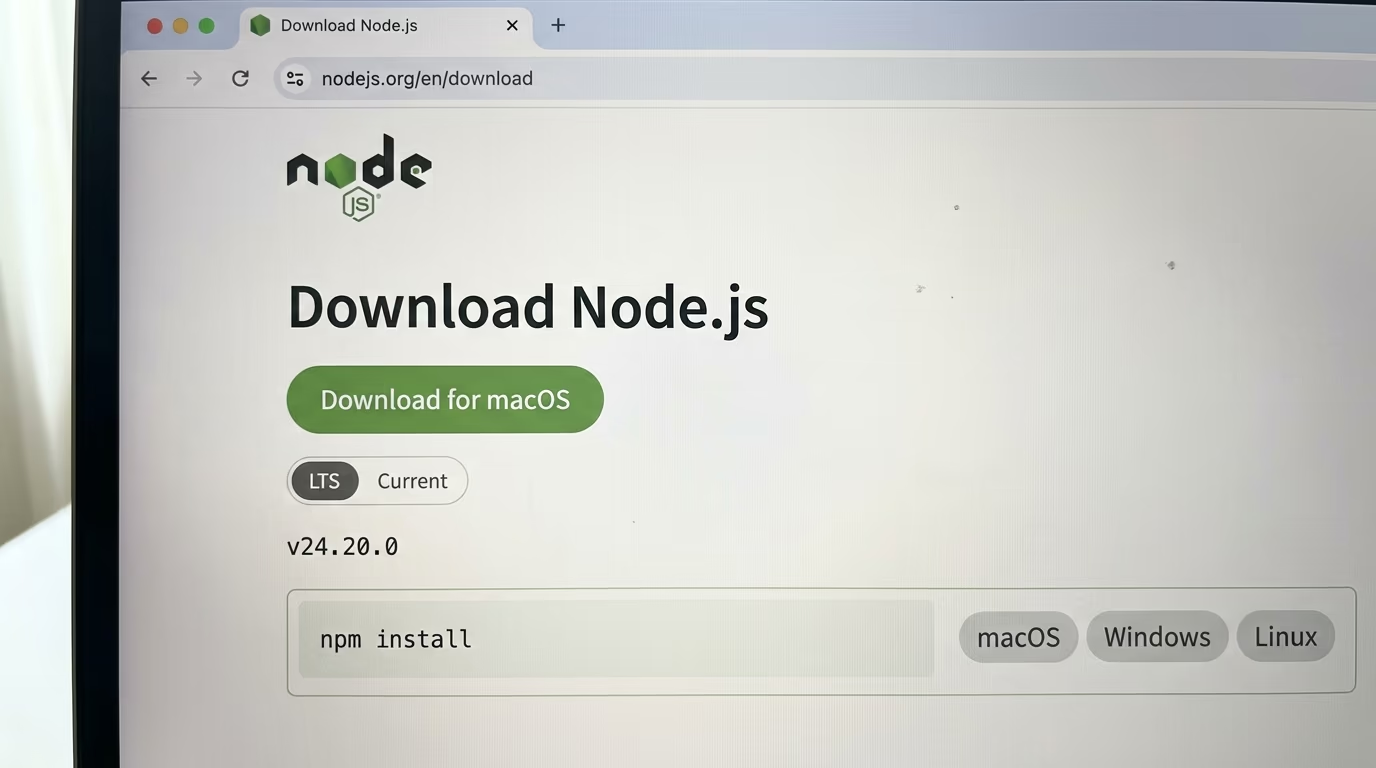
Node.js is the one piece of software you install yourself, and it is what runs your bot. The download page offers a version marked LTS, which is the release the Node.js team supports the longest, and that is the one to take. The installer asks nothing interesting and finishes in a couple of minutes.
| What you get | What it does | What it costs |
|---|---|---|
| A Telegram account | Where the bot lives and where you talk to it | Free |
| A BotFather token | The password that proves the bot is yours | Free |
| Node.js | Runs your bot on your own computer | Free |
| Gemini CLI | The coding agent that writes the bot for you | Free with a Google account, 1,000 requests a day |
| Google AI Studio credentials | What lets your bot call Gemini | Free tier, gemini-3.7-flash listed free of charge |
One honest line about that free tier before you start, because it is a trade rather than a gift, and I go through exactly what you are trading in the section on choosing the model. Nothing in this build ever asks for a card, and nothing switches to a paid mode behind your back.
There are 2 things you do not need, and they are the 2 that stop most people from starting. You do not need a server, because your own laptop is the server tonight, and you do not need to know Python or JavaScript, because the agent writes the file and you never have to open it unless you are curious.
How do you get a bot token from BotFather?
BotFather is a bot that makes other bots, it is run by Telegram itself, and it hands you a token in under 2 minutes without any code at all. It is the same starting point for every Telegram bot in the world, from a weather notifier to the one you are building tonight.
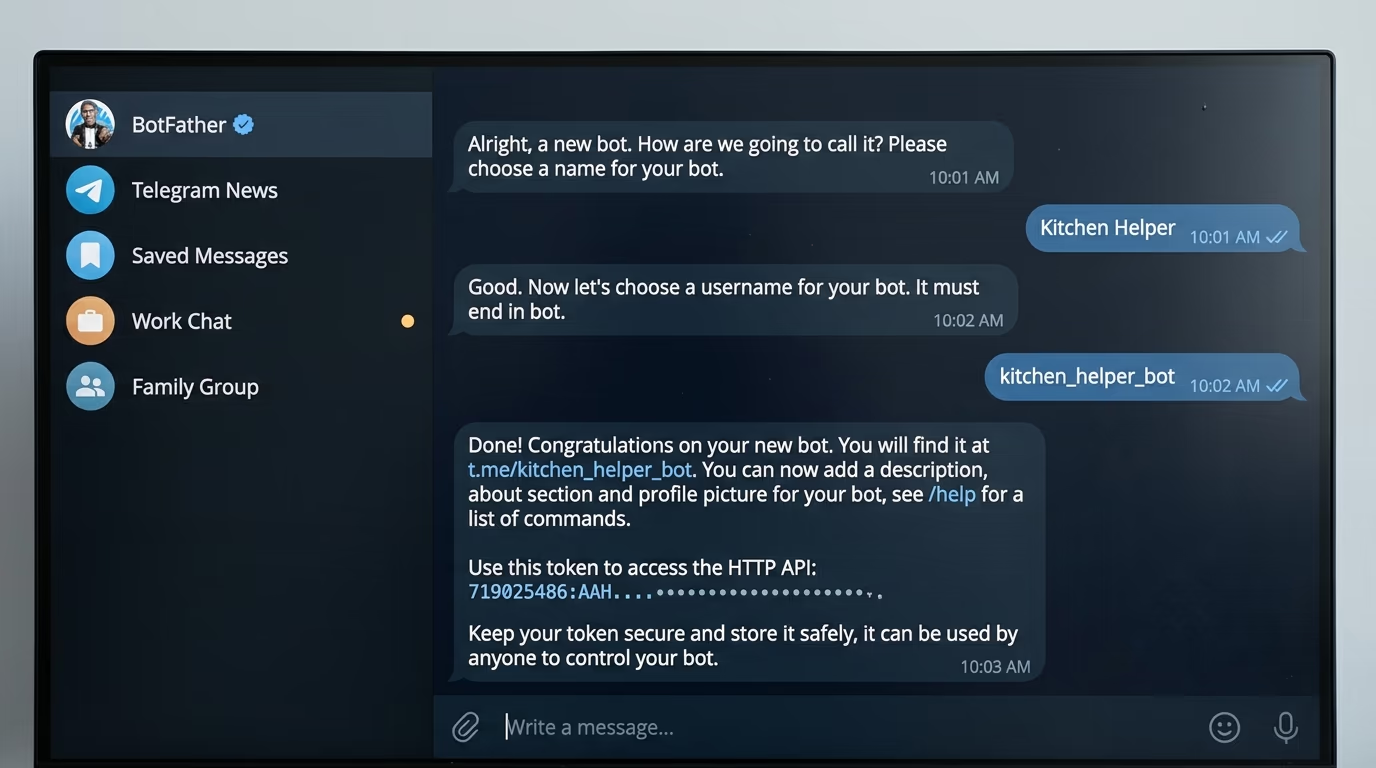
Step 1, 5 minutes: create the bot inside Telegram
Open Telegram, type botfather into the search field at the top, and pick the result with the blue check mark beside the name, because plenty of impostors use similar names. Press Start, then send the message /newbot. It asks for a display name first, which can be anything you like, such as Kitchen Helper. Then it asks for a username, and Telegram's own documentation is strict here, since the username has to end in bot and may hold only latin letters, numbers and the _ sign. Something like kitchen_helper_bot is accepted straight away.
BotFather answers with a congratulations message containing a long line with a colon in the middle, and that line is your token. Copy it somewhere safe and treat it exactly like a password, because anybody holding it can send messages as your bot. Telegram's own tutorial says to "treat it like a password and don't share it with anyone", which is the right level of paranoia for something you just made in 2 minutes.
Step 2, 2 minutes: check that the token really works
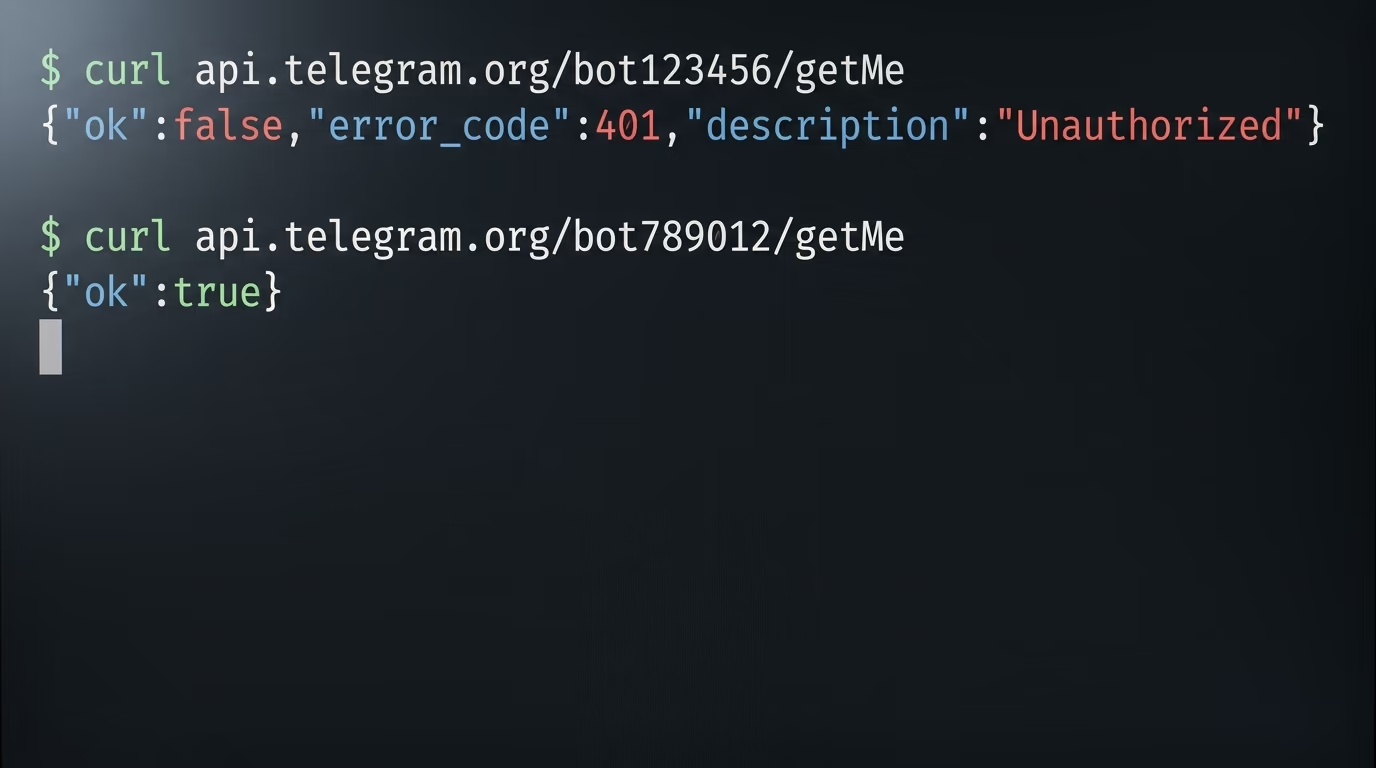
This single command asks Telegram who your bot is, which proves the token survived the copy before you build anything on top of it. Replace the placeholder with the whole line BotFather sent you, keeping the colon in the middle of it.
curl "https://api.telegram.org/bot<YOUR_TOKEN>/getMe"You should see a short line beginning with {"ok":true, followed by your bot's name and its username. If it answers {"ok":false,"error_code":401,"description":"Unauthorized"} instead, which is exactly what came back when I tested this with a deliberately wrong token, then something was lost in the copy. If your computer has no curl command, skip this check and let the agent run the same test for you at step 3 of the prompt below.
That is the entire Telegram side of the build, and it is the piece everybody expects to be hard. What people find intimidating about bots sits in the next 2 steps, and the coding agent does both of them for you.
Which AI should answer your messages, and is the free tier really free?
Google's Gemini answers the messages in this build, because Google AI Studio hands out credentials in about 3 minutes and its pricing page lists Gemini 3.7 Flash as free of charge for both input and output on the standard tier. Google describes that model as its latest and most capable Flash model, which is a good deal more than a chat window on your phone needs.
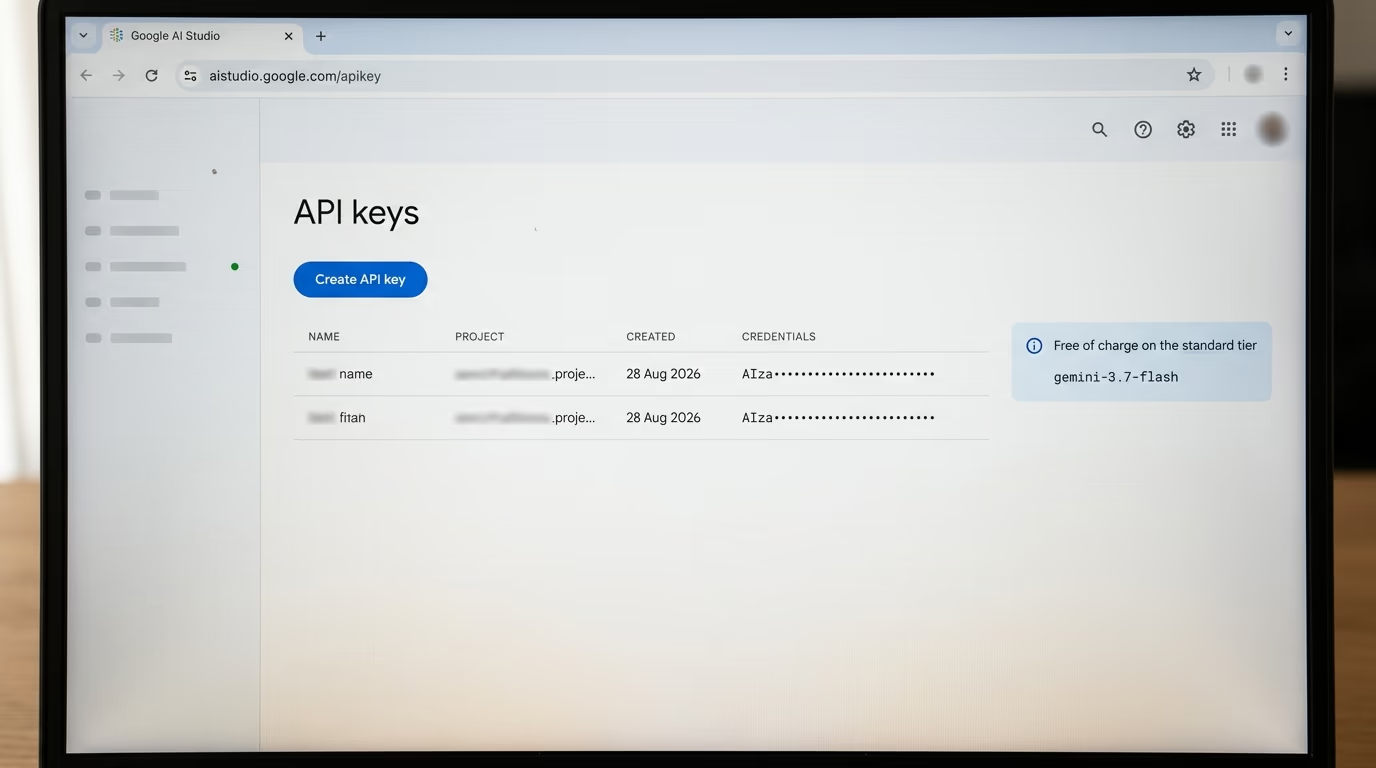
Open the Gemini credentials page in Google AI Studio, sign in with a normal Google account, and accept the terms if you have never been there before. The page lists your API keys, and the blue button on it makes a new one in a couple of seconds inside a project Google creates for you automatically. Copy the long string it shows you and leave the tab open, because you paste that string once and never again.
Now the honest reading of that free tier, and it is short. Google's own pricing page marks the free tier with the line "Content used to improve our products" and marks the paid tier with the opposite, so the trade you are making is your questions in exchange for the bill. Treat your bot as a public place, and keep anything genuinely private out of it.
If that trade does not suit what you plan to ask, there are 2 clean exits and neither one changes the rest of this tutorial. You can run a model on your own machine so nothing ever leaves the house, or you can pay, and the real prices per model are far smaller than most people assume before they look.
You can also swap Gemini for another model later without rebuilding anything, because only one block of the program changes, the block that sends your message away and reads the answer. Anthropic's Claude and OpenAI's models both work the same way through their own credentials, and the swap is one more sentence to the same agent.
What do you paste into the coding agent to build the bot?
You paste one long prompt, printed in full below, into a free coding agent called Gemini CLI, and it writes the program, asks you for your 2 credentials at the right moment, tests each piece and starts the bot. That prompt is the only thing in this tutorial you have to copy carefully.
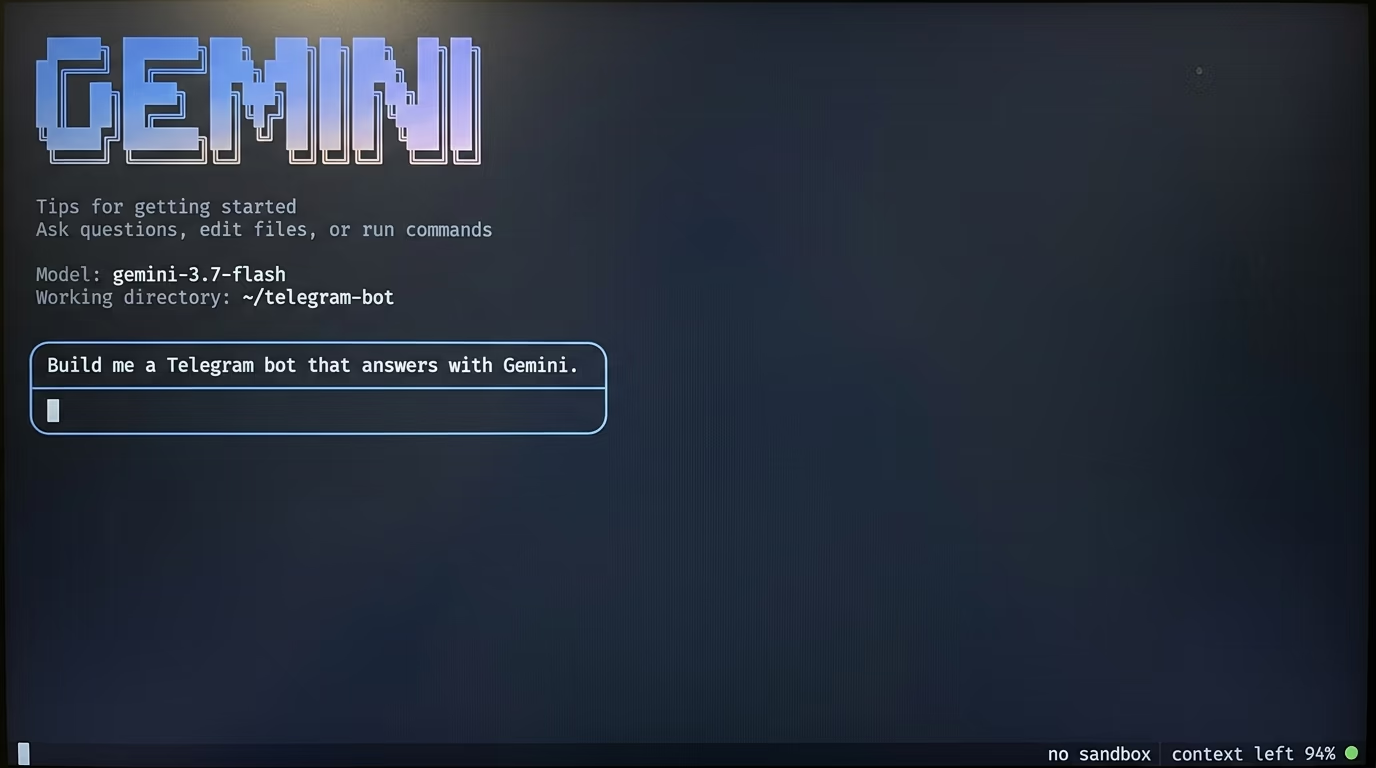
Step 3, 10 minutes: install Node.js and the coding agent
Download Node.js from the official Node.js download page, take the version marked LTS, and run the installer the way you would install any other app. Then open a terminal, which on a Mac means pressing command and space and typing Terminal, and on Windows means opening the start menu and typing Command Prompt.
Now type this line and press enter, which installs Google's coding agent onto your machine.
npm install -g @google/gemini-cliIt prints a stream of lines for a minute and then goes quiet, which means it finished. The agent needs Node.js version 20 or newer, which its own package file states, and the LTS installer is comfortably past that, so a complaint about the version means the download step went wrong and is worth redoing.
Then make a folder for the build and move into it, so the files land somewhere you can find them again tomorrow.
mkdir telegram-bot
cd telegram-bot
Nothing visible happens after those lines, which is correct and not a failure. Now start the agent with its own name.
geminiThe first run asks how you want to sign in, and the option that signs in with your Google account opens a browser page and comes back by itself. Google's repository documents that free tier as 1,000 requests a day for a personal account, and building this bot uses a handful of them.
Step 4, 15 minutes: paste the prompt and answer what it asks
Copy everything in the block below and paste it into the agent, then press enter. It works through the list in order, stops to ask you for each credential, shows you what came back from every test, and never leaves you guessing which step you are on.
You are setting up a Telegram bot that answers me using Gemini. I have never used a terminal before, so explain what you are doing in plain words and stop to ask me whenever you need something from me. Work in this folder.

1. Check that Node.js is installed and tell me which version you found. If it is missing, give me the download address and wait for me.
2. Create a file named .env with 2 empty entries, TELEGRAM_BOT_TOKEN and GEMINI_API_KEY, open it for me and tell me exactly where to paste each value. Never print those values back to me, never copy them into another file, and add .env to a .gitignore file.
3. Test my Telegram token by calling the getMe method of the Telegram Bot API, and show me the bot name it returns. If the answer says Unauthorized, stop and tell me the token is wrong.
4. Test my Gemini credentials with one short question to the model gemini-3.7-flash and show me the answer. If that model name is refused, list the models my account can call and use the cheapest Flash one instead.
5. Write a single file named bot.js that reads both values from .env, waits for my messages using long polling on getUpdates, sends each message to gemini-3.7-flash, and replies in the same chat with sendMessage. Keep it short and put a comment above every block explaining what that block does.
6. Make the bot ignore anybody whose chat id is not mine, and print my chat id the first time I write to it so I can lock it down.
7. Put a system instruction at the top of the file where I can edit it, and set it to: answer in 3 sentences maximum, plain English, and say you do not know rather than inventing an answer.
8. Handle the errors a beginner will hit, a Telegram rate limit, an empty answer from the model, and a network drop, and print one clear line for each instead of crashing.
9. Start the bot, tell me exactly what to type in Telegram to test it, and wait while I try it.
10. Once it answers me, show me the single command that starts it again tomorrow, and write a README holding that command and the 3 things most likely to break.
While it works you will watch it create a file called bot.js and a file called .env, run the 2 tests above, and print what each one returned. When it asks for the token and the credentials, paste them into the file it opened for you rather than into the chat, which is what the prompt tells it to arrange.
How do you know it worked, and what breaks first?
It worked when the terminal prints a line saying the bot is listening and your own message inside Telegram comes back with an answer. Write hello to your bot, wait a couple of seconds, and read the reply that arrives.
The files on your computer are the proof that it exists. There is bot.js, which is the whole program, .env, which holds your 2 credentials and nothing else, and a README the agent writes with the single command that starts everything again tomorrow. Nothing is hidden inside a cloud account you cannot open.
The bot is silent and the terminal shows nothing at all. You are almost certainly writing to a different account, because the Telegram search is full of similar names, so open the chat again and check the username matches the one you gave BotFather exactly, ending in bot.
The terminal answers with 401 and the message Unauthorized. The token lost a character somewhere between BotFather and the file, which happens more often when the copy goes through a phone than through a desktop, so paste it again from the original message and restart the bot.
The bot answers once and then goes quiet forever. That is not a bug, because the program only runs while the terminal window is open and the computer is awake, so closing the lid ends the conversation. Ask the agent to keep it running in the background when you are ready for that, and it will explain the trade in plain words first.
The model name comes back refused. Which models an account can call is not identical for everybody, which is why step 4 of the prompt asks the agent to list what yours can reach and pick the cheapest Flash model on offer instead of guessing.
The bot ignores you in a group chat while answering you perfectly in private. Telegram turns on privacy mode for bots in groups by default, and its documentation is explicit that a bot in that state sees only commands and replies to its own messages rather than ordinary conversation. BotFather turns it off through its /setprivacy command, and Telegram's documentation adds one detail worth knowing, since the bot has to be removed from the group and added again before the change takes effect. Leaving privacy mode on is the sensible choice for a first bot anyway.
None of this bills you while it sits idle, because a bot nobody writes to sends nothing to Google. The free tier counts requests rather than hours, so a bot you forget about for a week costs exactly the same as one you never started.
What should you add to your Telegram bot this week?
The first thing worth adding is memory, because the bot you finished tonight forgets you between messages and treats every question as the first one it has ever seen. A short history of the conversation is a few lines in the same file, and the different kinds of memory an agent can have, with what each one costs, decide how far you take it.
The second addition worth making is tools. A bot that answers is useful, while a bot that can read your calendar or search your own notes is a different animal, and the standard way to plug real tools into a model is a small server you can also build tonight without writing code.
The third is a schedule, so the bot writes to you instead of waiting to be asked. A summary that lands before breakfast is the same program with a timer around it, and the shape of an agent that runs on its own every night is exactly how the one that writes my sites works.
Expect the first week to disappoint you slightly. The answers will be too long, too formal, or too eager to agree with whatever you said, and the fix sits in one line at the top of bot.js where the system instruction lives, which you edit in any text editor and reload by restarting the bot. Every correction you write there stays until you change it again, so the bot gets a little better every time you touch that line.
What you take away from the evening is bigger than the bot itself. A coding agent turned a paragraph of plain English into a program that runs, and the pieces that sounded intimidating before you started were 2 credentials and a folder you made yourself.
Questions people ask
How to make a Telegram bot without writing any code?
Send /newbot to BotFather inside Telegram to get your token, then paste a plain English prompt into a coding agent such as Gemini CLI and let it write the program for you. You answer its questions and paste 2 credentials into the file it creates, and you never have to open the code itself.
How to make a Telegram bot that answers with AI for free?
Use BotFather for the bot itself, which costs nothing, and Google AI Studio for the model, where the pricing page lists Gemini 3.7 Flash as free of charge on the standard tier. The coding agent that writes the program is also free with a personal Google account, so the whole build stays at zero.
How long does it take to build a Telegram bot from scratch?
About 45 minutes if nothing goes wrong, and the BotFather step inside that takes under 2 minutes. Installing Node.js and the coding agent is the slowest piece, roughly 10 minutes on a normal connection.
Why does my Telegram bot not answer inside a group chat?
Telegram turns on privacy mode for bots in groups by default, which means your bot sees only commands and replies to its own messages instead of the whole conversation. You can turn it off with BotFather's /setprivacy command, and Telegram's documentation says the bot then has to be removed from the group and added again before the change takes effect.
Does my Telegram bot keep working when I close my laptop?
No, because the program runs on your own computer, so the bot answers only while the terminal is open and the machine is awake. Ask the coding agent to keep it running in the background, or move it onto a small machine that never sleeps once you outgrow the evening version.
Can I use ChatGPT or Claude instead of Gemini in my bot?
Yes, because only one block of the program changes, the block that sends your message to a model and reads the answer back. Tell the same coding agent which model you want and give it the matching credentials, and the Telegram side stays exactly as it is.