TutorialsOctober 10, 202612 min read
How to move from Deno Deploy to Cloudflare Workers tonight
Deno Deploy shuts down in 6 months, and the migration help Deno promised covers paying customers. Here is the whole move, done tonight, by somebody who has never opened a terminal.
Moving a project from Deno Deploy to Cloudflare Workers takes about an hour for a small app, and both platforms have a free plan, so the move itself costs nothing. The clock is already running, because Deno announced on 9 October 2026 that Deno Deploy will keep operating for 6 months and then shut down, so this guide does the whole move tonight, in a browser first and then with 2 commands you type once.
Every piece published this morning reports that shutdown and stops there. The only step by step guide anywhere sits on Deno's own documentation site, it was last updated in June, and it never mentions Deno KV, scheduled jobs, or how to get your data out before the lights go off. So this one names the promise that does not reach a free Deno Deploy account, puts the limits of both platforms side by side from their own pricing pages, and prints the prompt that rewrites your app while you watch.
What is happening to Deno Deploy, and how long do you have?
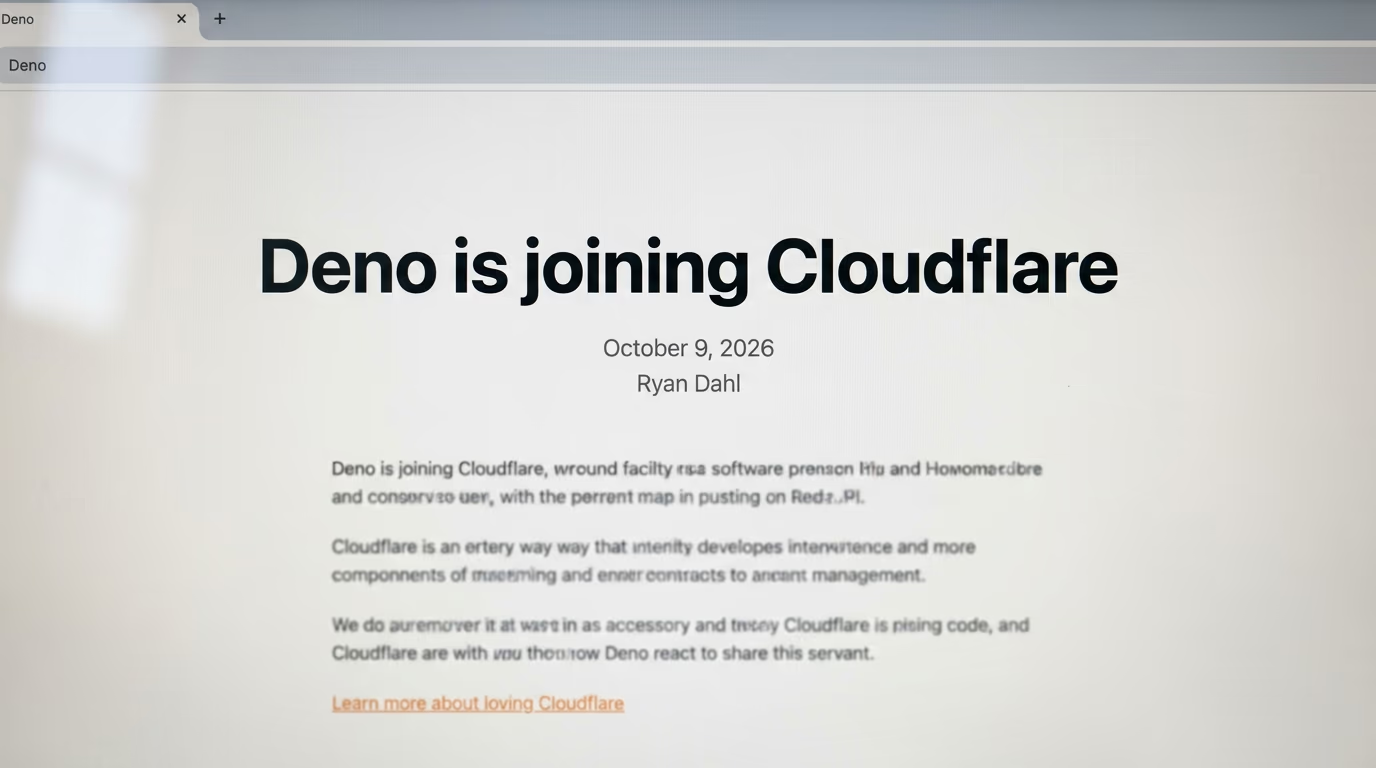
Deno Deploy keeps serving traffic for 6 months and then shuts down, and the Deno runtime you install on your own machine gets another year of monthly bug fixes and security releases before its development ends. Ryan Dahl published both windows on the Deno blog under the headline Deno is joining Cloudflare, and he writes that the entire Deno team is moving to Cloudflare to work alongside the Workers and Durable Objects teams on a shared platform instead of a separate runtime and hosting service.
We will support the Deno runtime for another year with monthly releases containing bug fixes and security updates. After that year we will end our development of the Deno runtime.
Deno named no calendar date for either window, which matters if you are planning around them, and the announcement does not say whether the end is one cut off or a staged wind down with warnings along the way. 3 things carry on, so you do not have to rescue everything at once. JSR keeps running with its infrastructure moving to Cloudflare, the rusty_v8 project keeps being supported with the aim of folding it into Cloudflare's own runtime, and Deno itself stays open source, which means anybody who wants to keep developing it is welcome to.
Who gets Cloudflare's migration help, and who does not?
Deno promises migration support to paying Deno Deploy customers, and its announcement says nothing about the free plan, which is the plan most side projects sit on. Deno Deploy's own pricing page lists a free tier that costs nothing and includes a million requests a month, so a hobby project falls outside the one sentence in the announcement that promises anybody help.
We will provide migration support for paying customers moving to Cloudflare Workers.
That is a fair line for Deno to draw, and a free account was never owed an engineer's afternoon. It still changes what you should do tonight. If you pay for the Pro plan at $20 a month, open a support ticket before you spend an evening on this and ask what migration support covers, because somebody at Deno may do the work for you. If you are on the free plan, you are your own migration team, and the rest of this guide is written for you rather than for them.
What does Cloudflare Workers cost next to Deno Deploy?

Cloudflare Workers has a free plan with 100,000 requests a day, so you land on more volume than the million a month Deno Deploy gives away, and traffic is not the thing that will bite you. The limit that can change your code is CPU time, and the Cloudflare free plan allows 10 ms of it for every request your app answers.
| Deno Deploy free | Cloudflare Workers free | Cloudflare Workers paid | |
|---|---|---|---|
| Price a month | $0 | $0 | from $5 |
| Requests | 1 million a month | 100,000 a day | 10 million a month included |
| CPU allowance | 10 CPU hours a month | 10 ms per request | 5 min per request |
| Stored data | 1 GiB in Deno KV | 100,000 KV reads and 1,000 writes a day | 10 million KV reads a month |
| Scheduled jobs | Deno.cron in your code | 5 cron triggers | 250 cron triggers |
| Still operating in April 2027 | no | yes | yes |
That ceiling sounds brutal and usually is not, because CPU time counts only the time your code spends thinking, never the time it spends waiting. A page that calls 2 other services and waits a full second for both of them can still finish well under a millisecond of CPU time, because waiting is free. Resizing an image, parsing a big file and looping over thousands of rows is where you meet the ceiling, and the paid plan raises it to 5 min per request, which is longer than any web page should ever take.
Nothing in this guide needs a paid plan on either platform. If a surprise bill is what worries you about moving somewhere new, our look at which providers actually stop the bill covers how the big services behave when you reach their ceiling, and it is worth reading before you attach a card to anything.
How do you put a Worker online tonight without opening a terminal?
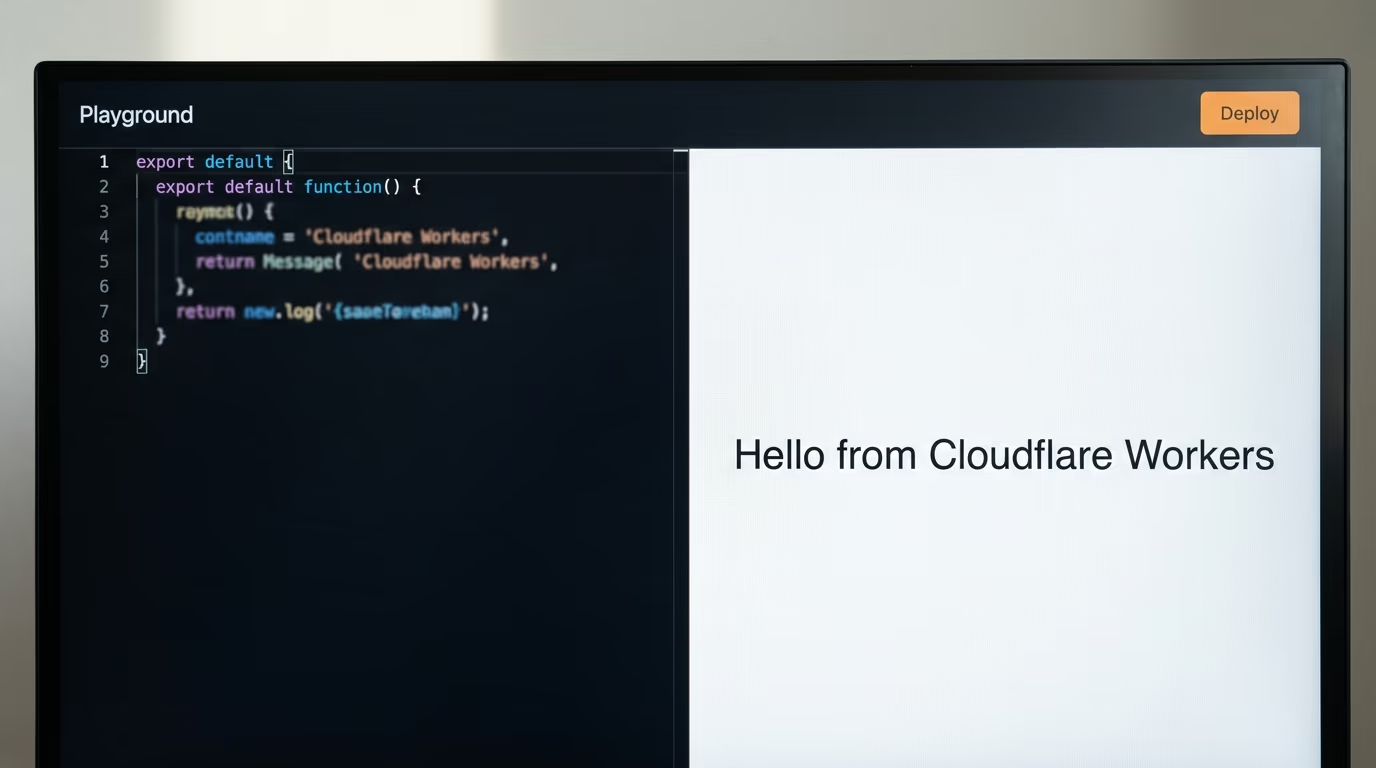
You open Cloudflare's Playground in a browser, paste your code into the editor on the left, watch the preview answer on the right, and press Deploy when it works. Cloudflare's own documentation says the Playground does not require any setup or authentication, so the first experiment costs you nothing and asks for nothing. Deploying from it does ask you to log in, so you need a free account for a live address, and the Playground refuses to preview in Safari, where it answers with a PreviewRequestFailed error instead. Open it in Chrome or Firefox and that goes away.
Here is everything the whole evening needs, and nothing on this list costs money.
- A Cloudflare account on the free plan, which the pricing page lists at no cost
- Node.js from nodejs.org, the big green LTS button, because Cloudflare's command line tool runs on it
- A coding agent you already use, Claude Code, Codex, Cursor or the Gemini CLI, all of which can read a folder and edit files
- Your Deno project on your own machine, in a folder you can find again
- About an hour, and a cup of something
Step 1, 5 minutes, run your code in the browser first
Open workers.cloudflare.com/playground in Chrome or Firefox and you land on an editor with a working example already in it. Delete what is there, paste the handler below, and the preview pane on the right answers immediately. This is the shape every Cloudflare Worker takes, and seeing it answer once in a browser is worth more than reading 3 pages about it.
export default {
  async fetch(request, env) {
    return new Response("Hello from Cloudflare Workers");
  },
};
You should see the words Hello from Cloudflare Workers appear in the preview on the right, with a successful status above it. If you wrote your Deno app yourself, the same route probably starts with Deno.serve and a function that returns a Response, and the single line below is the version you are leaving behind. The request and the response are the same objects on both platforms, which is why most of a small app moves across untouched.
Deno.serve((request) => new Response("Hello from Deno Deploy"));Step 2, 10 minutes, send it to a real address
Press Deploy in the Playground, log in or sign up when it asks, and Cloudflare gives your Worker its own address on a workers.dev subdomain. Open that address in a new tab and you are looking at your own code running on Cloudflare's network, on the free plan, with no server of your own to maintain. Write that address down somewhere, because you are going to point your real app at the same subdomain in a few minutes, and the address is also how you prove to yourself that the account side is finished.
What prompt moves your Deno project to Cloudflare Workers?
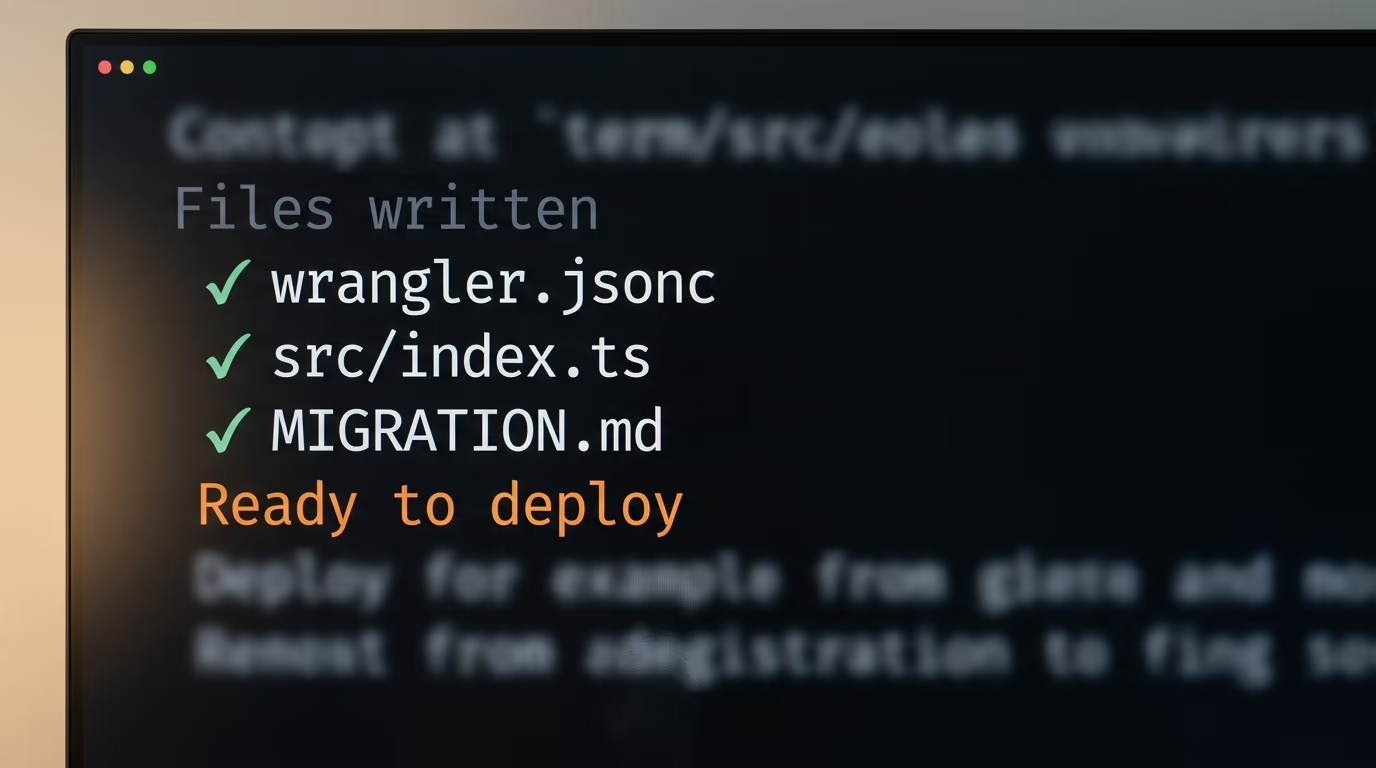
One prompt pasted into a coding agent does the rewrite, because the changes are mechanical and an agent sitting in your folder can read your actual code, which no generic tutorial can. Print it, open your project folder in Claude Code, Codex, Cursor or the Gemini CLI, paste the whole thing, and answer the questions as they arrive. If you have never used one of these, our comparison of Claude Code and Codex on 5 checks covers what each one costs and how each one behaves in a folder like yours.
Step 3, 15 minutes, install the tool and log in
Install Node.js from nodejs.org first, using the big green LTS button, then type the one line below in your project folder. It downloads Cloudflare's command line tool, called wrangler, and opens a browser tab asking you to allow it to use your account. The line always fetches the current version, so there is nothing to choose and nothing to keep updated. If you want to know what you just installed before you install it, we wrote about how to check a package before you install it after AI agents flooded a registry with invented names.
npx wrangler loginThe terminal prints a padlock and the words Login to Cloudflare, opens your browser, and waits. Click Allow in the browser, come back, and it tells you it is logged in. Nothing further in this guide works until that happens, so if the browser never opens, copy the address the terminal prints into a tab by hand and the rest goes on as normal.
Step 4, 30 minutes, paste the prompt and watch it work
Paste this into the agent, in your project folder, exactly as it is written. It is numbered the way it runs, it stops for your approval twice, and the final step asks the agent to write down what it is unsure about, so you finish with a list to check instead of a confident silence.
You are moving my web app from Deno Deploy to Cloudflare Workers. Work through these steps in order, and stop after each one to show me what you changed.

1. Read every file in this folder and tell me, in plain English, what the app does, which Deno APIs it uses, and which of those have no equivalent on Cloudflare Workers. Change nothing until I say go.
2. Create a Cloudflare configuration file named wrangler.jsonc with the app name, the entry file, and today's date as the compatibility date. Show me the file before you save it.
3. Rewrite the entry file so it exports a default object with a fetch handler, which is the shape Cloudflare Workers expects, instead of calling Deno.serve. Keep every route and every response behaving exactly as it does today.
4. Replace every Deno.env.get call with a read from the env argument Cloudflare passes into the fetch handler. List every variable name you found, so I can set them in the Cloudflare dashboard myself.
5. If the app uses Deno KV, write the replacement against Workers KV and tell me honestly where the behaviour differs, especially anywhere my code depends on atomic writes. Do not pretend the two behave the same.
6. If the app reads files from disk, move those files into a folder named public and add the assets setting to the configuration, because a Worker has no file system to read from.
7. If the app uses Deno.cron, move each schedule into the triggers section of the configuration file and add a scheduled handler beside the fetch handler.
8. Write a short file named MIGRATION.md listing every change you made, every variable I have to set by hand, and every behaviour you are not certain about.
9. Start the local development server, tell me which address to open, and wait for me to confirm the app answers before anything is deployed.
10. When I confirm, deploy it and show me the address Cloudflare prints back.
What you should see, in your folder, is a new file called wrangler.jsonc, a rewritten entry file, and a MIGRATION.md you can actually read. The configuration is short enough to check with your own eyes, and it is worth doing, because this file decides which app is deployed, which folder is served and when your scheduled jobs run. A small app ends up with something close to this.
{
  "name": "my-app",
  "main": "src/index.ts",
  "compatibility_date": "2026-10-10",
  "assets": { "directory": "./public" },
  "triggers": { "crons": ["0 7 * * *"] }
}
The compatibility date is the one line worth understanding, because Cloudflare uses it to decide which behaviour your app gets. Cloudflare's documentation says that from a recent compatibility date onward, Node.js built in APIs and the npm packages that depend on them work with no extra configuration, which is why a fresh date saves you an argument with your own imports.
Step 5, 10 minutes, send it live
Let the agent run its local server first and open the address it prints for you, and that address is a local one only your own browser can reach. Click through the routes you care about, including the one that saves something, because a read only test tells you nothing about storage. When the app answers the way it did on Deno Deploy, deploy it with one line.
npx wrangler deployThe terminal uploads your app and prints the address it now lives at, ending in workers.dev. Open it, click the same routes again, and keep both tabs open side by side for a few minutes. Leave the old Deno Deploy app running until you are satisfied, then change your domain to point at Cloudflare. There is no prize for switching your DNS at midnight on the first evening.
Which Deno features have no twin on Cloudflare Workers?
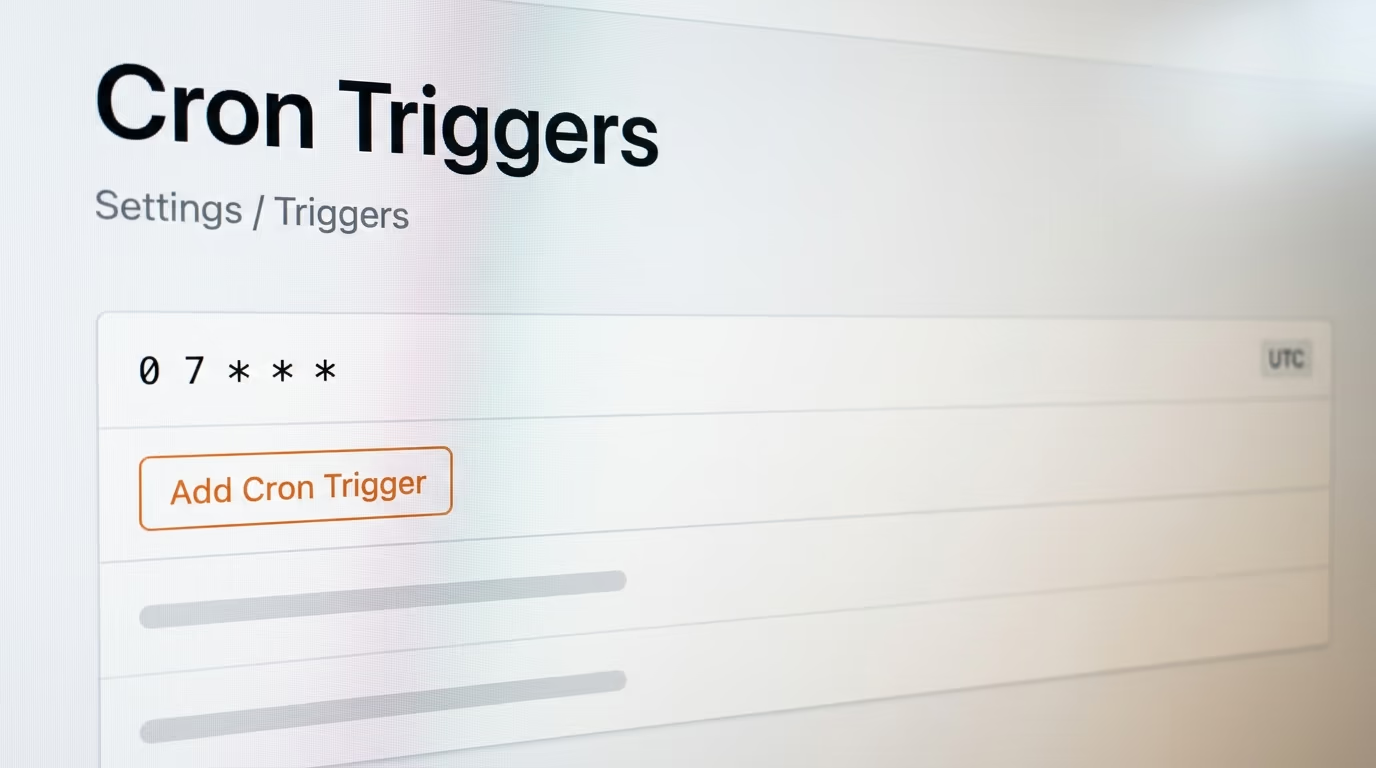
4 Deno features have no exact twin on Cloudflare Workers, and they are the reason this takes an evening rather than a minute. Deno KV, Deno.cron, Deno.env and reading a file from disk all exist on Cloudflare in a different shape, and one of them behaves differently enough to quietly break code that looks correct.
| What your Deno app uses | What it becomes on Cloudflare Workers | What changes |
|---|---|---|
| Deno.serve | a default export with a fetch handler | nothing, the request and response objects are the same |
| Deno.env.get | the env argument of the fetch handler | values are set in the dashboard, or with wrangler secret put |
| Deno KV, including kv.atomic | Workers KV, or Durable Objects when writes must be atomic | Workers KV is eventually consistent and has no atomic writes |
| Deno.cron | a scheduled handler plus a crons list in the configuration | schedules run on UTC and take up to 15 minutes to start |
| reading a file from disk | a public folder uploaded with the Worker | there is no file system to read at runtime |
| npm and jsr imports | npm packages bundled when you deploy | Node.js APIs are on by default from a recent compatibility date |
Workers KV is the awkward one, and it is worth reading Cloudflare's own description before you trust it with anything that counts. The documentation says a change is usually visible immediately in the location where it was made, and may take up to 60 seconds or more to appear in other locations as their cached copies expire. It also says KV has no atomic operations and no single transaction consistency, and it points anybody who needs those at Durable Objects instead. Deno KV offers kv.atomic, which commits only when the versions you read still match what is stored, so any code resting on that guarantee needs Durable Objects rather than KV.
The other 3 are easier than they sound. Scheduled jobs move out of your code and into the Worker's own settings, where you can also see them listed in the dashboard under Settings and then Triggers, and Cloudflare warns in its own documentation that a new schedule takes a while to reach its network, so do not panic in the first quarter of an hour. Environment values arrive as an argument instead of a global lookup, and secrets are set with wrangler secret put, which never writes them into your code. Files move into a folder that ships with the app, and Cloudflare serves them before your code even runs, which is faster than serving them from your own routes.
What goes wrong on the first deploy, and how do you recognise it?
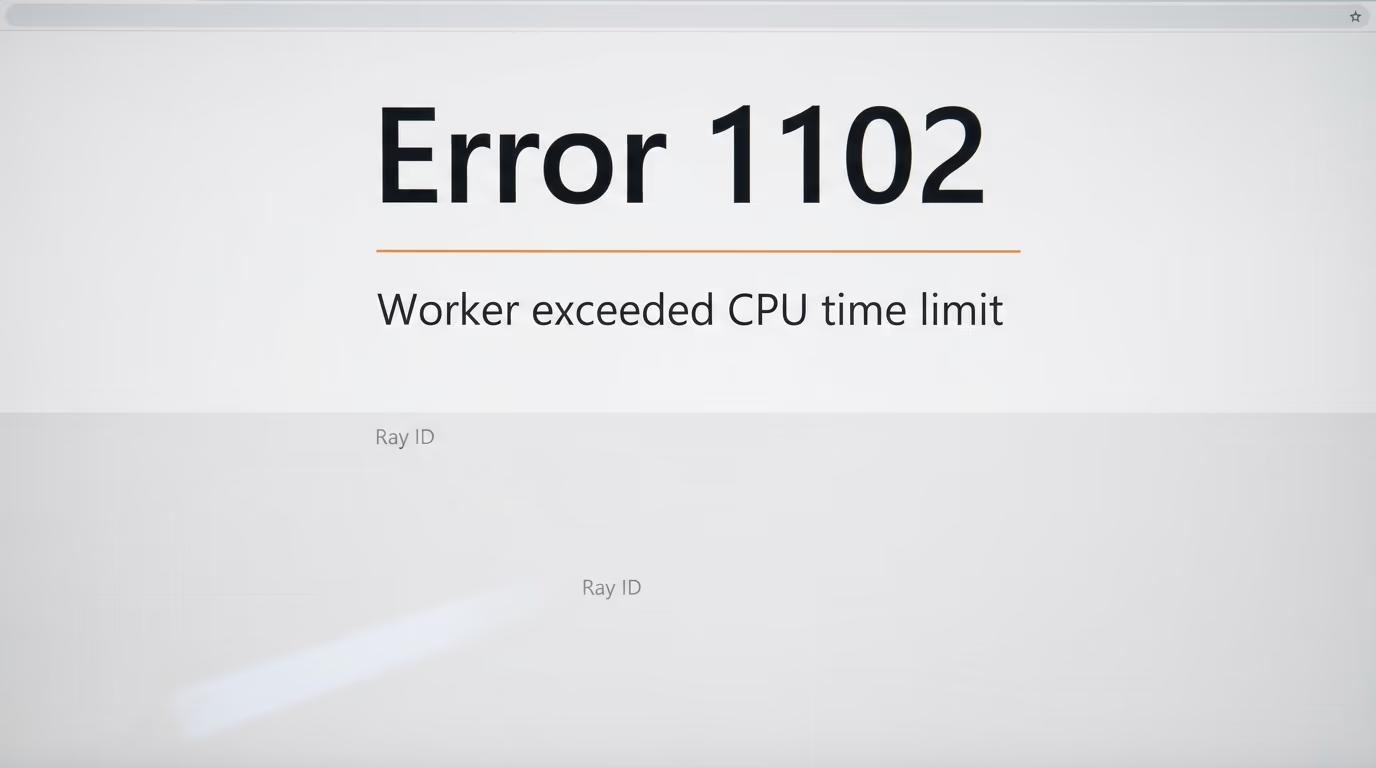
The 2 failures you are most likely to meet both have a published number on them, which is how you tell a platform limit from a bug of your own in a few seconds rather than an hour. Cloudflare's error 1102 means the Worker exceeded the CPU time limit, so your code is doing too much thinking for the plan you are on. Error 1101 means your code threw an exception, which is a bug you can fix yourself, and the platform is not involved at all.
That first error on the free plan is almost always one of 3 things, and none of them need a paid plan to fix. Something loops over a long list where a lookup would do, something parses a file on every single request instead of once, or something resizes or encodes an image, which is real work and belongs on a paid plan or in a scheduled job that runs once. Move the heavy work off the request, cache the answer in KV, and the same code fits inside the free ceiling with room left over.
2 smaller surprises are worth knowing about before they frighten you. A brand new workers.dev address can answer with an error for a few minutes while the subdomain is being created, and Cloudflare's own get started guide tells you to wait rather than start debugging. And a scheduled job that does not fire on its first attempt is more likely the propagation delay from the section above than a broken schedule, so check the dashboard once rather than rewriting the expression 4 times.
What we do not know yet about the Deno shutdown
The announcement lists the runtime, Deno Deploy, JSR and rusty_v8, and it names none of the other products on Deno's own site. Fresh, the web framework Deno still lists under its open source heading, is not mentioned. Deno Sandbox, which Deno sells for running untrusted code and markets at AI agents, is not mentioned either, and neither is Subhosting, which the pricing page sells to platforms and which runs on the infrastructure that now has an end date. 3 products sit beside a service that is closing, and none of them has a published future.
Nobody has published what happens to the data inside a Deno KV database when the hosting closes. Deno documents a continuous backup of a hosted KV database into your own S3 compatible bucket, which is the official route out, and it asks you to create a bucket, write an access policy and generate credentials before anything is copied. That is a fair amount of work for a hobby project, so the simpler move is to ask your coding agent to write a small script that reads every entry and saves it to a file on your own machine tonight, while the service still answers.
The rest of the open questions are about Cloudflare. There is no migration tool and no migration guide from either company this morning, and what migration support means for a paying customer is undefined in public. Whether JSR stays free once its infrastructure moves is unstated, and so is the date the hosting stops. Cloudflare has been shipping its own AI pieces at speed, including the free decision models we covered when Clef arrived with downloadable weights, so the direction of the merged platform is reasonably clear even where the dates are not.
What I would do this week, in order, is small and reversible. Copy your data out while the service answers, move one app with the prompt above and leave the old one running, and only change your domain once the new address has served you for a few days. If you pay Deno, ask what you are owed before you do any of it. Then watch for 2 things, a calendar date from Deno and the first statement from either company about Fresh, Deno Sandbox and Subhosting, because those 3 decide whether this was a tidy handover or a longer scramble for the people who built businesses on them.
Questions people ask
Is Deno Deploy shutting down?
Yes. Deno says Deno Deploy will keep operating for 6 months and then shut down, and that its entire team is joining Cloudflare. No calendar date has been published for the shutdown, only the length of the window, and the Deno runtime you install on your own machine is on a longer timetable than the hosting service.
How do I move from Deno Deploy to Cloudflare Workers?
You create a free Cloudflare account, install Cloudflare's wrangler command line tool, have a coding agent rewrite your entry file so it exports a fetch handler instead of calling Deno.serve, and deploy with one command. What takes real time is replacing Deno KV, scheduled jobs and environment values, which exist on Cloudflare in a different shape.
Do I need to know how to code to move from Deno Deploy to Cloudflare Workers?
No, but you need somebody or something that does, and a coding agent sitting in your project folder is enough. You paste a prompt, approve what it proposes, open the local address it gives you, and type one deploy command. Every step in this guide happens in a browser or in a single line you copy.
Is Cloudflare Workers free?
Cloudflare Workers has a free plan that costs nothing and allows 100,000 requests a day, which is more volume than the Deno Deploy free plan gives away. The ceiling that matters is CPU time rather than traffic, because the free plan limits how long your code may think about each request, and the paid plan starts at $5 a month.
Does Deno still work after the Cloudflare acquisition?
Yes. Deno says the runtime gets another year of monthly releases with bug fixes and security updates, after which Deno ends its own development of it. Deno stays open source, so anybody can keep developing it, and nothing stops working on your machine when the hosting service closes.
What replaces Deno KV on Cloudflare Workers?
Workers KV replaces it for anything you read often and write rarely, and Durable Objects replaces it when your writes have to be atomic. Cloudflare's documentation says Workers KV has no atomic operations and that a change can take a minute or more to appear in other locations, so code that depends on Deno's kv.atomic belongs on Durable Objects.
What happens to JSR and Fresh?
Deno says JSR keeps operating with its infrastructure moving to Cloudflare. Fresh is not mentioned anywhere in the announcement, and neither are Deno Sandbox or Subhosting, so their future is simply unpublished for now.