TutorialsSeptember 19, 202612 min read
How to write an AGENTS.md file Claude Code now reads
Claude Code started reading AGENTS.md this week, but only when no CLAUDE.md sits above it. Here is the file, written tonight, and the 5 ways it goes unread.
An AGENTS.md file is a plain text file you put at the top of your project folder, and it tells AI coding agents how to install, test and style your code. Claude Code started reading one in version 2.1.277, released on 18 September 2026, and it opens yours only when there is no CLAUDE.md in that folder or in any folder above it. If both files exist, Claude Code reads the CLAUDE.md and never opens the other one.
You can write that file tonight, even if you have never opened a terminal before. You install one tool, paste one instruction written in plain English, and read the short file it hands back. Then we go through the 5 situations where Claude Code quietly skips your file, and the single line that fixes every one of them.
What is an AGENTS.md file, and which coding agents read it?
An AGENTS.md file is a README written for machines instead of people. The agents.md project, which publishes the format, calls it a simple, open format for guiding coding agents, and says more than 60,000 open source projects now carry one.
Before it existed, every coding tool wanted a file of its own. Codex wanted AGENTS.md, Cursor wanted rules inside a hidden folder, and Claude Code wanted a CLAUDE.md. A repository shared by a team using different tools ended up carrying 3 or 4 near identical files, all saying the same thing, all drifting away from each other the moment somebody edited one of them and forgot the rest.
What goes inside it is the knowledge a new colleague would need on their first morning and cannot get from the code itself, so it holds the command that installs the dependencies, the command that runs the tests, whether you indent with spaces or with tabs, and which folders are generated and must never be edited by hand. Nothing in there is clever, and it is the stuff you would say out loud in the first few minutes of showing somebody around.
Claude Code joined the list on Friday, and the changelog entry announcing it went straight to the front page of Hacker News, which is unusual attention for a note about which file a tool opens. The entry itself runs to a single line.
Added AGENTS.md support: in a project with no CLAUDE.md, Claude Code reads AGENTS.md instead; change it under "Project instructions" in /config (not yet on Bedrock, Vertex or Foundry)
The agents.md site keeps its own list of the tools that read the format, naming Codex, Cursor, Gemini CLI, Zed, Warp, Windsurf, Devin and GitHub Copilot's coding agent among others. Claude Code is still absent from that list as this is written, which is a measure of how recent the change is and not of how well it works. If you are still choosing between the terminal agents themselves, we ranked the best AI agents for coding by what each one charges, and put Codex and Cursor head to head earlier this month.
What do you need before you start, and what does it cost?
You need a computer, a Claude account on a paid plan, and about 20 minutes. Anthropic's setup page says Claude Code requires a Pro, Max, Team, Enterprise or Console account, and that the free claude.ai plan does not include access, so the cheapest way in is Pro at $20 a month when you pay monthly.
- A computer running macOS, Windows or Linux, with the exact minimum versions listed on Anthropic's setup page
- A Claude account on a paid plan, because the free one does not include Claude Code
- A folder with some code in it, or an empty folder if you only want to try this
- Roughly half an hour, most of which is waiting rather than typing
Nothing else here costs money, and there are no API credentials anywhere in this tutorial and no account to open with a third party. The file you are about to write is text, so any editor on your machine can open it afterwards and change it.
One warning before you install anything. If you reach Claude Code through Amazon Bedrock, Google Cloud's Agent Platform or Microsoft Foundry, this behavior has not arrived for you yet, and Anthropic's changelog says so in the same sentence that announces it. You can still get the same result, and the import further down is how.
How do you write your first AGENTS.md file tonight?
You write it by installing Claude Code, opening it inside your project folder, and pasting one instruction that tells it to read the project and write the file for you. The whole run takes about 15 minutes, and what comes back is short enough to read yourself in under a minute.
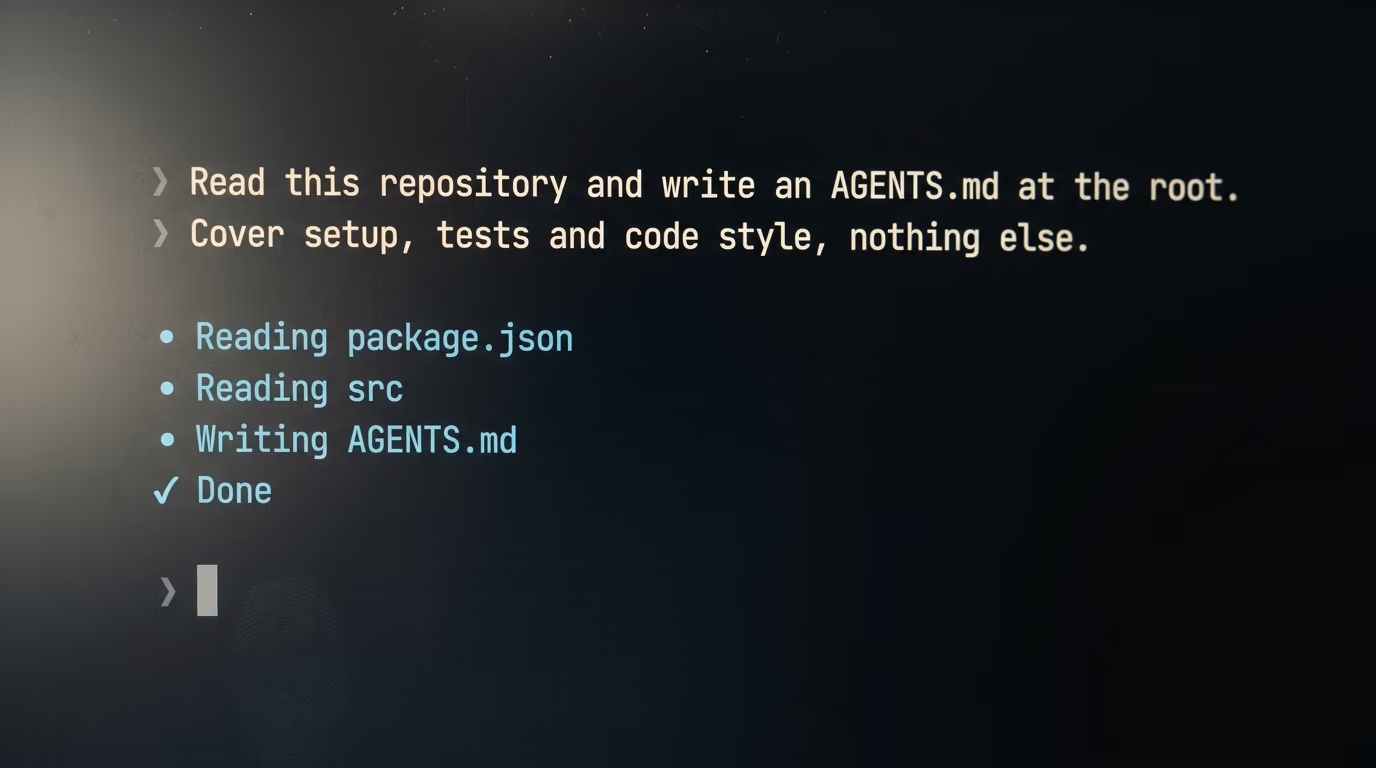
Step 1 takes about 5 minutes and installs Claude Code. On a Mac, on Linux, or inside Windows Subsystem for Linux, open the Terminal application, paste the line below, and press Enter.
curl -fsSL https://claude.ai/install.sh | bashIt prints its progress as it downloads and finishes in a minute or 2 on a normal connection. On Windows without WSL, open PowerShell instead and paste this line, which does the same job.
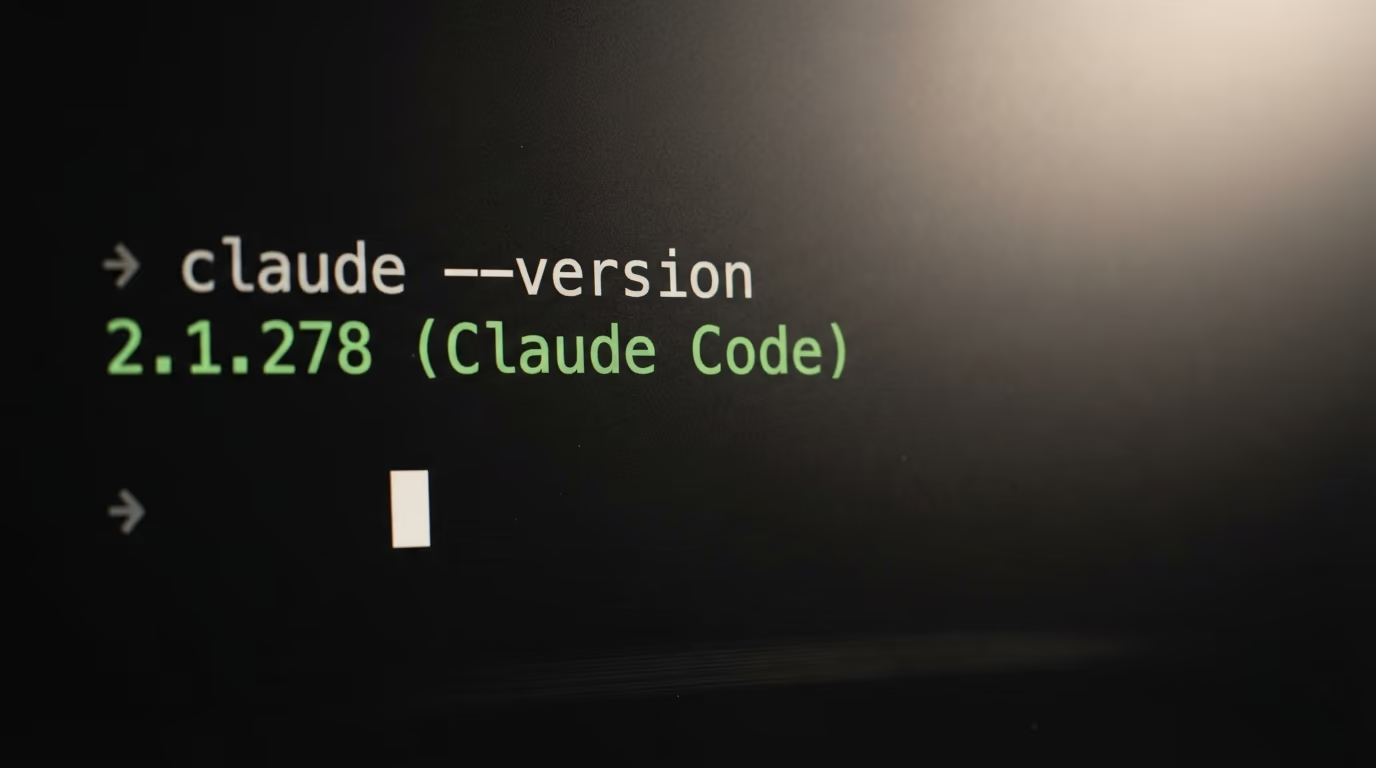
irm https://claude.ai/install.ps1 | iexStep 2 takes 2 minutes and checks your version. You need to know which one you have, because everything below needs 2.1.277 or newer. Type the command below and press Enter.
claude --versionIt answers with the version number followed by the tool's name in brackets. If your number is lower than the one named above, run the update command and wait for it to finish.
claude updateThe update tells you either that it moved you from one version to another, or that Claude Code is already up to date. Either answer is fine, as long as the number you end up on is the one named above or higher.
Step 3 takes 3 minutes and opens Claude Code inside your project. In the same terminal window, type cd followed by a space, then drag your project folder from your file manager onto the terminal window, which pastes its address for you, and press Enter. Now start the agent by typing the command below.
claudeThe first time you run it, it opens your browser and asks you to log in with your Claude account. Approve it there, come back to the terminal, and you land in an interactive session with a prompt waiting for you to type into it.
Step 4 takes about 10 minutes and is the whole build. Paste the block below into that session exactly as it is, then press Enter. This is the only long block in the tutorial, and it is plain English rather than code, because the agent writes the file and your job is to read what it wrote.
You are going to write an AGENTS.md file for this project. Work through these steps in order and show me each one.

1. Read the files at the top of this folder and tell me, in 3 lines, what kind of project this is and which package manager or build tool it uses.
2. Find the real commands for installing dependencies, starting the project, and running the tests. Take them from the project's own files, never from memory. If one of those commands does not exist here, say so instead of inventing it.
3. Tell me which files or folders should never be edited here, for example anything generated, anything holding secrets, and anything vendored.
4. Write an AGENTS.md file at the top of this folder, in markdown, under 40 lines. Use exactly these headings: Setup, Tests, Code style, Never touch. Under each heading put short commands and short rules, one per line, with no paragraphs.
5. Do not copy the README into it. If something is already obvious from the README, leave it out.
6. Show me the finished file in the chat before you save it, and wait for me to say yes.
7. After I say yes, save the file and tell me its full path.
8. Finally, check whether a CLAUDE.md, a .claude/CLAUDE.md or a CLAUDE.local.md exists in this folder or in any folder above it, and tell me which ones you found.
It works through the numbered steps out loud, names the kind of project it found, reads the real commands out of your own configuration files instead of guessing them, then shows you the finished file and waits. Read it properly before you answer. If a command in there is wrong, say so in your own words and it rewrites that line without you touching anything.
Step 5 takes 2 minutes and proves the file is actually being read, because a file that exists is not the same as a file that gets read. Quit by closing the terminal window, then open a new one, move into your project folder the same way you did in step 3, and start the agent again. Near the top of that new session, look for a line naming your file.
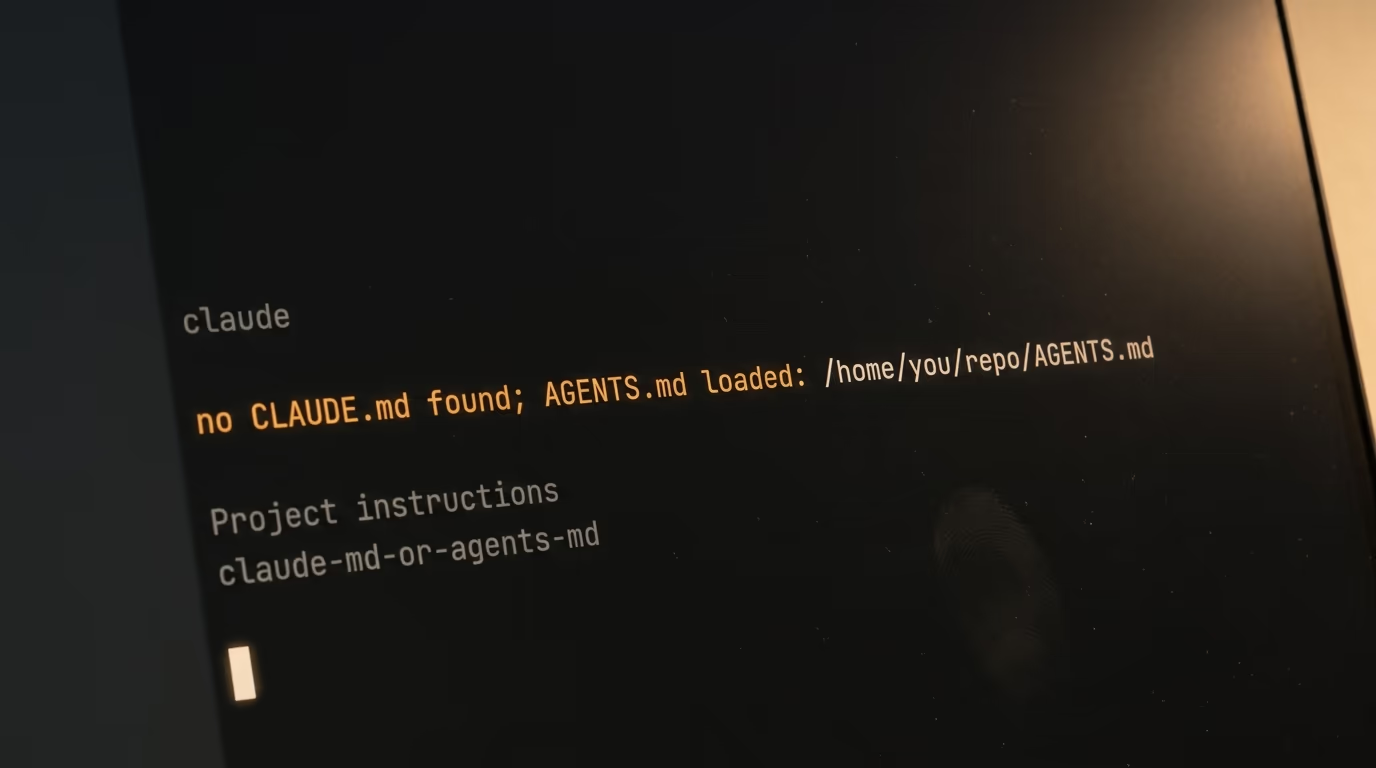
no CLAUDE.md found; AGENTS.md loaded: /home/you/repo/AGENTS.mdIf you see that line, you are finished, and every future session started in this folder begins with your rules already loaded. If you do not see it, the next section is for you, and there is a good chance the reason is the very first one listed.
One genuine annoyance is worth knowing in advance. Anthropic's documentation says the very first session after you install or upgrade does not read an AGENTS.md at all, and that Claude reads it from your next session onward. So if you installed Claude Code 4 minutes ago and nothing loaded, quit and reopen before you go hunting for a bug that is not there.
What should go inside the file, and what should stay out?
An AGENTS.md file holds the commands and rules an agent cannot work out by reading your code, which in almost every project means how to install, how to run the tests, the style you enforce, and the files nobody should touch. Anything a person could already learn from your README stays out.
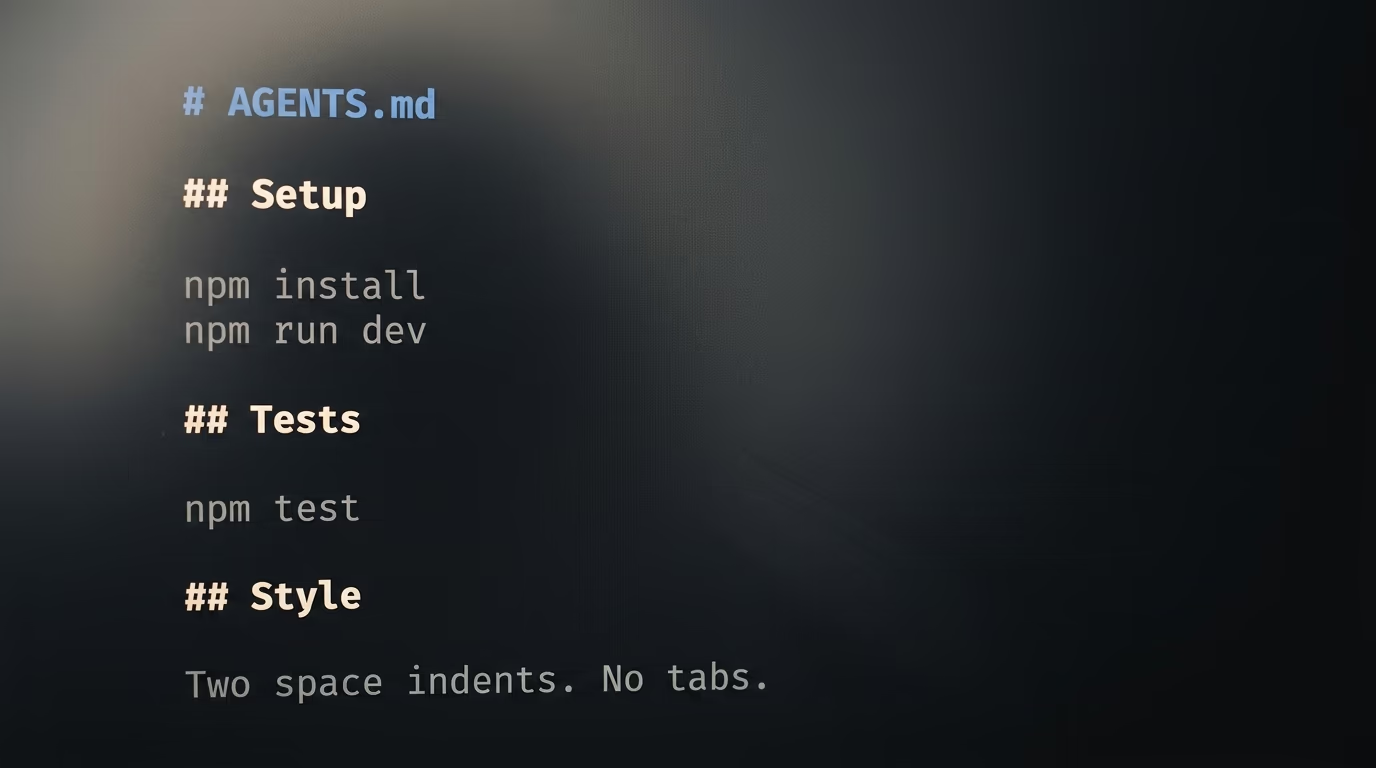
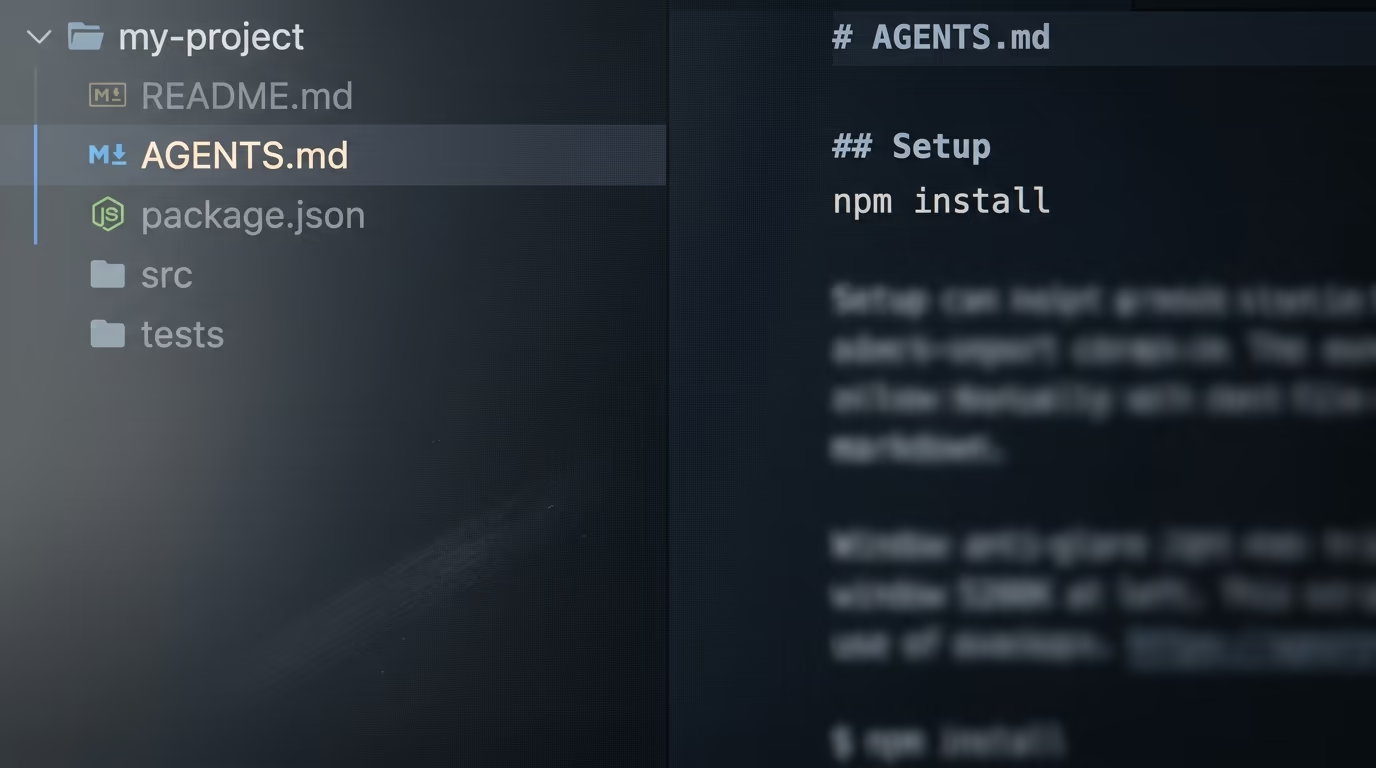
# AGENTS.md

## Setup
npm install
npm run dev

## Tests
npm test
Run the tests before every commit.

## Code style
Two space indents. No tabs.
Named exports only.

## Never touch
Everything in dist/ is generated.
Never edit .env, and never commit it.
That is a complete working file, and it is boring on purpose. Short lines beat paragraphs here, because the agent reads this as instructions rather than as writing, and a rule buried in the middle of a long explanation carries less weight than the same rule standing on a line of its own.
Keep it short for a second reason too. Codex stops adding these files to its prompt once the combined text passes roughly 10 pages of ordinary writing, and its own documentation states that limit. Claude Code publishes no equivalent ceiling, so the safe assumption is that a long file has an ending nobody reads.
What to leave out is easier to state than what to put in. No secrets and no passwords, because this file gets committed and shared with everyone who clones the project. No history of the company and no explanation of why the project exists, which belongs in the README. No praise for your own architecture. And no rule you are unwilling to enforce, because a rule the agent obeys into a worse result is worse than having written nothing.
Large repositories can hold more than one of these files. The agents.md project says agents read the nearest file in the directory tree, so the closest one takes precedence, which lets you keep general rules at the top of the project and put specific ones inside the folder that needs them. If your rules start growing legs and wanting to run scripts, that is the point where Claude Skills become the better home for them.
Why would Claude Code ignore the AGENTS.md file you just wrote?
Claude Code ignores your AGENTS.md file in 5 situations, and by far the most common is a CLAUDE.md sitting in the same folder or in any folder above it. When both exist, Claude Code reads the CLAUDE.md and never opens the other file, which Anthropic states in its memory documentation.
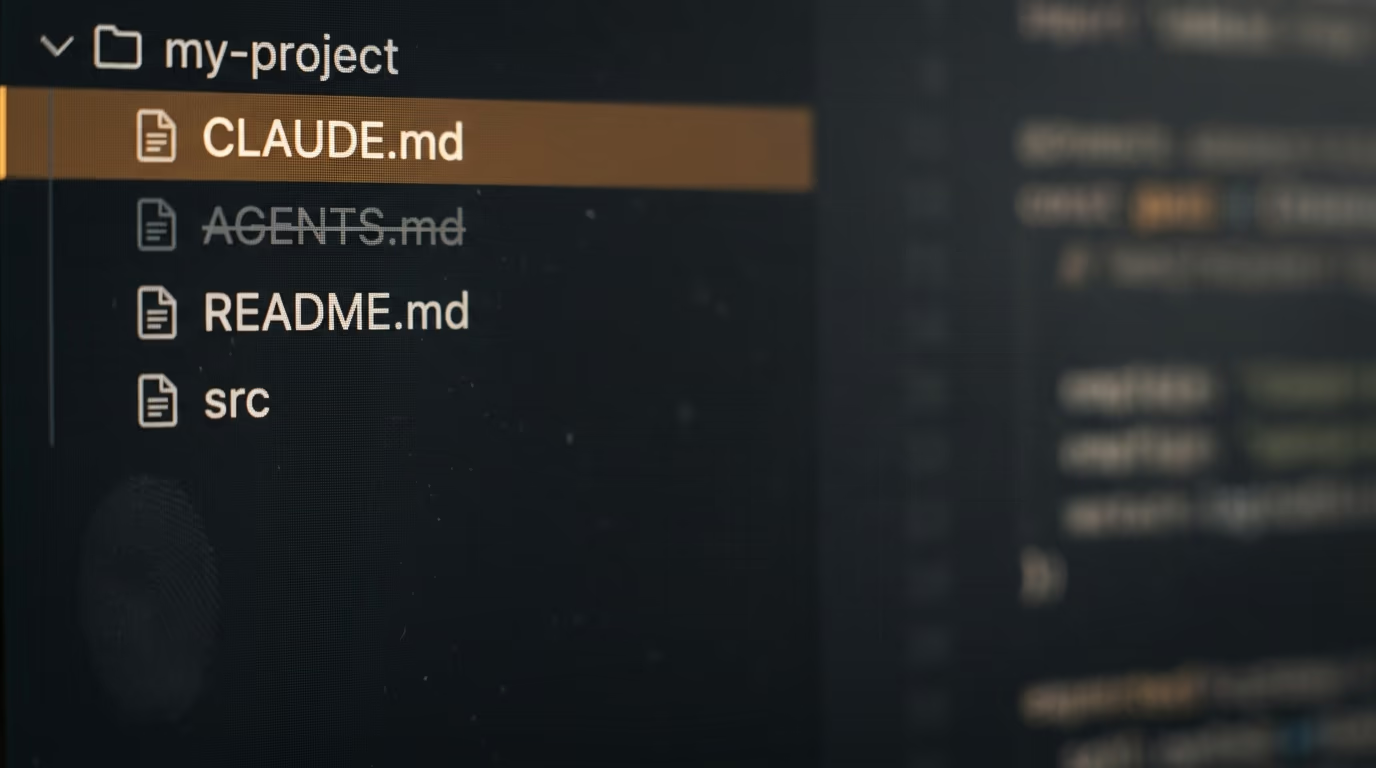
3 filenames trigger that, according to the same documentation. A CLAUDE.md, a CLAUDE.md inside a hidden folder called .claude, and a CLAUDE.local.md, any of them in your working folder or in any folder above it. The local one is the cruel case, because it is the file you create for your own private notes, it is usually kept out of version control, and nobody else on your team will ever reproduce the problem you are having.
The other 4 reasons are quieter. A version older than the one named earlier has none of this. Your very first session after installing or upgrading skips the file and picks it up from the session after. Sessions that do not fetch feature settings from Anthropic never see it, which covers Amazon Bedrock, Google Cloud's Agent Platform, Microsoft Foundry and any session with telemetry turned off. And switching off hooks, or disabling the built in plugin that provides the feature, removes it as well.
3 more filenames are never read whatever you do, and they catch people out because they look like they ought to work. A file called AGENTS.local.md, a file called AGENTS.override.md, and anything you tuck inside a folder named .agents are all skipped by Claude Code, and only the plain AGENTS.md counts.
There is one more trap, and it is the reason people conclude the whole feature is broken. An AGENTS.md read this way does not appear in the memory list Claude Code shows you, so the obvious way of checking gives you a false negative and you go off fixing something that was never wrong. The loaded line at the start of the session is the only confirmation there is, which is why the tutorial above ends by looking for it.
The fix for every one of these is the same single line. Put a CLAUDE.md next to your AGENTS.md, and make its first line an import of the other file.
@AGENTS.md

## Claude Code
Use plan mode for changes under src/billing/.
Anything you write below the import is read after it, so that is where instructions meant only for Claude belong, and Anthropic's documentation says keeping the import never makes Claude read the file twice. It works in all 5 situations above, including on Amazon Bedrock, because an import is an ordinary older mechanism rather than the new feature that has not reached those sessions yet.
If you would rather have both files read without an import, type /config inside a session, find the Project instructions setting, and change its value. The table below gives what each value does, in Anthropic's own terms.
| Project instructions value | What Claude Code reads |
|---|---|
| claude-md-or-agents-md | Your CLAUDE.md files, or your AGENTS.md files when there is no CLAUDE.md or CLAUDE.local.md in your folder or above it. This is the default. |
| claude-md-and-agents-md | Both, each folder's CLAUDE.md first and its AGENTS.md after it. A file already loaded is not read twice. |
| claude-md | Your CLAUDE.md files only, the way it worked before this release. |
| managed-only | Only your organisation's managed CLAUDE.md and auto memory. Every AGENTS.md is left out. |
Do Codex, Cursor and Claude Code treat the same file the same way?
All 3 read an AGENTS.md at the top of your project, and all 3 disagree on where else they look, on which file wins when 2 of them conflict, and on how much they will read before they stop. The table below is built from each tool's own documentation, read today.
| Claude Code | Codex | Cursor | |
|---|---|---|---|
| Reads AGENTS.md | Since 2.1.277, and only when no CLAUDE.md sits in your folder or above it | Before it does any work | Yes, as an alternative to rules in .cursor/rules |
| Where it looks | Your working folder and every folder above it | Its home folder, then the project root down to your current folder | The project root and any subfolder |
| When 2 files disagree | A subfolder's file loads when Claude opens a file in that folder | Files nearer your folder come later and override the earlier ones | The more specific file takes precedence |
| How much it reads | No published limit | Stops at roughly 10 pages of plain text | No published limit |
| Names it will not read | AGENTS.local.md, AGENTS.override.md, anything under .agents | AGENTS.override.md wins in its home folder | Team and project rules load alongside the file |
The disagreement that will actually bite you is the middle row. Codex joins the files from the top of the project downward and lets the later ones override the earlier ones, so a rule in a subfolder beats the same rule at the root. Cursor describes the same behavior in its own words. Claude Code reads a subfolder's file when it opens a file in that folder, which is close but not identical, because it depends on which files the agent chooses to open rather than on where you started it.
In practice that means one shared file at the top of your project behaves the same way everywhere, and the moment you start scattering different rules through different folders, the 3 tools begin to drift apart. Write one file at the root, and leave it that way until you have a real reason not to.
What we do not know yet, and what to do in your first week
Anthropic has not published how long an AGENTS.md file can be before Claude Code stops reading it, which Codex does publish, so the honest answer for now is to keep the file short rather than rely on a ceiling nobody has stated. It is the open question that decides whether the last rule in a long file is doing anything at all.
4 other things are genuinely open. The agents.md site does not yet list Claude Code among the tools that read the format, so the standard's own page is behind the news by several days. Anthropic's changelog says the behavior has not reached Amazon Bedrock, Google Cloud's Agent Platform or Microsoft Foundry, and gives no date for when it will. Nobody has published an independent measurement of whether a shared file changes the quality of what an agent produces, so anything you read claiming a percentage today is somebody's impression rather than a result. And there is no sign yet of whether Codex or Cursor intend to adopt the same rule about a rival filename winning.
For your first week, the useful habit is deleting rather than adding. Start with the short file from earlier, and each time the agent follows one of your rules into a worse result, delete that line instead of writing a paragraph explaining it better. Each time something goes wrong that a single sentence would have prevented, add that sentence in the words you would use talking to a colleague, then stop.
Check the loaded line at the start of a session for the first few days, until trusting it becomes automatic. And if you already run Claude Code with subagents or with hooks, remember they sit on top of your project instructions rather than replacing them, so the rules you write once tonight reach all of them too.
Questions people ask
What is an AGENTS.md file?
An AGENTS.md file is a plain markdown file at the top of a project folder that tells AI coding agents how to work on it, usually the install command, the test command, the code style and the files nobody should edit. The agents.md project publishes the format and describes it as a README written for agents rather than for people.
Does Claude Code read AGENTS.md?
Yes, since version 2.1.277 of Claude Code. It reads an AGENTS.md only when there is no CLAUDE.md, no CLAUDE.md inside a hidden .claude folder, and no CLAUDE.local.md in your working folder or in any folder above it.
What happens if I have both an AGENTS.md file and a CLAUDE.md?
Claude Code reads the CLAUDE.md and ignores the AGENTS.md file completely, and that is the behavior to plan around. To have both read, make the first line of your CLAUDE.md an import written as @AGENTS.md, or open /config in a session and change the Project instructions setting.
Where do I put the AGENTS.md file?
At the root of your repository, meaning the top folder of your project, sitting next to your README. Large projects can add another one inside a subfolder, and agents read the nearest file in the tree, so the closest one takes precedence for work happening in that folder.
Do I need to pay to use an AGENTS.md file?
The file itself is free, because it is only text and any editor writes one. Claude Code is the thing that costs money, since Anthropic's setup page says it needs a Pro, Max, Team, Enterprise or Console account and that the free claude.ai plan does not include access.
Why is Claude Code ignoring my AGENTS.md?
The usual reason is a CLAUDE.md or a CLAUDE.local.md in that folder or above it, which wins every time. The other reasons are a version older than the one that added support, your very first session after installing or upgrading, a session running on Amazon Bedrock or another outside provider, and hooks being switched off.
Can Codex and Cursor read the same AGENTS.md file?
Yes, both read an AGENTS.md at the project root, and so do Gemini CLI, Zed, Aider, Windsurf and GitHub Copilot's coding agent. Codex reads it before starting any work and stops adding files once their combined size passes its published limit, so a short file behaves the same in all of them.
How long should an AGENTS.md file be?
Short enough to read in a minute, which in practice means comfortably under a page. Anthropic publishes no size ceiling for Claude Code, so keeping the file brief is the only reliable way to be sure every line of it is actually reaching the agent.