ToolsAugust 18, 202612 min read
Best AI note taking app for meetings, ranked for 2026
6 tools ranked on the 2 questions that decide it, whether a bot joins your call and whether it works in a room. Every price checked on the vendor's own page.
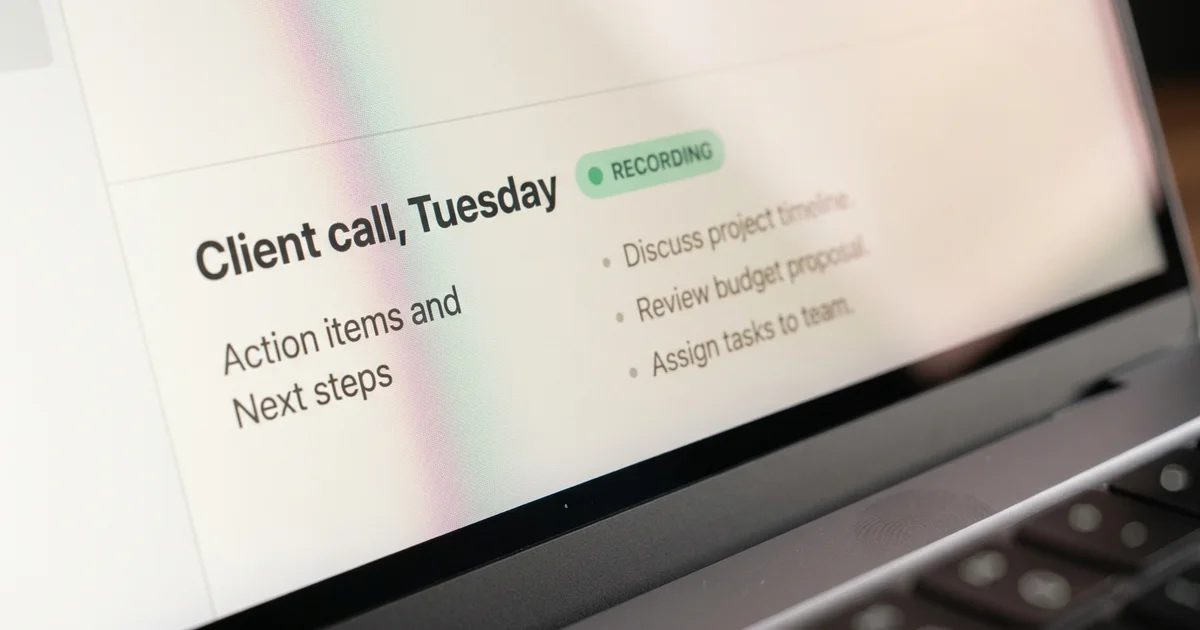
The best AI note taking app for meetings in 2026 is Granola for most people, because it listens through your computer audio instead of sending a bot into the call, and Granola's own pricing page lists Basic at $0 and Business at $14 per user a month. If you want to pay nothing at all, Fathom's pricing page gives unlimited recordings and unlimited transcriptions on a plan it calls free forever, with no minute cap attached to it.
Every price and every limit below was read off the vendor's own pricing page rather than copied from another ranking, which turned out to matter. 2 of the lists currently sitting above this one in Google quote a Granola price that does not appear on Granola's own pricing page, and one of them describes Zoom's meeting AI as bundled at no additional cost, while Zoom's own page caps the free tier at 3 uses a month.
The ranking answers the 2 questions that actually decide this choice, and neither of them is about summary quality, since all 6 tools write a summary good enough to send. Does a robot walk into the call in front of your client, and does the thing still work when the meeting happens in a room with no laptop on the table.
What is the best AI note taking app for meetings in 2026?
Granola is the best AI note taking app for meetings for one person with a full calendar, Fathom is the best free one, Fireflies is the best for a team that needs to search months of calls, and Otter is the best if you want to ask a transcript questions later. The 5th entry is a $159 hardware recorder for meetings that happen in a room, and the 6th is the note taker your company may already be paying for.
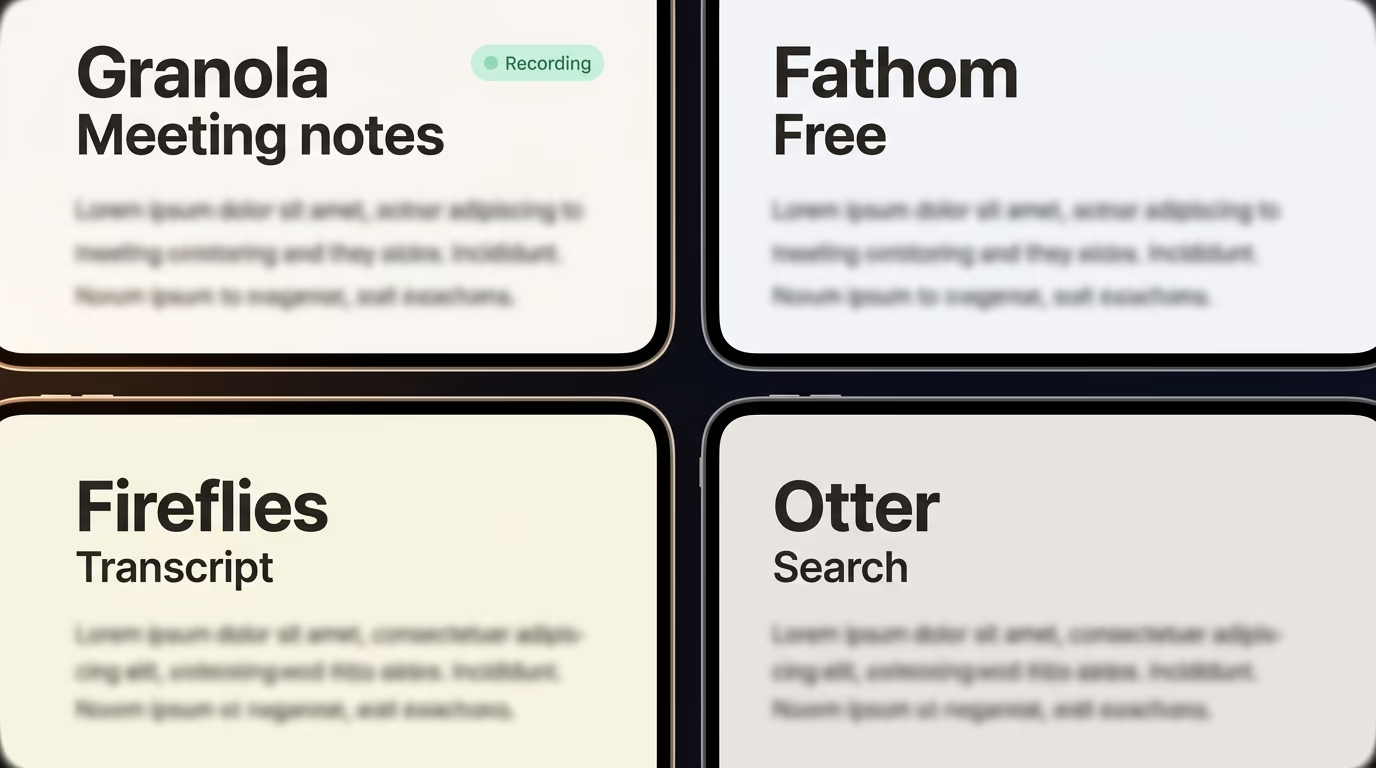
Granola runs on macOS, Windows, iOS and Android, and its homepage says it uses your computer audio, so doesn't invite a bot. You type rough notes during the call and the app fills in everything around them the moment it ends, which suits somebody whose day is a wall of 30 minute blocks. Its pricing page lists Basic at $0 with limited meeting history, Business at $14 per user a month, and Enterprise at $35 per user a month. Business also carries MCP integration, so an agent can read your notes, using the same plumbing behind an MCP server you can build in one evening.
Fathom has the most generous free plan here and it isn't close. Its pricing page lists unlimited recordings, unlimited transcriptions, instant AI call summaries and search across calls, at $0 forever. The same page now offers a choice between bot capture and bot free capture, though it marks the bot free option as a beta feature for Mac. Premium costs $20 a month, or $16 a month billed annually, and adds advanced summaries plus a conversational assistant that answers questions about the call after it has ended.
Fireflies works the opposite way, by sending a bot called Fred into the call, and you either invite fred@fireflies.ai by hand or let it join everything on your calendar automatically. The free plan gives unlimited transcription and unlimited AI summaries, then stops hard at 400 minutes of storage for the whole team and 20 AI credits. Pro is $10 a seat a month billed annually, marked down on the pricing page from a regular $18, and Business is $19 a seat against a regular $29. Recording length caps at 2 hours on Free and Pro, and 3 hours on Business.
Otter earns its place if you plan to ask questions about a meeting weeks after it happened, because Otter AI Chat searches across your meetings and connected apps to answer them. The free Basic plan is the tightest on this list, at 300 transcription minutes a month, 30 minutes per conversation and 3 lifetime file imports. Pro costs $16.99 per user a month paid monthly, or $8.33 per user a month billed annually, and lifts the cap to 1,200 recording minutes with 90 minutes per meeting. Otter also ships a desktop app that records straight from a Mac or Windows machine with no bot joining the call.
Plaud Note is the outlier, because it's a $159 piece of hardware rather than an app you install. You drop it on the table, it records the room, and the transcription happens afterwards inside Plaud's app. Every device starts on a free Starter plan with 300 transcription minutes a month, and Pro raises that to 1,200 minutes for $17.99 a month, or $8.33 a month billed annually. The plan pricing page also lists an Unlimited tier at $29.99 a month, or $19.99 a month billed annually.
The 6th option costs nothing to check and almost everybody skips it. Zoom sells its meeting AI as ZoomMate, and the free ZoomMate Basic tier is capped at meeting summaries for 3 hosted meetings a month plus 3 monthly uses of AI note taking. Google Meet has its own note taker inside eligible Workspace editions, so opening your own billing page is a better first step than adding a 7th subscription.
| Tool | Best for | Free plan | Paid from | Bot in the call |
|---|---|---|---|---|
| Granola | one person in back to back meetings | Basic at $0, limited meeting history | $14 per user a month | No, uses your computer audio |
| Fathom | spending nothing at all | unlimited recordings and transcriptions | $20 a month, $16 billed annually | Yes, or bot free capture in beta on Mac |
| Fireflies | a team searching months of calls | unlimited transcription, 400 min storage per team | $10 a seat billed annually | Yes, a bot named Fred |
| Otter | asking a transcript questions later | 300 min a month, 30 min per conversation | $8.33 per user billed annually | Yes, or record from the desktop app |
| Plaud Note | meetings in a room | 300 transcription minutes a month | $159 device, then $8.33 a month annually | No, it is a recorder |
| ZoomMate | teams already on Zoom | 3 meeting summaries a month | sold per user a month | Built into Zoom |
Should the AI note taker join your meeting as a bot?
A bot joins the call as a visible participant with its own name in the list, and every other attendee sees it, which settles the choice for anybody who meets clients. Granola avoids it by recording your computer audio, Otter's desktop app records locally without joining, and Fathom's pricing page lists bot free capture as a beta feature on Mac.
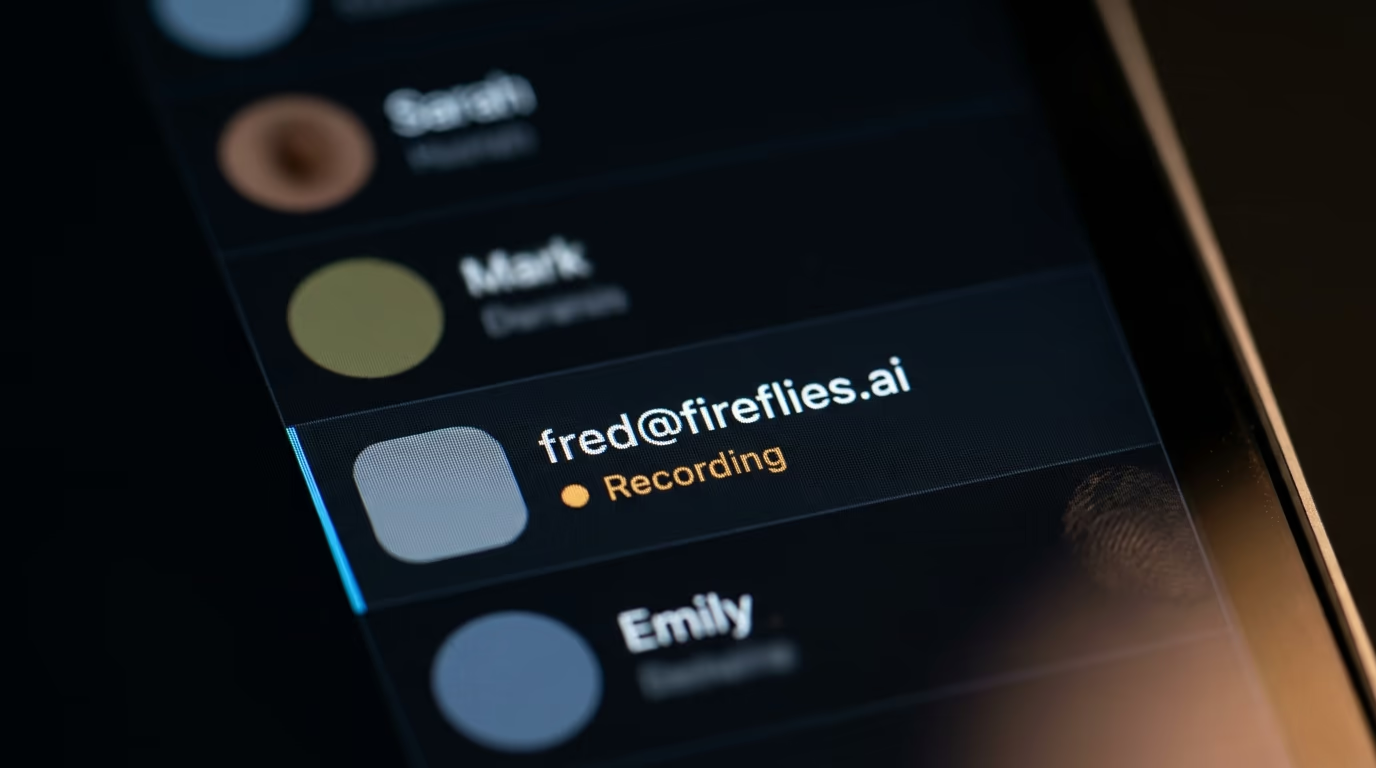
The reaction on the other end of the call is the thing to plan for. A Fireflies call carries fred@fireflies.ai in the participant list, which is honest and also slightly odd on a first call with a prospect who did not expect a 4th attendee. Plenty of people never notice it at all, and a few will ask you to take it out, which is a conversation you now have to hold in the opening 30 seconds of a sales call.
The argument for a bot is real. It joins meetings you're late to, it records from the platform's own audio stream rather than from your microphone, it behaves the same on any machine, and it keeps recording when your laptop battery dies. A team that needs every call captured whether or not somebody remembered to open an app will pick the bot every time, which is why Fireflies and Otter both build around one.
The argument against is that people talk differently in front of a recorder they can see. Granola's Enterprise plan includes an organization wide notification that Granola is being used, which tells you the company treats quiet recording as something an admin should manage rather than a feature to hide behind. Recording consent rules differ by country and by state, and a bot in the participant list is a crude form of notice, so choosing a quiet tool means saying it out loud yourself at the start.
Which AI note taking apps are free, and where does the free plan stop?
Fathom's free plan is the only one here with no cap on recordings or transcription minutes, according to its own pricing page. Otter's free plan stops at 300 minutes a month, Fireflies stops at 400 minutes of stored audio for the whole team, Plaud gives 300 transcription minutes a month, and ZoomMate Basic allows summaries for 3 hosted meetings a month.
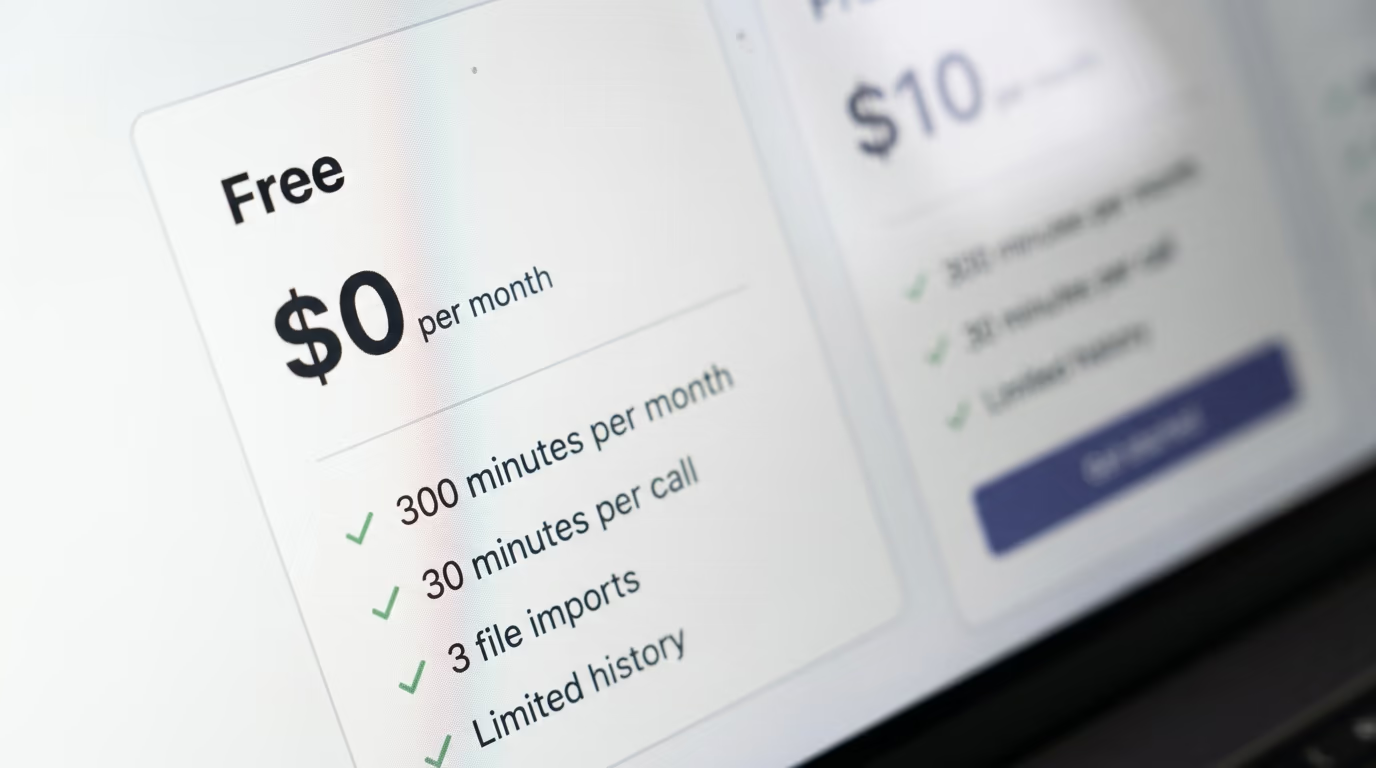
Free means 4 different things across this list, and the differences bite at different moments. Fathom is unlimited but thinner, since action items and the conversational assistant sit behind Premium. Fireflies transcribes without limit yet stores only 400 minutes for the team, so a transcript exists and then quietly ages out. Otter meters you in minutes, which is the most honest model and also the one you hit fastest, because 300 minutes is 10 half hour calls and nothing more.
Granola's free plan is the one nobody quotes correctly. 2 of the ranked lists above this article say the free tier allows 25 meetings a month. Granola's own pricing page says something vaguer, 'See limited meeting history', with no number anywhere on the page. When a vendor stops publishing the number, treat the free plan as a trial rather than a tier you can settle into for a year.
Free tiers exist because the seats and the recorded audio are worth more than the subscription, which is the same reason so much of this industry hands its product over first, something we went through in how AI companies make their money. Granola's Basic plan does include an option to opt out of model training at any time, and its Enterprise tier extends that to a whole team along with deletion periods an admin can set.
If you'd rather no vendor held the audio at all, the honest alternative is running the transcription model on your own machine, which is a different project and a bigger one. It's the same trade we walked through in the best local LLM for coding ranked by RAM, where the models are free to download because they ship as open weight models, and the cost moves into hardware and your own time instead.
What is the best AI note taking app for in person meetings?
Granola is the best AI note taking app for in person meetings among the software options, because its homepage says the product is made for in person meetings too and its iPhone and Android apps cover walking meetings, conferences and coffee catchups. For 6 people around a table in a noisy room, a $159 Plaud Note in the middle hears more than a laptop microphone at one end.
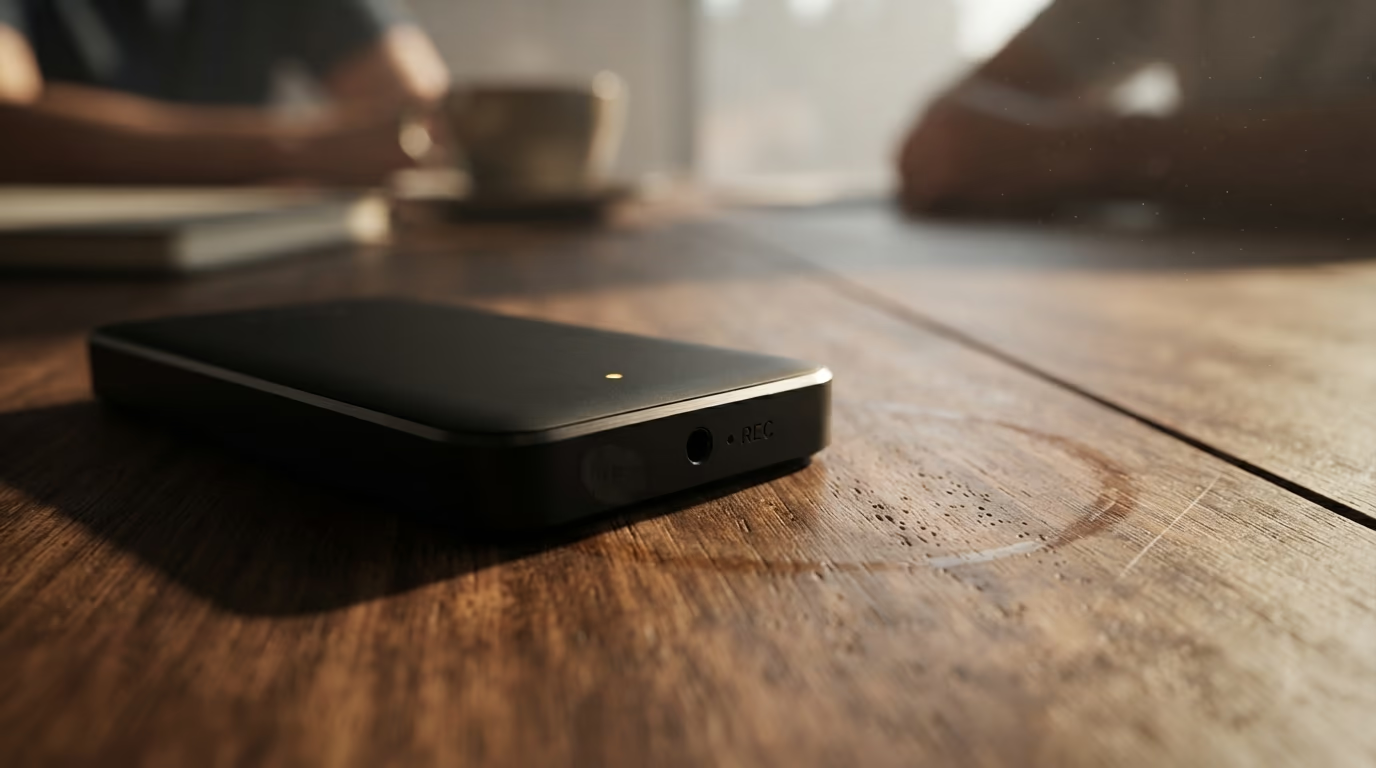
In person is harder than video for a reason that has nothing to do with the AI. On a call, each speaker arrives on a separate audio stream with a name attached, so the transcript already knows who said what. In a room, everything hits one microphone at once, and Simular's comparison of meeting note takers concedes that identifying the speaker is much harder when everybody sits in the same space.
Granola's phone apps handle the capture well, since the microphone in your pocket is already good, and the app treats a coffee meeting the same way it treats a video call. Fireflies also runs a mobile app for in person conversations, and Otter's app has done this for years, so software covers the case of one person taking notes across a table from somebody else.
Hardware earns its money in a room with several voices. Plaud Note is a $159 recorder you place on the table, and the 300 free transcription minutes a month cover roughly 10 half hour meetings before you pay anything at all. The maths stays simple, since $159 plus $99.96 a year for Pro billed annually costs more in year one than any of the individual software plans here. It's also the only option that still works when the meeting happens in a car or in a client's kitchen.
Are you already paying for an AI note taker without knowing?
Zoom and Google both ship meeting notes inside plans companies already buy, so your own billing page is the cheapest place to start. Zoom's page shows a free ZoomMate Basic tier with meeting summaries for 3 hosted meetings a month, and Google Meet's note taker needs an eligible Google Workspace edition or a Google AI plan.
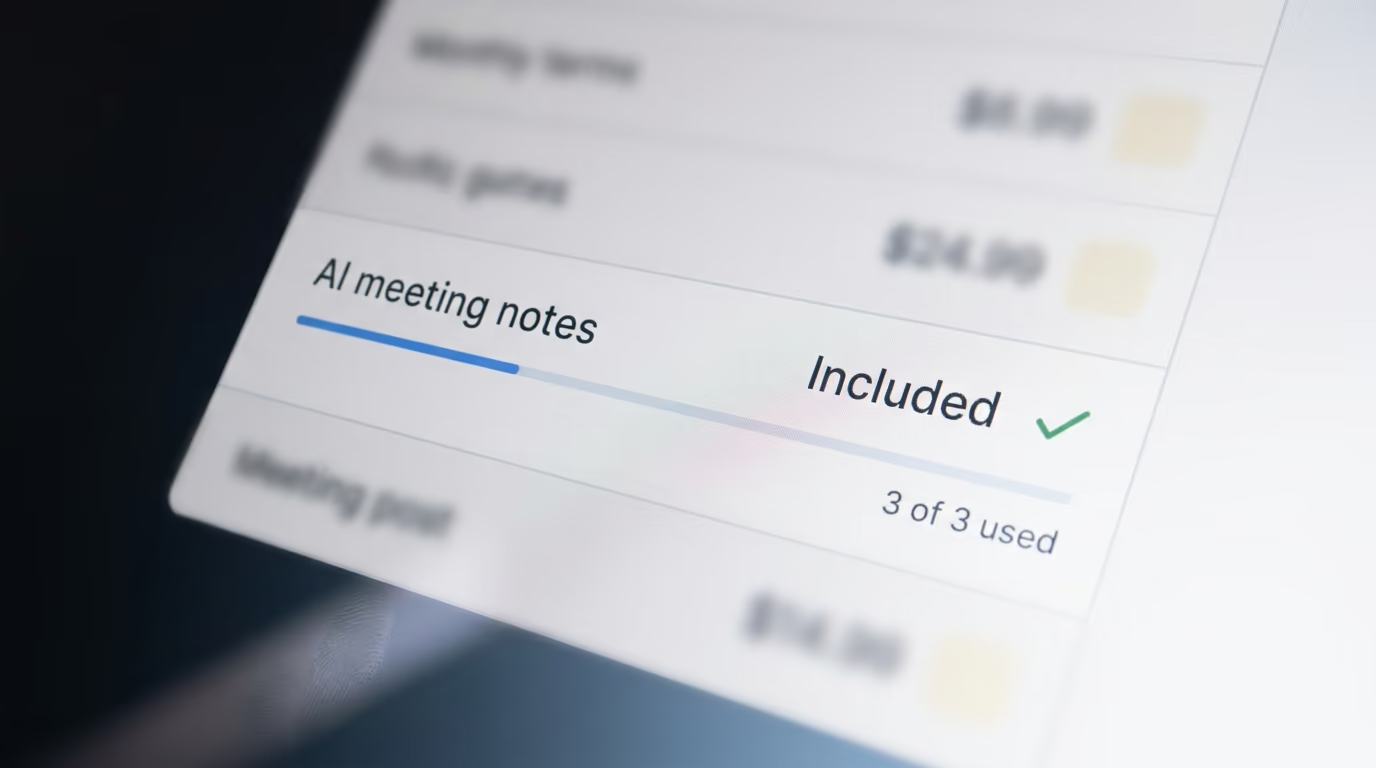
Zoom's own page and the ranked lists do not agree here, which is worth knowing before you trust either. Several of the lists describe Zoom AI Companion as bundled with paid Zoom plans at no additional cost. What Zoom's AI teammate page shows is ZoomMate sold per user a month with 2,200 AI credits included, sitting above a free Basic tier limited to 3 hosted meeting summaries and 3 uses of AI note taking a month.
Google's version carries limits worth knowing before you rely on it. The support page for take notes for me says the feature handles one language at a time and does not support several languages spoken in the same meeting, and it lists English, French, German, Italian, Japanese, Korean, Portuguese and Spanish. It also needs an eligible Workspace edition or a Google AI plan, which your admin controls rather than you.
The verdict on the included tools is that they work for internal meetings and fall short the moment you want to search across months of calls or push a summary into a CRM. Nobody should buy a 5th subscription before checking what the company already owns, and plenty of teams find the existing plan covers most of what they wanted from a dedicated app.
What does each one cost when the free plan runs out?
The cheapest software plan here is Otter Pro at $8.33 per user a month billed annually, and it also carries the widest gap between the 2 billing options, since paying month to month costs $16.99. Granola charges $14 per user a month with no annual discount shown anywhere on its pricing page.
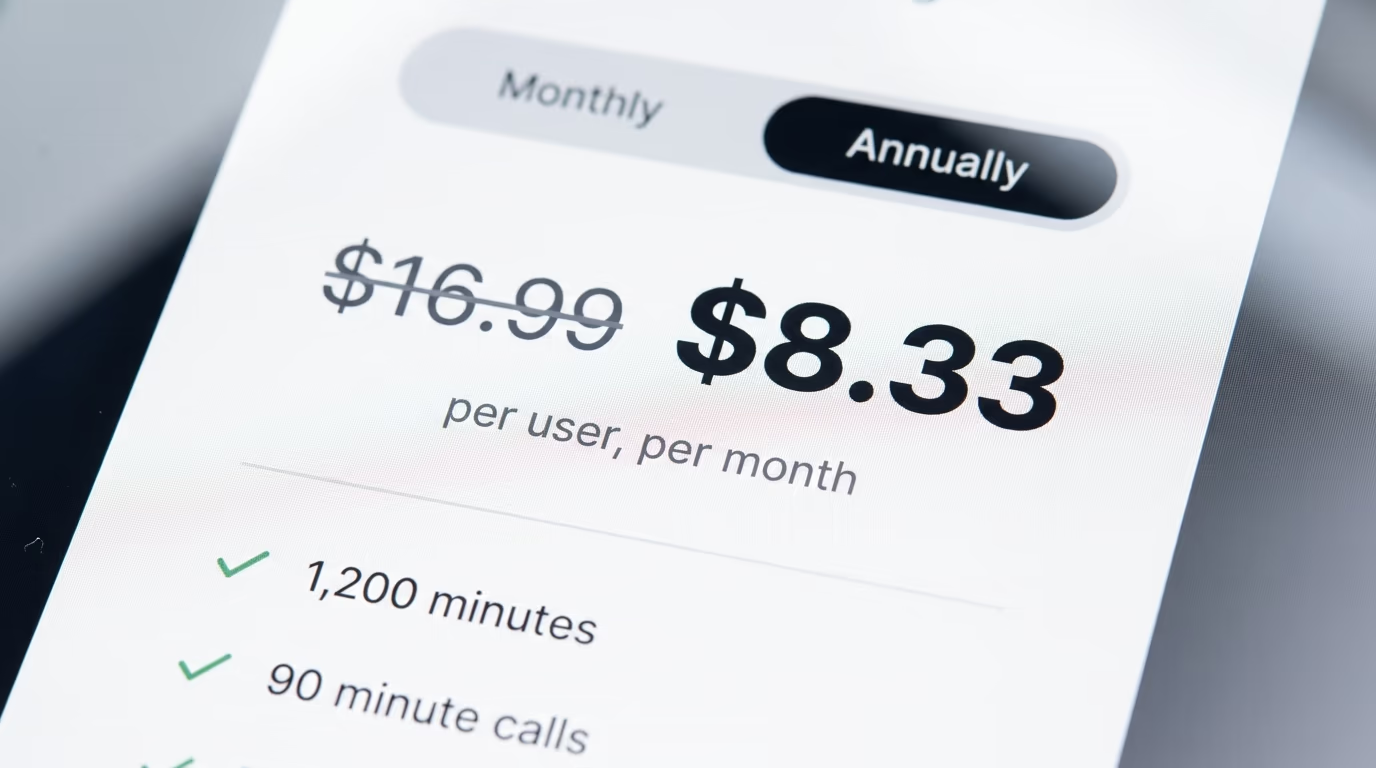
Annual billing is where the real price hides. Otter Pro paid monthly costs $203.88 over a year against $99.96 billed annually, so the freedom to cancel costs about $104. Plaud Pro has the same shape, at $215.88 monthly against $99.96 annually. Fathom is gentler about it, at $240 against $192, and Fireflies markets its annual Pro seat at $10 against a regular price of $18.
Team plans add a floor almost nobody notices before signing up. Fathom's Team plan needs a minimum of 2 users at $19 each a month, or $15 each billed annually, and Business runs $34 monthly or $25 annually per user with the same 2 seat floor. Fireflies Business is $19 a seat billed annually, and Granola Enterprise is $35 per user a month, which is where single sign on and the admin controls live.
What the money buys at the paid tier is search and integrations rather than better notes. The free plans on Fathom and Fireflies already write a summary you can send to a client without editing much. Paying gets you the ability to find the call from March where somebody promised a discount, and it keeps the audio instead of letting it age out of a 400 minute team allowance. CRM sync sits at that tier too, which is the real reason sales teams pay.
How do you pick one before your next meeting?
Start by opening your own billing page, because Zoom and Google both include some version of this and you may be about to pay for it twice. If your team already lives inside one of those and your meetings are internal, the included note taker is enough, and the rest of this list is a want rather than a need.
If you are buying, install Fathom and Granola tonight, both free, and run them side by side on the same calls for a week. They answer opposite versions of the question, since Fathom captures everything and gives you unlimited recordings at $0, while Granola keeps your own typed notes at the centre and never puts a bot in front of a client. After 5 or 6 calls you will know which one you open without thinking about it.
Then decide on the bot question rather than on the feature grid, because the bot is the one thing your clients see and the one thing you cannot undo after the call has ended. Teams that need every meeting captured automatically should take Fireflies and pay $10 a seat billed annually. People who meet in rooms should add a Plaud Note at $159 and keep the software for video calls. Everybody else can stay on a free plan for a month and pay only when a specific limit blocks them.
Questions people ask
What is the best AI note taking app for meetings if I don't want a bot in the call?
Granola is the best AI note taking app for meetings when you don't want a bot, because it records through your computer audio and never joins as a participant. Otter's desktop app also records locally on a Mac or Windows machine without a bot, and Fathom's pricing page lists a bot free capture option marked as a beta feature for Mac.
Is Fathom the best AI note taking app for meetings if I want to pay nothing?
Fathom is the best AI note taking app for meetings when the budget is zero, since its pricing page lists unlimited recordings and unlimited transcriptions at $0 forever, with instant AI call summaries included. Fireflies also transcribes without limit on its free plan but stores only 400 minutes of audio for the whole team, and Otter's free plan stops at 300 minutes a month.
What works best for in person meetings with several people in the room?
Granola's iPhone and Android apps handle in person meetings, and its homepage says the product is made for in person meetings too, covering conferences and coffee catchups. For several people around a table, a Plaud Note recorder at $159 sits in the middle of the room and hears everyone, though speaker labels stay less reliable than on a video call.
How much does Granola cost?
Granola's pricing page lists 3 plans, Basic at $0 with limited meeting history, Business at $14 per user a month, and Enterprise at $35 per user a month. No annual discount appears on that page, and the free plan does not publish a meeting count, so the lists quoting 25 free meetings a month are repeating a number that Granola's own pricing page does not carry.
Does Otter still give 300 free minutes a month?
Otter's pricing page today lists the free Basic plan at 300 transcription minutes a month, with a 30 minute limit per conversation and 3 lifetime audio or video imports. Pro raises that to 1,200 recording minutes and 90 minutes per meeting, at $16.99 per user a month paid monthly or $8.33 per user a month billed annually.
Do these apps train AI models on my meeting audio?
Granola's Basic plan includes an option to opt out of model training at any time, and its Enterprise tier extends that opt out to a whole team with deletion periods an admin can set. The other vendors here handle it inside their own privacy policies rather than as a plan feature, so read that page before recording client calls.