AIAugust 7, 202611 min read
NotebookLM vs ChatGPT, 5 checks and the 2026 prices
NotebookLM vs ChatGPT, checked on grounding, capacity, web access, citations and price. Google renamed NotebookLM to Gemini Notebook on 16 July 2026, and every number here is verified.
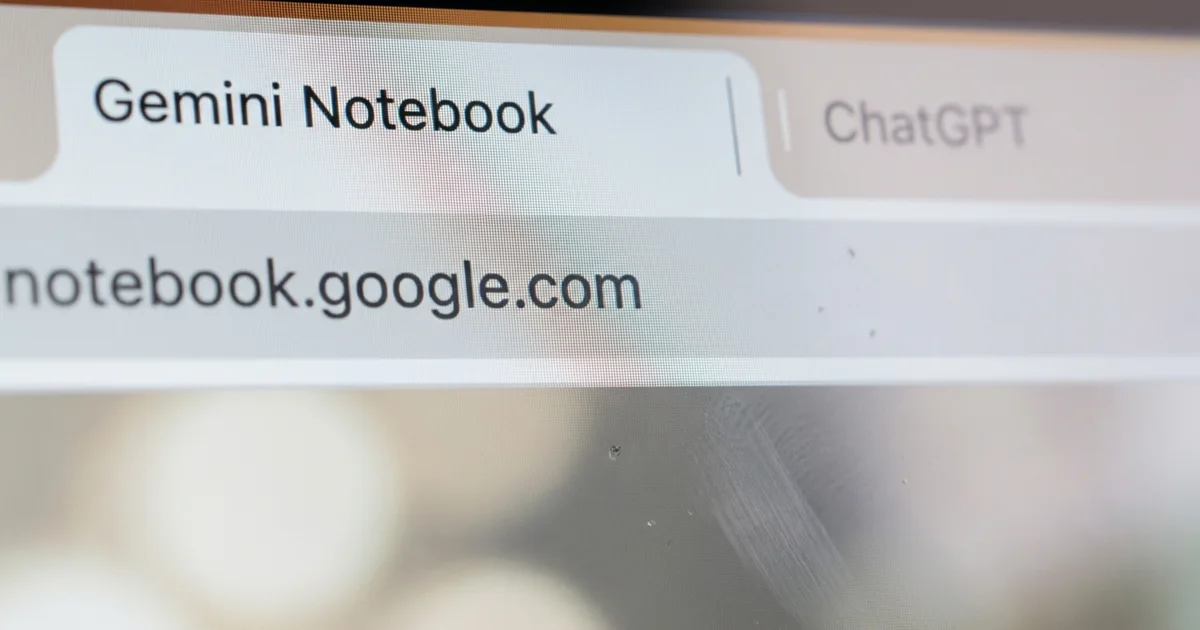
NotebookLM vs ChatGPT is a choice between a tool that reads only what you hand it and a tool that reads everything it can reach. NotebookLM, which Google renamed Gemini Notebook on 16 July 2026, answers from the sources sitting in your notebook and stays quiet when the answer isn't in them, while ChatGPT answers from your uploaded files, from its own training and from a live web search.
Both keep documents in a named workspace that survives between sessions, and both come bundled into a subscription plenty of people already pay for. The headline plans land a single cent apart at $19.99 a month for Google AI Pro and $20 a month for ChatGPT Plus, so money isn't what decides this. The deciding factors are how much material each workspace holds, and what happens the moment your question runs past the edge of your own documents.
Is NotebookLM still called NotebookLM?
NotebookLM is called Gemini Notebook now, a rename Google published on its own blog on 16 July 2026. The old address still resolves, and a request to notebooklm.google.com answers with an HTTP 301 that lands on notebook.google.com, which I checked against the live server instead of trusting the announcement.
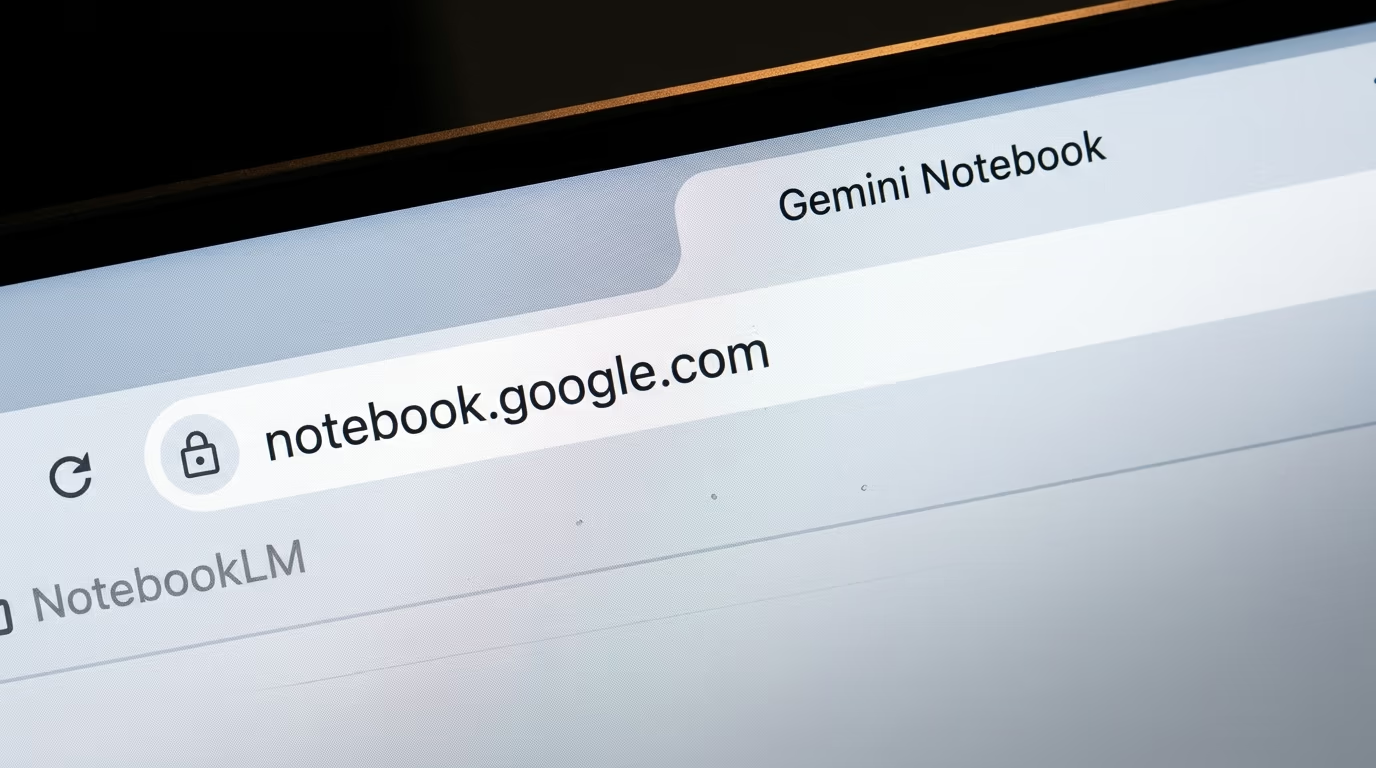
The rename came with real changes underneath it. Google's post says every notebook now gets a secure cloud computer, and that the tool can write and execute code natively, helping you conduct complex data analysis grounded in your sources. Notebooks also sync with the Gemini app, and Google listed the same syncing inside Google Search as coming soon.
Google put the audience at over 30 million people and more than 600,000 organizations at the moment of the rename. The new abilities did not land for everybody on the same day either. Google said code execution went first to AI Ultra subscribers and to Workspace customers on AI Ultra or Expanded Access, with Pro subscribers on the web getting it over the following weeks.
That timing matters for anyone reading a comparison written before the summer. Every result on the first page of Google for this comparison still calls the product NotebookLM, which is a fine search term and a poor description, because the version an Ultra subscriber opens today has a code sandbox the old one never had. The name you type into Google and the name printed on the screen have drifted apart, and the billing line is a third name again, Google AI Pro.
What did not change is the shape of the thing. Google described Gemini Notebook as a standalone product focused on being your premier research tool, so it is still a separate place you go to rather than a mode buried inside the Gemini chat window. The sources panel, the grounded answers, the audio summaries and the clickable citations all survived the rename intact, which is why a guide written in June still describes the workflow correctly even while it gets the name wrong.
Check 1, which one answers only from the documents you upload?
Gemini Notebook answers only from the sources in your notebook, and ChatGPT does not. Google's help page states that Gemini Notebook answers questions based on the information provided in your uploaded sources, and that if the answer isn't in the source material, it won't provide a response.
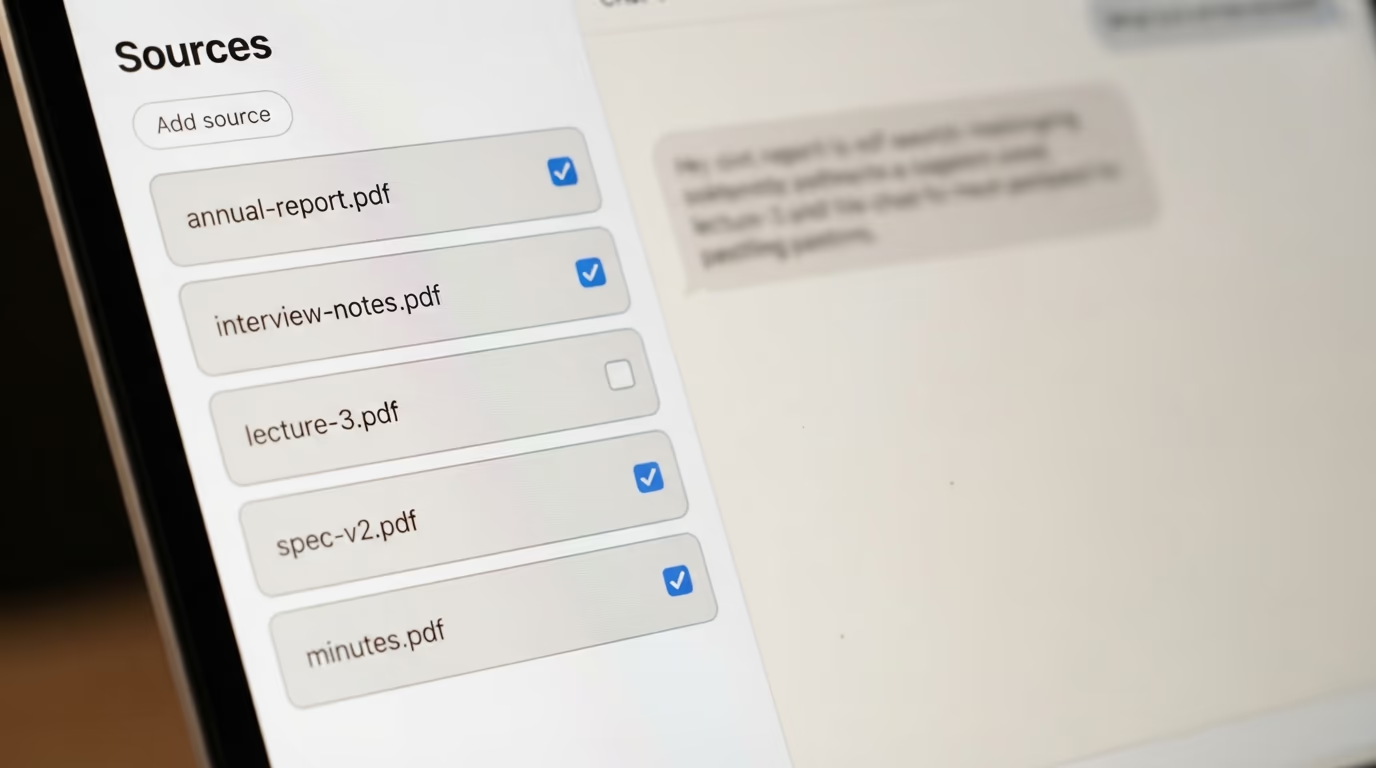
The refusal is the point of the product. Load 12 papers on sleep research, ask about a 13th study you never uploaded, and you get nothing back instead of a confident paragraph assembled out of training data. For a literature review or a contract bundle that behaviour is worth more than fluency, because a blank space is easy to spot and an invented citation is not.
You also control the reading list question by question. Google's documentation says sources are always used either as the entire set or as the subset you select, so unticking 9 of your 12 documents genuinely narrows what the answer can draw on, rather than nudging the model toward a preference it might ignore.
ChatGPT works the other way round. A project holds chats, uploaded files, links pasted from Google Drive folders or Slack channels, and a set of instructions that OpenAI says override your global custom instructions inside that project. The model reads all of it and then keeps answering from everything else it knows, which is exactly what you want when your files are context and not the whole truth.
One detail catches students out, and it sits in OpenAI's own documentation. Study Mode and scheduled Study hours do not apply to Project conversations, so the study features many people subscribed for switch themselves off inside the single workspace where their course PDFs actually live.
The sceptical reading of all this is fair enough. Grounding makes an answer traceable, not correct, and a tool that refuses becomes a nuisance the moment you want a synthesis that reaches past your own reading list.
Neither product asks you to give up much for the privilege, at least on paper. Google's Gemini Notebook FAQ states that your data will never be shared by Gemini Notebook, and OpenAI applies its normal workspace retention and data controls to projects instead of inventing new ones for them. Admins on the OpenAI side keep every control they already had, since a project inherits the toggles and restrictions set on the workspace, including whether deep research, voice mode and memory are available inside it at all.
Check 2, how many documents can each one actually hold?
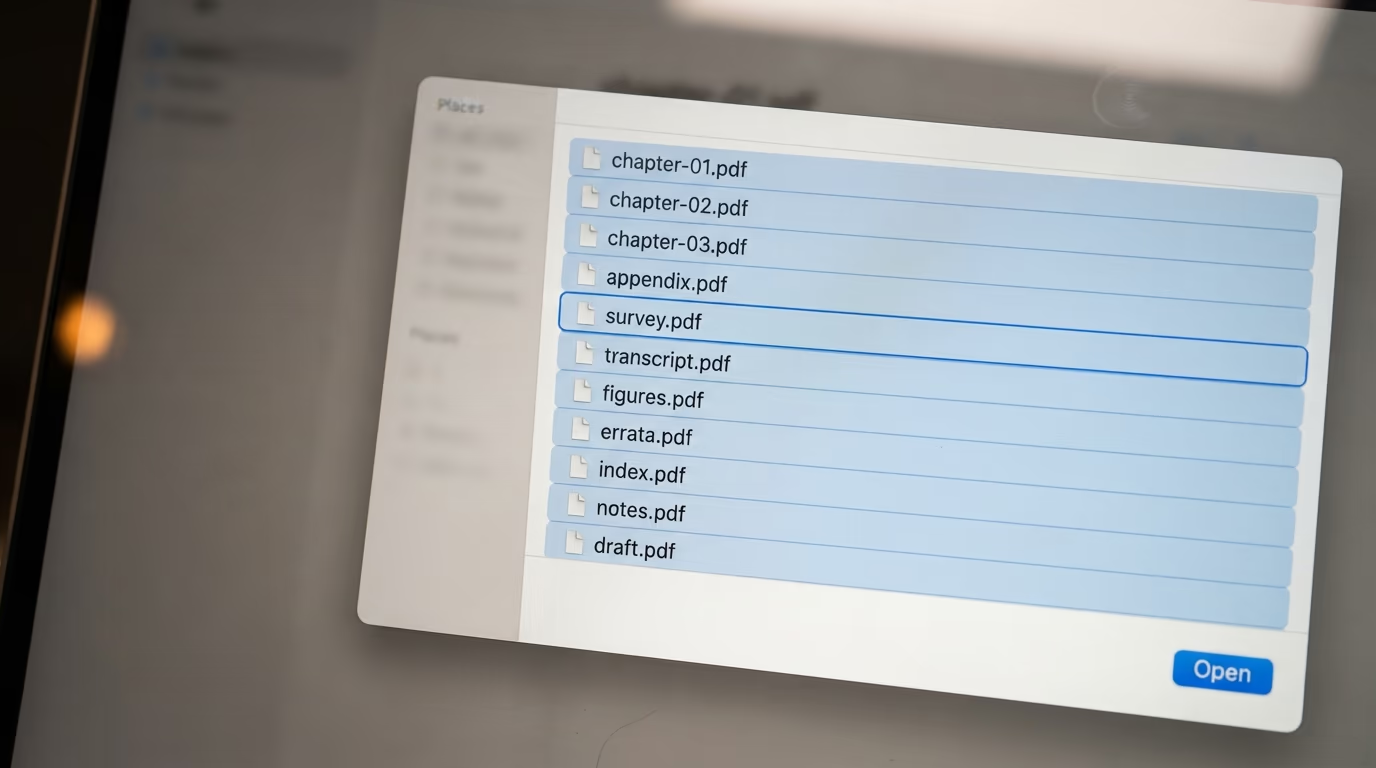
Gemini Notebook holds far more material per workspace than a ChatGPT project does. Google's limits page gives a free notebook 50 sources and a Google AI Pro notebook 300, while OpenAI's projects documentation allows 5 files per project on the free plan and 25 on Plus.
| Plan level | Gemini Notebook | ChatGPT project |
|---|---|---|
| Free | 100 notebooks, 50 sources each | Unlimited projects, 5 files each |
| Entry paid | Plus, 200 notebooks, 100 sources each | Go, 25 files per project |
| Main paid | Pro, 500 notebooks, 300 sources each | Plus, 25 files per project |
| Top tier | Ultra, 500 notebooks, 500 to 600 sources each | Pro, 40 files per project |
A single Gemini Notebook source can run to 500,000 words or a 200MB upload, and the accepted list goes well past PDFs. Google names audio files in MP3 and WAV, pasted text, Google Docs, Google Slides up to 100 slides, Google Sheets capped at 100,000 tokens, images, Microsoft Office files, Play Books ebooks, ePub files, web addresses, YouTube links and saved Gemini chats.
OpenAI caps files rather than words. Projects themselves are unlimited, only 10 files can upload at the same time, and when you reach the ceiling the documented advice is to remove older or unnecessary uploads, combine file data, or split work into multiple projects. That last suggestion is the revealing one, because splitting a research pile across several projects breaks the shared context you opened a project to get.
A second ceiling bites sooner than the source count does. A free Gemini notebook allows 50 chat queries a day and 3 audio overviews a day, Google AI Plus lifts that to 200 chats and 6 audio overviews, Google AI Pro reaches 500 chats and 20 audio overviews, and the largest Ultra plan reaches 5,000 chats and 200 audio overviews. OpenAI counts on a different clock, giving a rolling message allowance per 5 hour window rather than a daily total, so a long afternoon inside one ChatGPT project can stall in a way a daily budget never does.
File count and text volume are not the same measurement, and this is where a straight comparison gets slippery. OpenAI's projects page doesn't publish a per file limit counted in words, so a ChatGPT project carrying 25 fat PDFs might hold more text than a notebook carrying 50 thin ones. What the published numbers do tell you is the shape each company expects. Gemini Notebook is built around a reading pile you keep adding to, and a ChatGPT project is built around a working set you curate down.
Check 3, which one can go and read the open web?
ChatGPT answers from the live web inside a project, and Gemini Notebook uses the web only to fetch documents you then approve. OpenAI lists web search among the tools available in project chats, described as bringing in current information with citations.
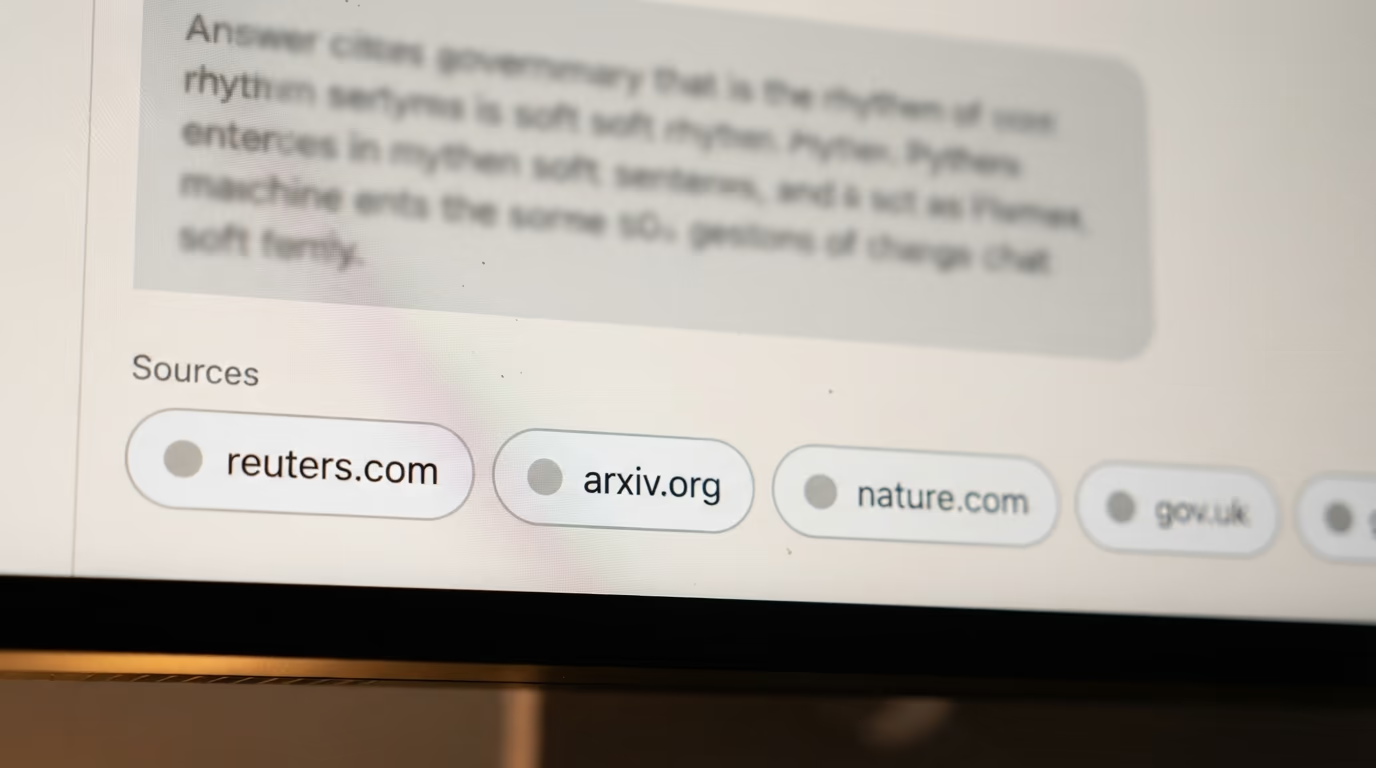
Gemini Notebook reaches the web through a feature Google calls Fast Research. You type a query, Google's help page says the tool will pull in supported sources from the web or from Google Drive that you have access to, and you then select one or several of the results to import into your notebook. The web arrives as documents you accepted, never as an answer that showed up on its own.
That difference decides which one is useful this morning. Ask about something announced 4 hours ago and ChatGPT can go and read it, while Gemini Notebook needs you to find the announcement, import it, and only then will it discuss what the announcement says. Ask instead for a summary that must not drift outside 40 pages of contract, and the same behaviour turns from a limitation into a safeguard.
The import step is more work than it sounds like on a busy day. Finding the page, importing it, then asking your question is 3 actions where ChatGPT needs 1, and repeated across a morning that adds up to a real difference in how the tools feel to use. What you buy for that friction is a notebook whose contents you could list from memory, which is worth having when somebody else is going to check the output.
Both also plug into the places your files already sit, with a caveat worth knowing. ChatGPT projects accept pasted links to Google Drive files and folders and to Slack channels, though OpenAI notes that the Google Drive app added inside a project does not sync in advance, so it searches on demand instead of loading the content up front. Gemini Notebook reads Google Drive through the same Fast Research search that reads the web.
Check 4, can you click a citation and land on the exact sentence?
Gemini Notebook citations open the source at the passage the answer came from. Google's documentation says the tool uses direct quotes, text and images straight from your sources as citations, that hovering over any citation shows the full quoted text, and that selecting a citation makes Gemini Notebook navigate to the location of the quote.
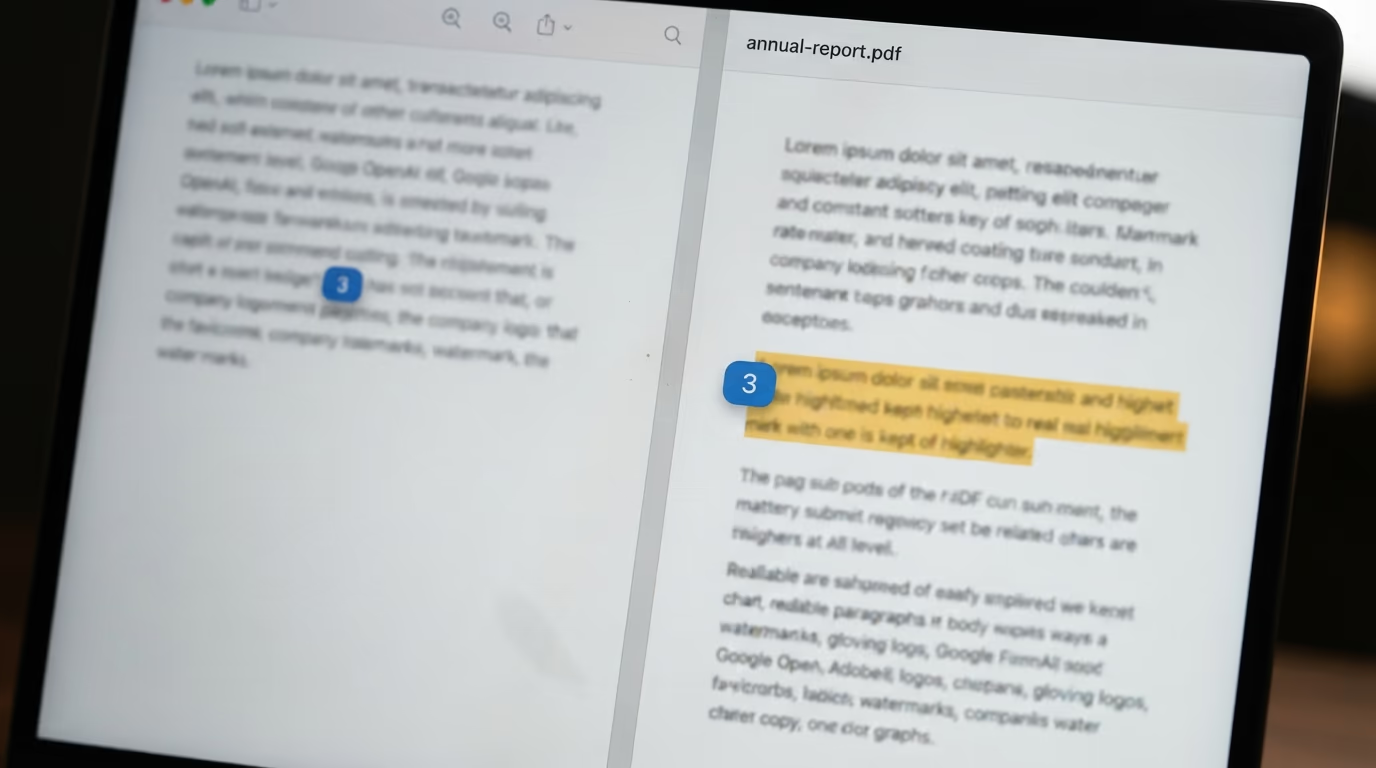
This is a small mechanical thing with a large effect on how much you trust the output. Checking a claim costs one click instead of a hunt through a 90 page PDF, and a claim nobody checks is a claim that quietly becomes a mistake 3 drafts later. Saving an answer as a note keeps the clickable citations inside the saved copy, so the audit trail survives being filed away.
ChatGPT cites as well, and its citation points at a web page. OpenAI documents citations attached to web search results, which is the right shape for a question answered from the open internet. I could not find a line anywhere in OpenAI's public project documentation promising the same quote level jump back into a file you uploaded yourself, and that gap shows up most in the workspace built to keep answers inside those files.
None of this makes Gemini Notebook right more often than ChatGPT. It makes it faster to catch when it's wrong, which is a different property and a far more useful one when the output ends up in something carrying your name.
Check 5, what does each one cost a month?
The headline plans cost almost the same, $19.99 a month for Google AI Pro against $20 a month for ChatGPT Plus, and each company sells a cheaper middle plan at Google AI Plus for $7.99 a month in the United States and ChatGPT Go for $8 a month. The free tiers are where they genuinely separate, because a free Gemini notebook takes 50 sources and a free ChatGPT project takes 5 files.
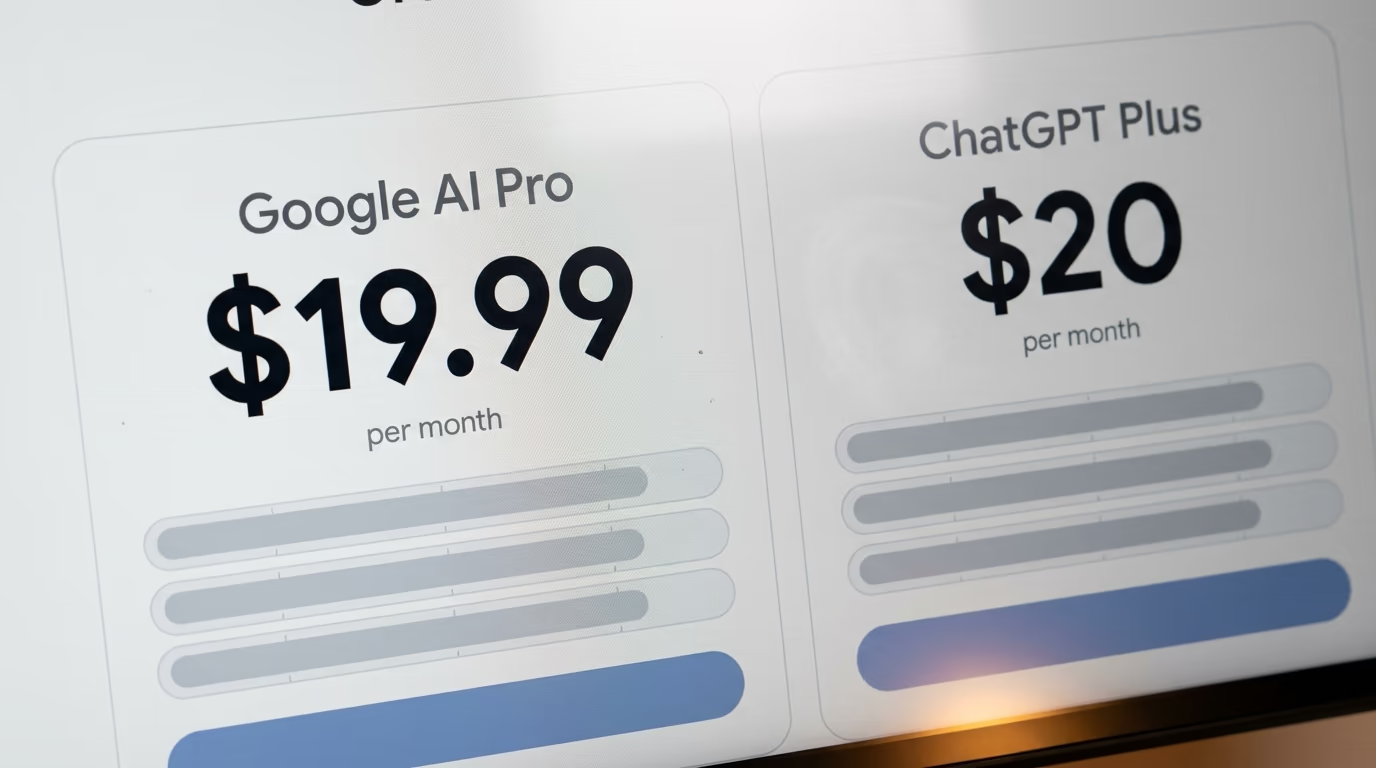
| Plan | Price | What the research workspace gets |
|---|---|---|
| Gemini Notebook, free | $0 | 100 notebooks, 50 sources each, 50 chats and 3 audio overviews a day |
| ChatGPT, free | $0 | Unlimited projects, 5 files each |
| Google AI Plus | $7.99 a month | 200 notebooks, 100 sources each, 200 chats and 6 audio overviews a day |
| ChatGPT Go | $8 a month | 25 files per project |
| Google AI Pro | $19.99 a month | 500 notebooks, 300 sources each, 500 chats and 20 audio overviews a day |
| ChatGPT Plus | $20 a month | 25 files per project, the GPT-5.6 model family |
| Google AI Ultra (20TB) | From $100 a month | 500 notebooks, 500 sources each, 2,500 chats and 100 audio overviews a day |
| ChatGPT Pro | From $100 a month | 40 files per project |
Google cut its top Ultra plan from $250 to $200 a month at I/O in May 2026 and added a $100 Ultra tier underneath it, so the expensive end of both products now starts at the same $100. OpenAI's own pricing page lists ChatGPT Pro from $100 a month, with 5x or 20x more Codex usage than Plus depending on which Pro tier you take.
Money also buys different things on each side. A Google AI Pro subscription lists higher limits on Gemini Notebook features Google names as Audio Overviews, Flashcards, Infographics, Q&A, Quizzes, Reports, Slides and Video Overviews, which reads like a study kit more than a chat window. A ChatGPT subscription buys model access and message allowance instead, with Plus documented at 10 to 100 messages per 5 hour window on GPT-5.6 Sol and 250 to 2,000 on GPT-5.6 Luna.
Neither company charges extra for the workspace itself. OpenAI states that access to projects is included with every qualifying ChatGPT plan, and Gemini Notebook is bundled into the Google AI plans the same way. If you want to see how these consumer prices sit against paying per token instead, our LLM API pricing comparison runs 18 models through 3 real jobs, and how AI companies make money explains why the subscription line is drawn where it is.
So which one should you open tomorrow morning?
Open Gemini Notebook when the answer has to come from documents you chose, and open ChatGPT when the answer has to reach past them. All 5 checks point the same way, and a price gap of a single cent means the choice is about behaviour and not about budget.
If you are a student or a researcher sitting on a pile of reading, Gemini Notebook is the one to open. A free notebook already takes 50 sources, the citations jump straight to the sentence, and the quizzes and audio summaries come inside the same plan. The Study Mode gap inside ChatGPT projects makes that recommendation firmer, because the study tools you would reach for are switched off in the workspace holding your PDFs.
If you draft from your files and then have to go and check something outside them, ChatGPT is the one to open. You get unlimited projects and a live web search in the same thread, plus a model that will happily write the deliverable instead of only describing what your sources say. The 25 file ceiling on Plus is what that flexibility costs, and OpenAI's advice to split work across several projects is a real price when the whole point was one shared context.
Plenty of people end up running both at $39.99 a month combined, the notebook for reading and the chat for writing, and paying twice is a perfectly defensible answer. The trap worth avoiding is subscribing to the wrong thing because of a name. NotebookLM is the search term, Gemini Notebook is the product on the screen, and Google AI Pro is the line that shows up on your card.
If the job you actually have is capturing meetings rather than reading documents, neither of these is built for it, and our ranking of the best AI note taking app for meetings covers the recorders that are. For the same 5 check method applied to coding tools instead of research tools, Claude Code vs Codex runs it end to end.
Questions people ask
Is NotebookLM better than ChatGPT for research?
For research that has to stay inside documents you chose, yes. Gemini Notebook, the product formerly called NotebookLM, answers only from your uploaded sources and its citations jump to the quoted passage. ChatGPT is the better choice when the research needs current information from the open web, because it can search while it answers.
In NotebookLM vs ChatGPT, which one has the more generous free plan?
Gemini Notebook, by a wide margin on documents. A free Gemini Notebook account gets 100 notebooks with 50 sources in each, 50 chat queries a day and 3 audio overviews a day. A free ChatGPT account gets unlimited projects with only 5 files in each of them.
Why does notebooklm.google.com redirect somewhere else now?
Google renamed NotebookLM to Gemini Notebook on 16 July 2026 and moved it to notebook.google.com. The old address still works and answers with an HTTP 301 redirect, so old bookmarks keep landing in the right place.
How many PDFs can I upload to each one?
Gemini Notebook takes 50 sources per notebook on the free plan, 100 on Google AI Plus, 300 on Google AI Pro and up to 600 on the largest Ultra plan, with each source allowed 500,000 words or a 200MB file. A ChatGPT project takes 5 files on the free plan, 25 on Go and Plus, and 40 on Pro, Business, Enterprise and Edu.
Does Gemini Notebook search the web the way ChatGPT does?
It does not work the same way at all. Gemini Notebook can search the web for sources through Fast Research and then import the ones you select, but it still answers only from the sources sitting in your notebook. ChatGPT can run a web search inside a project chat and answer from what it finds, with citations.
In NotebookLM vs ChatGPT, which one gives citations you can click?
Gemini Notebook gives the stronger citations. Google documents that hovering over a citation shows the full quoted text and that selecting one navigates to the location of the quote inside the source. OpenAI documents citations on ChatGPT web search results, and does not document the same jump back into a file you uploaded.
Can I run both for less than one top tier plan?
Google AI Pro and ChatGPT Plus together cost $39.99 a month, which is well under the $100 entry price of either company's top tier. Plenty of people do exactly that, using the notebook for reading and the chat for writing.